

ダンスマット PIU PRO メタル
斜め4方向と中央のパネルで、自宅でも5パネルのリズムゲームを。PIU PRO Metalは、反応のよいPROパネル、18 kgのしっかりした本体、有線USB接続を備えています。日々の練習や新しい踏み方への挑戦に使え、2枚を使ったプレイ環境へと拡張することもできます。
 2年保証
2年保証 標準配送(8-12日)または24時間配送をお選びください。
- 標準配送(8~12日)を選択
 カスタマイズ


斜め4方向+中央の5パネル。
5パネルで広がる、ステップの楽しさ。
斜め4方向と中央のパネルで、自宅でも5パネルのリズムゲームを。PIU PRO Metalは、反応のよいPROパネル、18 kgのしっかりした本体、有線USB接続を備えています。日々の練習や新しい踏み方への挑戦に使え、2枚を使ったプレイ環境へと拡張することもできます。
プレイ環境の構成
それぞれの役割を確認
5つのパネルの位置を確認
斜め4方向に、
中央の1枚も入力対応。
まずは色のついたパネルを1枚ずつ踏んで、入力を確認してください。対応するゲームモードで、5枚すべてが反応することを確かめましょう。
製品の特長
使いやすさを支える設計
中央パネルも判定の対象
斜め4方向と中央で、合計5つの入力に対応しています。この配置に対応する譜面を選んでください。中央は足を休めるだけの場所ではなく、スコアの判定対象となるパネルです。
高感度のPROパネル
5枚のPROパネルは、このモデルの仕様で案内されている低ストローク・高感度の構造を採用しています。まずはゆっくり踏んで、お使いのマットがどの位置で反応するか確かめてください。
高速USBポーリング
32ビットARMのUSBコントローラーは、1000 Hzのポーリングで動作し、公称のポーリング間隔は1 msです。ゲーム全体のタイミングは、パソコン、画面、音声機器、各種設定にも左右されます。
日々の練習を支える本体
公表仕様は重量18 kg、サイズ85 × 85 × 3 cm。日々のプレイに使える硬い踏面を備えています。水平な床に設置し、プレイ前にマットが動かないことを確認してください。
メタルパネルと外周の保護構造
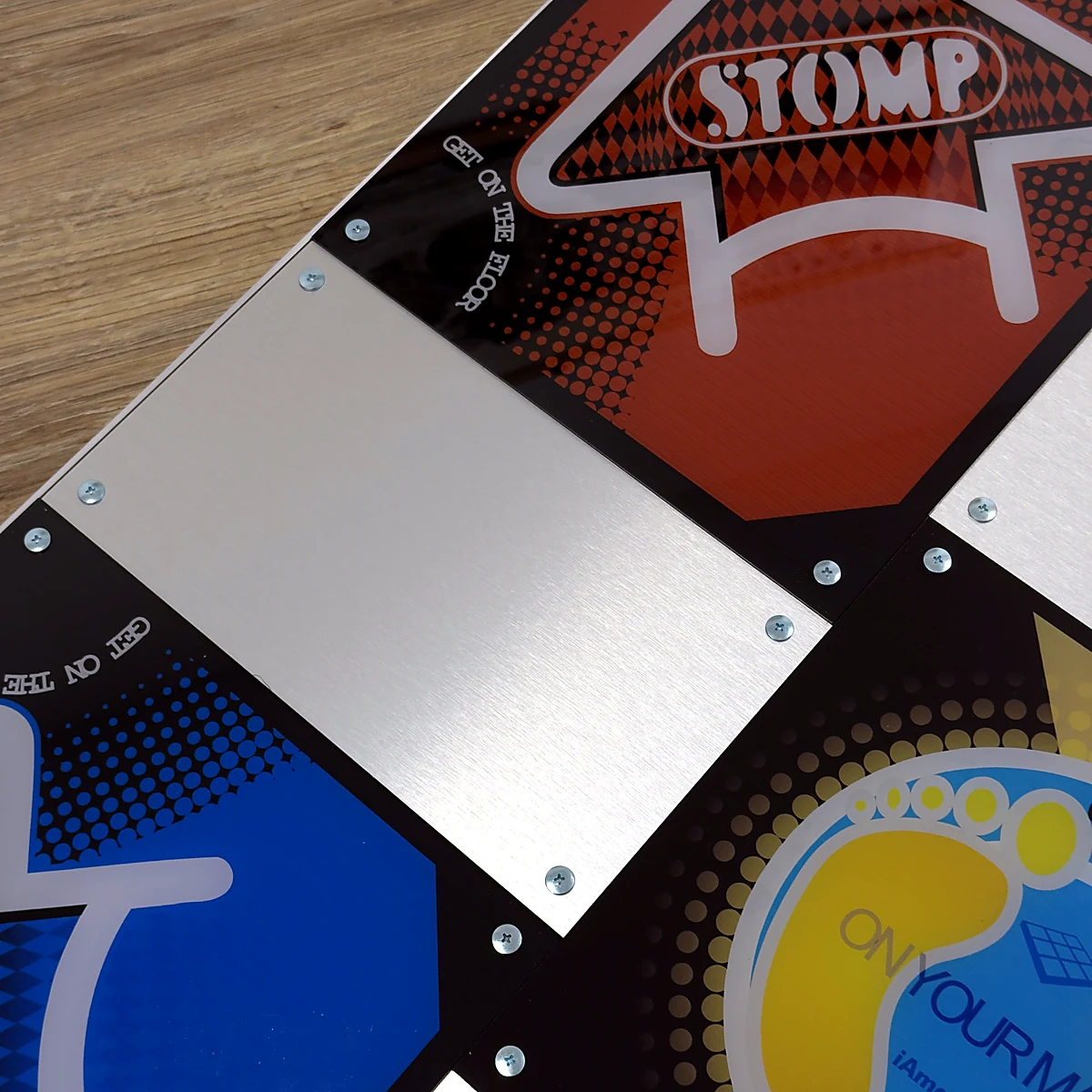
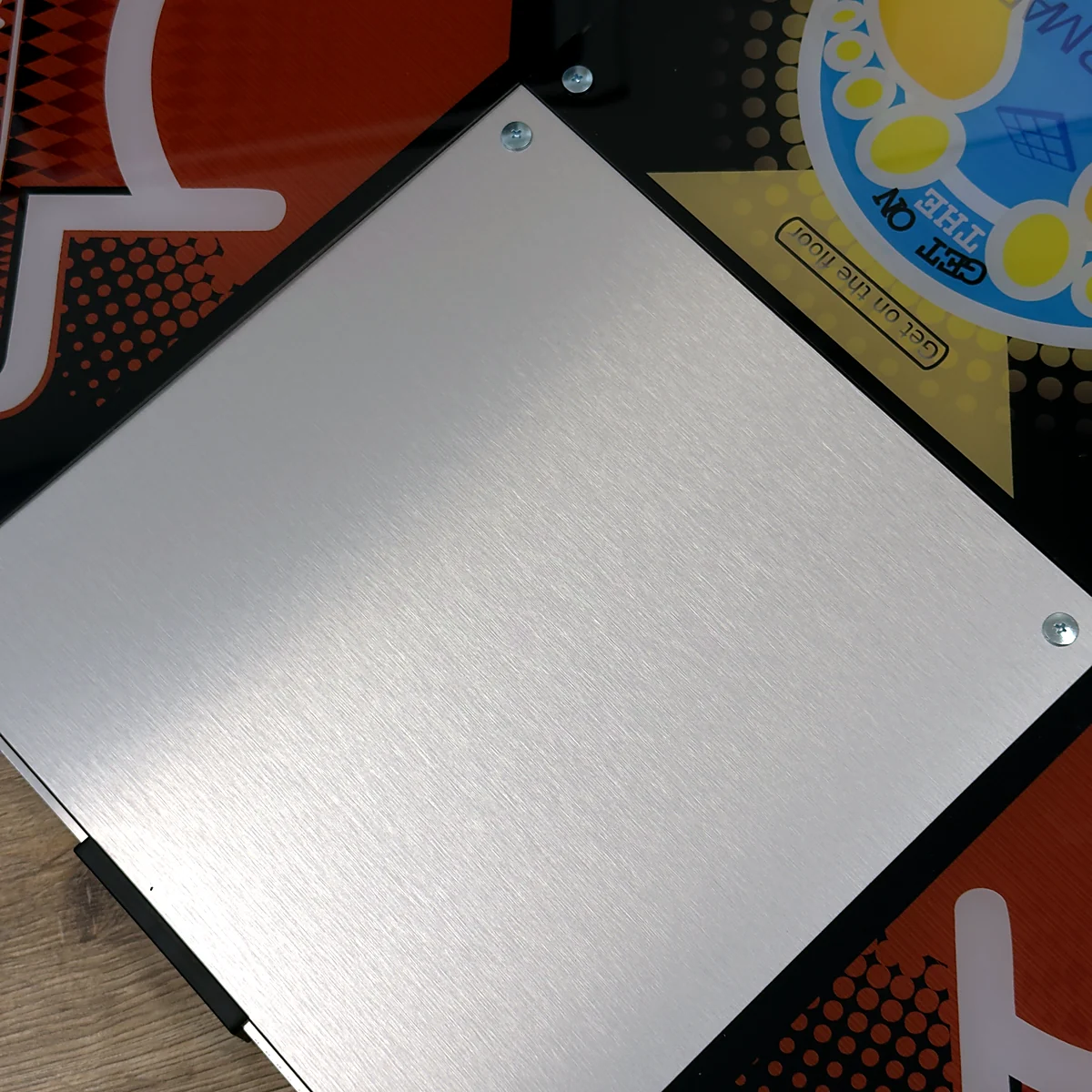
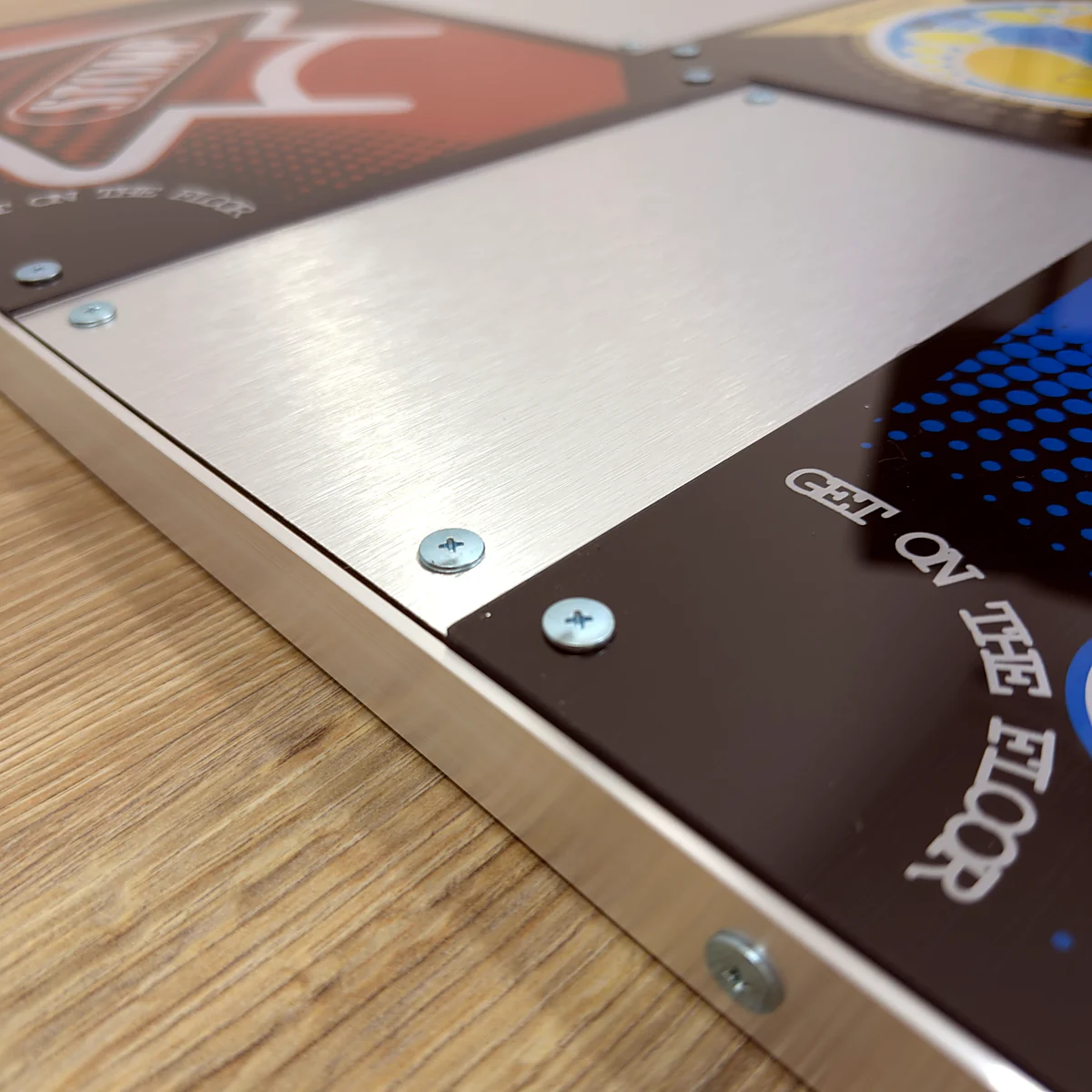
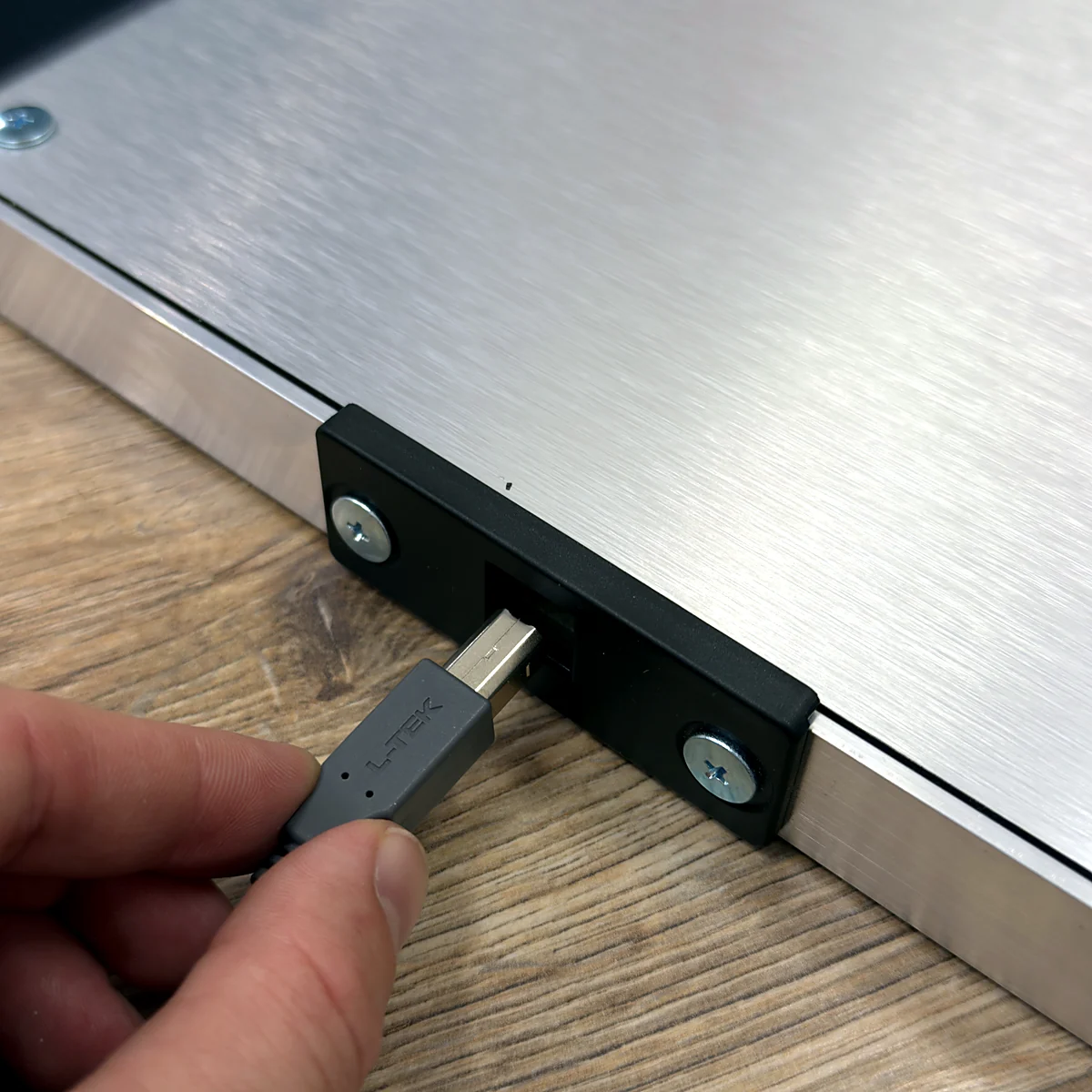
入力に使う5枚のパネルの間には、メタルパネルを配置しています。アルミ枠とABSバンパーを備え、USBケーブルは着脱式です。L-TEKの案内に従い、素足または適したスポーツシューズでお使いください。
2枚でダブルプレイにも
対応するソフトウェアがあれば、PIUマット2枚で10パネルのダブルプレイができます。本製品はマット1枚です。2枚目のマットは別途必要となり、キー割り当てや床への設置もそれぞれ準備してください。
01 / 5パネルならではの足運び
斜めのステップに、中央の一歩を。
PIU PRO Metalは、左上・右上・左下・右下と中央の5パネル構成です。4方向のマットとは足の運び方が変わります。まずは各パネルの位置をゆっくり覚え、譜面に出てくるパターンに合わせて組み合わせていきましょう。入力に使うのは色のついた5枚で、その間にあるメタルパネル4枚は入力に対応していません。アーケードでプレイしている方にもなじみのある配置ですが、このマットの踏み心地や反応には、少しずつ慣れてください。アーケード筐体とまったく同じ感触でなくても、自宅で練習を楽しむことはできます。
5パネルが初めての方へ
まずはノーツを1つずつ踏むところから始めましょう。斜め4方向だけでなく、中央パネルの入力も意識して確かめてください。
4方向のマットから移行する方へ
5パネル用の譜面と、対応するゲームモードを使ってください。4方向の設定名を変えるだけでは、中央の入力を追加することはできません。
アーケードでプレイしている方へ
やさしい曲を数曲プレイして、自宅のマットの踏み心地やパネルの位置、タイミングに慣れていきましょう。
02 / 5パネルに対応するゲームを選ぶ
5パネル用のモードと譜面をご用意ください
マットをUSBで接続し、pump方式の5パネルレイアウトに対応するソフトウェアを選んでください。L-TEKでは、Windows用StepMania 5.0 LTEKの最新版を推奨しています。PIUで使う前に、現在のバージョンが、必要なpumpモードと譜面に対応しているか確認してください。対応の記載がない場合は、4方向のDanceモードで始めず、5パネルでの最新の設定方法をL-TEKにお問い合わせください。Macでも対応ソフトウェアが必要で、機種によっては対応するUSB-Cハブも必要です。旧世代のゲーム機に接続する専用PS2/PSXコンバーターは別売りです。ご注文前に、ゲーム機の機種、ゲームのエディション、キー割り当てを確認してください。
03 / プレイに合わせて広がる構成
5パネルから始めて、10パネルへ。
マット1枚で、5つのパネルを使うシングルプレイができます。10パネルのダブル譜面に挑戦したくなったら、2枚目のPIUマットと対応するゲームをご用意ください。ダブルプレイは、1人で2枚のマットを使う遊び方です。2人がそれぞれシングル譜面をプレイする場合とは異なります。各マットを接続してキーを割り当て、対応するモードを選んでください。2枚をまたぐ譜面を始める前に、配置を確認しましょう。周囲に十分なスペースを確保し、マットが正しい位置からずれないことも確かめてください。2枚目のマットは別途必要です。サポートバーや連結部材を使う場合も、別途ご用意ください。連結部品が付属するとは限りませんので、適切な構成をL-TEKにご相談ください。
シングル
1人でマット1枚を使い、5つのパネルでプレイします。
ダブル
1人でマット2枚を使い、10パネルに対応するダブル譜面をプレイします。
2人でのプレイ
2人でプレイするには、それぞれの入力と譜面を扱えるゲームモードが必要です。
04 / 自宅のプレイスペースを整える
練習したくなる場所を、自宅に。
マットは汚れのない水平な床に置き、USBケーブルはプレイ中の足元や通路にかからない位置に通してください。85 × 85 cmは本体の設置サイズです。乗り降りのための余裕を取り、サポートバーや2枚目のマットを追加する場合は、さらに広いスペースを確保しましょう。ゲームの音量を抑えていても、踏んだときの振動は床を通して伝わる場合があります。設置場所は階下への影響も考えてお選びください。ノーツのタイミングが合わないと感じたら、踏み方を変える前に、キー割り当て、ディスプレイの映像処理、音声環境を確認してください。まずは手動でのタイミング調整が有効です。追加のセンサーを購入する必要はありません。
初めてのプレイガイド
5パネルで最初の1曲を
速い譜面に進む前に、5つのパネルの位置を覚えましょう。PIUに慣れている方は、接続とキー割り当ての確認用としてご利用ください。
- 01
マットを設置して接続
汚れのない水平な床に設置し、マットの周囲にスペースを確保してください。USBケーブルを対応するパソコンにつなぎ、足にかからない位置に通します。
- 02
5パネル対応モードを選ぶ
pump方式のレイアウトに対応するソフトウェアと譜面を使ってください。インストールやプレイを始める前に、現在のLTEKバージョンで利用できるモードを確認しましょう。
- 03
5つの入力をすべて確認
ゲームの入力テストまたはキー割り当て画面で、左上・右上・中央・左下・右下を1つずつ確認してください。中央パネルも正しく反応することを確かめましょう。
- 04
ゆっくりしたシングル譜面から
マット1枚と難易度の低い譜面から始めましょう。パネルの位置を覚え、タイミングを確認して、短いパターンを練習してからダブルプレイに挑戦してください。
動画でわかる使い方
LTEKダンスマットのレビューとプレイ動画
Centri氏による独立したレビューとプレイ動画です。5パネルのL-TEKマットで、Pump It Up系のシミュレーターをプレイしています。実際の使用感を確認したうえで、現行製品の仕様はこのページのスペックでご確認ください。
クリックすると外部動画プレイヤーを読み込みます。
製品仕様
ご購入前に確認したいポイント
- 商品内容
- L-TEK PIU PRO Metal ダンスマット × 1枚
- 入力レイアウト
- 5パネル:斜め4方向+中央
- 踏面パネル
- PROパネル5枚(L-TEK公表仕様:短いストローク・高感度)
- 入力用以外の表面パネル
- 入力パネルの間に配置されたメタルパネル4枚
- コントローラー
- 32ビットARM USBコントローラー
- USBポーリングレート
- 1000 Hz、公称ポーリング間隔1 ms(システム全体の遅延を示すものではありません)
- 重量
- 18 kg
- マットの寸法
- 85 × 85 × 3 cm
- フレーム・コーナー部
- アルミ枠とABSバンパー
- 付属の接続ケーブル
- 着脱式USB-A to USB-Bケーブル
- プレイ時の履物
- 素足、または適したスポーツシューズ(L-TEKの案内に準じます)
- ダブルプレイの条件
- 2枚目のマット、対応モード・譜面、両方のマットのキー割り当てが必要です
- 付属しないもの
- パソコン、ディスプレイ、ゲーム/ソフトウェア、サポートバー、ゲーム機用コンバーター
- 保証
- 2年
ご購入前の疑問に
よくあるご質問と、
お役立ち情報
気になる点は、こちらでご確認ください。詳しい説明は各ガイドでご案内しています。
中央パネルも入力に対応していますか?
はい。斜め4方向と中央の、合計5枚が入力に対応しています。その間にあるメタルパネル4枚は入力に対応していません。ゲームの入力確認画面で、5枚すべてが反応することを確かめてください。
一般的な4方向の譜面は使えますか?
PIU本来のレイアウトで使うには、pump方式の5パネルモードと対応する譜面を選んでください。4方向のDance譜面は配置が異なるため、このマットを同じようには使えません。
どのバージョンのStepManiaをダウンロードすればよいですか?
L-TEKでは現在、Windows用のStepMania 5.0 LTEKを推奨しています。PIUで使う前に、ダウンロードするバージョンが、必要な5パネルのpumpモードと譜面に対応しているかご確認ください。リリースノートで確認できない場合は、サポートにお問い合わせください。
ダブルプレイ用にマットが2枚付属しますか?
いいえ。本製品はマット1枚です。ダブルプレイにはマット2枚と、10パネルに対応するモードが必要で、両方のマットにキーを割り当てる必要があります。プレイ前に、設置位置や連結・支え方もご確認ください。
手持ちのゲーム機やゲームで使えますか?
USB端子があるだけでは、家庭用ゲーム機での動作は保証されません。L-TEK PS2/PSXコンバーターを使う接続方法もありますが、コンバーターは別売りです。ご注文前に、ゲーム機の機種、ゲームのエディション、5パネルのキー割り当てをご確認ください。すべてのゲーム機への対応を保証するものではありません。
サポートバーの追加やデザインのカスタマイズはできますか?
サポートバーは別売りです。Handbar PROの取扱説明書では対応マットにPIUが含まれていますが、最新の適合情報と組み立て方法をご確認ください。このPIUモデルのデザインをカスタマイズできるかどうかは、ご注文前に別途確認が必要です。
MATOLOGY・使い方ガイド
さらに詳しく知りたい方へ
次の一歩
5パネルのプレイを、いつもの楽しみに。
まずはPIU PRO Metalを1枚と、5パネルへの対応を確認したソフトウェア、練習できるスペースをご用意ください。最新の販売内容とお届け先への配送情報をご確認いただけます。2枚のマットを使う構成をご検討の方は、お気軽にご相談ください。
他社の製品名・プラットフォーム名は、関連する使用環境を示すために記載しています。各商標はそれぞれの権利者に帰属し、L-TEKは独立したメーカーです。互換性は、記載のハードウェア・ソフトウェア・設定条件によって異なります。
動画
外部の動画サービスで配信している動画です。
5 件のレビュー ダンスマット PIU PRO メタル
ダンス・ファミリーが語る証言と物語


とても気に入っている!安いフォームパッドを数カ月使っていたが、限界を感じていた(滑る、探知が安定しないなど)。この新しいメタルパッドは明らかなアップグレードだと感じた。値段は少し高いが、ボードの品質を考えると妥当だと思う。
非常にお勧めだ!
素晴らしいパッド。靴を履いてプレーするのに十分頑丈だ。各矢のセンタースクリューを外してみたが、感度は素晴らしい。値段以上の価値がある。
このパッドは素晴らしいよ!このパッドは、アーケードとまったく同じ感覚でプレイできる! <3 この素晴らしいパッドをありがとう、マティ=タネチュネ!できることなら星を20個あげたい。
このパッドは素晴らしいよ!このパッドは、アーケードとまったく同じ感覚でプレイできる! <3 この素晴らしいパッドをありがとう、マティ=タネチュネ!できることなら星を20個あげたい。
このパッドは素晴らしいよ!このパッドは、アーケードとまったく同じ感覚でプレイできる! <3 この素晴らしいパッドをありがとう、マティ=タネチュネ!できることなら星を20個あげたい。
Reddit
コミュニティでレビューを読む!
他の人も買っている:
ハンドバー
231 €〜LTEKハンドバーPRO
340 €〜L-TEK PS2/PSXコンバーター
38 €〜


よくあるご質問
よくある質問
ステップマニアLTEKは、シンプルな操作性と曲のカスタマイズのしやすさから、ダンスマットユーザーに人気があります。また、エルテックはステップマニアとiOSアプリ「PADY Fitness」を連動させ、トレーニングの進捗状況を確認できるツール「Connect Buddy」も提供しています。どちらのツールもソフトウェアセクションでご利用いただけます。
ステップマニアLTEKは アミューズメントライトコントローラーとも連動し、ダイナミックな照明効果でゲームプレイを盛り上げます。
LTEKインタラクティブマットは、フィットネスとエンターテインメントを融合させる様々なゲームに対応しています。おすすめゲームのリストは、「マットで遊べるゲーム」でご覧ください。
L-TEKダンスマットは、当店で販売している専用コンバーターを使用することで、PlayStation 2およびPSXコンソールに対応します。PlayStation 2およびPSX専用のコンバーターは、PS2 & PSXコンバーターセクションでご覧いただけます。


 ダンスマット LTEK Core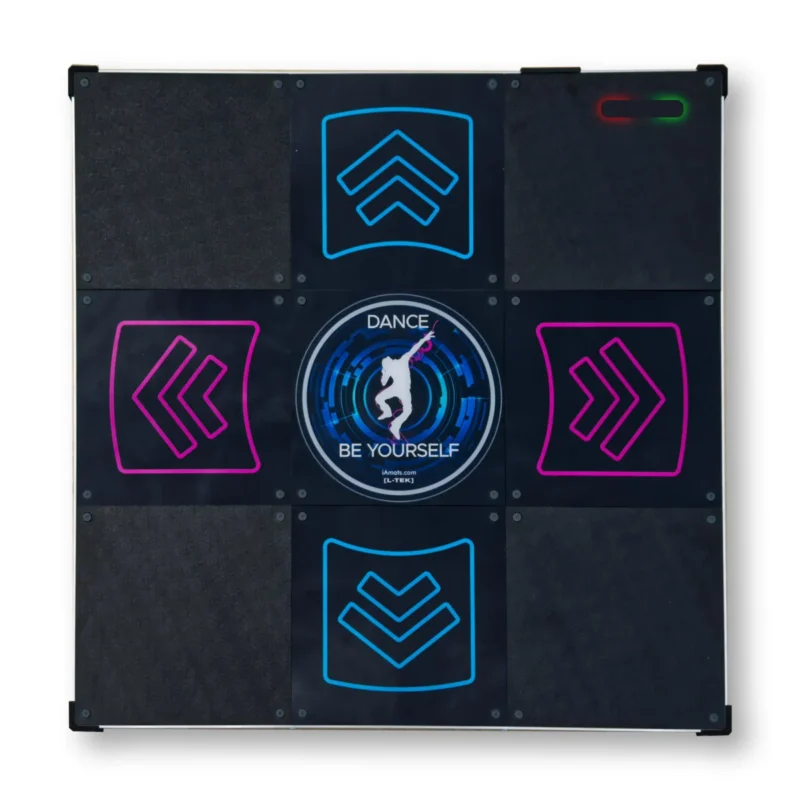
 ダンスマット LTEK PRO X
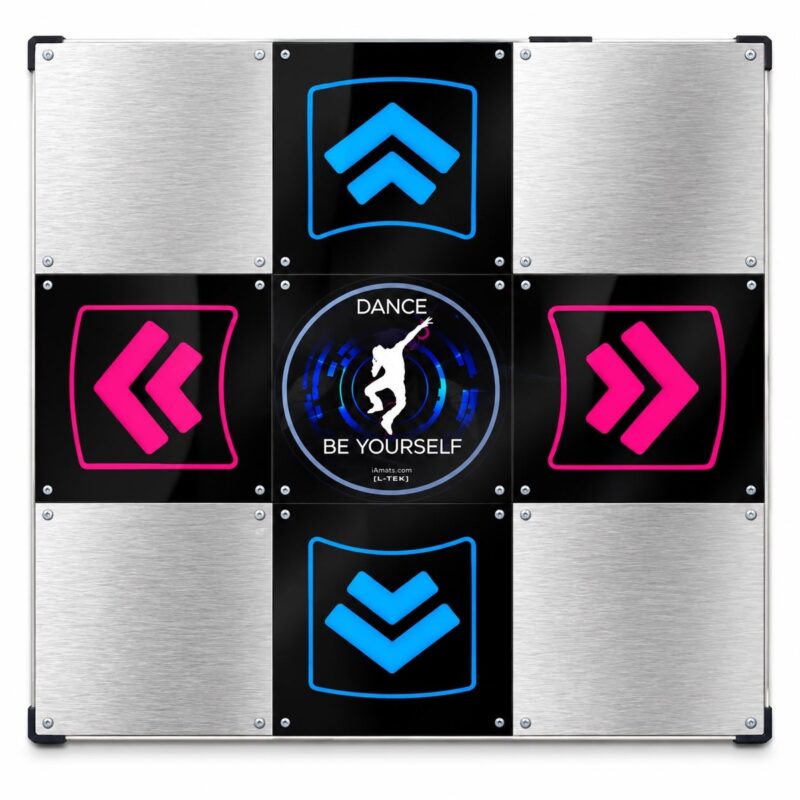 ダンスパッド LTEK メタルブラック
 ダンスマット LTEK メタルホワイト
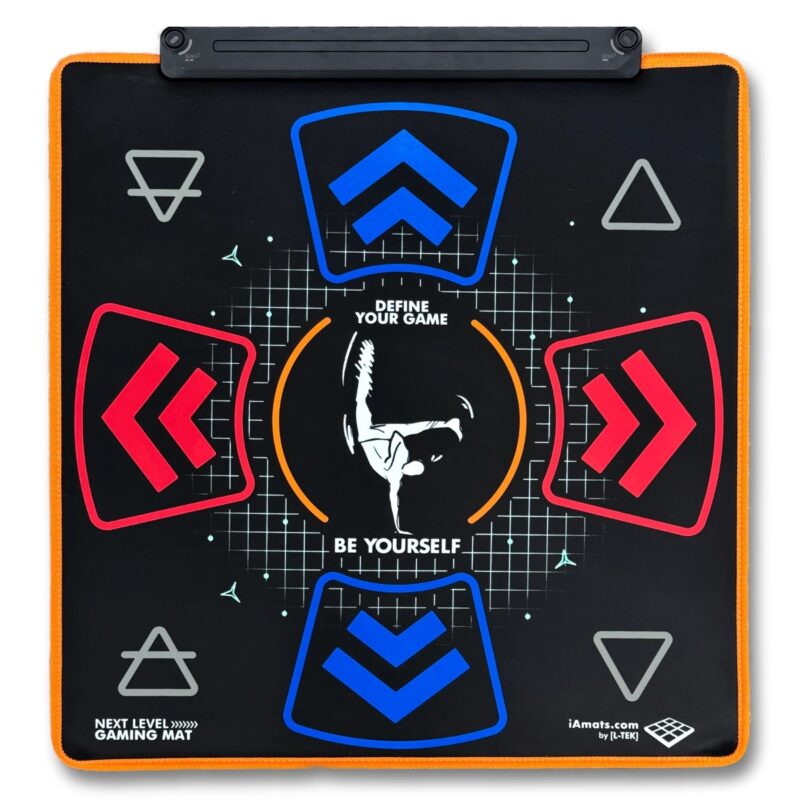 ネクストレベル・ゲーミングマット
Traveler (承認) –
General thoughts:
1. The sensors for the panels are a singular center diamond rather than the 4-rectangle edge layout an arcade panel has, so this may make brackets (pressing multiple panels with a single foot) register less consistently than expected. It also means you might have to hit the panel more on the center than on the edges for the hit to register, so that’s a bit more extra effort. Other users have recommended to modify the sensors to increase their sensitivity.
2. While anti-slip pads are attached to the bottom of the game pad, extreme movements may still cause the pad to move around slightly. If playing Doubles, it may be worth using mending brackets to connect the game pads together. (The screws on the top are spaced so that a 3 1/2″ one should connect them, and the screws on the sides are spaced for a 4″ one. Extreme play might end up wearing out the screw holes though.) Alternatively, add more anti-slip pads to the game pad.
3. The game pad lies pretty close to the ground, so it’ll get pretty loud when playing. Using taller anti-slip pads or laying the game pad on a rug grip pad might help with shock and noise absorption. An actual rug is not suggested unless you have a means of keeping the game pad from slipping on it.
Notes for the nitpicky:
1. There isn’t much extra space at the edges of the game pad, so if you’re playing Doubles you’ll need to plop a piece of wood or something in between game pads to maintain arcade accurate spacing between them. (The OmegaX user manuals say that the gap between game pads should be 2 inches wide and claim to use arcade accurate distances, but get measurements from an arcade machine if you’re not sure.)
2. The metal and the panels are equally level, so this may make it easier to lose track of where to place your feet. For arcade accuracy, the panels are supposed to be slightly lower than the surrounding metal.
Overall verdict: A few minor issues, but good enough for general use. Reviewed after 4 months of play on difficulty level 16 ± 4 (post-Prime ratings).
jullien_nicolas (承認) –
Undersensitive (brackets difficult, bracket holds near impossible), but I have paper modded mine and the results are impressive, they are very sensitive.
Also, they are basically the only pad available brand new on this price range. Below are soft mats, obviously very poor compared to this product, and above would be StepManiaX, which availability is lousy and price in another range entirely.
I recommend this product, it is an especially good deal if you are not far from Poland as you can save on the shipping (which can get expensive due to the 18Kg weight !).
Rodrigo Bof Zatta (承認) –
Sensor are not so sensitive, need to be modded to get more responsive, the active panels are little higher than the inactive, doesn’t feel like the arcade, feels little bit weird. Overall for the price, it’s OK.
Shin Lee (承認) –
My level: SSSed many S16s, can beat almost all S17, can beat a few S18s. SSSed a few D16s, just recently decided to push myself to D17s.
I only bought one of these pads. Out of the box is kind of lousy. The pad is flush and it’s impossible to tell where you’re stepping. However, after paper modding and penny modding, I gotta say I love this pad. It feels very similar to arcade experience in my opinion.
Although the sensitivity is higher with the mods, I cannot comment on the bracketing because I suck at them. I sometimes hit them, but I’m not an expert on it.
Jenifer McGreevey (承認) –
The packaging was secure and thorough. For the speed and distance of delivery, I was surprised that the few outside dings to the cardboard had no impact to any of the packaging or product inside.
After fighting with drivers to get soft pads to work in the past, I was delighted that Windows simply recognized the L-TEK pads immediately as LTEK devices. No advanced setup or tweaking, all I had to do was set the buttons in Stepmania/Pump it Up. Perfect setup process. I was worried that having two of the same devices might cause a problem but on repeated uses each pad is always identified and mapped correctly.
The build quality is fantastic and the “foot feel” is excellent. As others have said, it isn’t quite the same as the arcade with its raised screws and brackets so it is easier to lose track of where you’re standing. But the L-TEK pads are heavy enough to limit excessive sliding and I haven’t noticed any “ghost steps” or responsiveness issues with the sensors. I’m also thrilled to be able to play at home with shoes on in a pair of lightweight athletic shoes with a uniformly flat sole. I wouldn’t risk it with boots or hiking shoes though.