
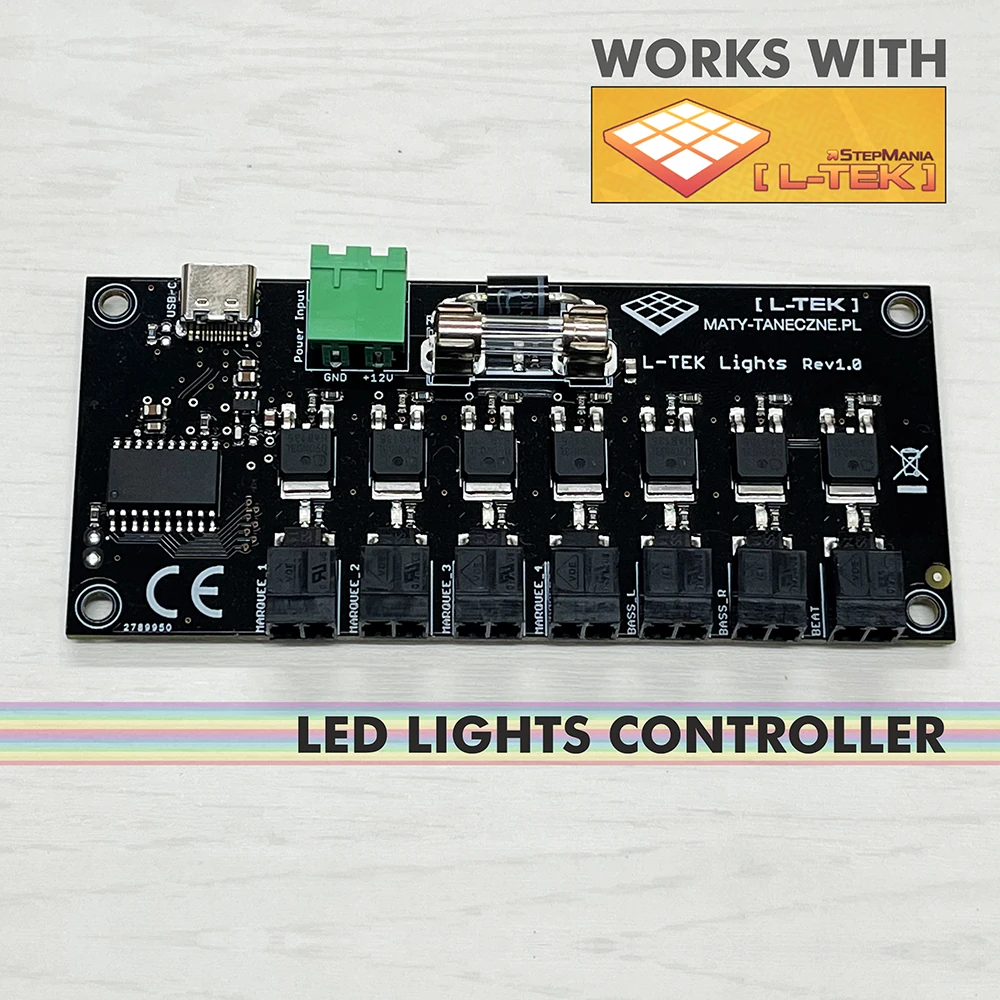
LTEK Lights Controller
Build a lighting setup around seven arcade-style channels controlled by L-TEK StepMania on Windows. This is a DIY controller board with connectors and a USB cable; you provide suitable 12 V lights, a power supply and the electronics skills to assemble them.
 2 year warranty
 Choose standard shipping (8-12 days) or 24h shipping
- Choose standard shipping (8-12 days)
 Customize


Build your game-room lighting
Give your own lights a role in the game
Build a lighting setup around seven arcade-style channels controlled by L-TEK StepMania on Windows. This is a DIY controller board with connectors and a USB cable; you provide suitable 12 V lights, a power supply and the electronics skills to assemble them.
THE SETUP AT A GLANCE
Each part has a purpose.
LOOK CLOSER
The details that make the difference.
Seven arcade lighting channels
Control four marquee channels, two bass-light channels and one beat channel in a lighting layout you build yourself.
12 V lighting, with defined limits
Use suitable 12 V LED strips or lamps, up to 1 A / 12 W per channel. Plan the total load before choosing the separate supply.
Settings inside the game
The supported Windows L-TEK StepMania build provides the light settings in its menu; the documented setup needs no separate driver.
The board and USB cable are included
You receive the mainboard with connectors and a USB-C to USB-A cable. Lights and their 12 V supply are additional components.
A project for electronics builders
Choose the placement, lengths and colours of your own compatible lights. Basic electronics knowledge and careful wiring are prerequisites.
01 / Your lighting layout
Build around seven separate outputs
The controller recreates the marquee, bass and beat lighting roles associated with arcade rhythm games. That gives a DIY builder a clear starting point: choose which areas of the room or cabinet each channel will light, then select suitable 12 V LED strips or lamps for that job. Work out the current of each complete channel, including every connected segment, before buying a supply. Each channel is limited to 1 A, equivalent to 12 W at 12 V. The product specifies a 12 V supply up to 7 A. Keep the wiring diagram beside your parts list so that the lighting plan and the electrical plan agree.
02 / What you need to add
A controller for your build
The package contains the circuit board, its connectors and a USB-C to USB-A cable. To complete the system you need compatible 12 V lighting and a suitable separate 12 V supply; the USB connection is the computer link, not a substitute for the lighting supply. Plan the wiring, mounting and protection of the exposed board as part of your project. Assemble with the power disconnected and follow the polarity and channel connections in the manual. If you are choosing your first lighting accessory and want a more assembled product, compare the separate CUBIC product before deciding which approach suits your setup.
03 / Connect the hardware to the game
Use the documented Windows lighting support
This board is documented for the Windows version of L-TEK StepMania, with lighting settings available from the game menu and no extra driver required for that setup. Once the electrical assembly has been checked, connect the board to the computer and configure the lighting in the supported game build. Test the outputs before your first full session so that each connected light has the intended role. Start at the official Software page for the currently offered downloads; if you are using a different build or replacing an older installation, ask support to confirm that version’s support for this specific board.
A GOOD FIRST EXPERIENCE
From your lighting plan to the first test
Read the controller manual before ordering the separate lights and supply. Basic electronics skills are required.
- 01
Plan every channel
Choose compatible 12 V lamps or strips and calculate each channel’s load. Stay within 1 A / 12 W per channel and check the complete supply requirements.
- 02
Assemble with power disconnected
Follow the manual’s polarity and connection diagram. Provide suitable wiring and a secure, protected location for the board.
- 03
Check, then connect
Inspect the wiring and confirm the supply specification before applying power. Use the included USB-C to USB-A cable for the computer connection.
- 04
Enable and test the lights
Use a supported Windows L-TEK StepMania build, open its lighting settings and test the channel assignments before playing.
THE PRACTICAL DETAILS
Know what you are choosing.
- Product type
- DIY USB lighting controller board
- Lighting outputs
- 7: 4 marquee, 2 bass, 1 beat
- Lighting voltage
- 12 V
- Per-channel limit
- 1 A / 12 W maximum
- Supply in product specification
- Separate 12 V supply, up to 7 A; size it for the actual lighting load
- Documented software
- L-TEK StepMania for Windows
- Configuration
- Lighting settings in the supported game menu
- Included
- Mainboard, connectors and USB-C to USB-A cable
- Required separately
- Compatible LED lamps or strips, 12 V supply and installation materials
- Assembly
- DIY; basic electronics knowledge required
- Manufacturer warranty
- 2 years
BEFORE YOU DECIDE
Good questions.
Useful answers.
Find the answer here, then follow the guide if you want the detail.
Does it come with the lights and power supply?
No. The included parts are the mainboard with connectors and the USB cable. Choose compatible 12 V lights and a suitable supply separately.
Is this the same product as CUBIC?
No. This is the exposed DIY controller board for a lighting system you assemble. CUBIC is a separate product with its own design, contents and instructions.
Can I connect any LED strip?
Use only lighting compatible with the manual’s 12 V outputs and limits: up to 1 A / 12 W per channel. Addressable LED protocols, other voltages and mains-powered lights are not covered by the stated compatibility.
Will it work with macOS, Linux or any StepMania build?
The documented support is for L-TEK StepMania on Windows. Confirm your specific build before buying; general StepMania compatibility does not establish lighting-board support.
Do I need to install a driver?
The supported Windows L-TEK StepMania setup is described as requiring no additional driver. Configure the lighting from its game menu.
Can I build it without electronics experience?
The product explicitly requires basic electronics skills. Read the complete diagram first; if the supply, polarity or load calculations are unfamiliar, have someone with those skills help plan and assemble it.
MATOLOGY & PRACTICAL HELP
A little more detail, when you need it.
Lights Controller manual
The dedicated connection diagram and electrical limits.
L-TEK Software
Current official downloads; confirm support for this board and your chosen build.
Technical support
Check a proposed lighting load, board revision or software version.
YOUR NEXT STEP
Plan the lights, then choose the controller
Check your 12 V components, channel loads and Windows game version before adding this DIY board to your project.
Video
Video hosted by an external platform.
| Weight | 0.5 kg |
|---|---|
| Dimensions | 10 × 10 × 5 cm |
| Type | |
| Application | |
| Shipping | Standard shipping 8-12 days, Shipping in 24h (+22 €) |
Only logged in customers who have purchased this product may leave a review.
Testimonials and tales shared by our dance family


Love it! I used cheap foam pads for a few months, but could feel their limitations (sliding, inconsistent detection, etc). This new metal pad felt like a clear upgrade. The price is a little steep but feels fair given the quality of the board.
Highly recommend!
Marvelous pad. They’re sturdy enough for playing with shoes. I removed the center screws for each arrow and found the sensitivity to be fantastic. Well worth the price.
This pad is amazing!! Don’t listen to anyone saying theyre “not good enough” even without any mods, the pad feels exactly like the arcade! <3 Thank you iAmats for this amazing pad! i'd give it 20 stars if i could.
This pad is amazing!! Don’t listen to anyone saying theyre “not good enough” even without any mods, the pad feels exactly like the arcade! <3 Thank you iAmats for this amazing pad! i'd give it 20 stars if i could.
This pad is amazing!! Don’t listen to anyone saying theyre “not good enough” even without any mods, the pad feels exactly like the arcade! <3 Thank you iAmats for this amazing pad! i'd give it 20 stars if i could.
Read more reviews on our Reddit
community!
Others also bought:
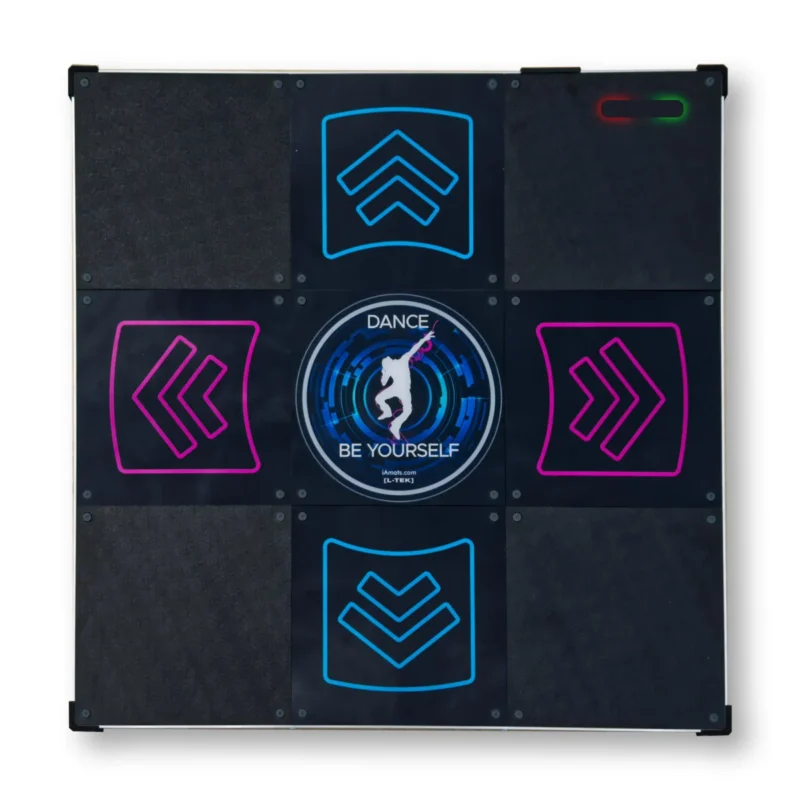
Dance pad LTEK Prime
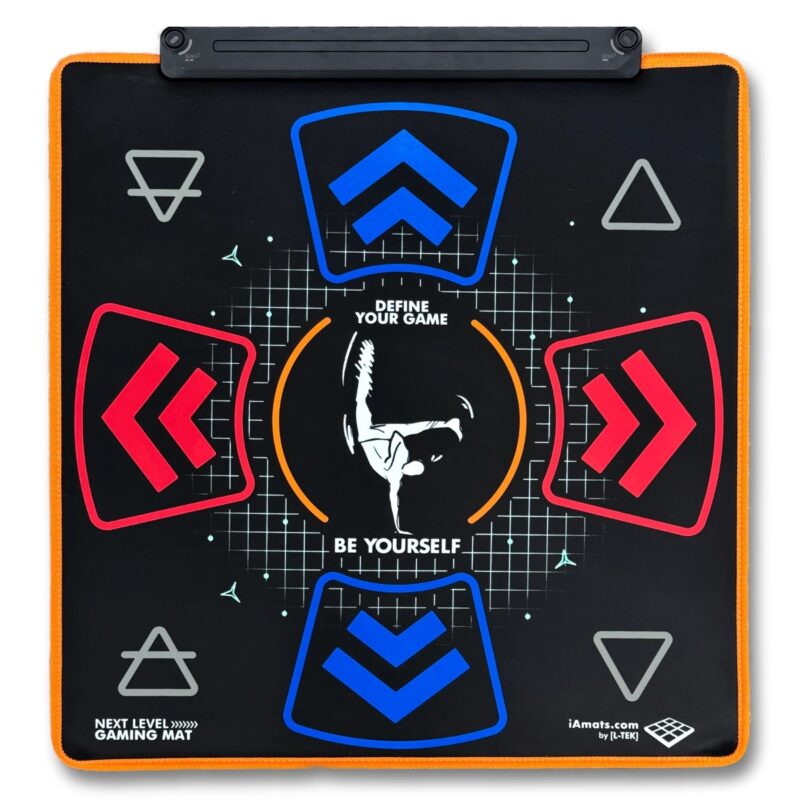
300 €Next Level Gaming Mat
From 110 €Dance pad LTEK Core
From 240 €

FAQ
Frequently asked questions
Stepmania LTEK is a popular choice for dance mat users due to its simple operation and easy song customization. L-TEK also offers the Connect Buddy, a tool that links Stepmania with the PADY Fitness iOS app, allowing you to monitor your training progress. Both tools are available in our Software section.
Stepmania LTEK can also integrate with the Amusement Lights Controller, adding dynamic lighting effects for enhanced gameplay.
For additional options, LTEK Interactive Mats are compatible with various games to combine fitness and entertainment. Find a list of recommended games in our Games to Play on Mat section.
L-TEK Dance Mats are compatible with PlayStation 2 and PSX consoles using a dedicated converter available in our store. Converters specifically designed for PlayStation 2 and PSX can be found in the PS2 & PSX converter section.


Reviews
There are no reviews yet.