

Panel customization
Put a photo, your own illustration, a team emblem or a personal message on supported L-TEK hard-mat panels. Choose printing on the mat in your order or a separate set of printed replacement panels. The complete mat is purchased separately.
 2 year warranty
 Choose standard shipping (8-12 days) or 24h shipping
- Choose standard shipping (8-12 days)
 Customize


Your artwork, fitted to your mat
Make the playing surface your own.
Put a photo, your own illustration, a team emblem or a personal message on supported L-TEK hard-mat panels. Choose printing on the mat in your order or a separate set of printed replacement panels. The complete mat is purchased separately.
THE SETUP AT A GLANCE
Each part has a purpose.
LOOK CLOSER
The details that make the difference.
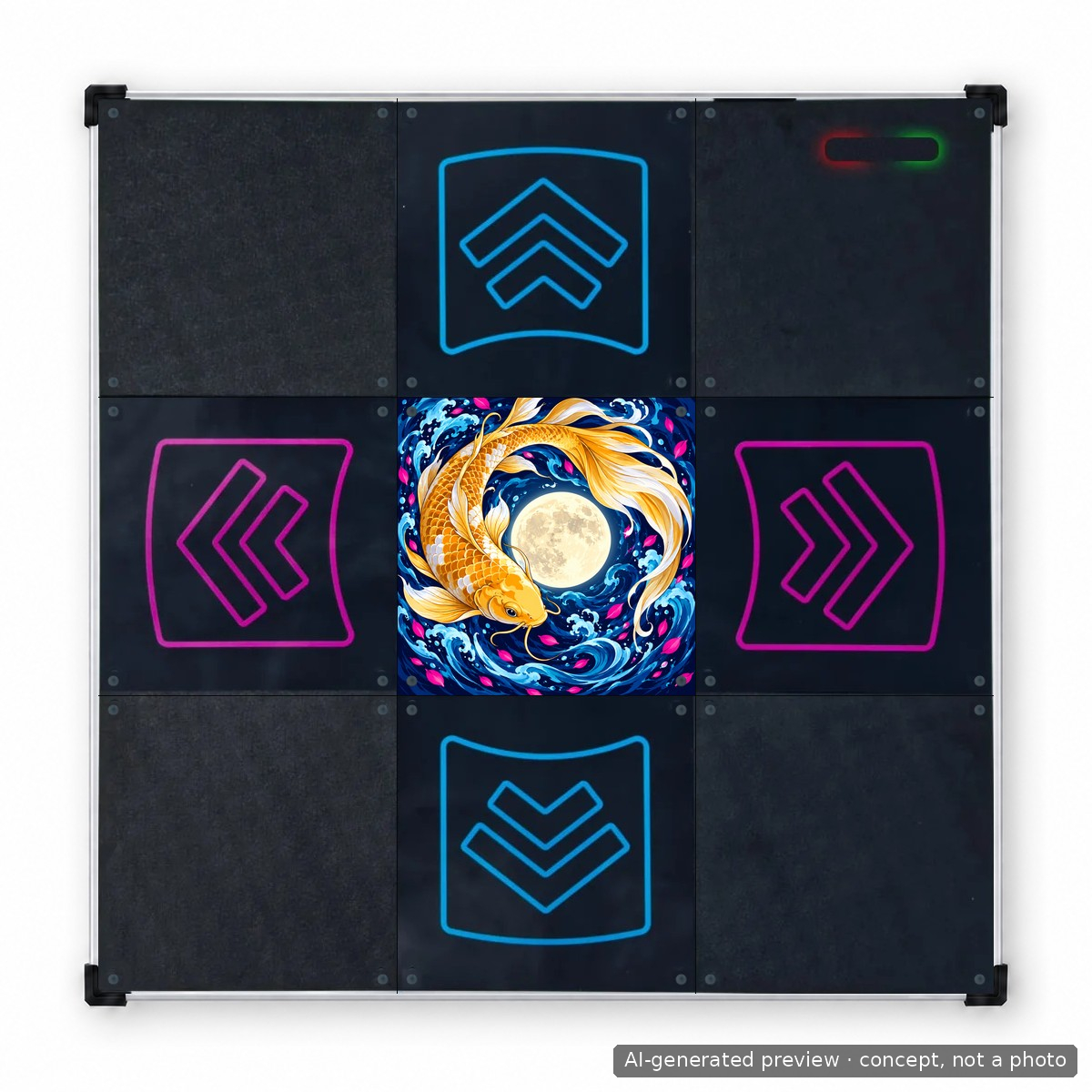
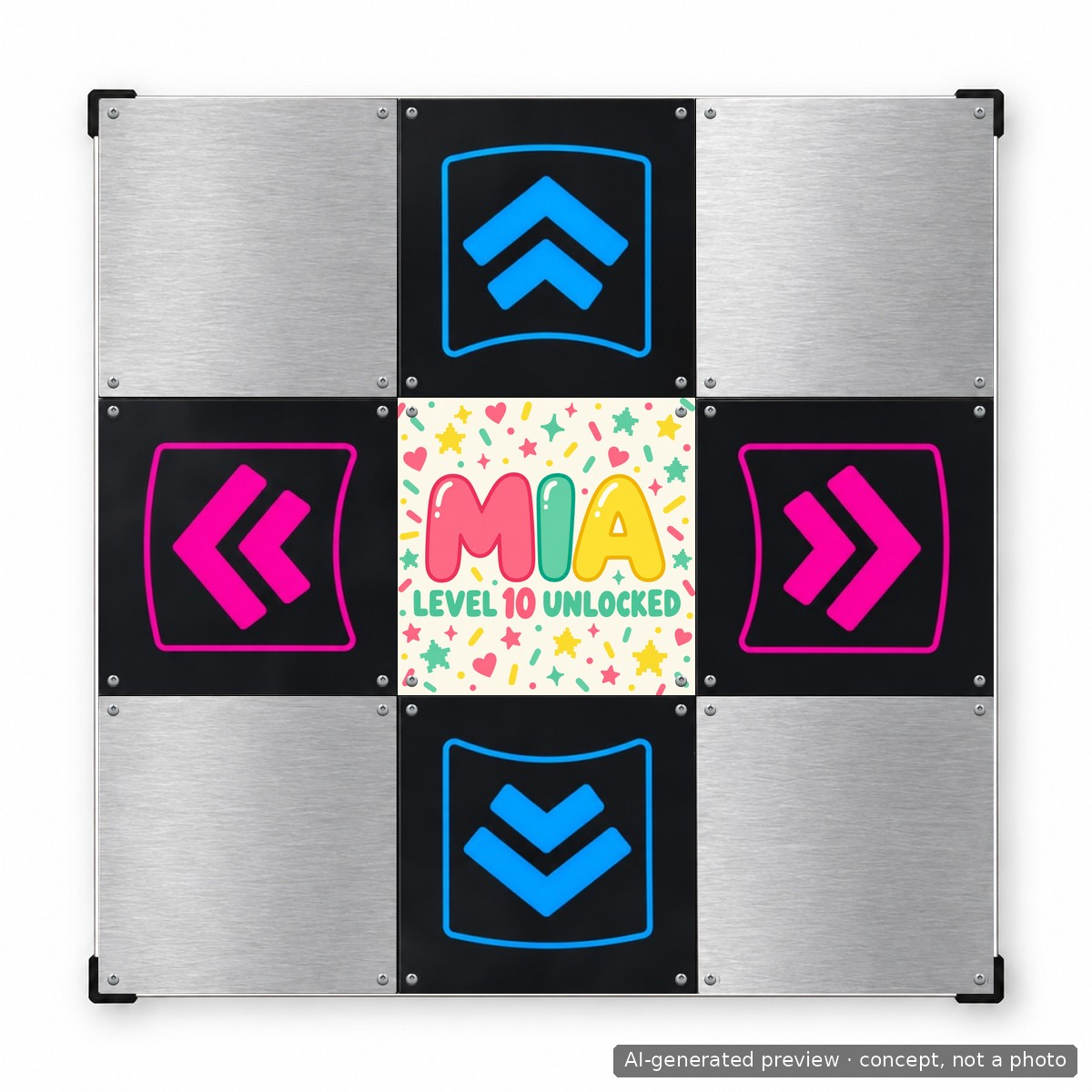
Start with one panel
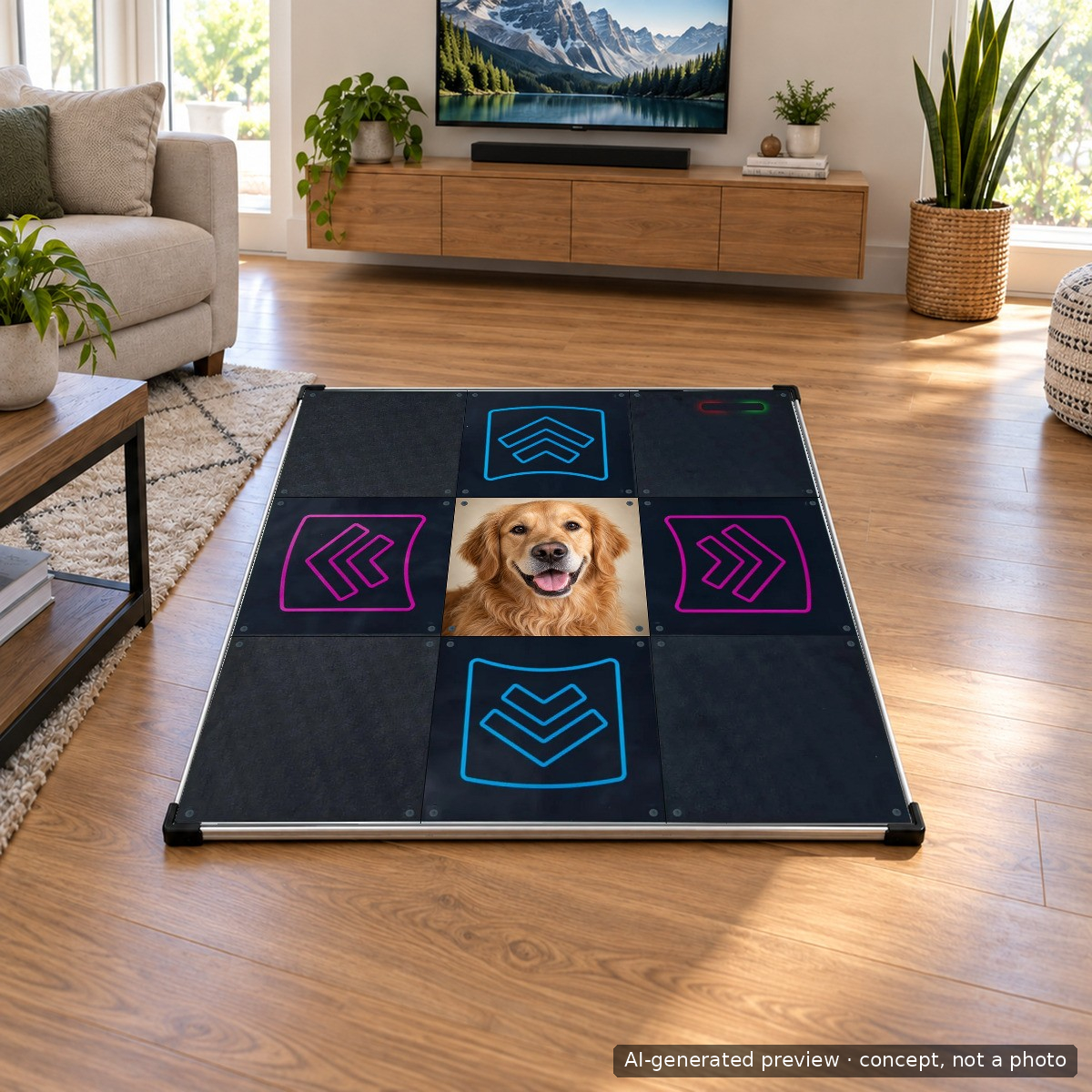
Put a focused image on the center panel while keeping the standard arrows. A portrait, emblem or short message works well in a single square.
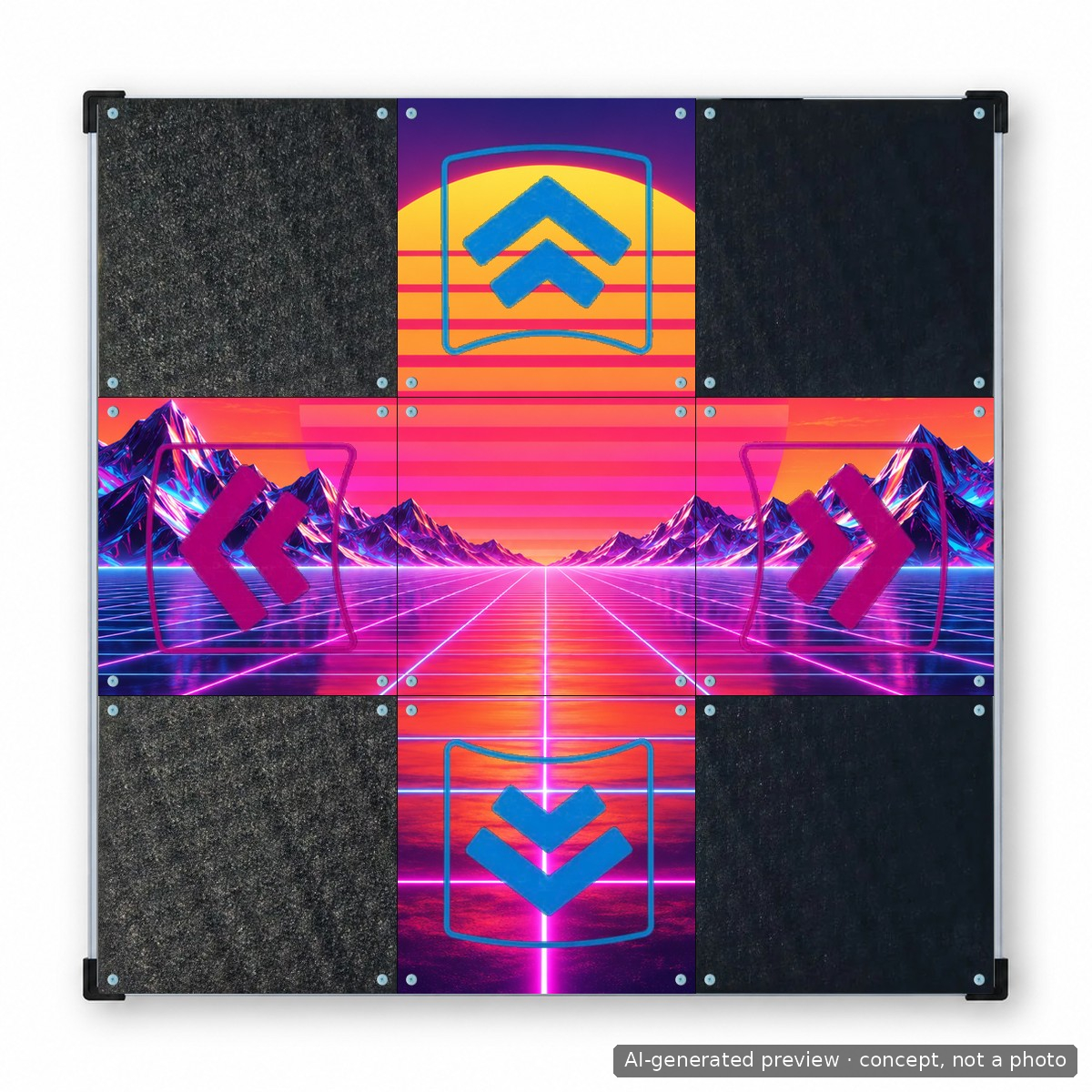
Spread the design across five
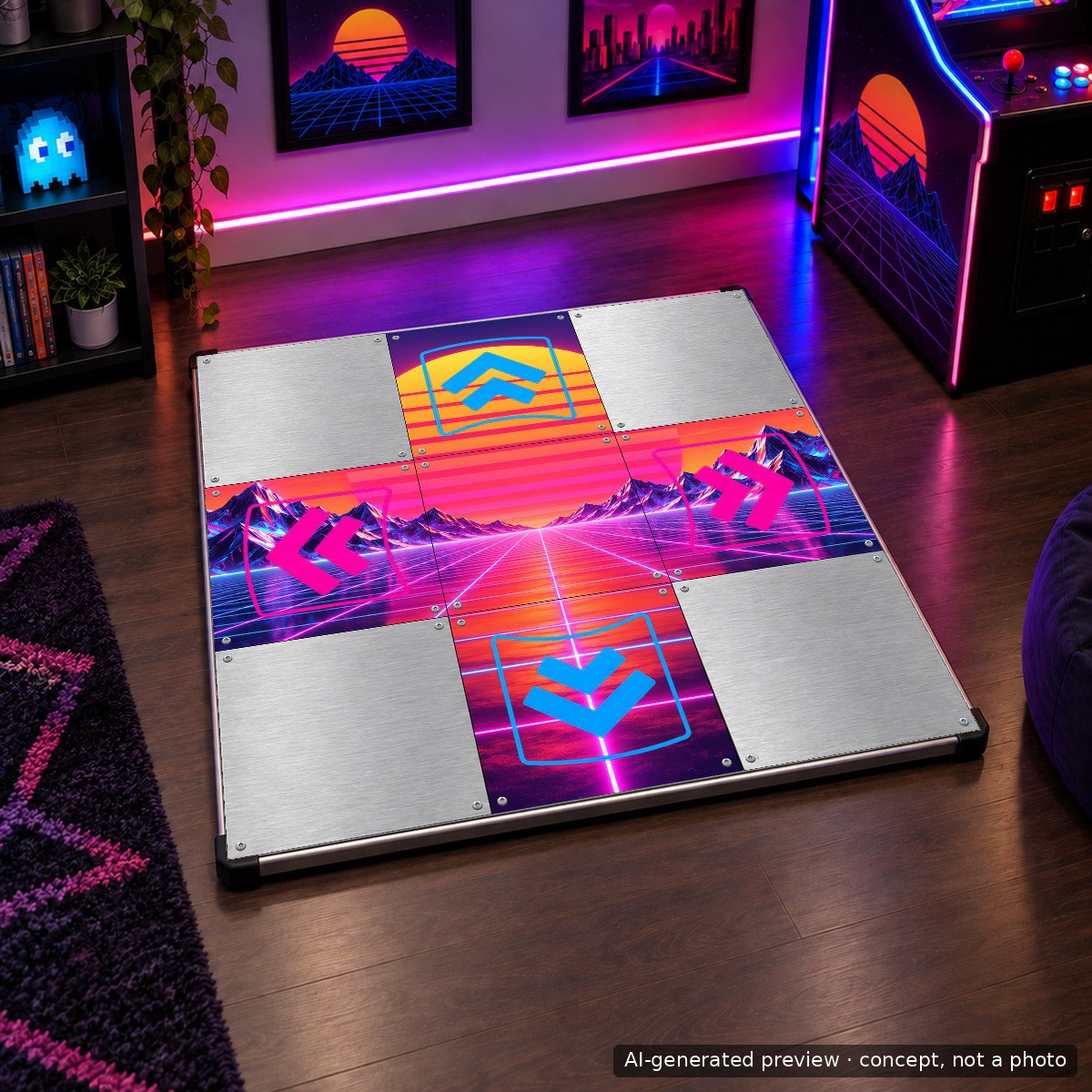
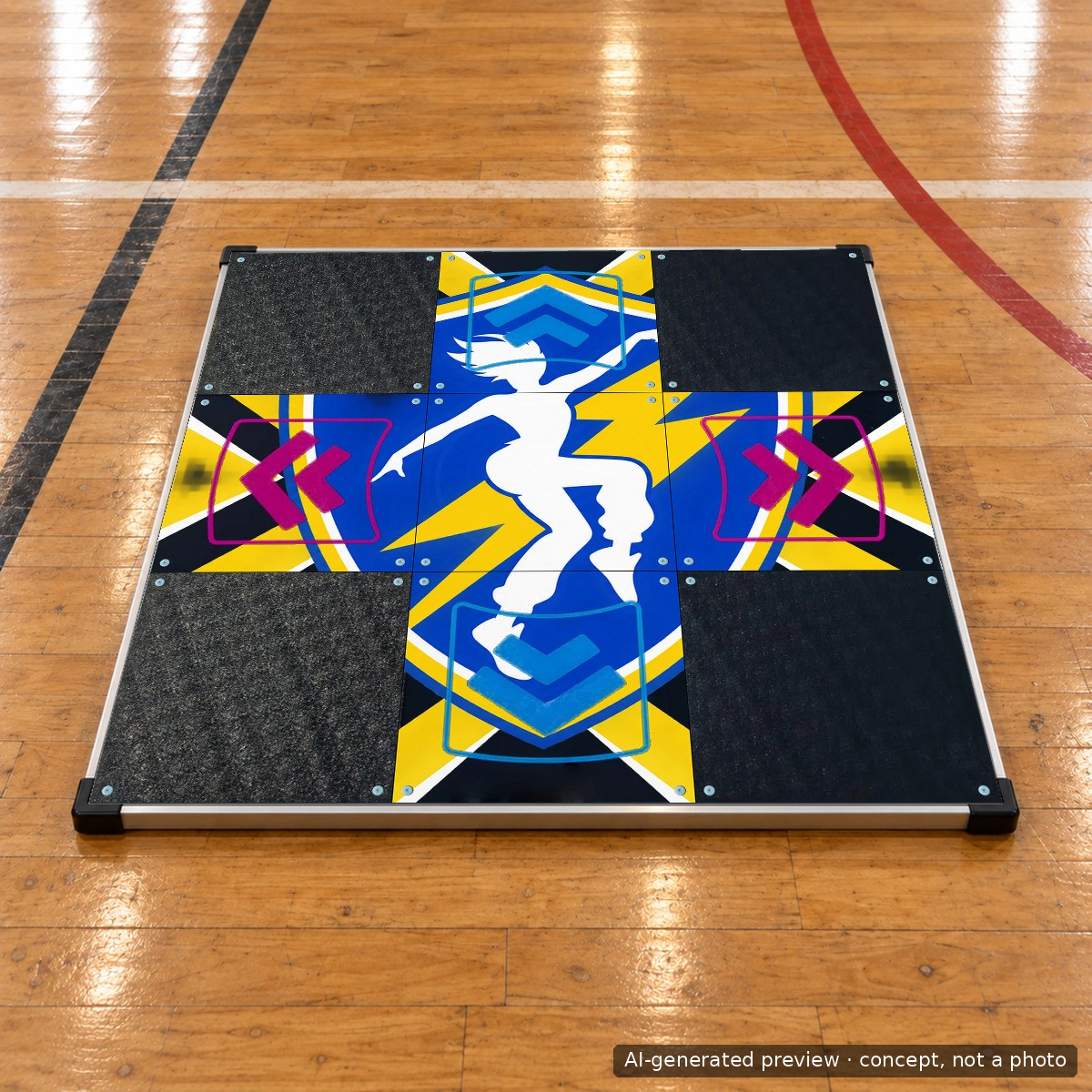
Choose the center plus four direction panels for a connected design. Include the arrow shapes in your artwork where the template shows them.
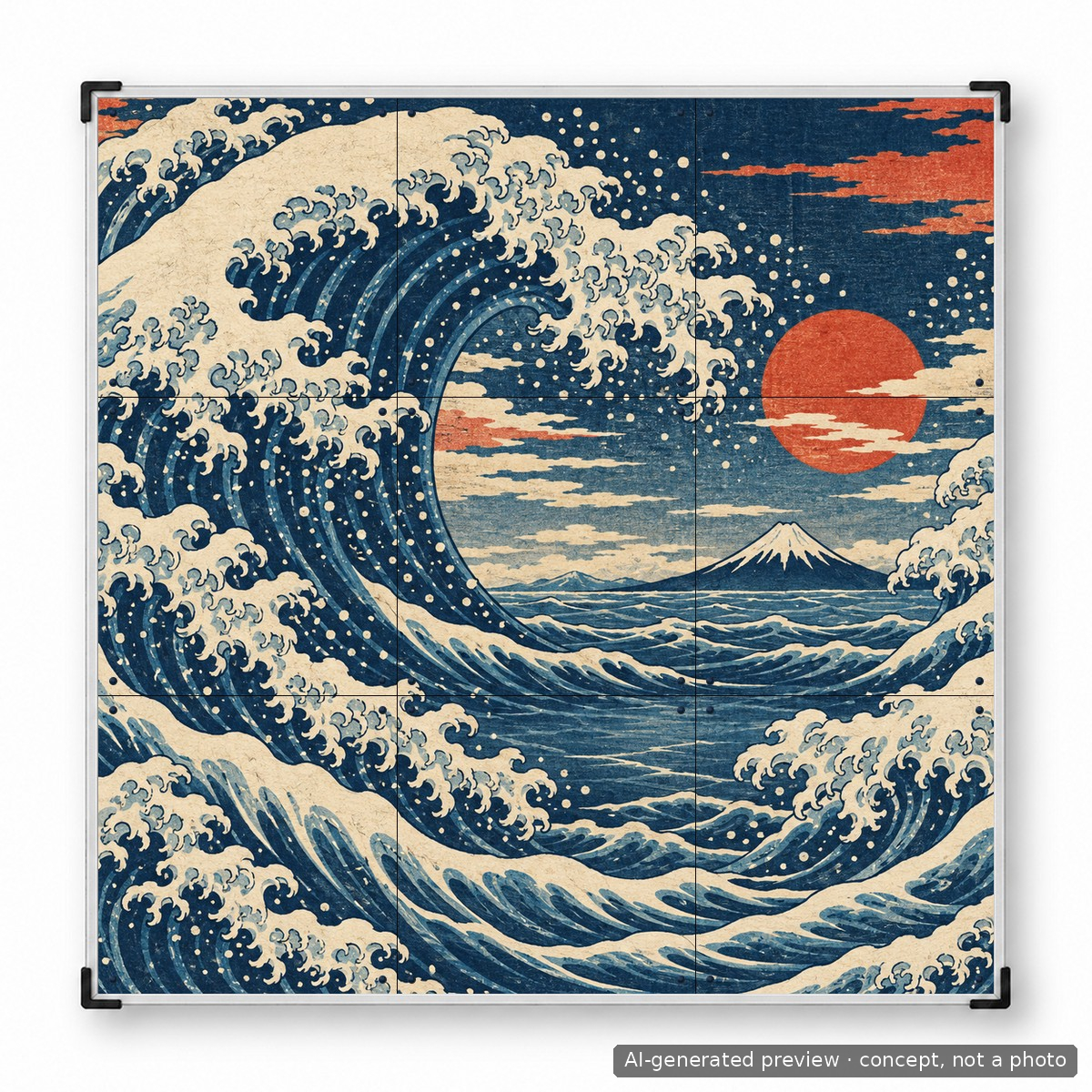
Use all nine on PRO X
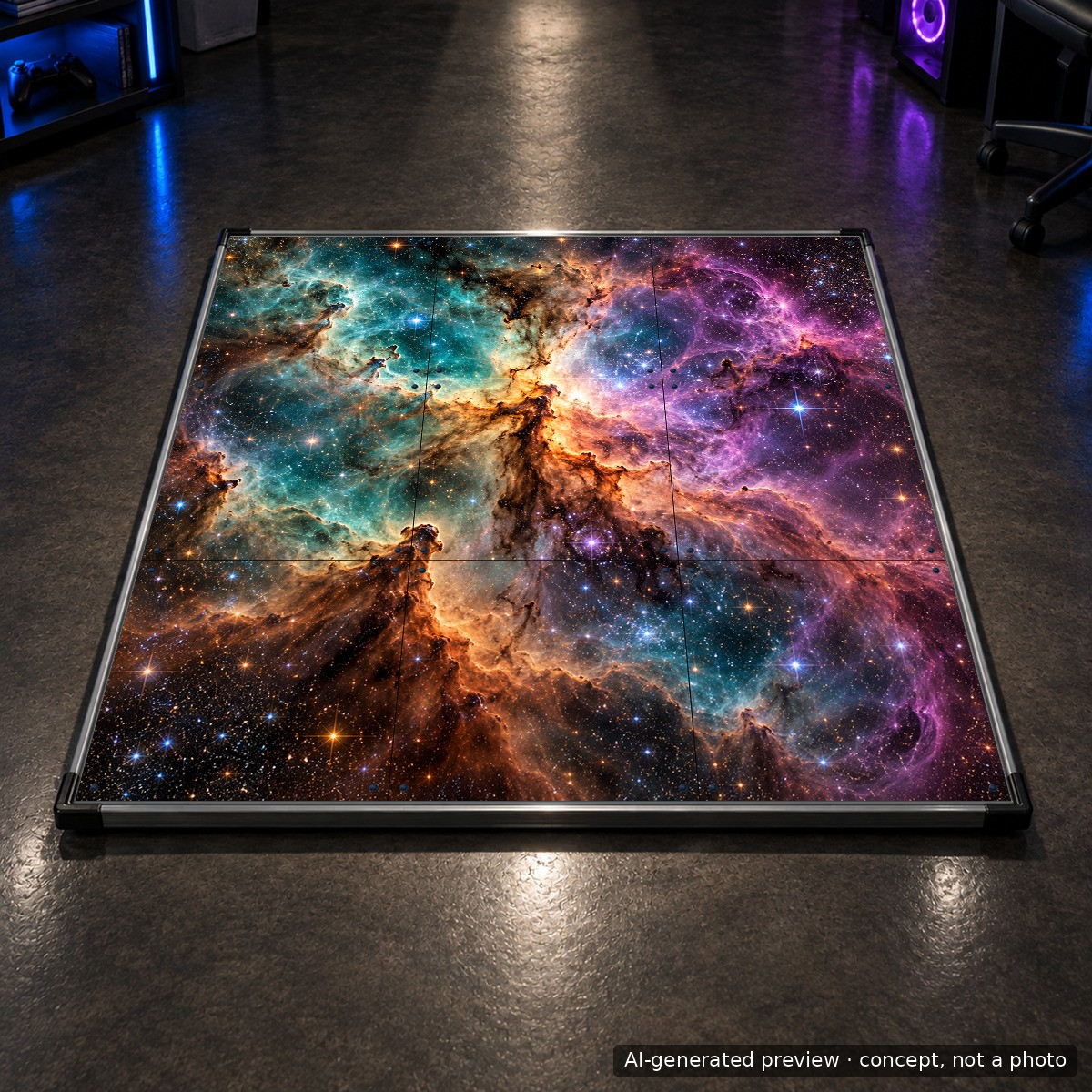
The full-surface option is for L-TEK PRO X only and cannot be combined with additional buttons.
Choose where the print goes
Select panels of the mat in this order for a new purchase, or extra replacement panels for an existing compatible mat.
Preview in the editor
Upload artwork, position it in the selected layout and review the design before adding it to the cart.
Use artwork you can print
Submit your own work or material you have permission to use. A photo, logo or AI-generated image still needs an appropriate basis for its use.
01 / One square or the whole surface
Match the design area to your mat.
The center-panel option keeps the design focused on one square. Center plus arrows covers five panels in a cross, while the nine-panel option extends across the entire PRO X surface. The design guide lists Prime, Core, PRO X, Metal Black and Metal White for the center and five-panel options. Only PRO X supports all nine panels through this service, and that option cannot be combined with additional buttons. Choose the model and layout before preparing your artwork so important details land on the correct areas. The soft Next Level Gaming Mat is outside this panel-printing service.
02 / Design for the real panel
Keep the image clear and the arrows readable.
Use the template for your chosen option to plan the composition. Keep faces, lettering and other important details away from panel edges and the fixing points shown in the editor. For an arrow-panel design, include the arrows yourself: the print follows the file you submit. Start with a sharp image at the resolution recommended in the design guide, then check the final file at full size for blurred details or mistakes in text. Upload only artwork you own or have permission to use. Preview every panel in the editor before adding the design to the cart.
03 / Choose the correct order option
A finished new mat or a spare printed set.
For a new mat, add the compatible mat and the customization service to the same order, then select “Panels of the mat in this order”. L-TEK prints and fits the selected design before shipping that mat. To change an existing compatible mat, choose “Extra replacement panels” and identify your model in the order note. This option includes the blank panels for the chosen layout, the print and the screws needed for fitting. These are different purchases, so review both the panel type and the Print on option before checkout. The customization item by itself does not include a complete dance mat.
A GOOD FIRST EXPERIENCE
Turn an idea into a panel order
Start with the mat model and the print option. That determines the layout, the artwork file and what will arrive.
- 01
Choose the panels and print option
Select center, center + arrows or all panels where supported. Choose printing on your new mat or extra replacement panels for an existing mat.
- 02
Prepare your artwork
Use the matching template, follow the resolution guidance and keep important details clear of fixing points. Include arrows when they form part of the design.
- 03
Upload and review
Open Customize, upload your file and position it over the intended print area. Check spelling, orientation and every panel in the preview.
- 04
Check the order contents
For a new mat, add that mat to the same order. For replacements, select the extra-panels option and give your mat model. Review the design before checkout.
THE PRACTICAL DETAILS
Know what you are choosing.
- Service
- Custom printing on supported L-TEK hard-mat panels
- Panel choices
- Center: 1 panel; center + arrows: 5 panels; all panels: 9 panels
- Center / five-panel models
- Prime, Core, PRO X, Metal Black, Metal White
- Nine-panel model
- L-TEK PRO X only; cannot be combined with additional buttons
- Print on
- Panels of the mat in this order, or extra replacement panels
- Extra replacement option
- Blank panels for the chosen layout, print and fitting screws
- Panel design reference
- 280 × 280 mm; use the selected official template
- Complete mat
- Separate purchase
- Not covered by this service
- Next Level Gaming Mat
BEFORE YOU DECIDE
Good questions.
Useful answers.
Find the answer here, then follow the guide if you want the detail.
Is a dance mat included in this price?
The product is the customization service or the selected printed replacement-panel option. Add a compatible mat separately if you want the design fitted to a new mat before shipment.
Can I personalize a mat I already own?
Yes, for supported models. Choose Print on: Extra replacement panels and identify your mat model in the order note. The selected blank panels, printing and fitting screws are included in that option.
Which mats support a full nine-panel design?
The all-panels option is for L-TEK PRO X only and cannot be combined with additional buttons. Other listed models support the center or center-plus-arrows options. Next Level Gaming Mat is outside this service.
Will L-TEK add arrows to my image?
Include the arrows in your artwork when you choose a layout covering the direction panels. Use the templates to position them; the submitted design is the print file.
How large should my artwork be?
Follow the current design guide and the chosen template. The guide recommends 400 dpi at print size, approximately 4,500 pixels per side for one panel and 13,400 for a full-mat design. Check that the actual image remains sharp; the resolution setting alone does not add detail.
Can I use a logo, fan image or AI-generated artwork?
Use artwork you own or have permission to reproduce. Choosing an image from the internet or generating it with AI does not by itself confirm the right to print everything shown in it. Check the artwork before uploading; the product does not include a grant of rights to third-party characters or brands.
MATOLOGY & PRACTICAL HELP
A little more detail, when you need it.
Design your own dance mat panels
Models, layout choices, file preparation and the ordering process.
Center + arrows PDF template
Plan a five-panel layout with the arrows incorporated in the artwork.
YOUR NEXT STEP
Choose the canvas for your idea.
Select a supported mat, decide between a new-mat print and replacement panels, then open the editor to prepare your design.
Video
Video hosted by an external platform.
| Weight | 0.1 kg |
|---|---|
| Dimensions | 27.8 × 27.8 × 10 cm |
| Panel type | Central Panel, Central Panel + Arrow, All panels |
| Print on | Panels of the mat in this order, Extra replacement panels |
| Type |
2 reviews for Panel customization
Testimonials and tales shared by our dance family


Love it! I used cheap foam pads for a few months, but could feel their limitations (sliding, inconsistent detection, etc). This new metal pad felt like a clear upgrade. The price is a little steep but feels fair given the quality of the board.
Highly recommend!
Marvelous pad. They’re sturdy enough for playing with shoes. I removed the center screws for each arrow and found the sensitivity to be fantastic. Well worth the price.
This pad is amazing!! Don’t listen to anyone saying theyre “not good enough” even without any mods, the pad feels exactly like the arcade! <3 Thank you iAmats for this amazing pad! i'd give it 20 stars if i could.
This pad is amazing!! Don’t listen to anyone saying theyre “not good enough” even without any mods, the pad feels exactly like the arcade! <3 Thank you iAmats for this amazing pad! i'd give it 20 stars if i could.
This pad is amazing!! Don’t listen to anyone saying theyre “not good enough” even without any mods, the pad feels exactly like the arcade! <3 Thank you iAmats for this amazing pad! i'd give it 20 stars if i could.
Read more reviews on our Reddit
community!
Others also bought:
Color bumpers for Dance Mat
From 10 €The Handbar
From 231 €


FAQ
Frequently asked questions
Stepmania LTEK is a popular choice for dance mat users due to its simple operation and easy song customization. L-TEK also offers the Connect Buddy, a tool that links Stepmania with the PADY Fitness iOS app, allowing you to monitor your training progress. Both tools are available in our Software section.
Stepmania LTEK can also integrate with the Amusement Lights Controller, adding dynamic lighting effects for enhanced gameplay.
For additional options, LTEK Interactive Mats are compatible with various games to combine fitness and entertainment. Find a list of recommended games in our Games to Play on Mat section.
L-TEK Dance Mats are compatible with PlayStation 2 and PSX consoles using a dedicated converter available in our store. Converters specifically designed for PlayStation 2 and PSX can be found in the PS2 & PSX converter section.


Lucas –
I recently invested in a dance mat featuring an innovative “Panel Customization” feature, and it has truly transformed my dance gaming experience.
Giovanni Partida (verified owner) –
I just purchased the LTEK PRO X and thought that I might as well customize it – I am glad I did. Though as of writing this review I have not received my order yet, I wanted to give a review on how amazing my customer service experience with customizing the panels has been. The Panel Customization did not work for me and I was reached out by Luka when the issue was found. The patience from Luka as we went back and forth with my design via email was great – especially because of the time difference between Poland and USA. This is definitely a company that takes their time to make sure their product is to the satisfaction of the customer. I am very excited to receive my LTEK PRO X.