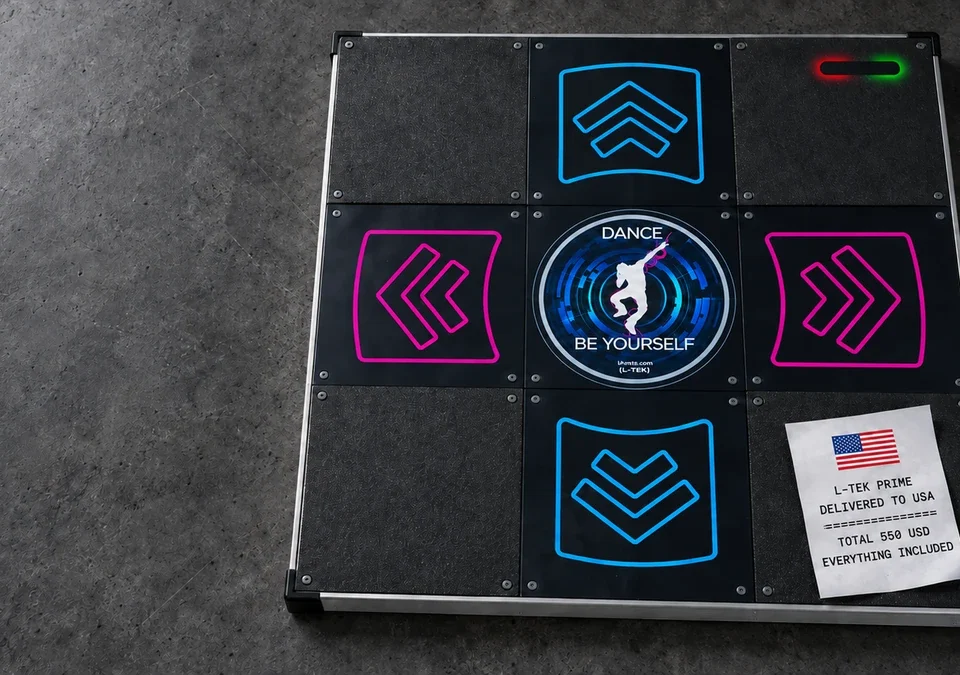
Every L-TEK hard dance mat leaves the factory with the same printed panels. Yours does not have to. Panel customization is a service only L-TEK offers: you send us artwork, we print it, and the mat arrives with your design already fitted, ready to plug in. This guide shows what you can print, how to prepare the file, how to upload it, and what the result looks like on a real mat.
How to Design Your Own Dance Mat Panels: Photos, Logos and AI Art on an L-TEK
What panel customization actually is
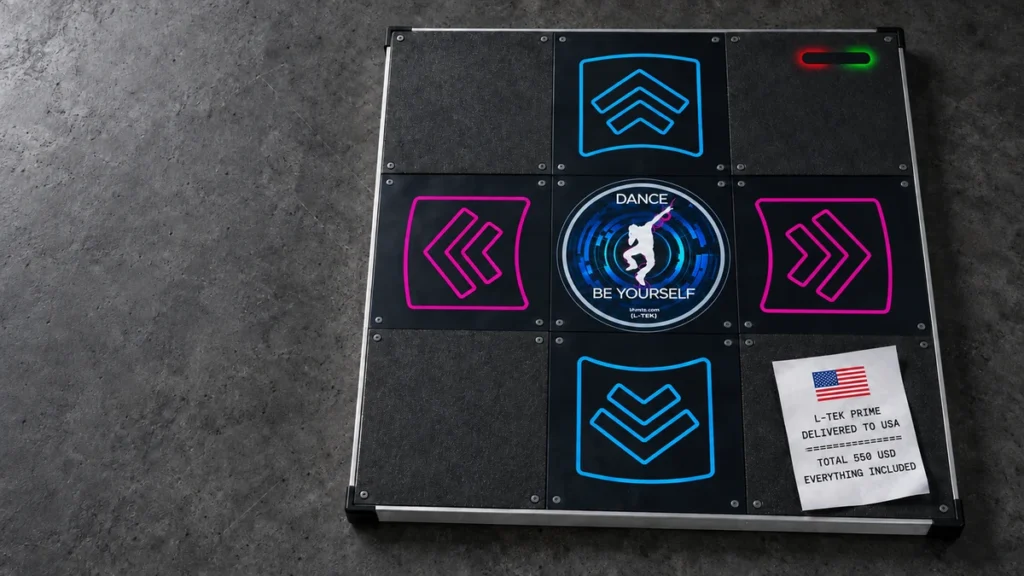
Under the arrows and the center of every L-TEK hard mat sits a printed panel, 280 by 280 mm. When you order Panel customization together with a mat, we replace one or more of those prints with your own graphics. The panel is produced in our workshop in Poland, mounted before shipment and covered by the same warranty as the rest of the mat. You unpack a finished product, not a kit.
No other dance mat manufacturer offers this. Most pads are sold with one look for everyone. On an L-TEK mat the surface you dance on can be a photo of your dog, your crew logo, a painting made with an AI generator last night, or a birthday message for the person you are giving the mat to.
Three ways to personalize, and which mats support them
You choose how much of the mat becomes yours. The three options map to three sets of panels.
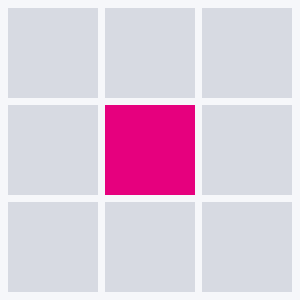
Center panel
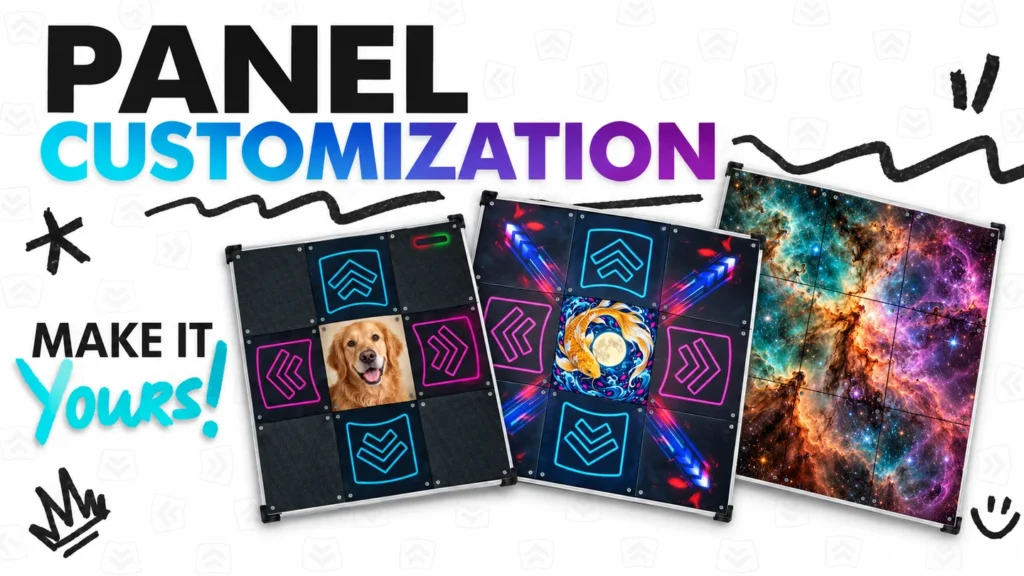
One square in the middle of the mat. The arrows keep their standard print. This is the quickest option and the one most players start with: a logo, a portrait, a single strong image.
Works with: LTEK Prime, LTEK Core, LTEK PRO X, LTEK Metal Black and LTEK Metal White.
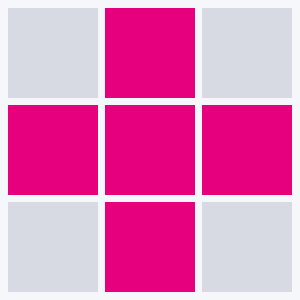
Center panel and four arrows
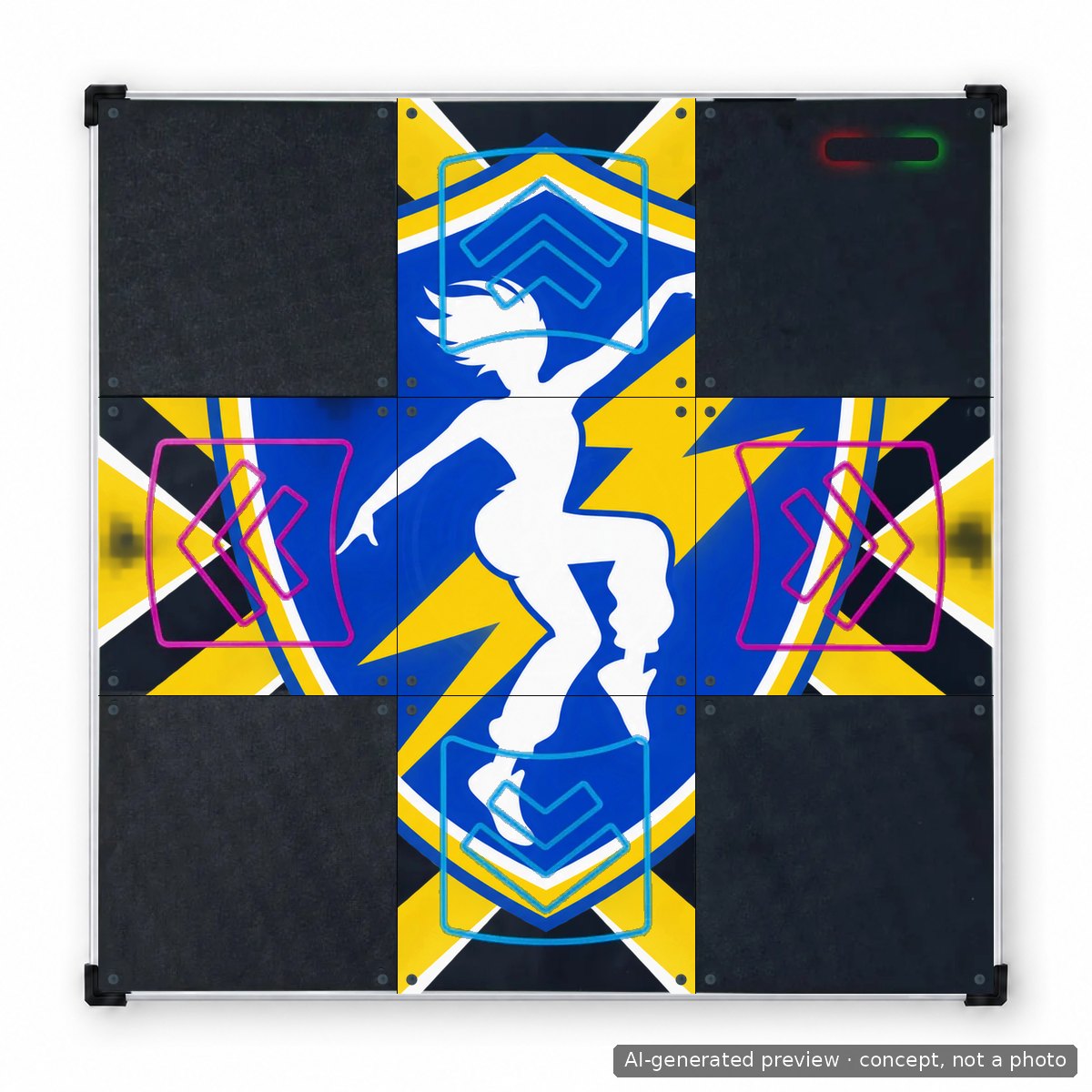
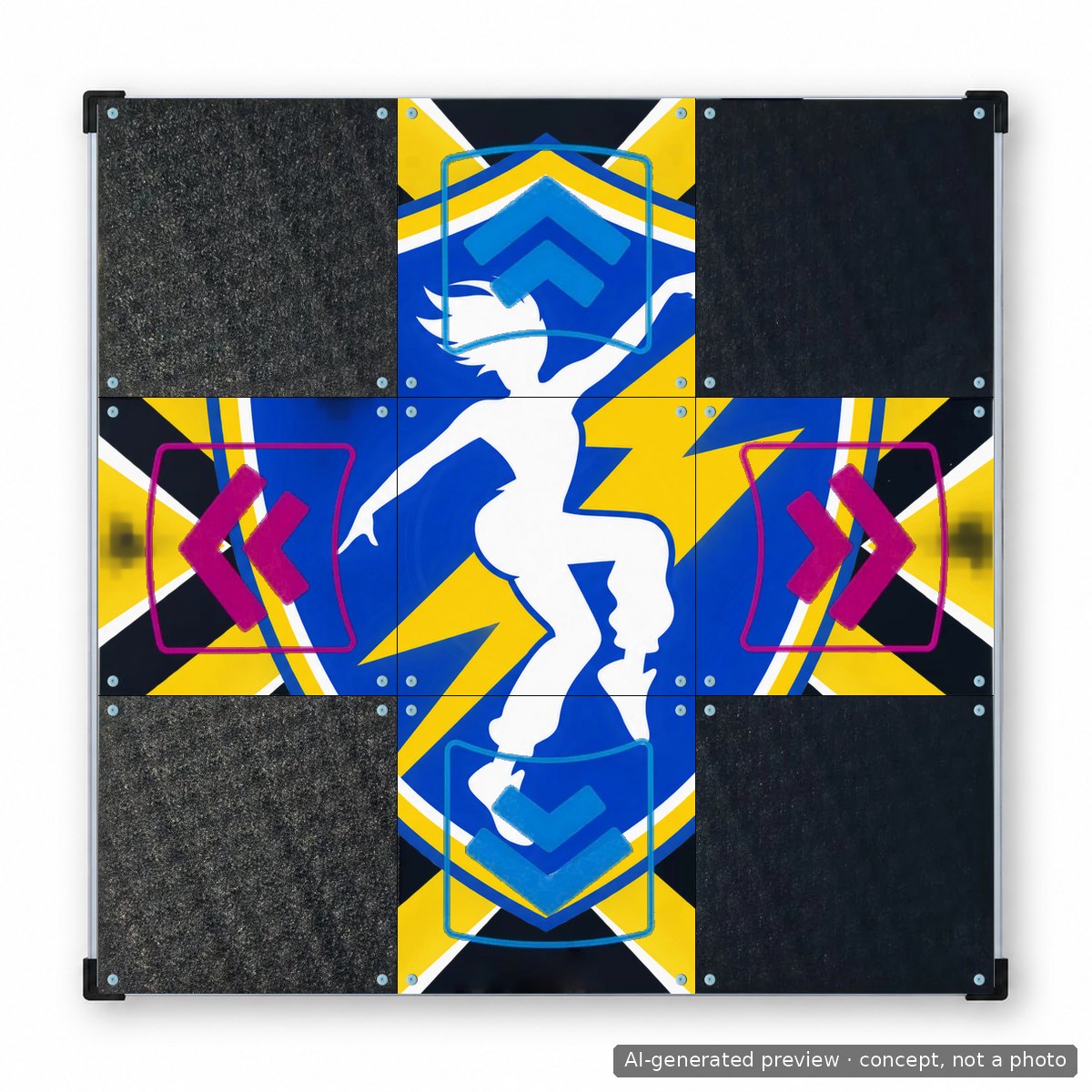
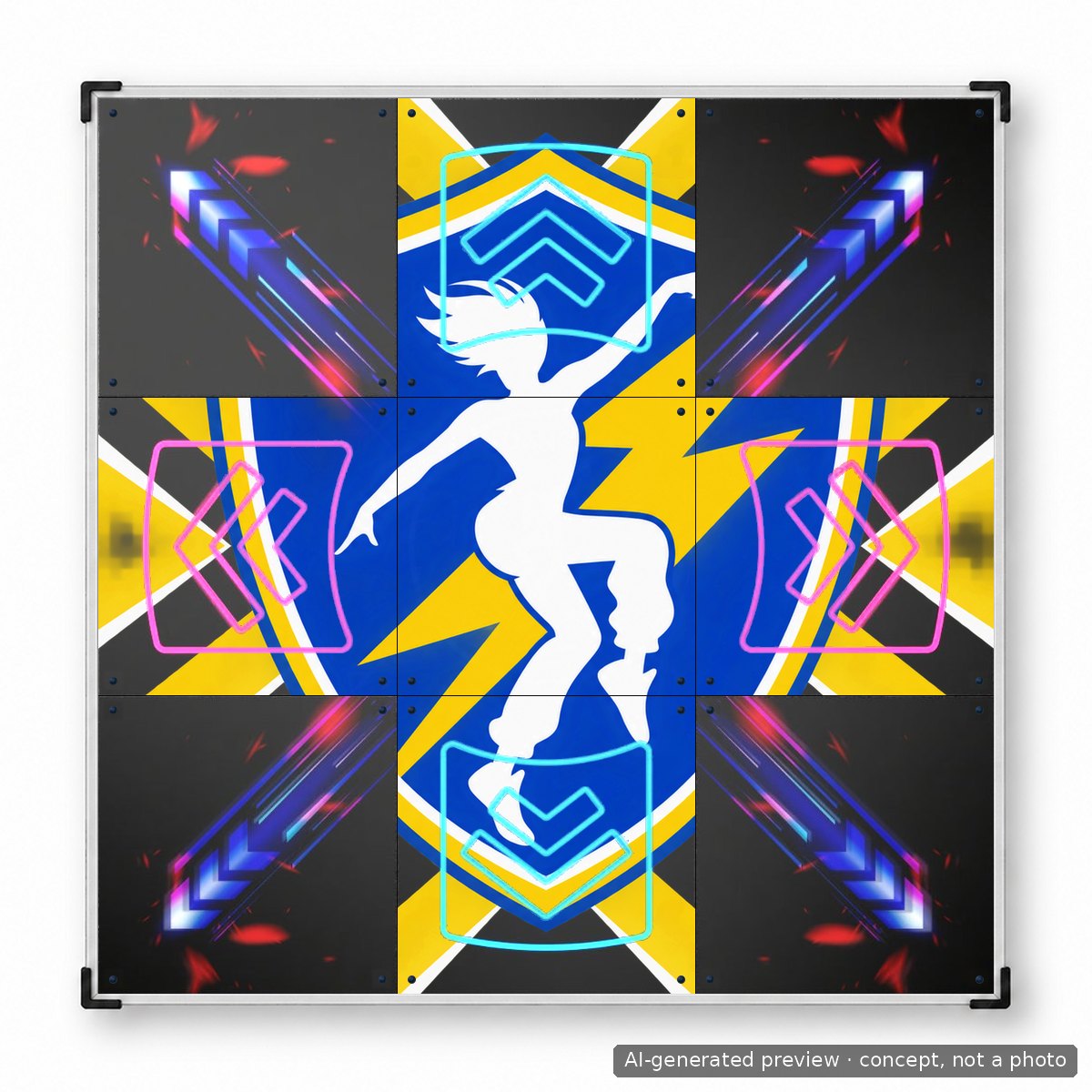
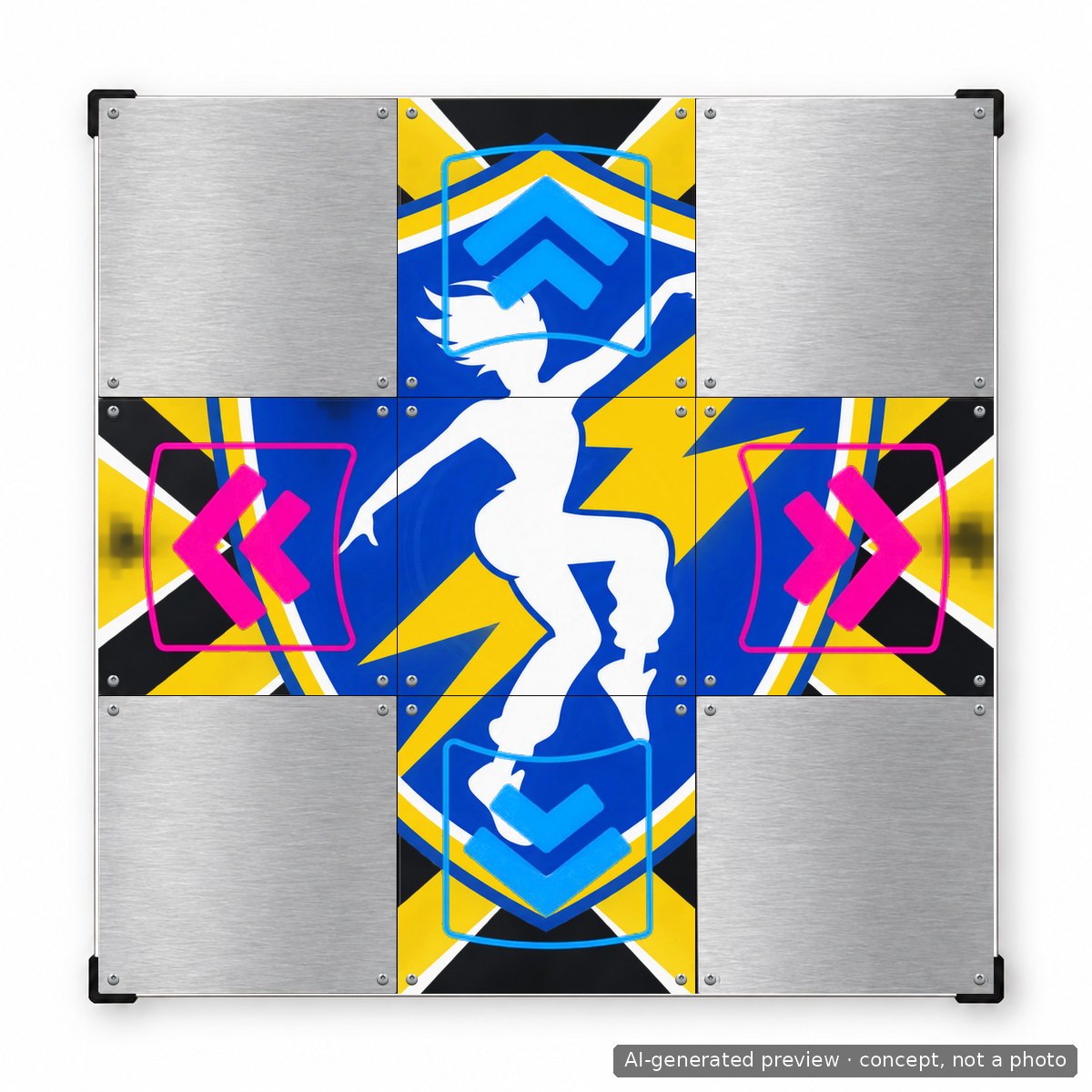
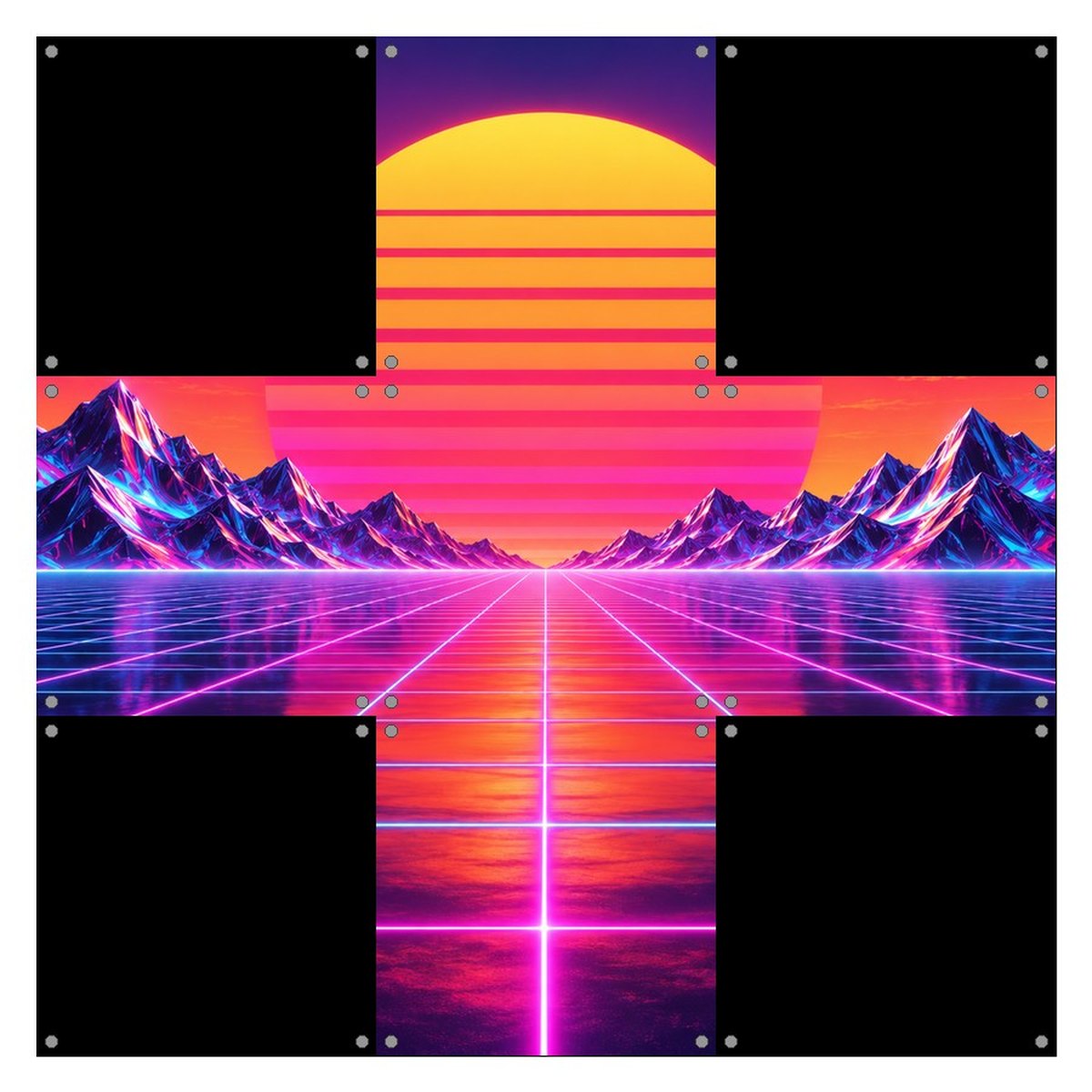
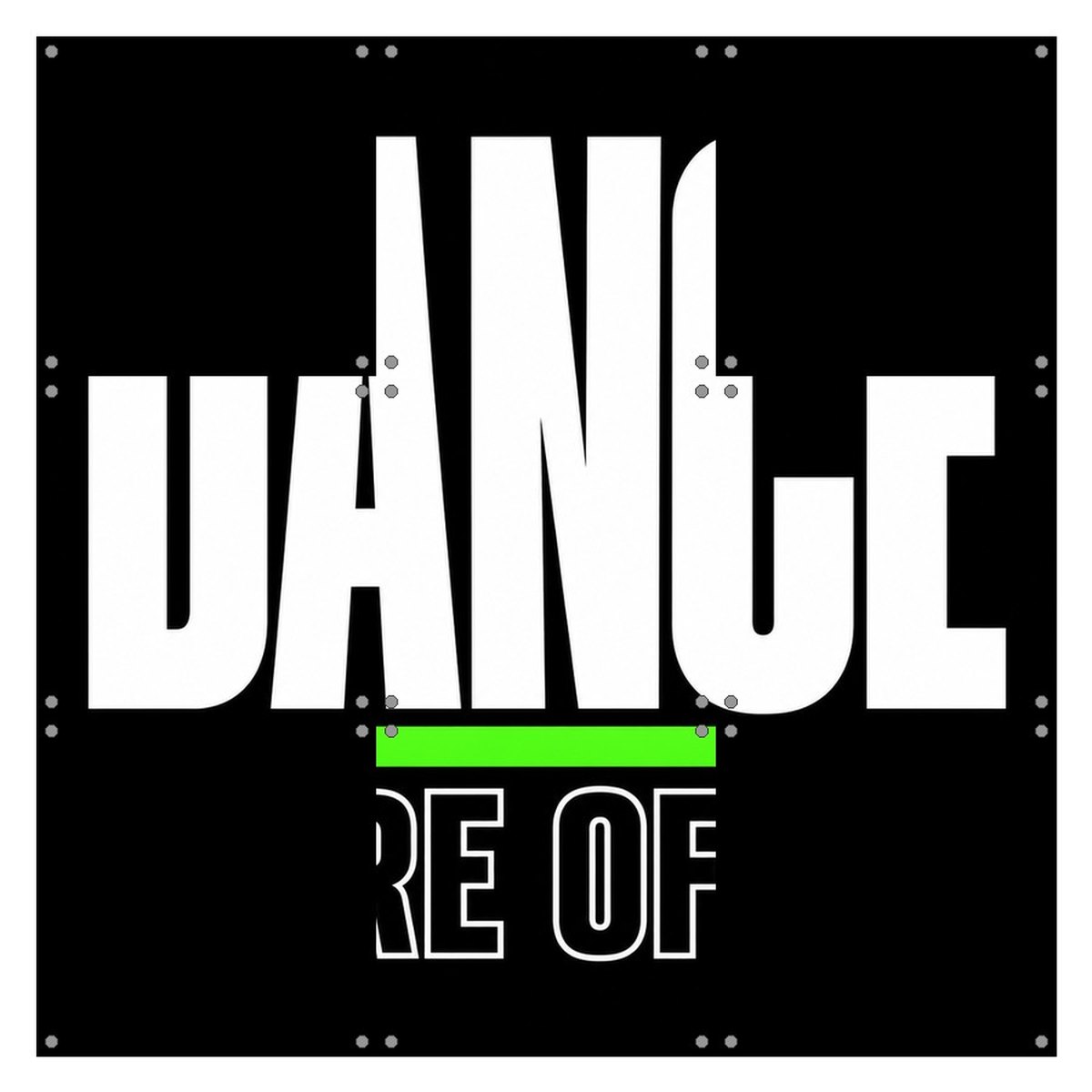
Five panels in a cross. One artwork spreads across the center and the up, down, left and right panels. The arrows are part of your file: draw them into the design where the templates show them, so the mat still reads at a glance while you play.
Works with: LTEK Prime, LTEK Core, LTEK PRO X, LTEK Metal Black and LTEK Metal White.
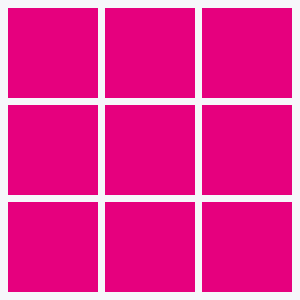
All nine panels
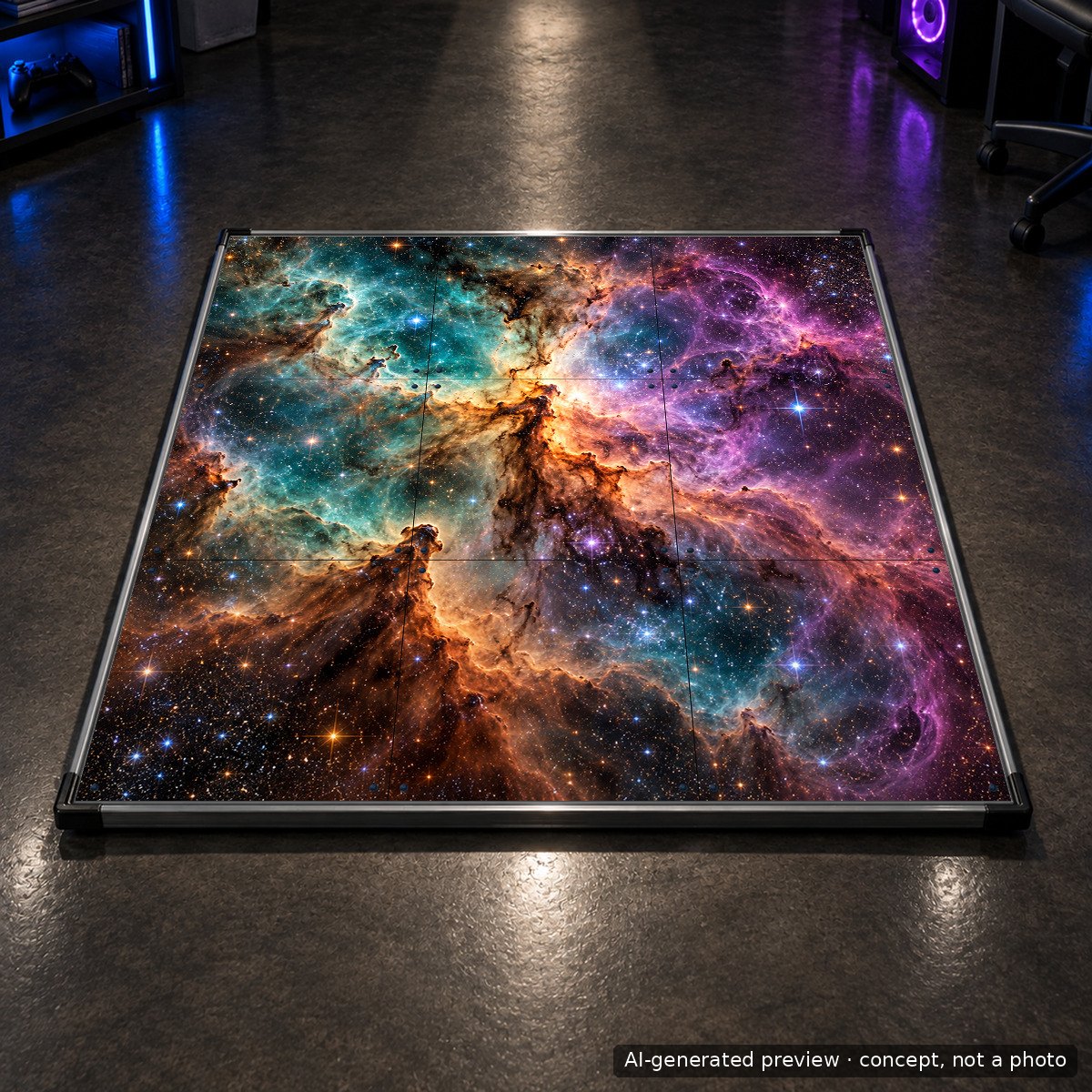
The whole surface, corners included. The mat becomes a single picture, arrows included, exactly as you draw them. This is how our Artist Edition was made.
Works with: LTEK PRO X only. The nine panel version cannot be combined with additional buttons.
The soft Next Level Gaming Mat is not part of this service. Its surface is a different material and is not printed panel by panel.
What kind of graphics print well
Anything that exists as an image file can go on a panel. Four sources cover almost every order we get.
- A photo. A pet, a family picture, a city at night, a concert. Phone photos are fine if they are sharp and not heavily compressed. Choose a picture with the subject near the middle, because the panel edges and the screws sit around the border.
- Your own graphic. A crew logo, a team crest, a drawing, a vector file from Illustrator, Affinity or Inkscape. Vector work is ideal because it scales to print size without losing sharpness.
- AI generated artwork. This is the newest option and the one that surprised us most. Image generators can now produce print grade illustrations in a minute, in any style you describe. The prompts below are tested and ready to paste.
- Text and typography. A name, a gamertag, a slogan, a date. Big letters look good on a mat because you see them from standing height. Keep the message short.
Technical checklist before you upload
- Size and resolution. Our print files are prepared for the whole mat surface, 850 by 850 mm, at a minimum of 400 dpi. That is about 13,400 pixels per side for a full mat design and about 4,500 pixels per side for a single panel. Send the biggest file you have; we never scale a small file up ourselves.
- What this means for a phone photo. A 12 megapixel photo is roughly 4,000 by 3,000 pixels. Cropped square it fills one panel at close to full quality. It is not enough for five or nine panels; for those use a camera file, a vector design or an AI image that has been upscaled, as described below.
- Format. PNG or TIFF for photos and raster art, PDF or SVG for vector work. JPG is fine if it was saved at maximum quality. RGB color is fine.
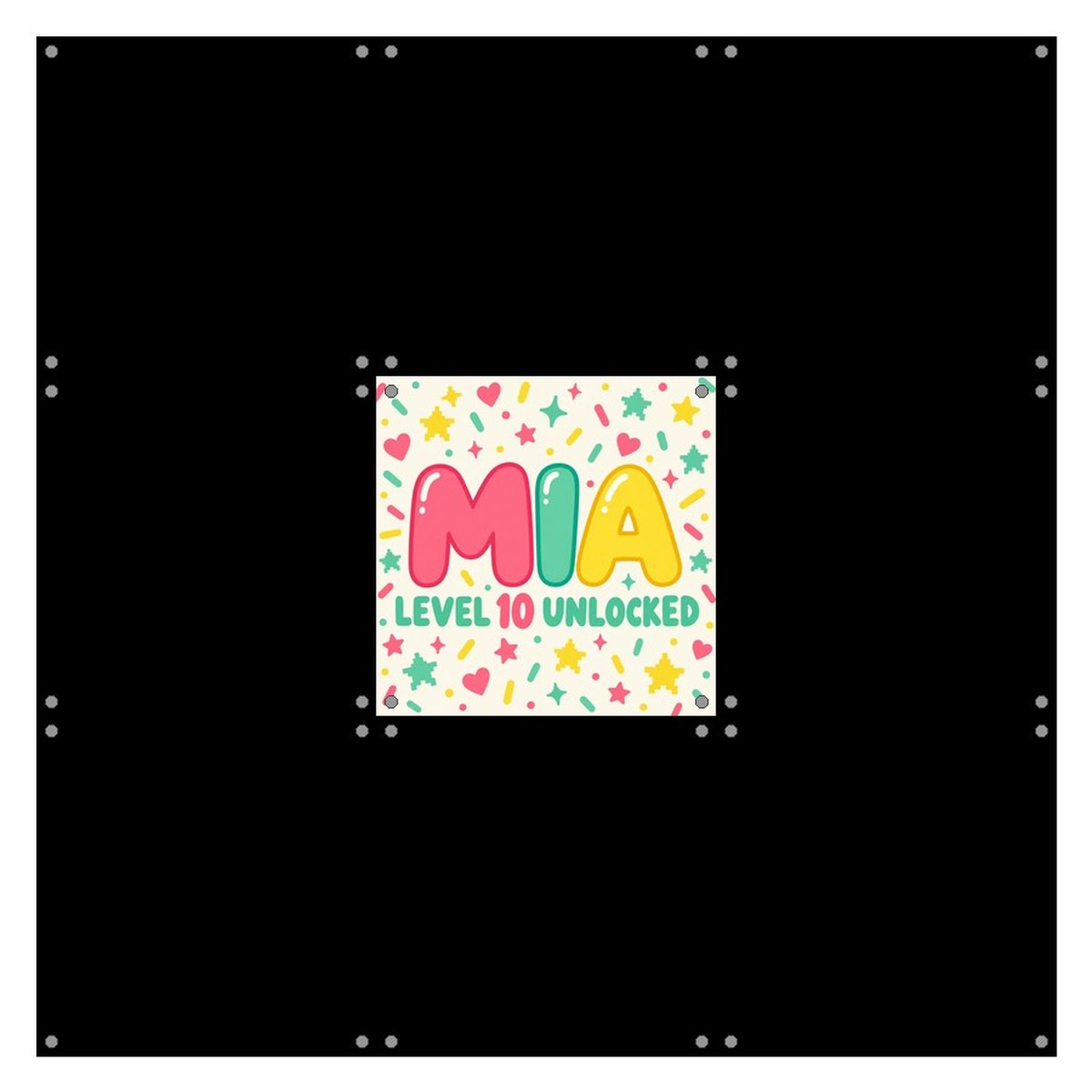
- Margins. Keep important details away from the corners of each panel: that is where the four fixing screws go through the print. The editor shows them as small dots, and the gallery below shows them on every example. On the four direction panels, place your arrow shapes where the template marks them.
- Arrows. Draw the arrows yourself, as part of the artwork. The templates below show where each arrow sits and how big it is. We print your file exactly as you send it, so if the arrows are missing, the mat will have none.
- Rights. Print only artwork you own or are allowed to use. Fan art of a franchise you do not hold rights to is your responsibility, not ours.
Making artwork with an AI image generator
You do not need design skills to get a great panel. Describe what you want, check the result on screen, download the file. Here is one base prompt that works across generators, followed by notes for the most popular tools.
The base prompt
No image generator outputs 13,400 pixels natively. Most give you 1,024 to 2,048 pixels, a few go to 4,096. The trick is to ask for a design that survives enlargement, then upscale it. Bold shapes, flat colors, clean edges and no fine grain enlarge beautifully. Photographic noise, tiny lettering and hairline details do not.
Create a square image at the highest resolution you can output, designed to be printed large on a dance mat panel (28 by 28 cm at 400 dpi). Subject: [describe your idea here]. Style: [flat illustration / poster art / pixel art / watercolor]. Bold shapes, high contrast, clean sharp edges, no fine grain or noise, no small text, edge to edge composition with the main subject centered, no watermark, no frame, no mockup.
Replace the two bracketed parts. For the five panel and nine panel versions add: “The image will be cut into a 3 by 3 grid covering 85 by 85 cm, so keep the center area calm and spread the detail toward the edges.”
Then upscale
Take the best result and enlarge it 4 to 8 times before uploading. Aim for at least 4,500 pixels per side for one panel and at least 13,000 for a full mat design. Freepik, Midjourney and Leonardo have upscalers built in. Free desktop tools such as Upscayl do the same job offline, and Topaz Gigapixel is the paid standard. Look at the upscaled file at 100 percent zoom: if the edges are clean and there are no smeared areas, it is ready.
Tool by tool
ChatGPT (GPT Image)
Paste the base prompt into a chat and ask for the image. If you want a photo of your own dog turned into a painting, attach the photo and add “keep the likeness, change the style to [style]”. Download the PNG from the chat.
Gemini (Nano Banana and Imagen)
Gemini is strong at editing an existing picture. Upload a photo and write “turn this into a bold poster style illustration suitable for printing on a dance mat panel, square, edge to edge”. Ask for the highest resolution download.
Claude
Claude does not generate pictures, but it is the best place to write and refine your prompt. Tell it what the mat is for, who dances on it and what mood you want, and ask it for three prompt variants to paste into an image tool. It will also tell you if your idea will get lost under the arrows.
Grok (Aurora)
Fast and generous with vivid, saturated results, which print well on a dark mat. Use the base prompt and add “vivid colors, clean edges”. Save the full size image, not the preview.
Freepik (Mystic, Pikaso)
Good when you want a specific art style and a large export. Pick the square format, paste the prompt, then use the upscale option before downloading. Freepik goes well past the 4,500 pixels a single panel needs.
Midjourney
Add --ar 1:1 to the prompt and upscale the version you like. Midjourney tends to add ornament at the edges; keep the “main subject centered” part of the prompt.
Ideogram and Adobe Firefly
Both handle lettering better than most. If your panel is a name or a slogan, write the exact words in quotes inside the prompt and check the spelling in the result before you upload.
Canva
Not an AI generator first, but the easiest place to combine a photo, a logo and text on a 2048 by 2048 canvas and export a PNG. Canva also has its own AI image tool built in.
How the designs look on a real mat
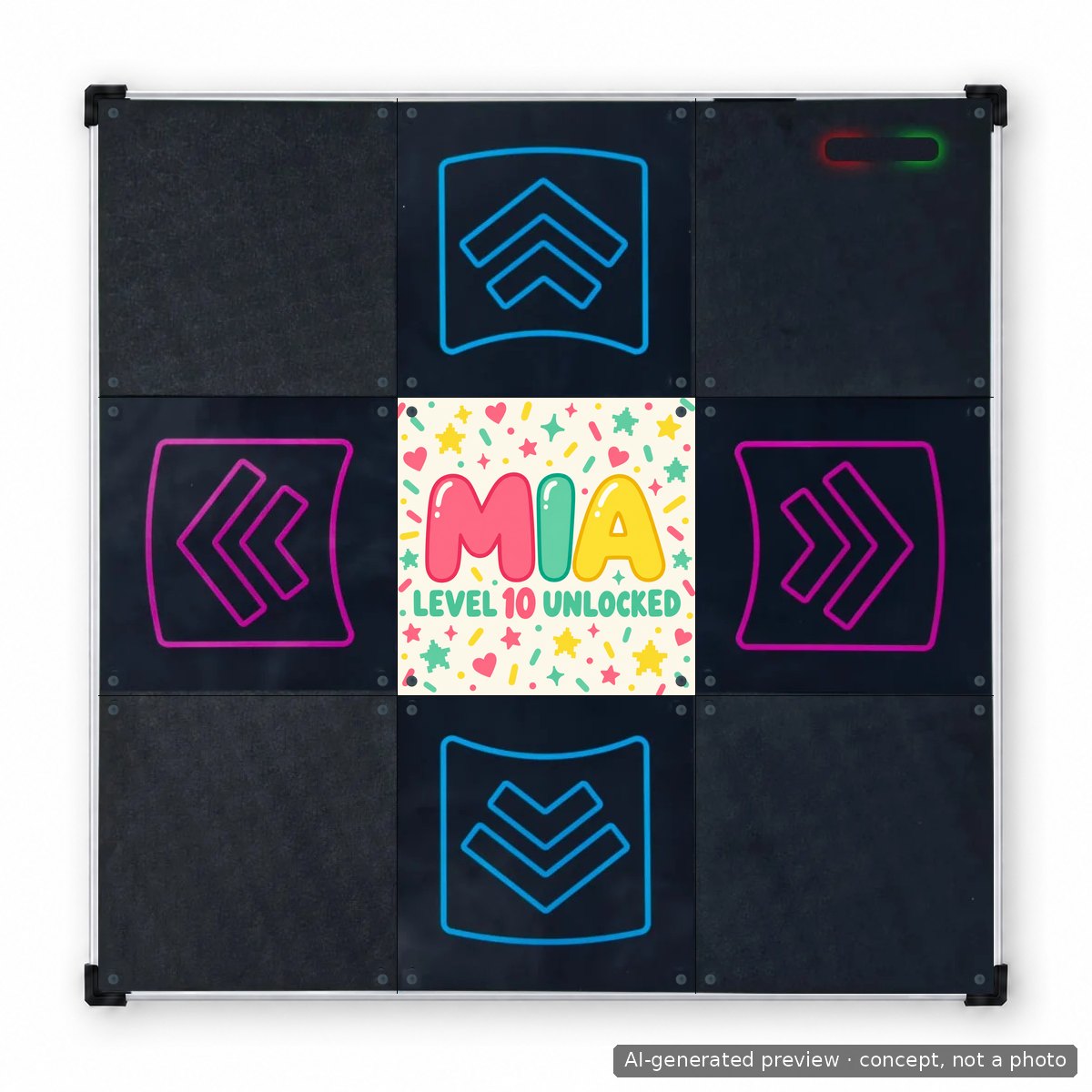
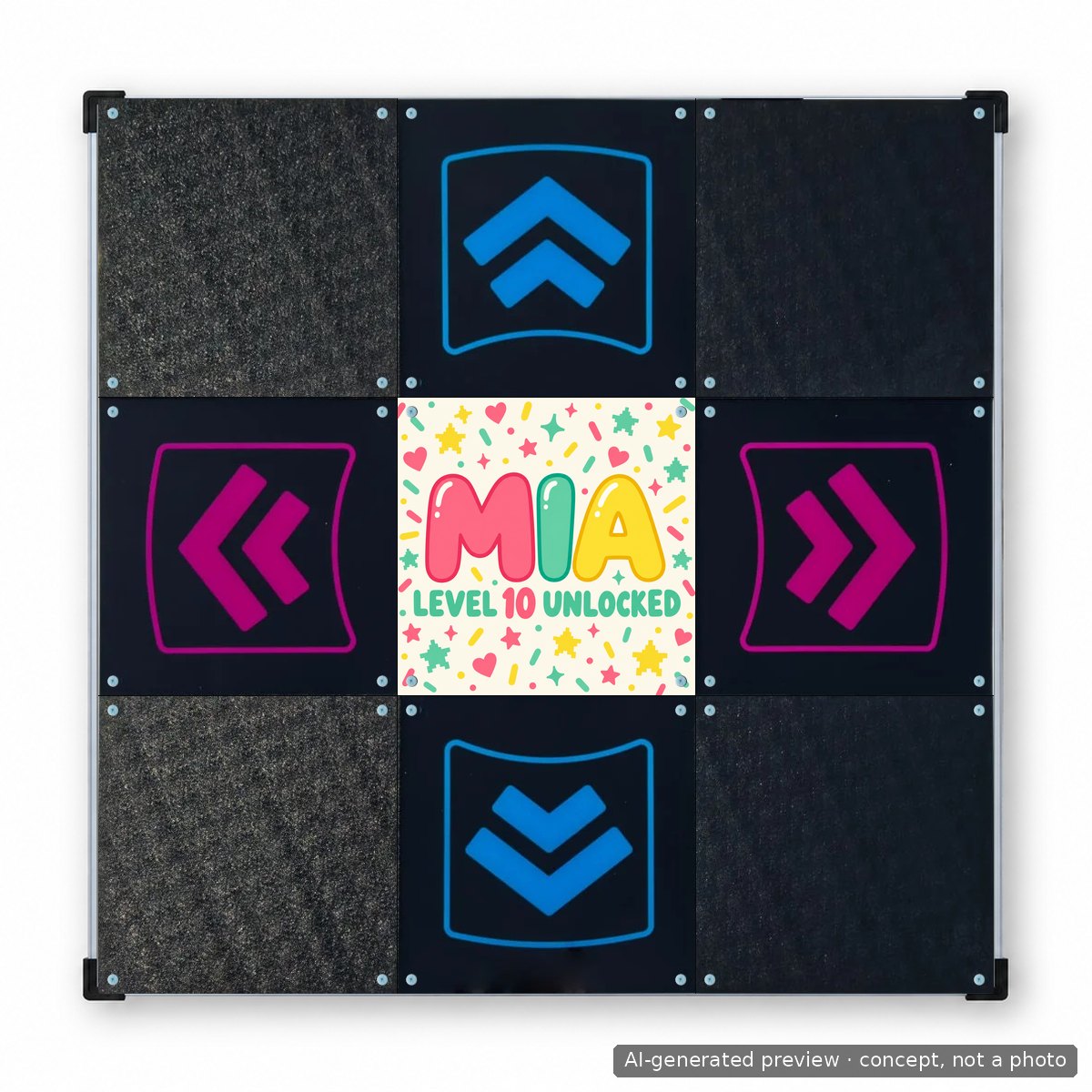
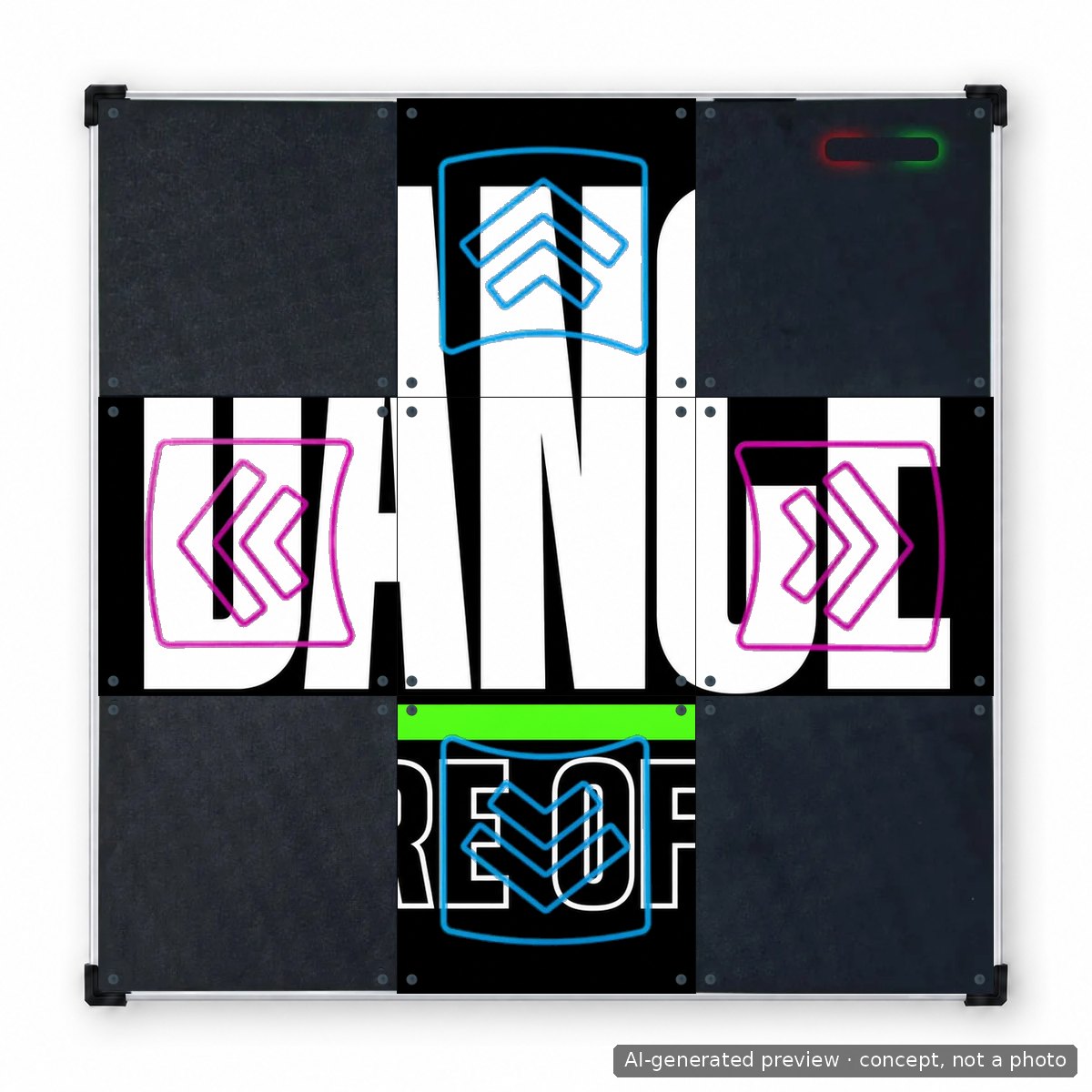
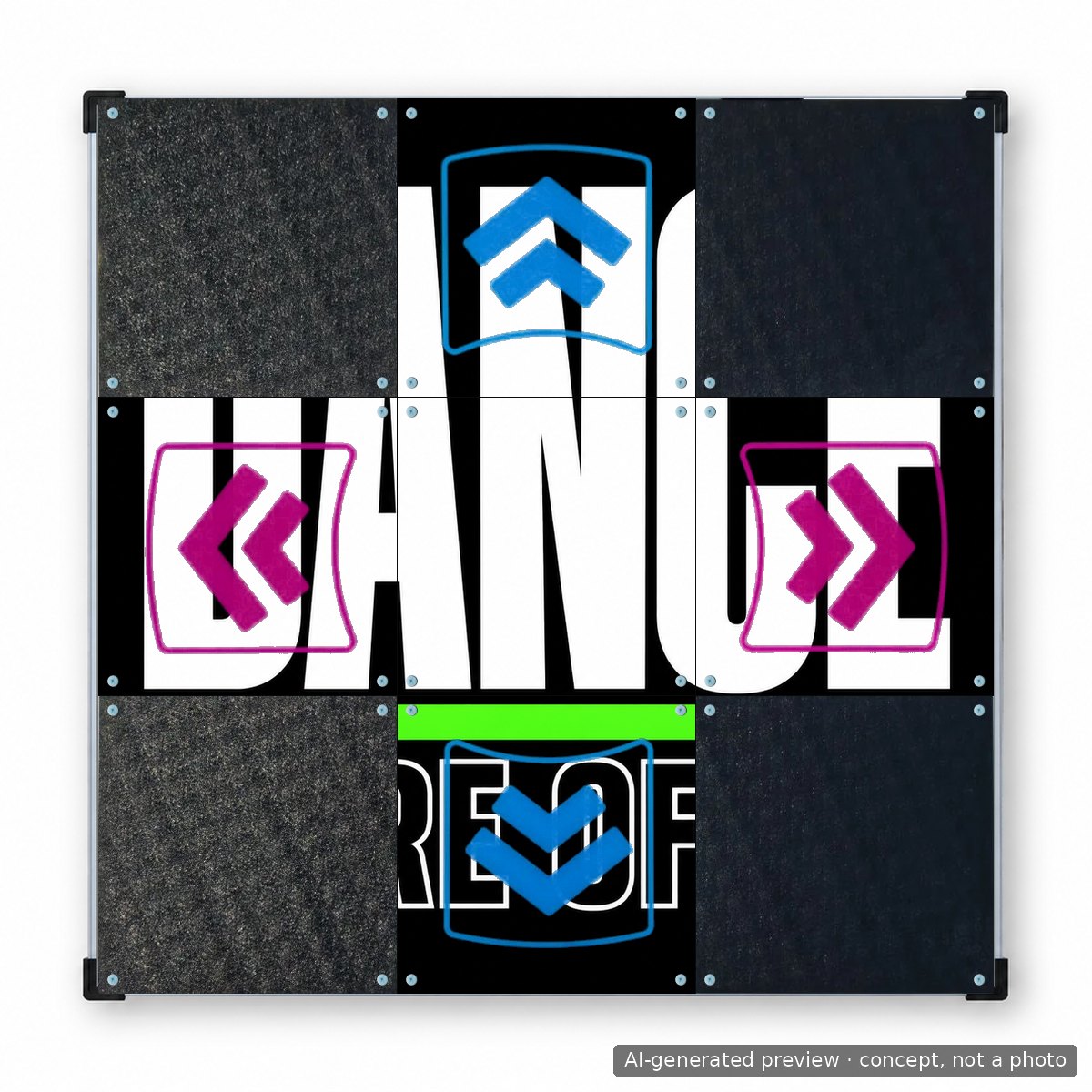
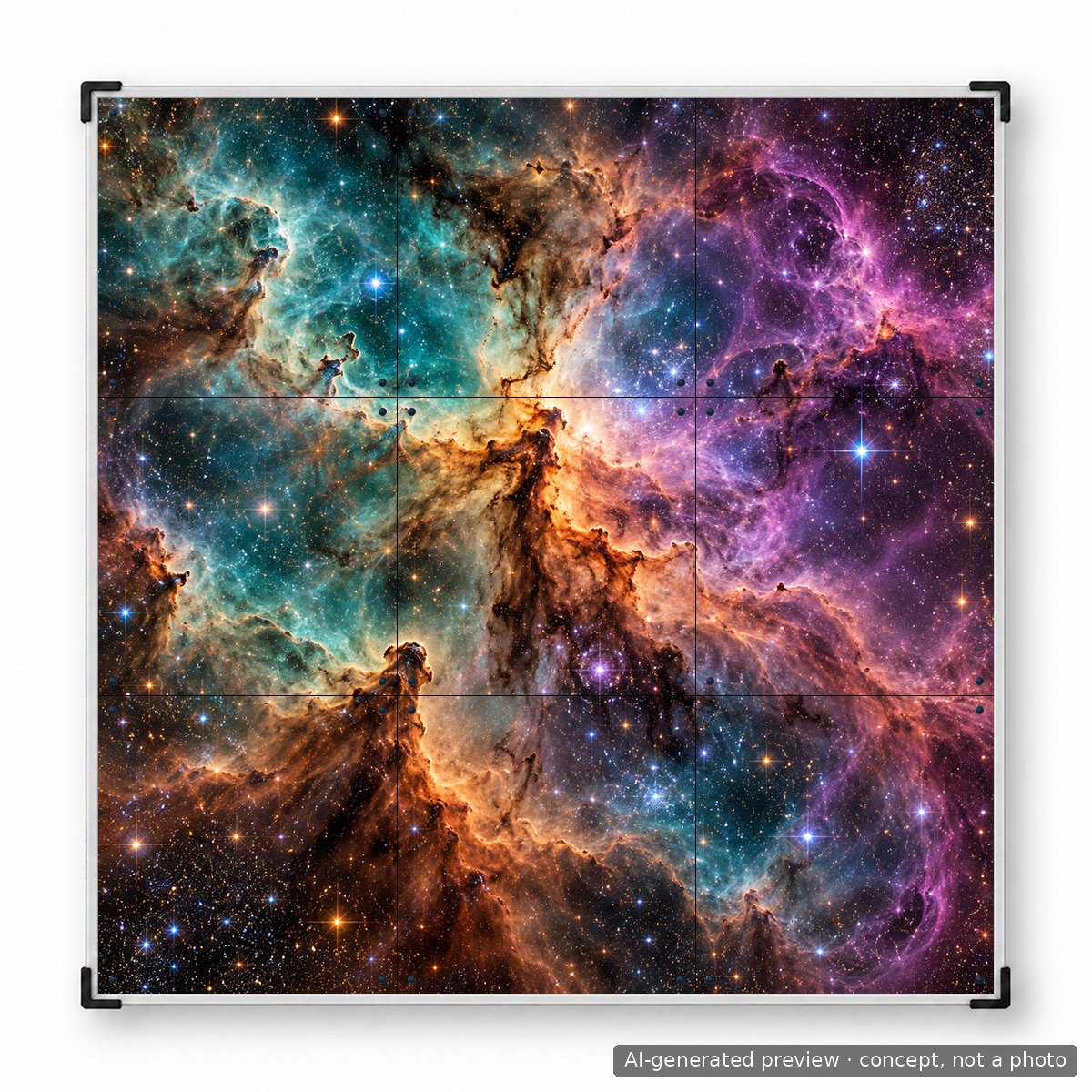
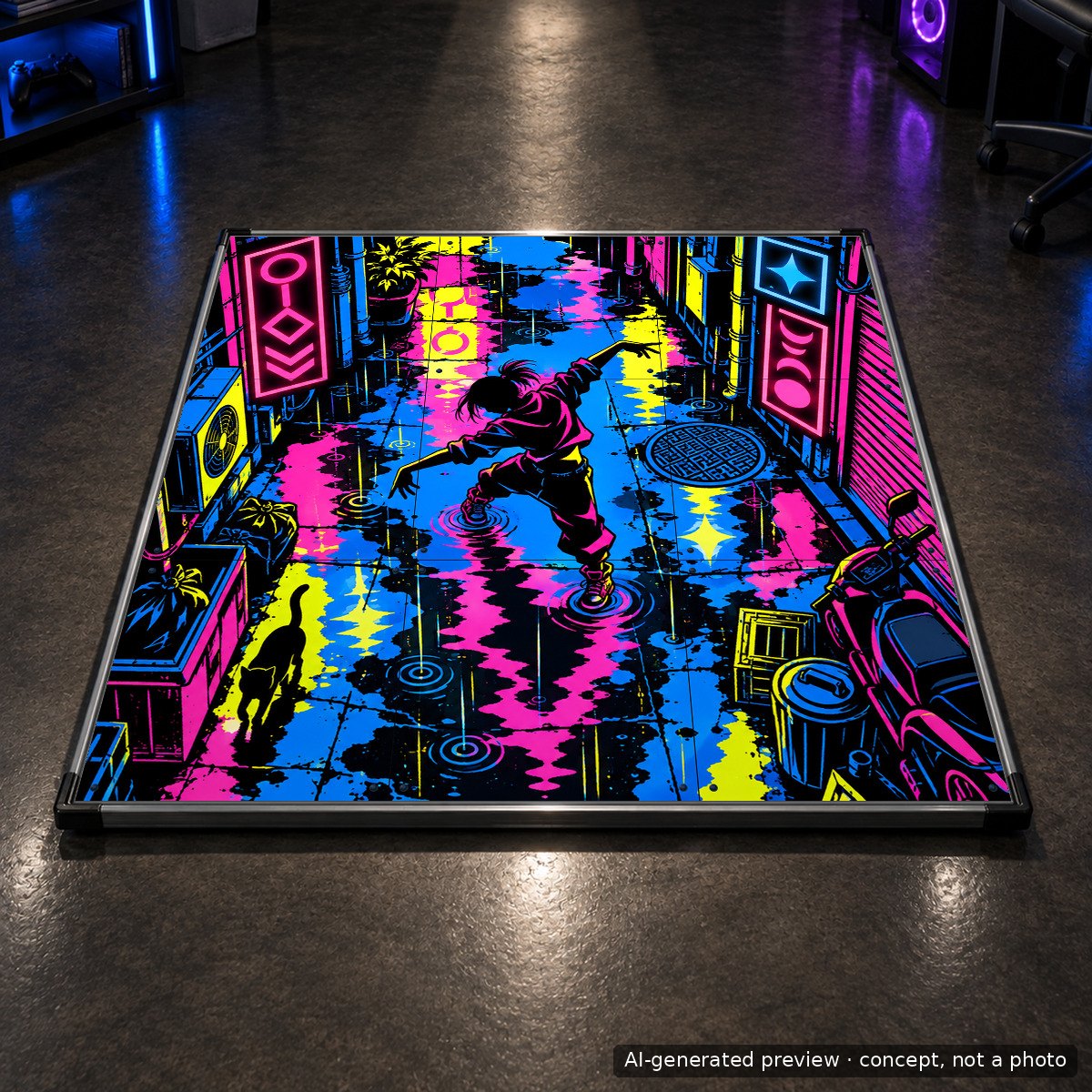
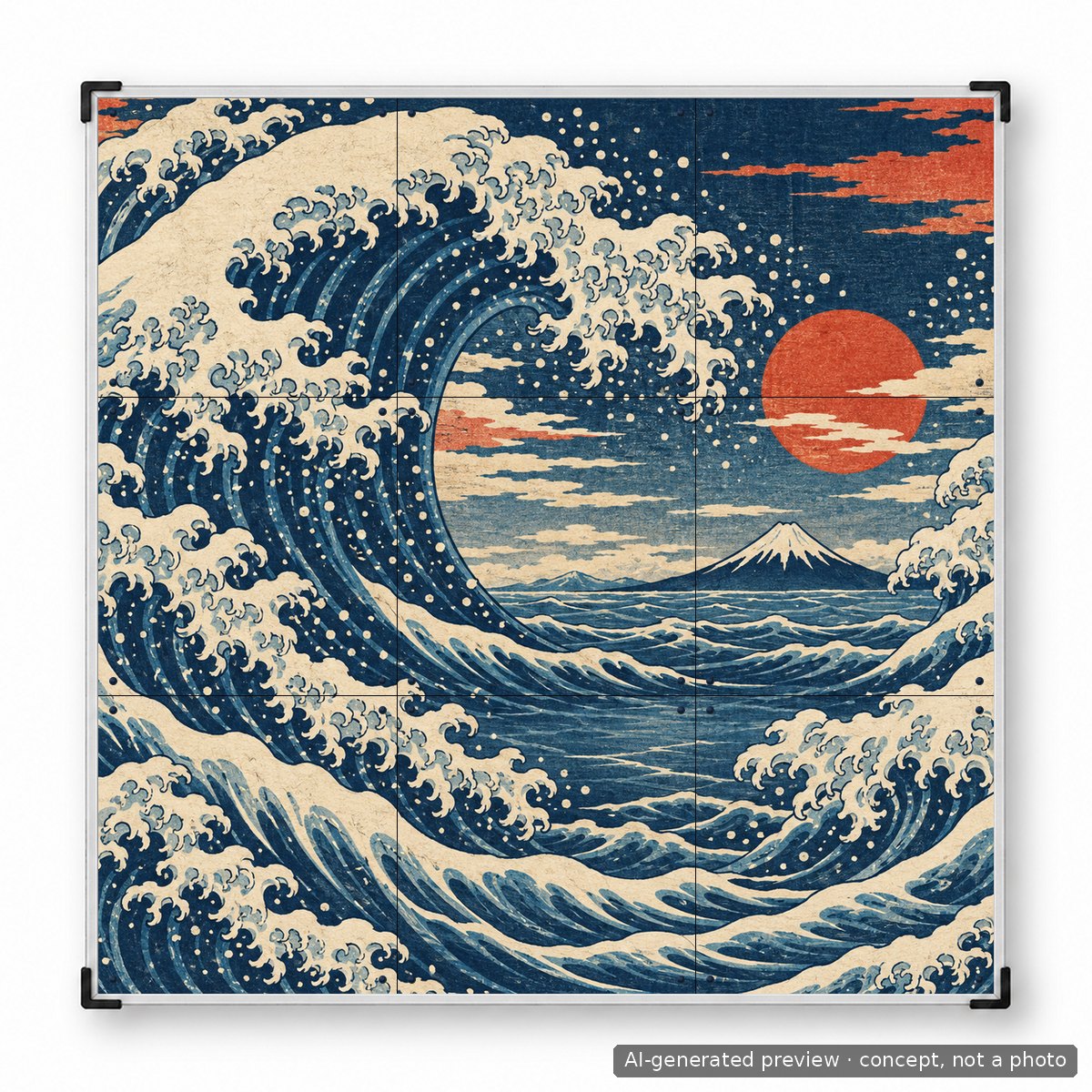
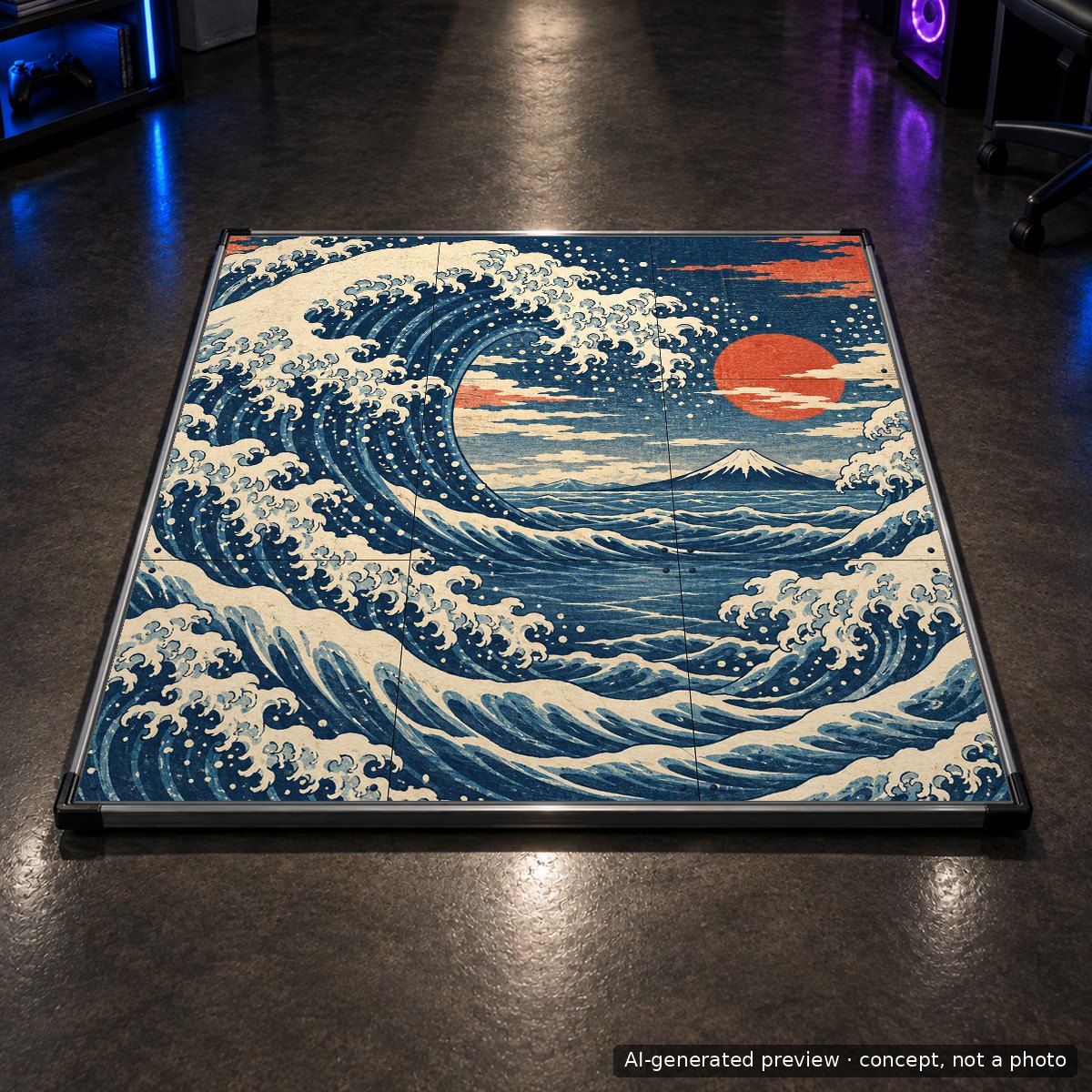
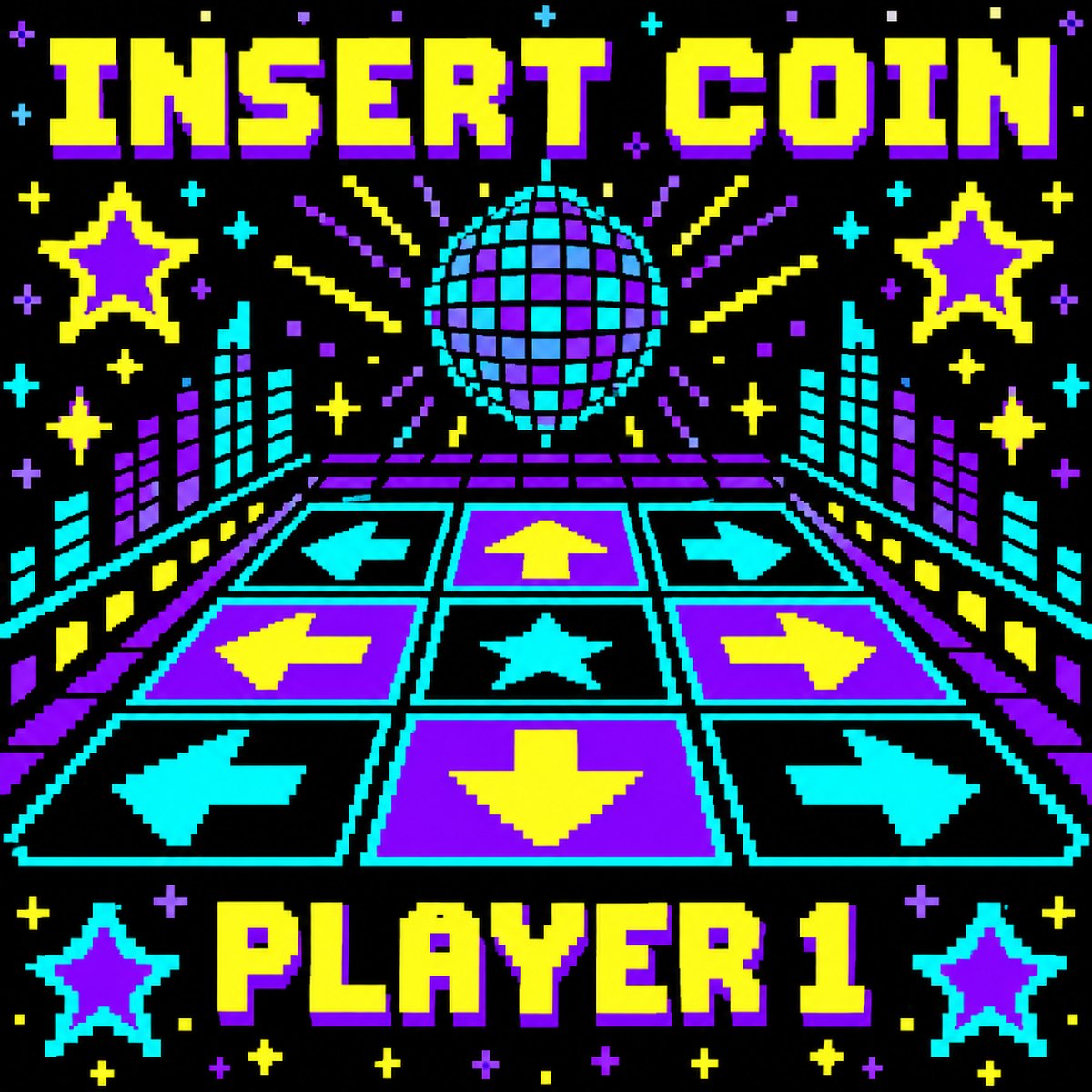
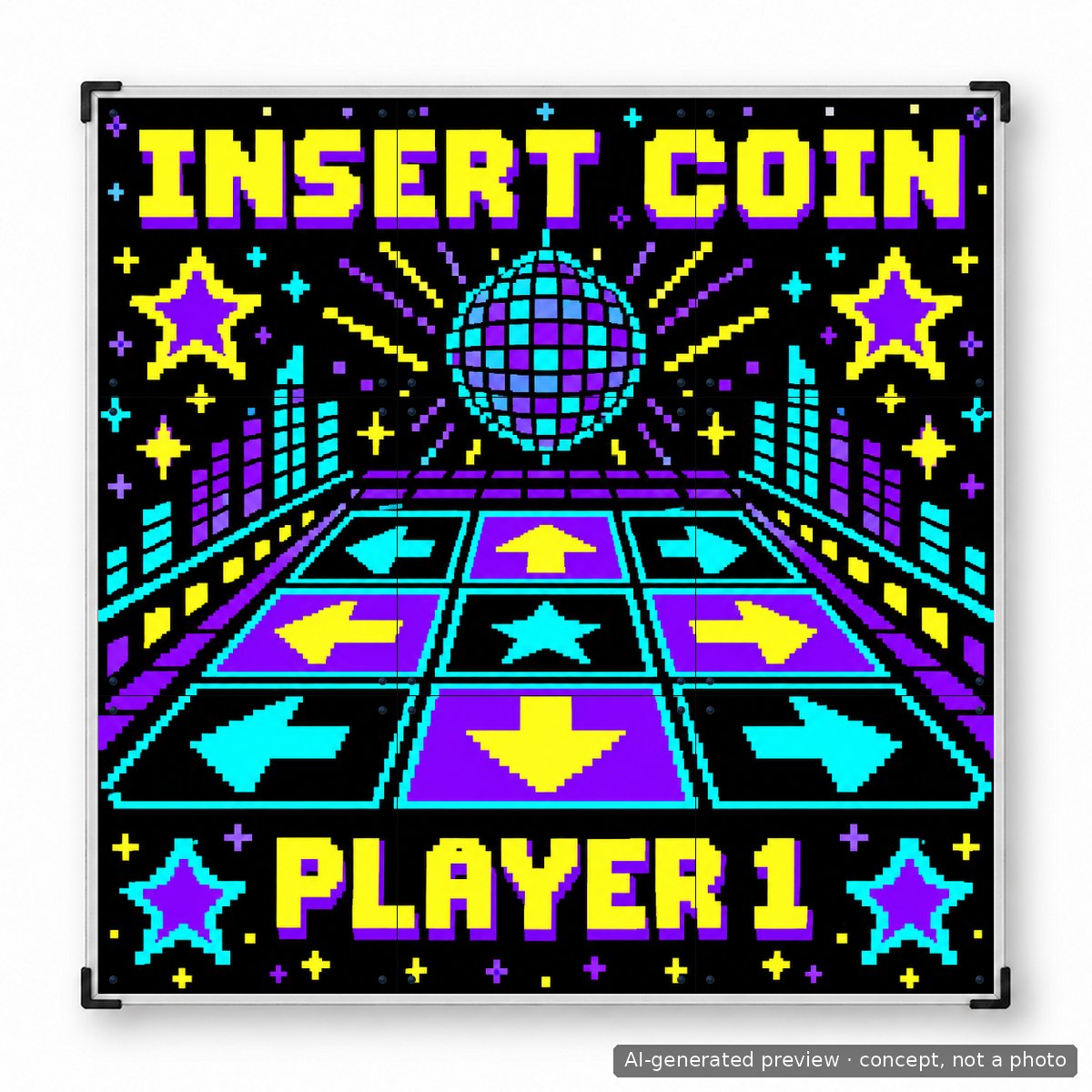
Every example below was made with the prompts from this article and placed on the mat exactly as we would print it. Pick a panel option to see how it changes the mat, and switch between the flat artwork and the mat view.
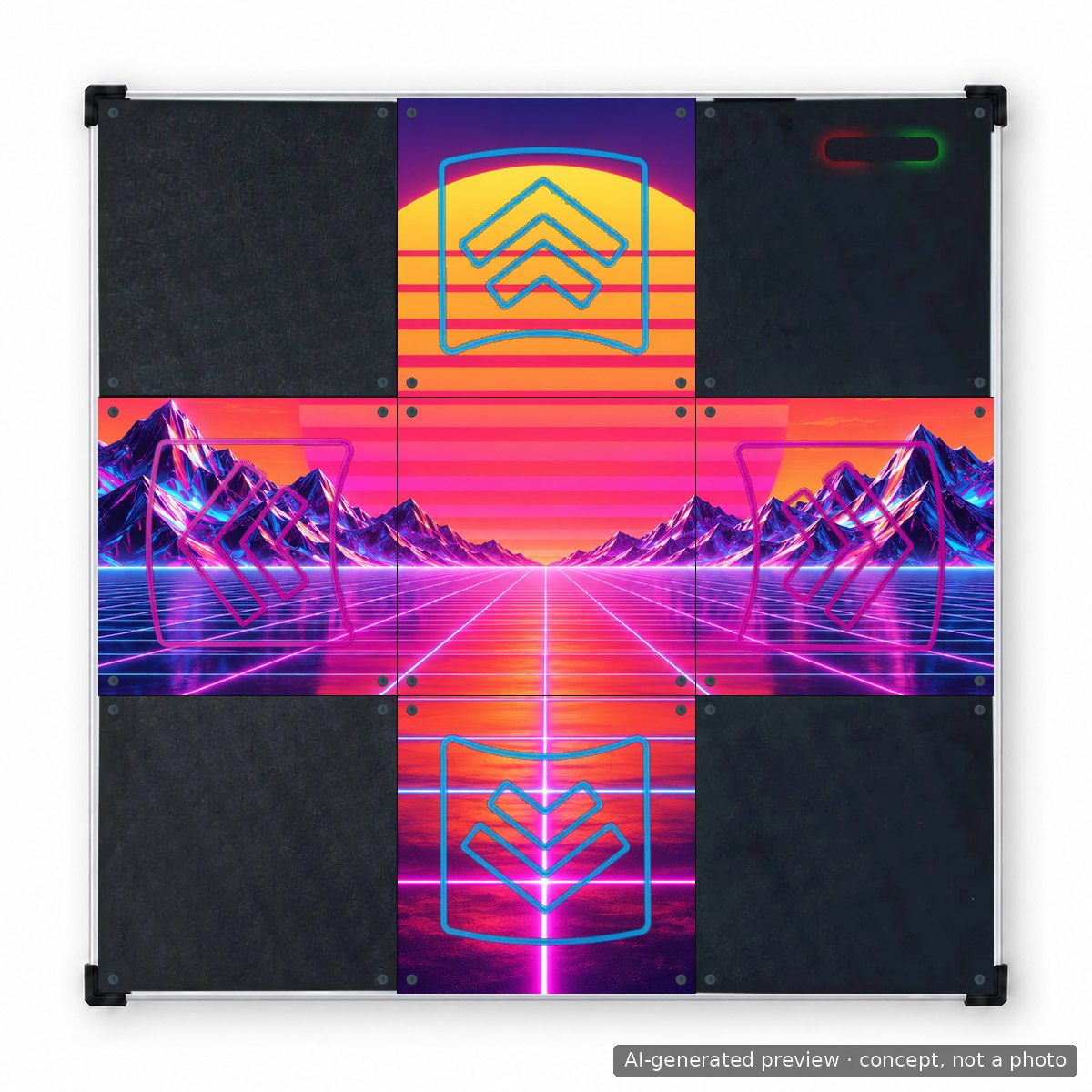
All mat visualisations in this guide are AI-generated previews that show how a design can look, not photographs of finished products.
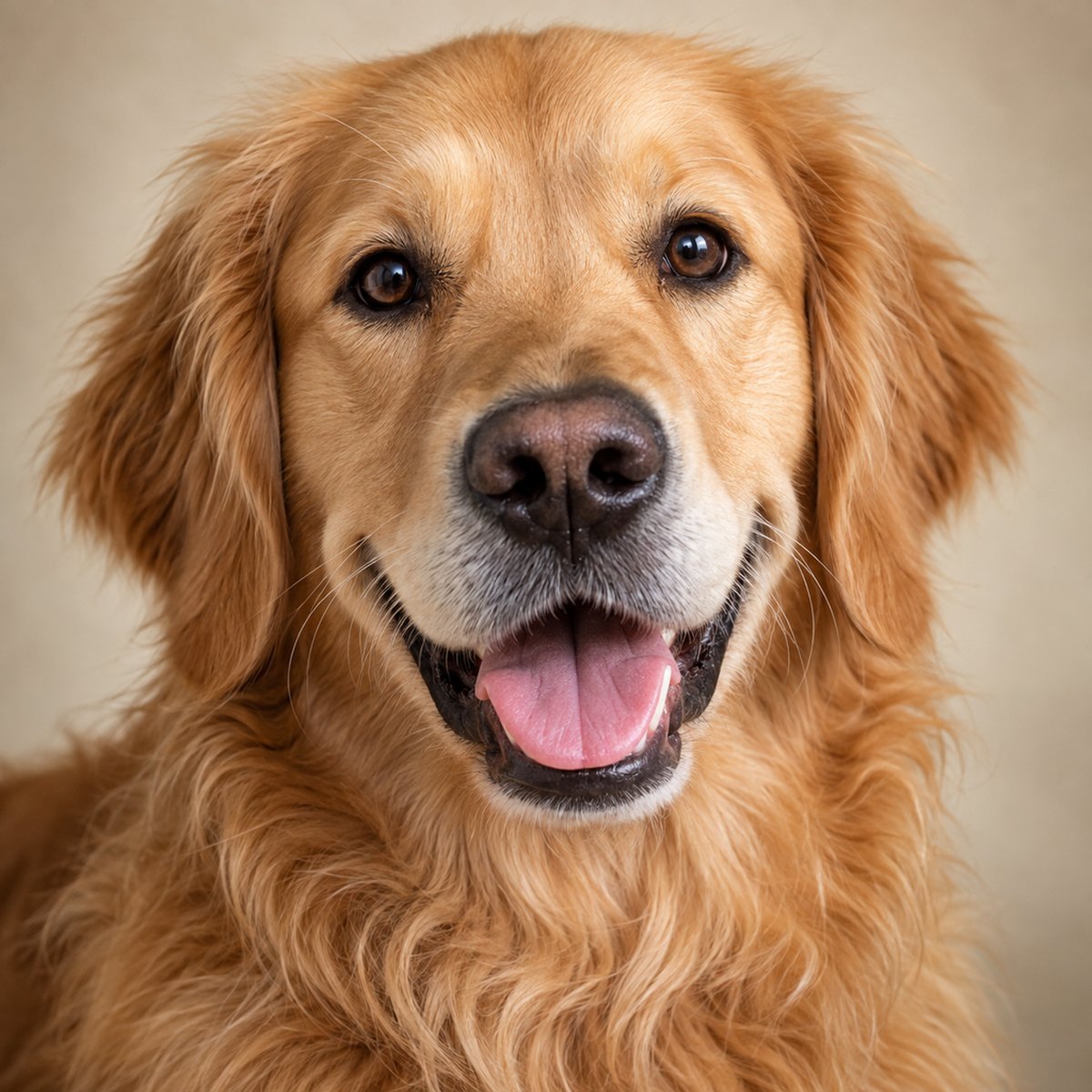
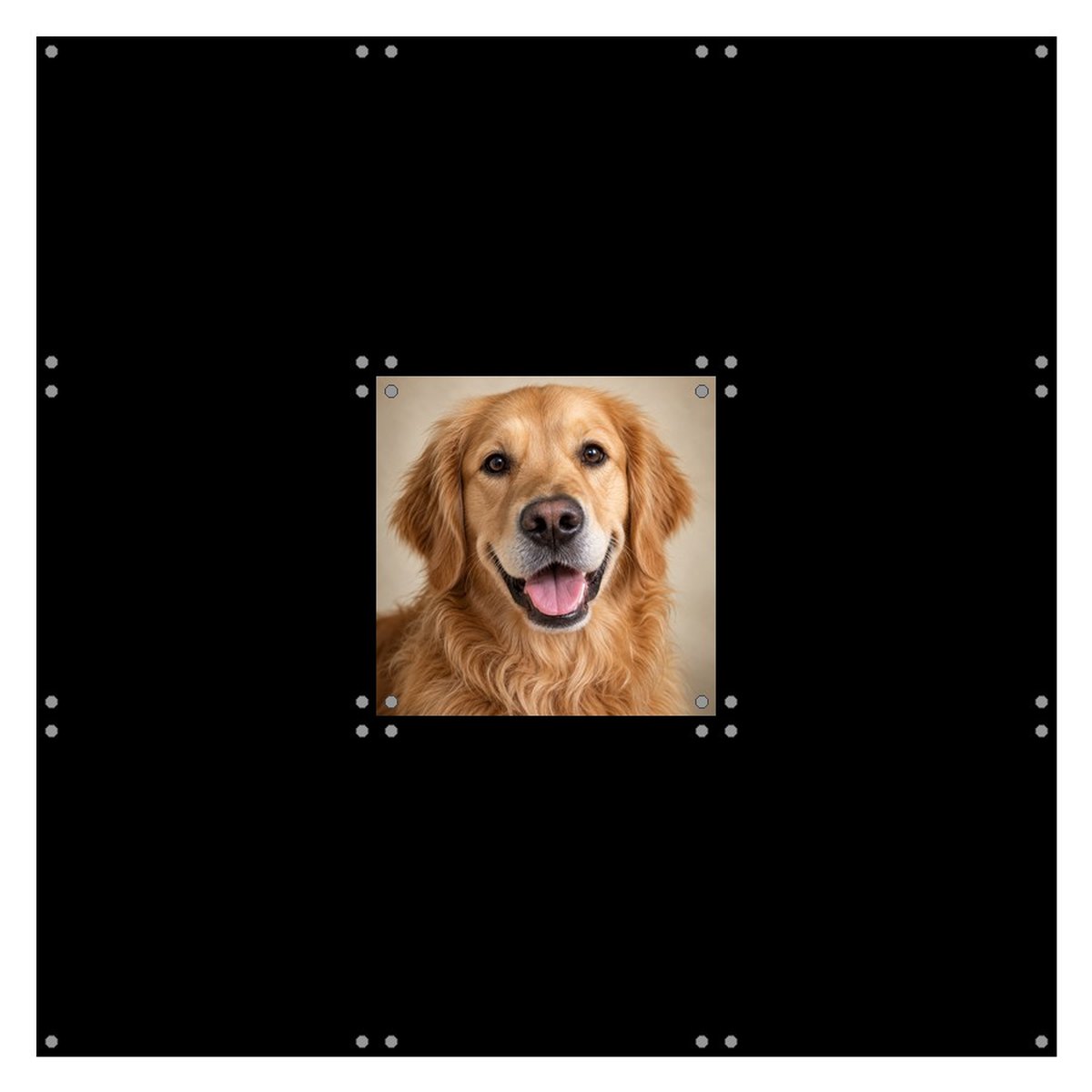
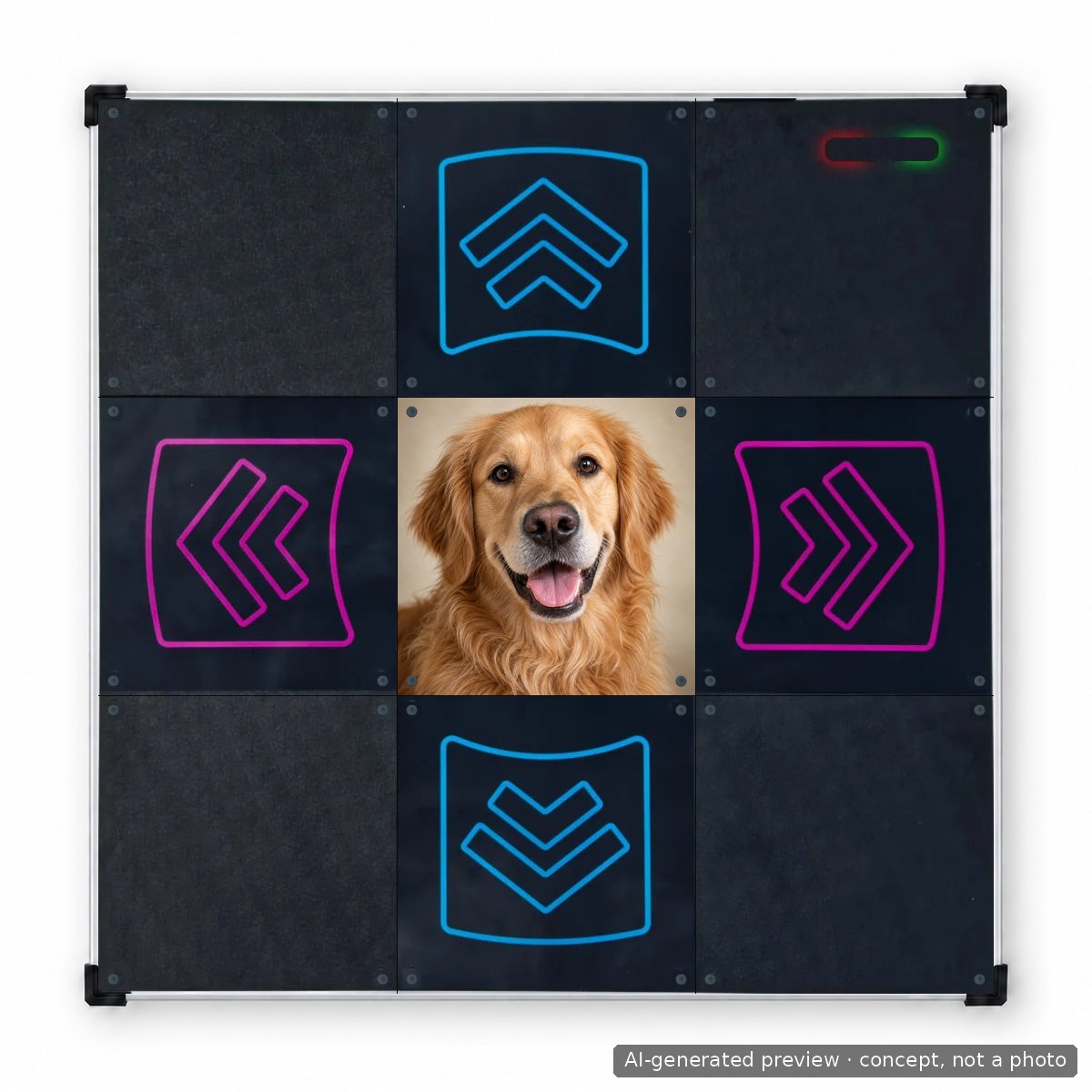
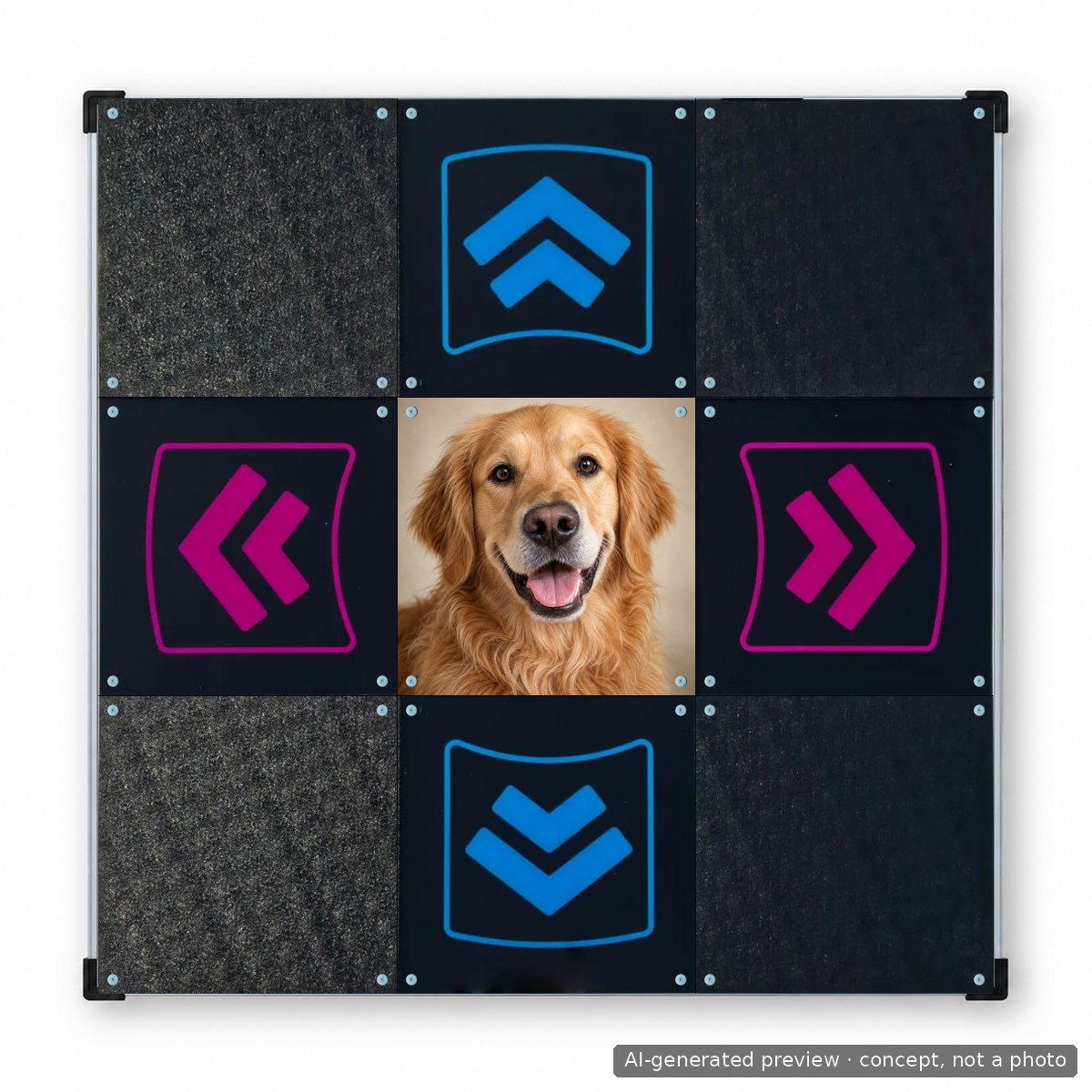
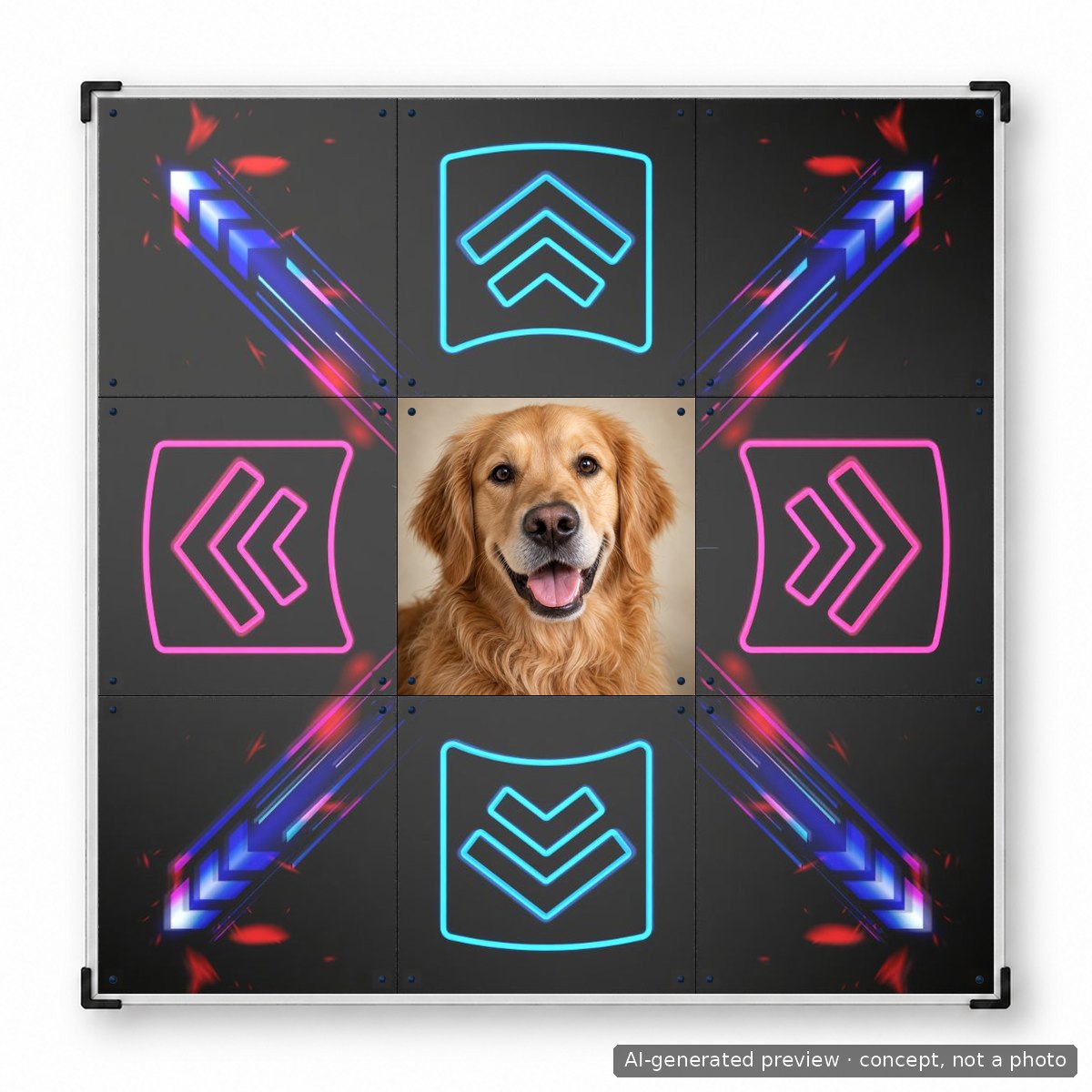
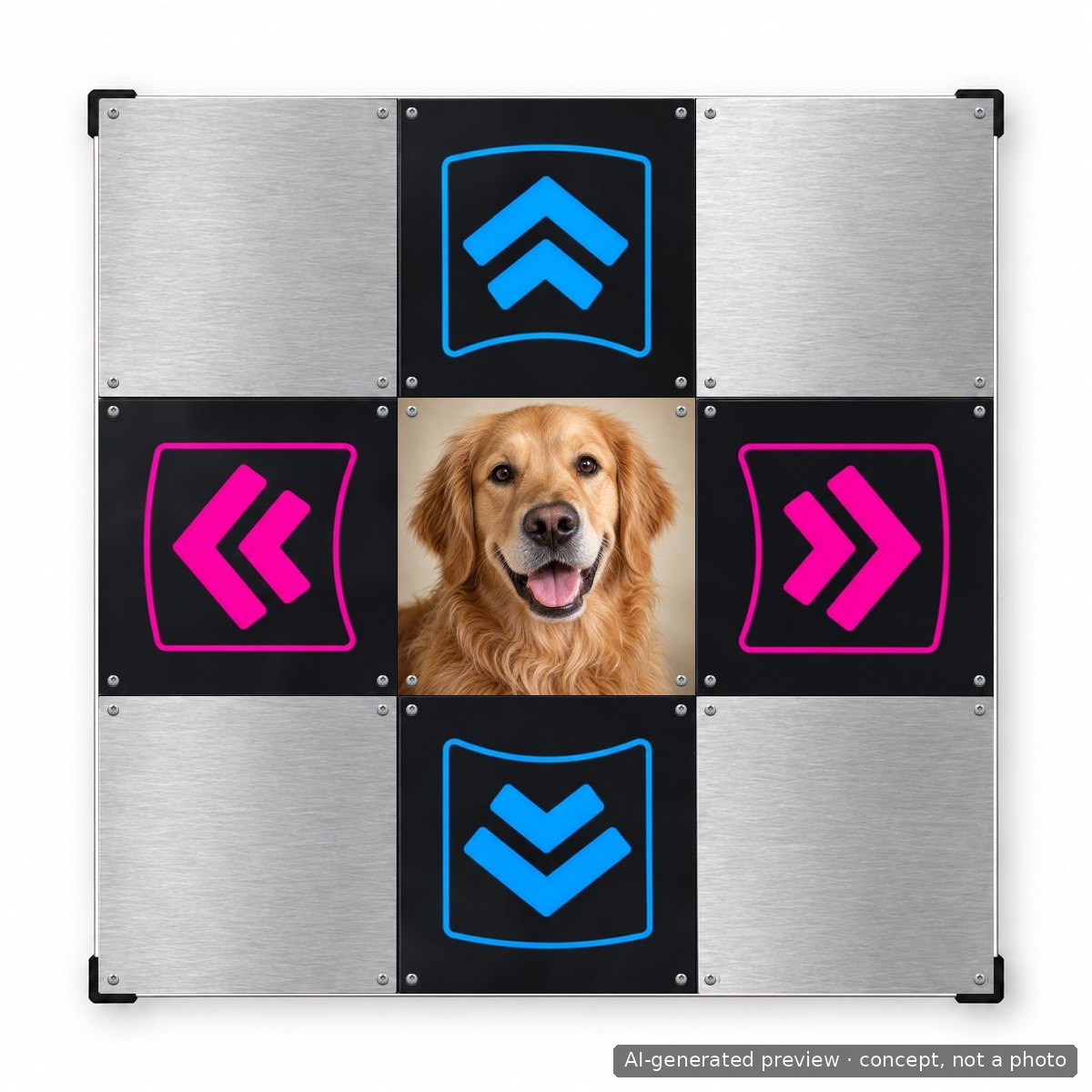
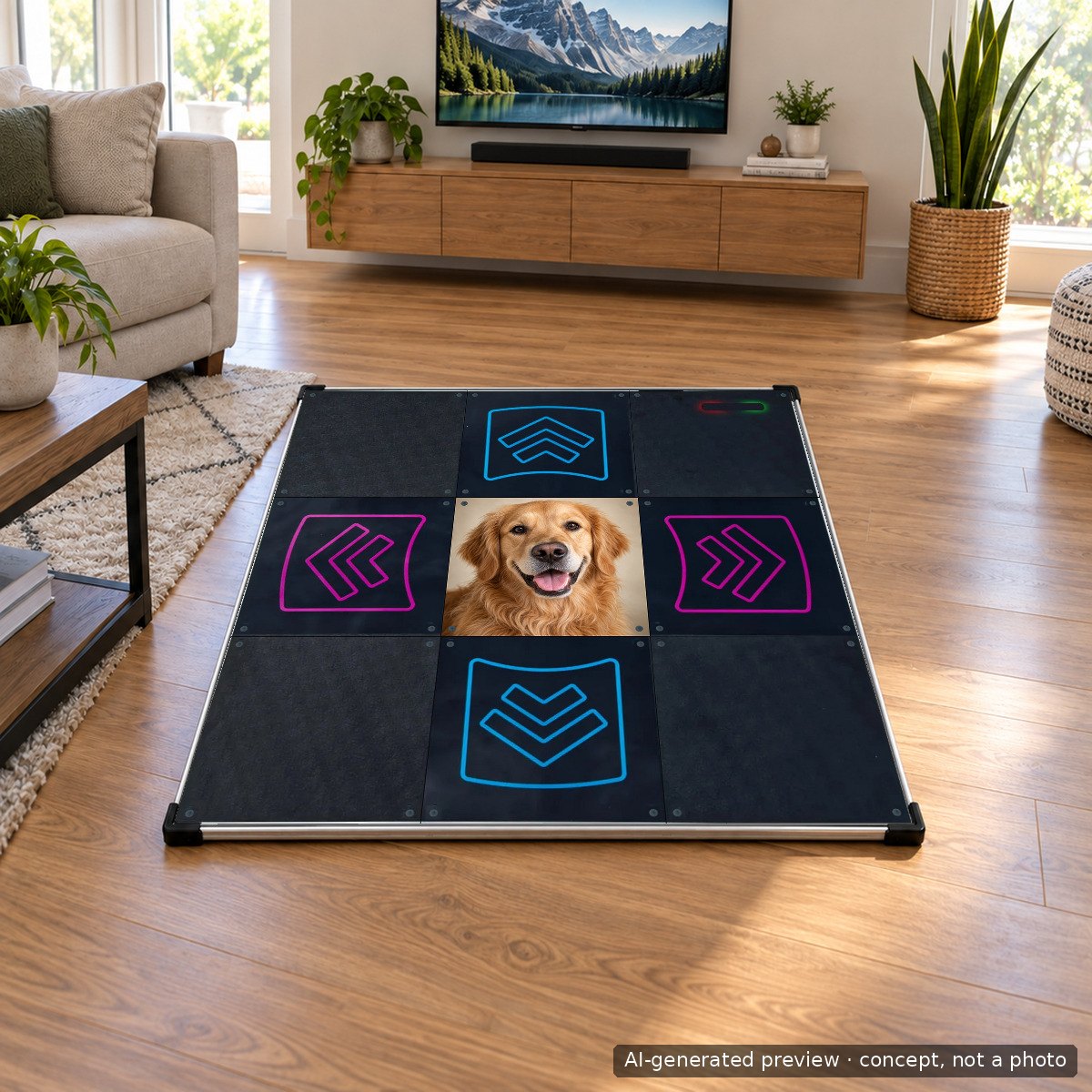
Prompt used
photorealistic close-up portrait photo of a happy golden retriever looking at the camera, soft studio light, warm neutral background, square crop, the kind of pet photo a customer would take with a phone; clean, sharp, print quality, no text
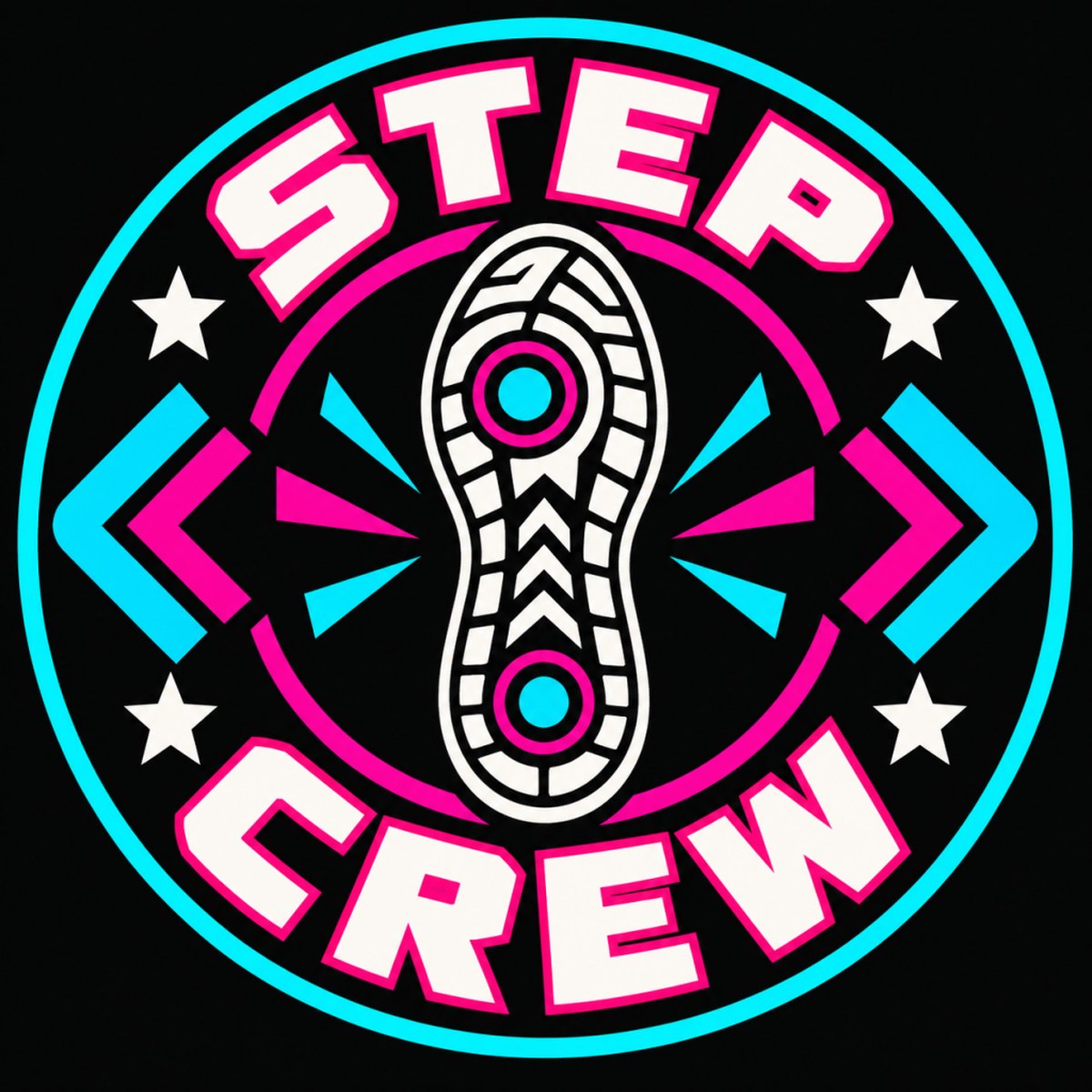
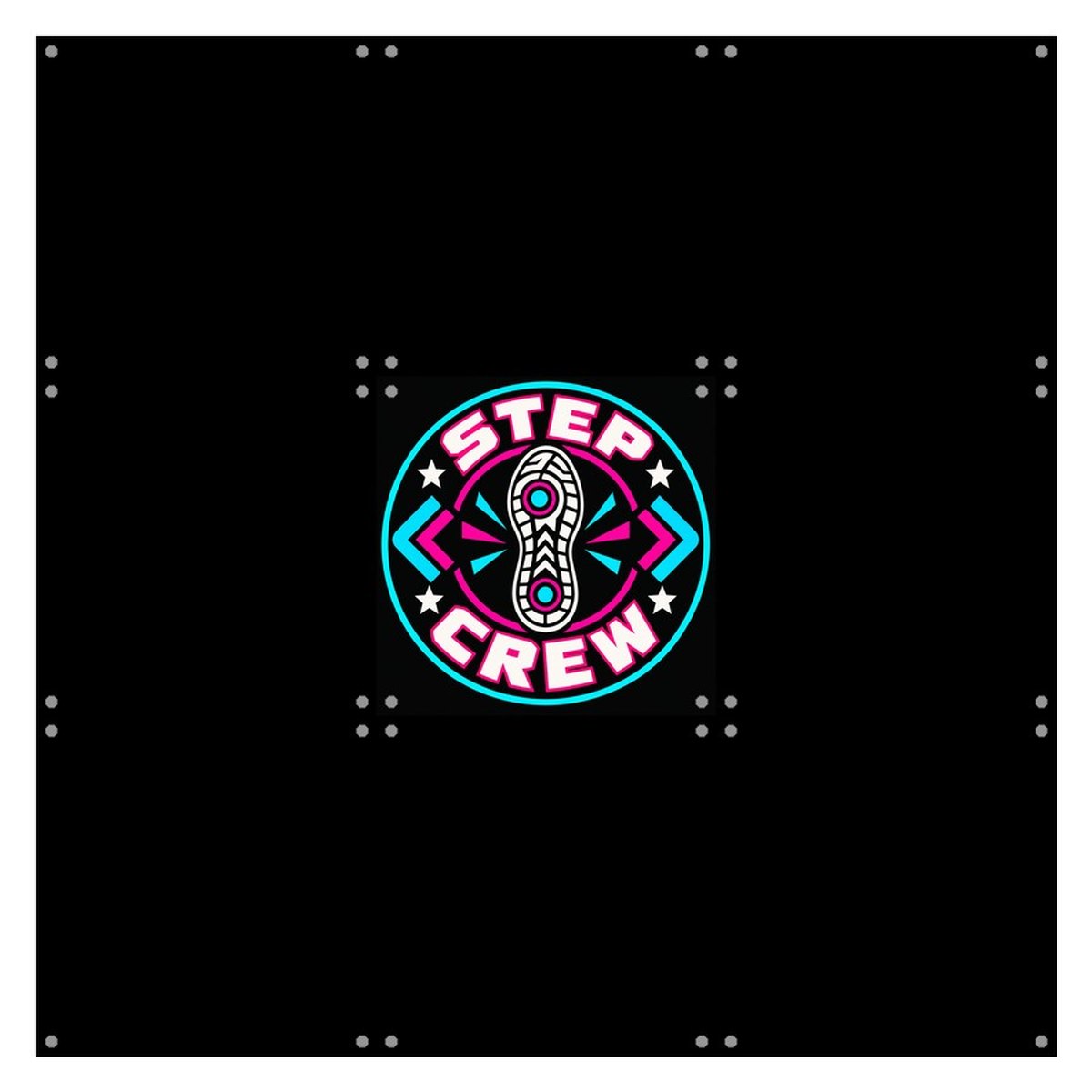
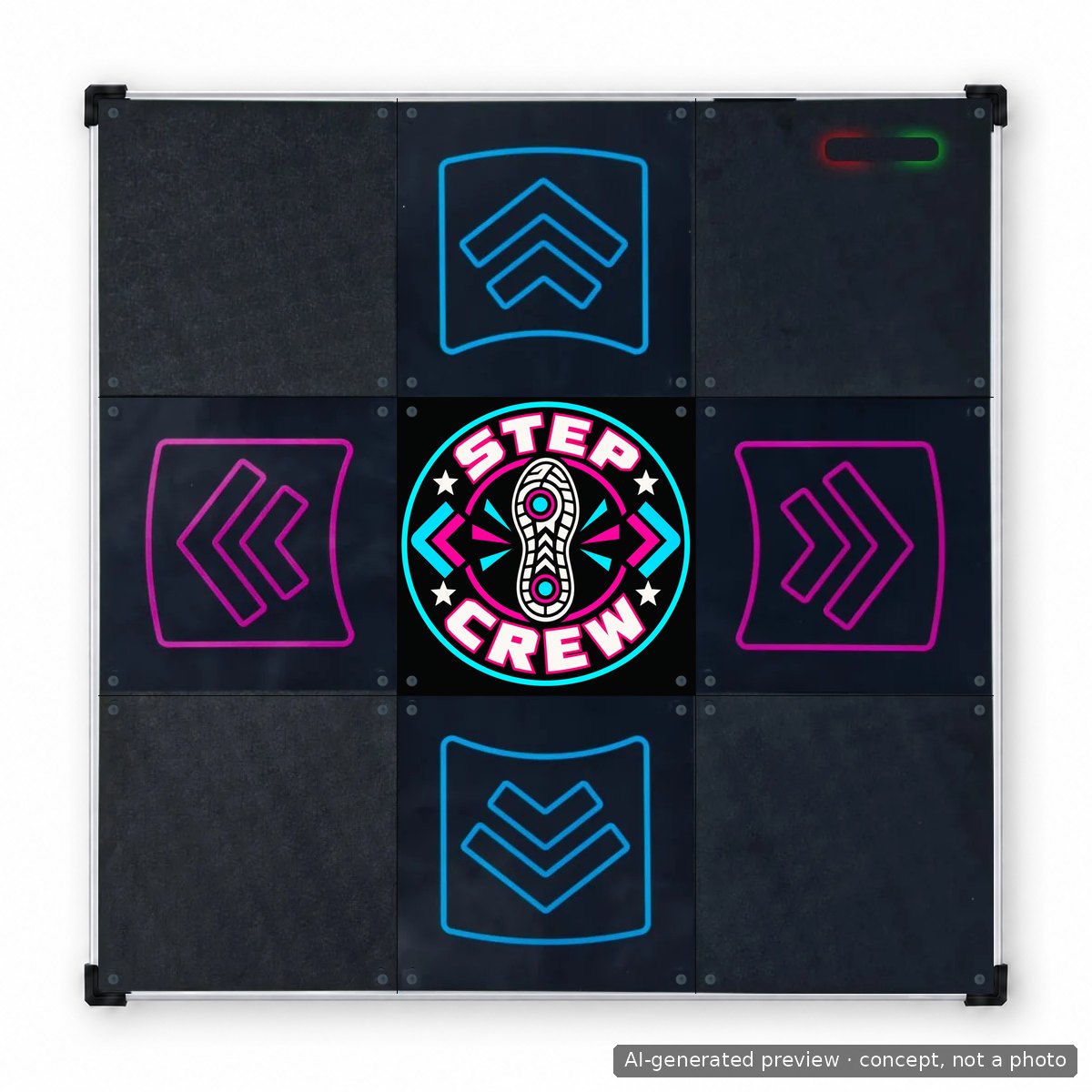
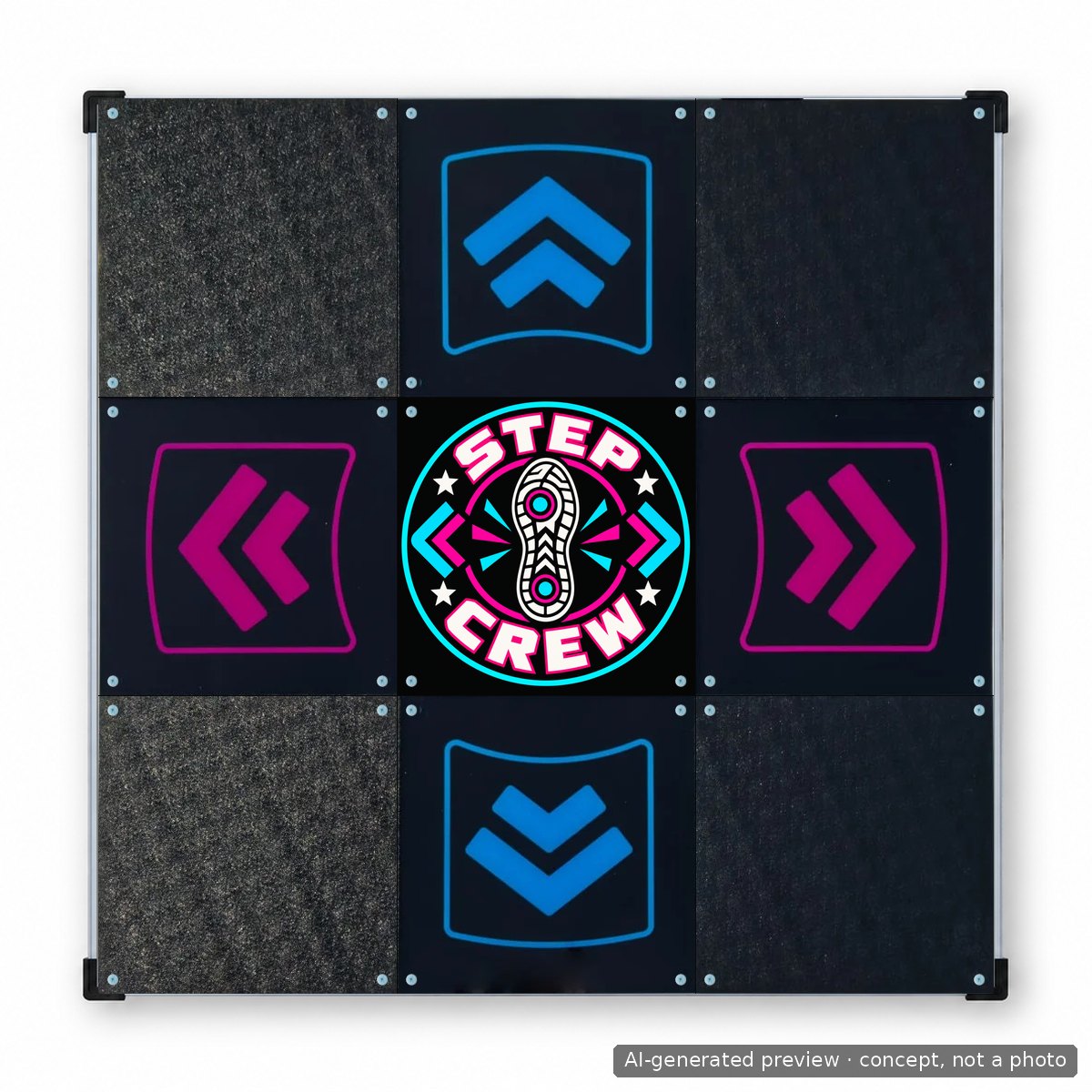
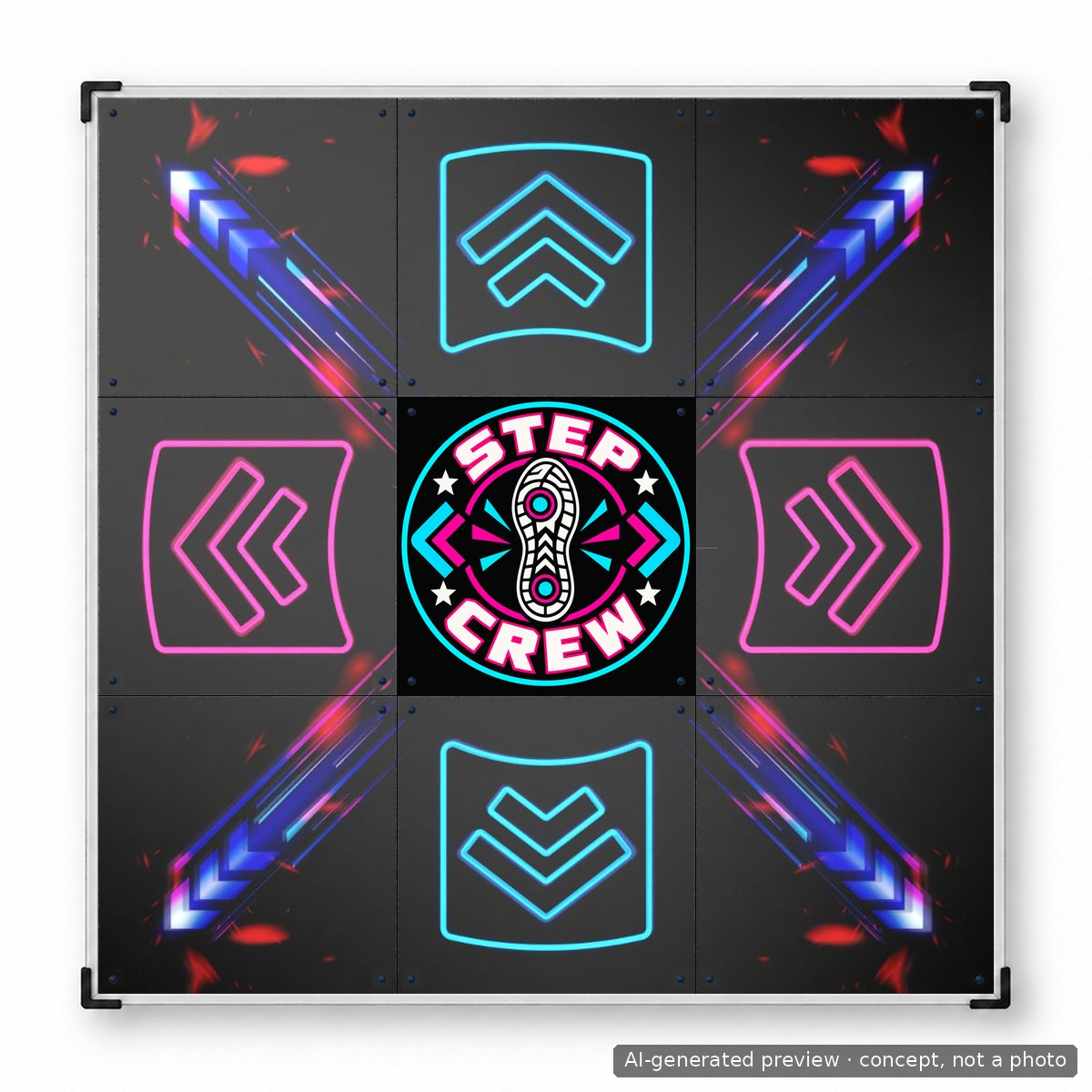
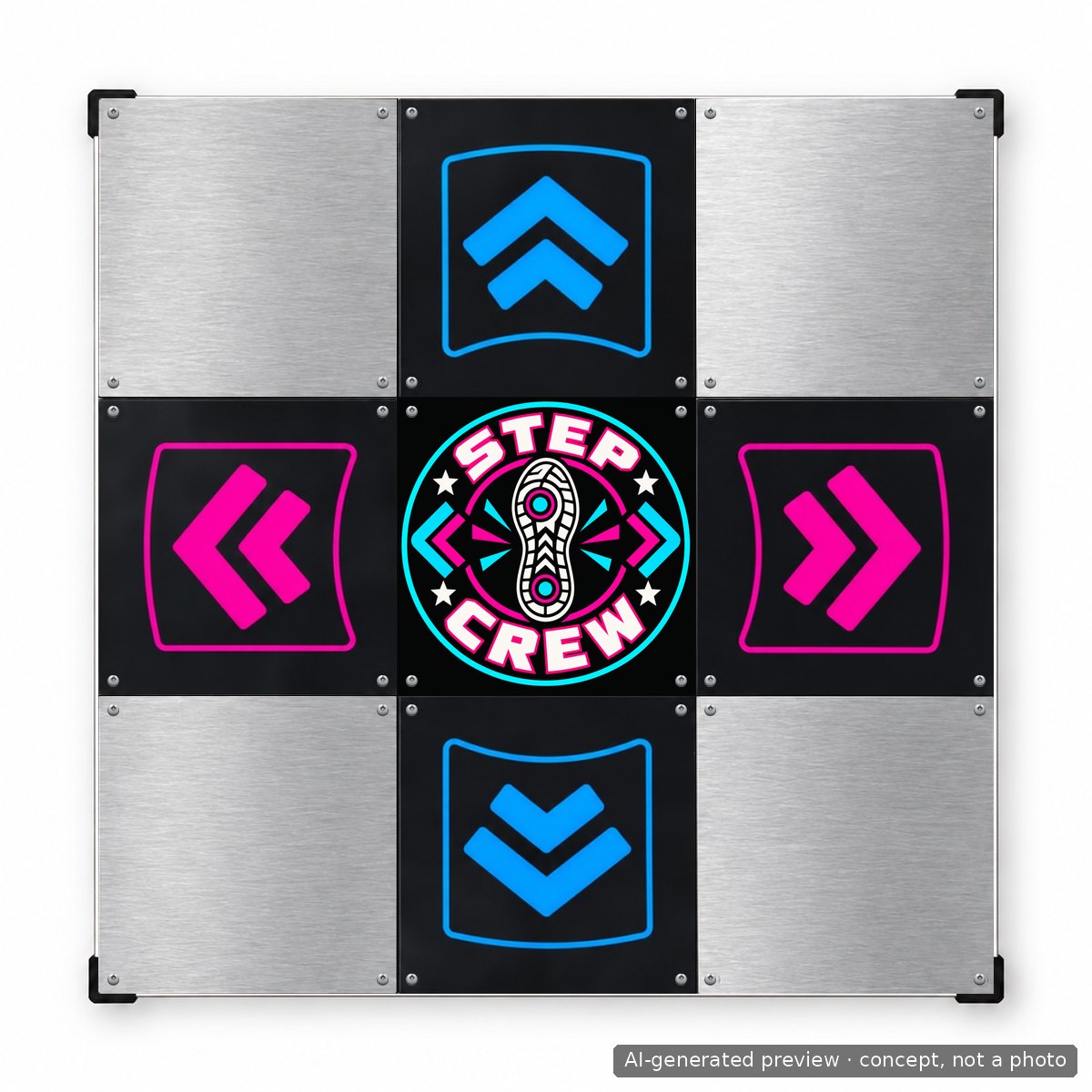
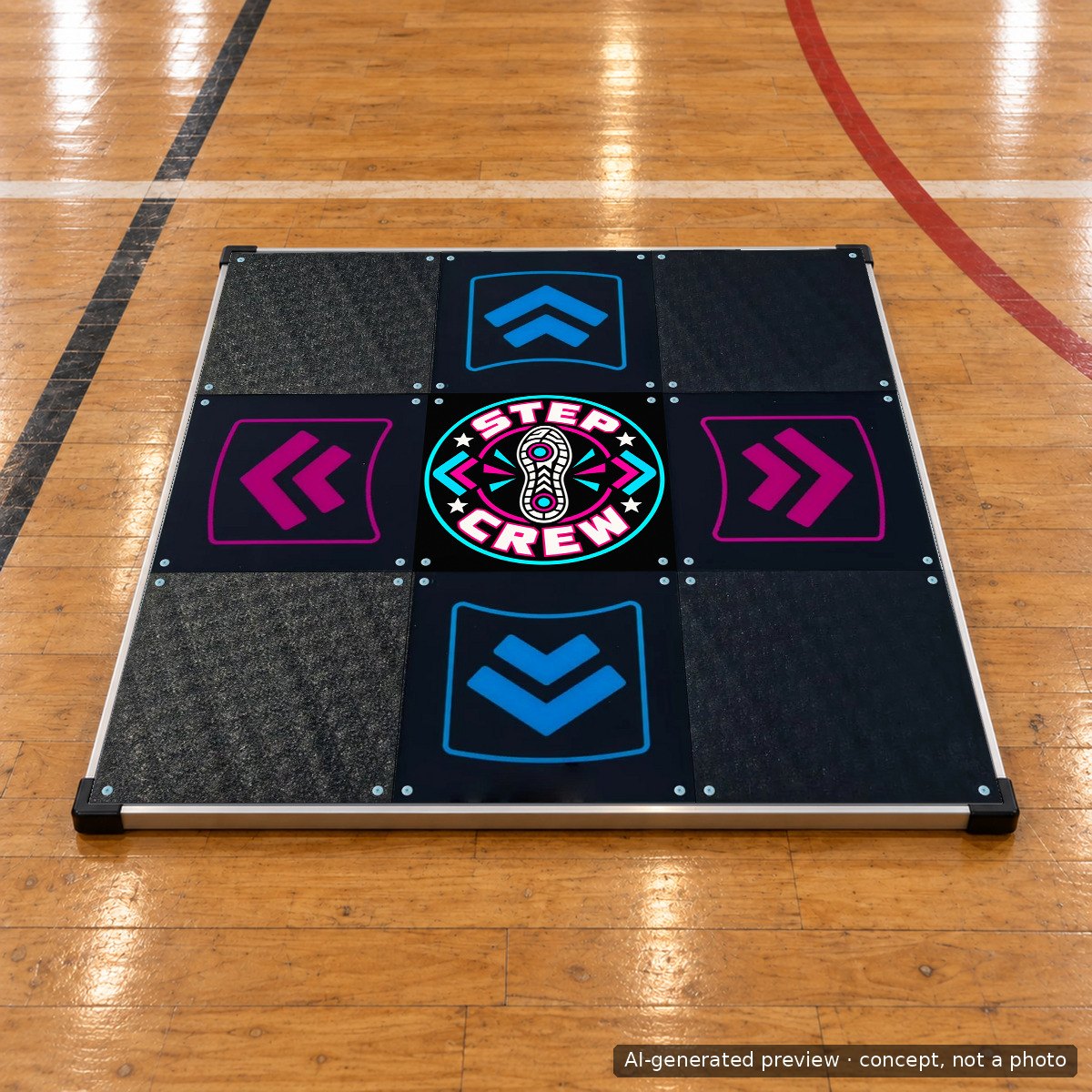
Prompt used
flat vector emblem for a home rhythm game crew: circular badge, bold retro arcade lettering reading STEP CREW around the ring, a stylised sneaker print in the middle, colour palette electric cyan, hot magenta and off-white on near-black, crisp edges, print ready, edge-to-edge square composition, no other text
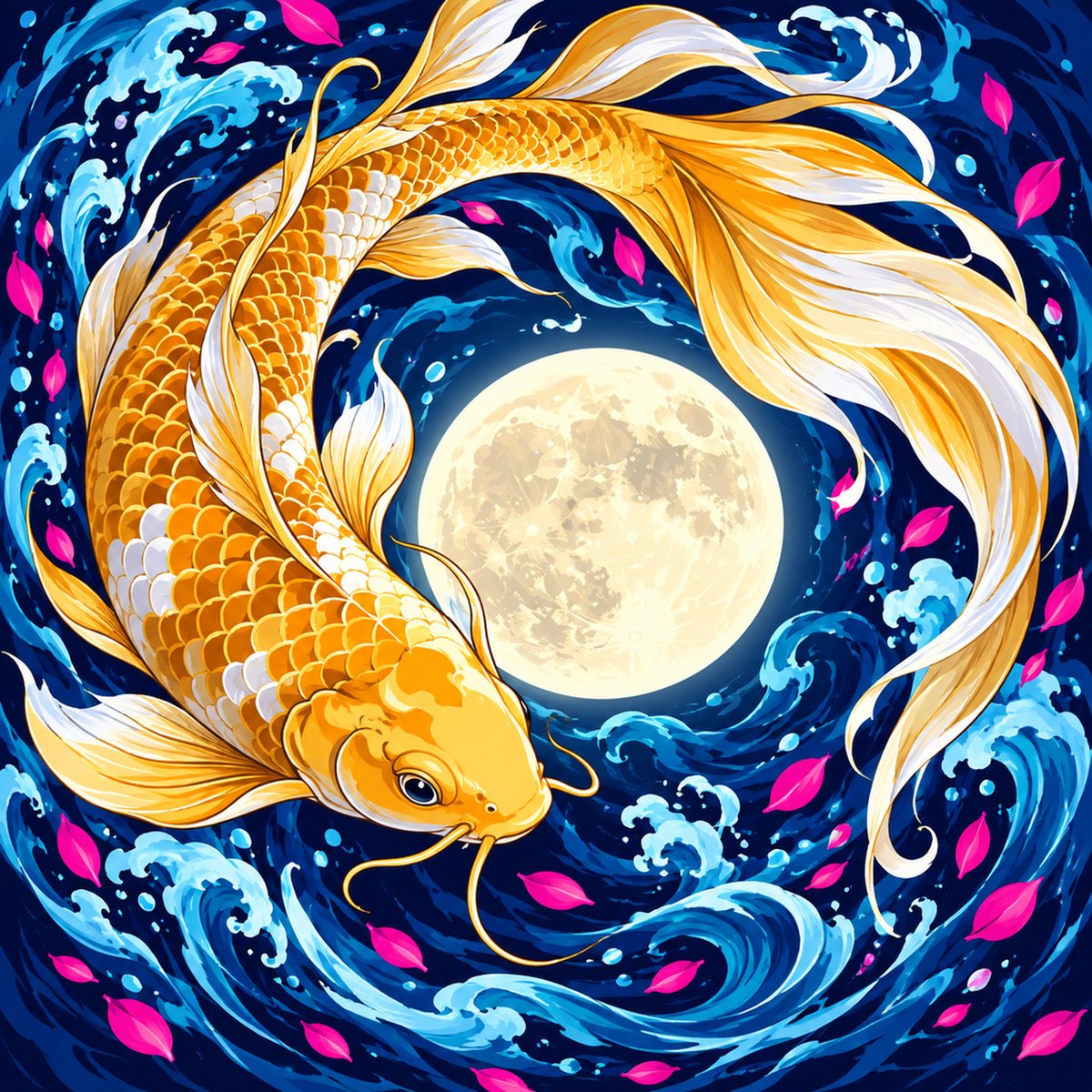
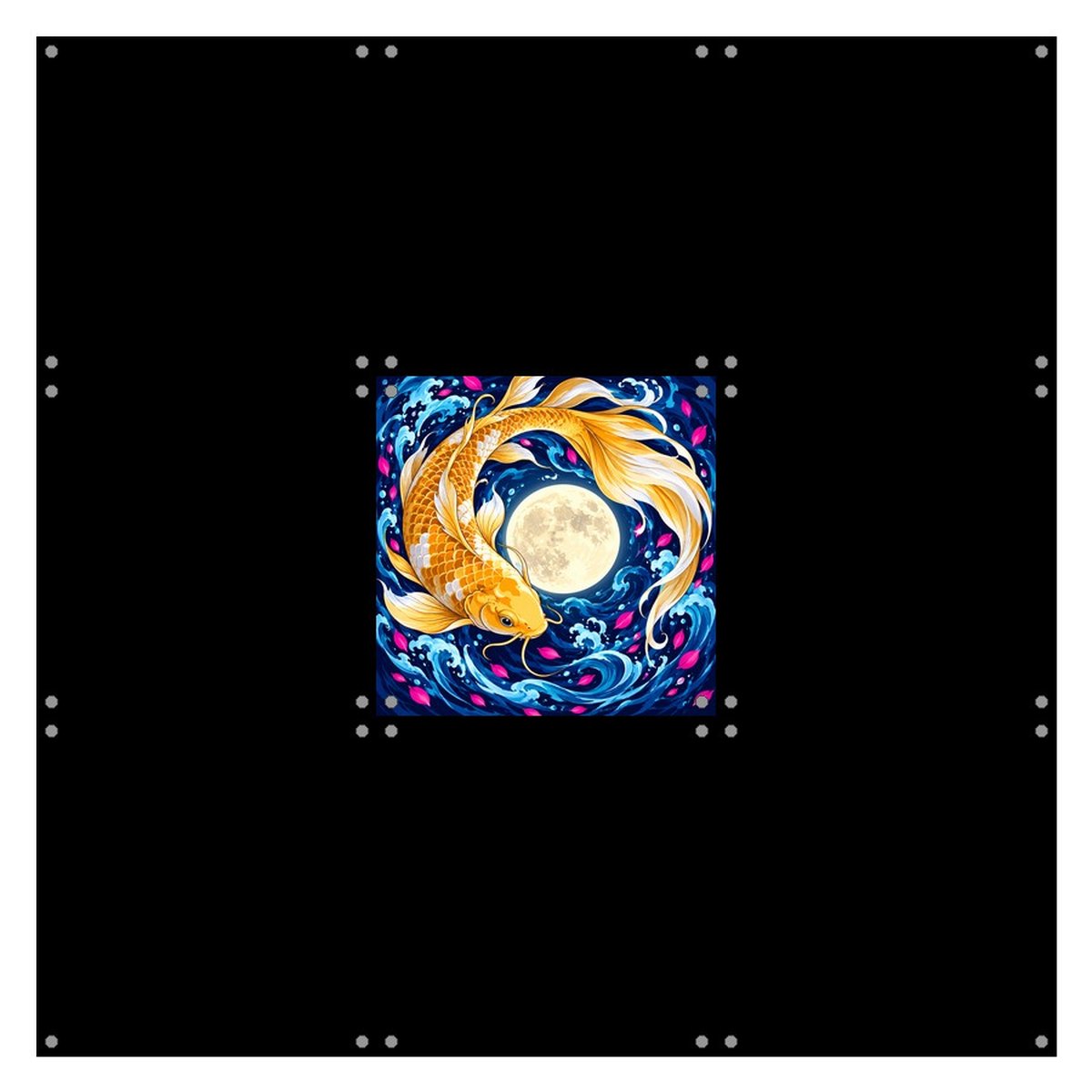
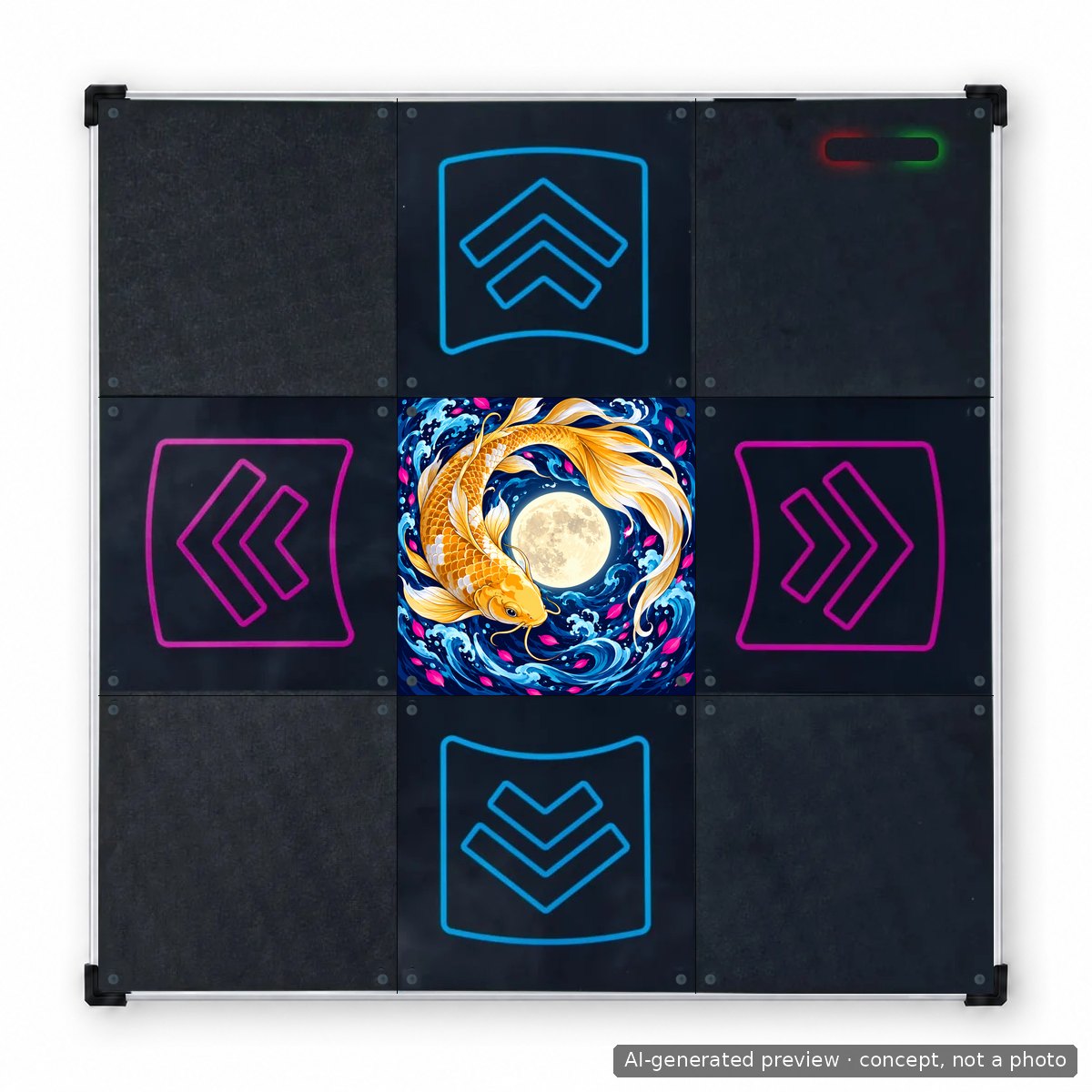
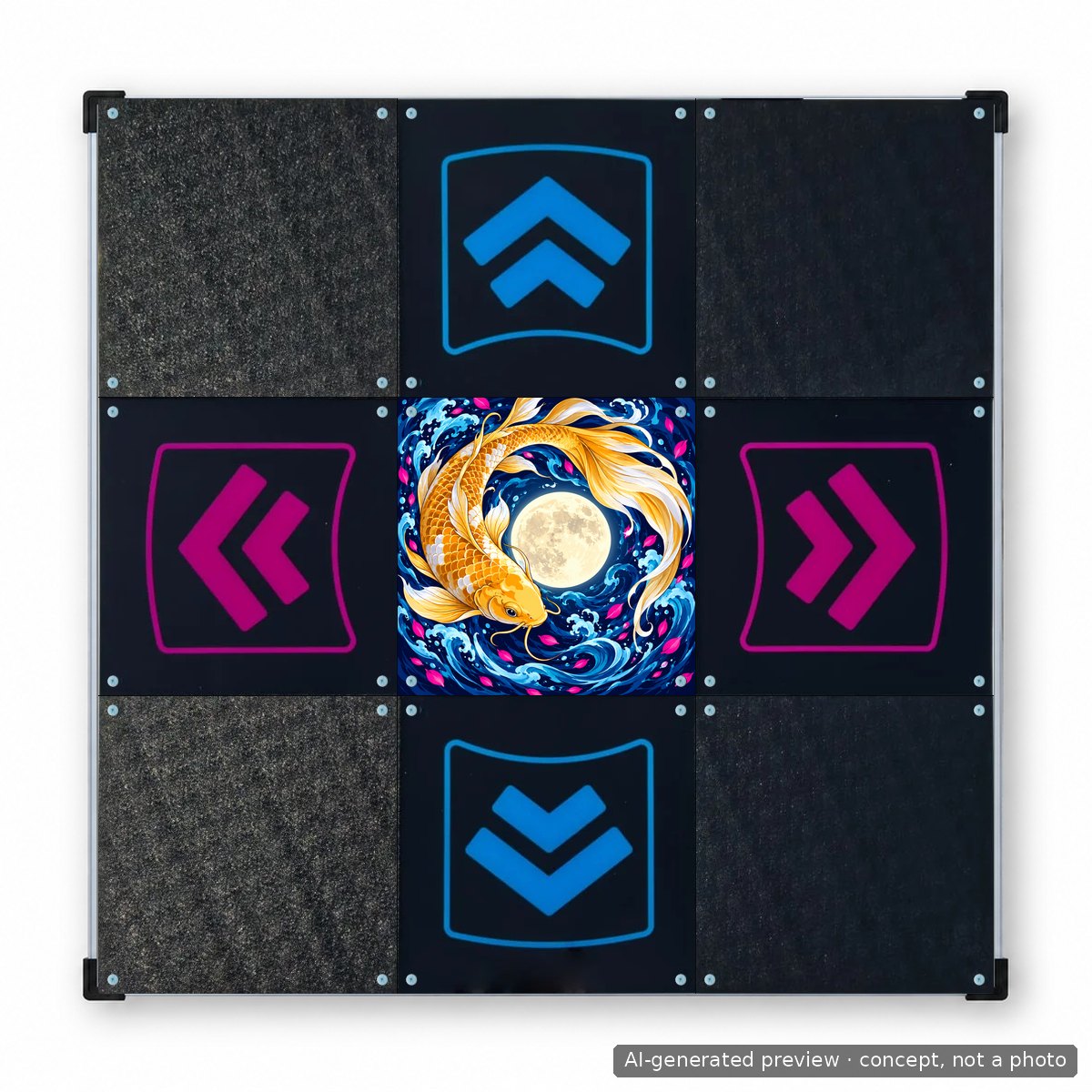
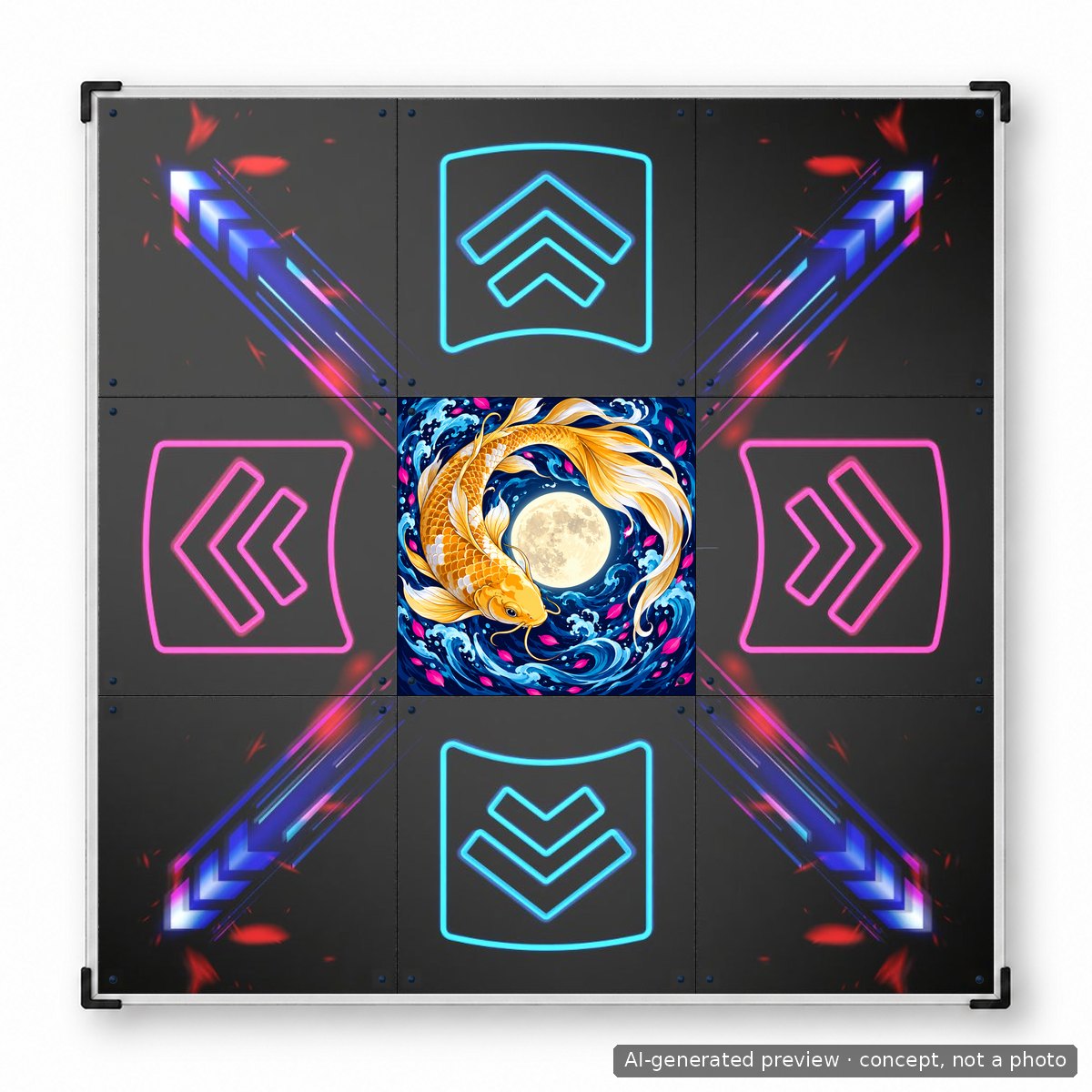
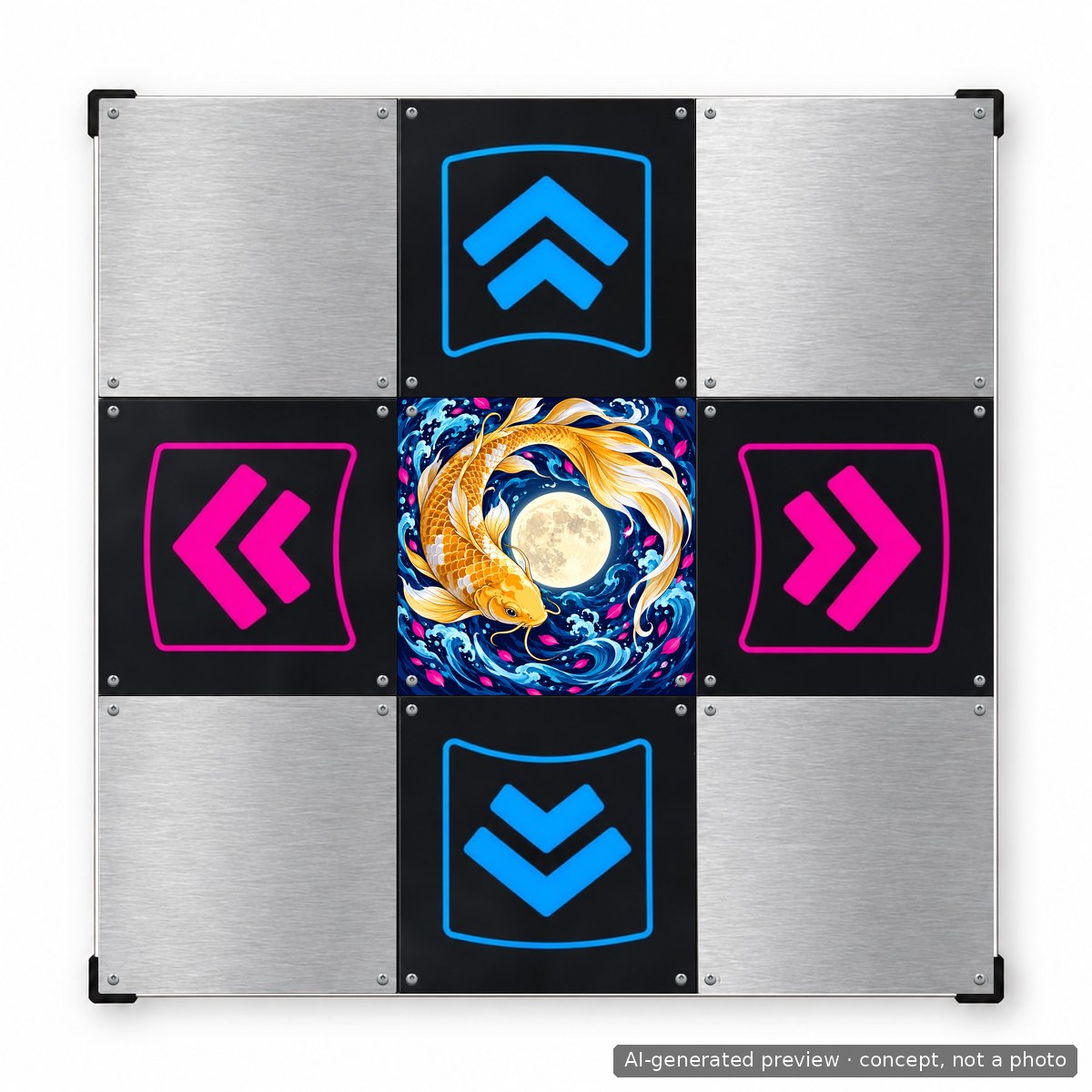
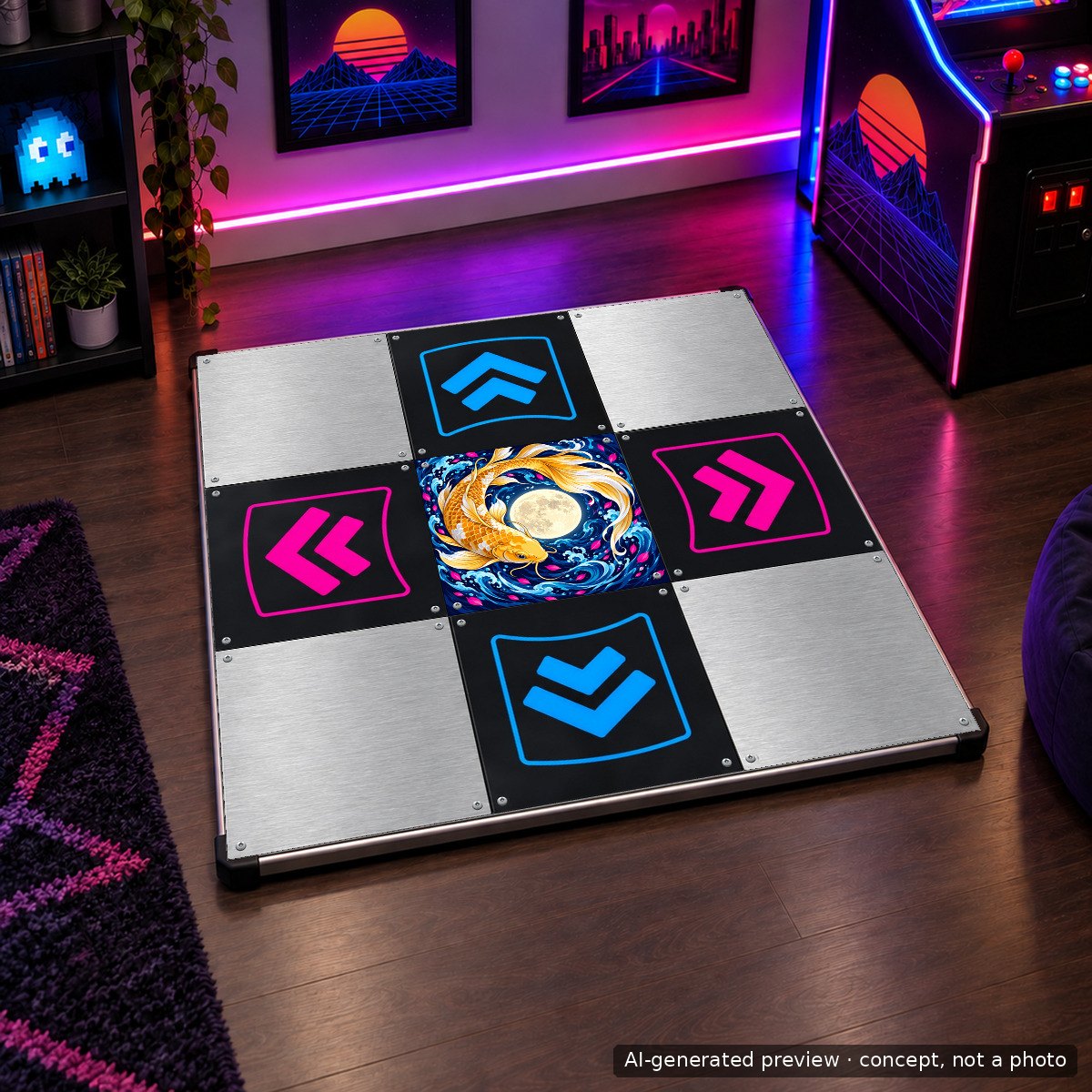
Prompt used
bold vector-like illustration, a golden koi fish curling around a full moon, deep indigo water, cyan and magenta highlights, high contrast, print ready, no text, no watermark, edge-to-edge square composition
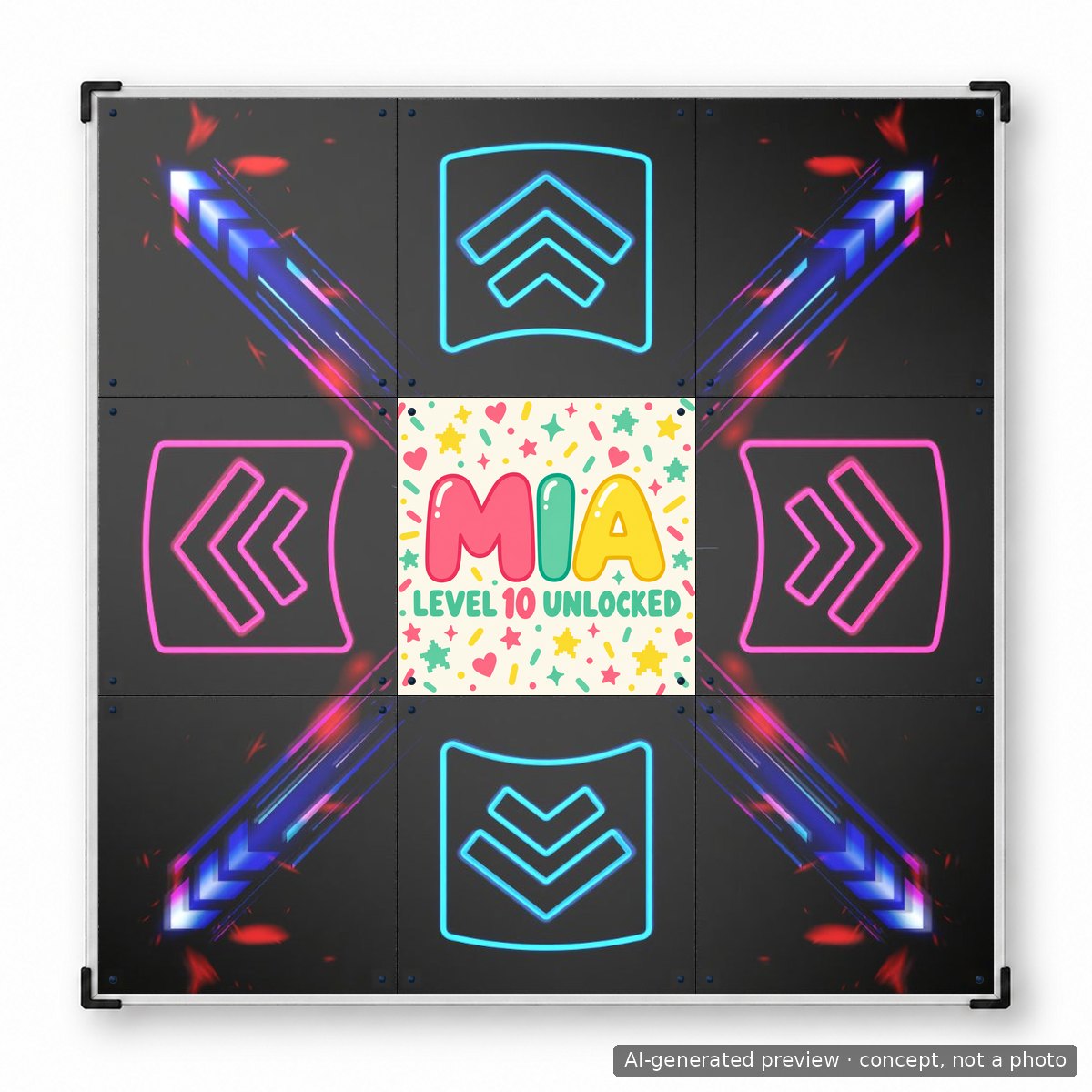
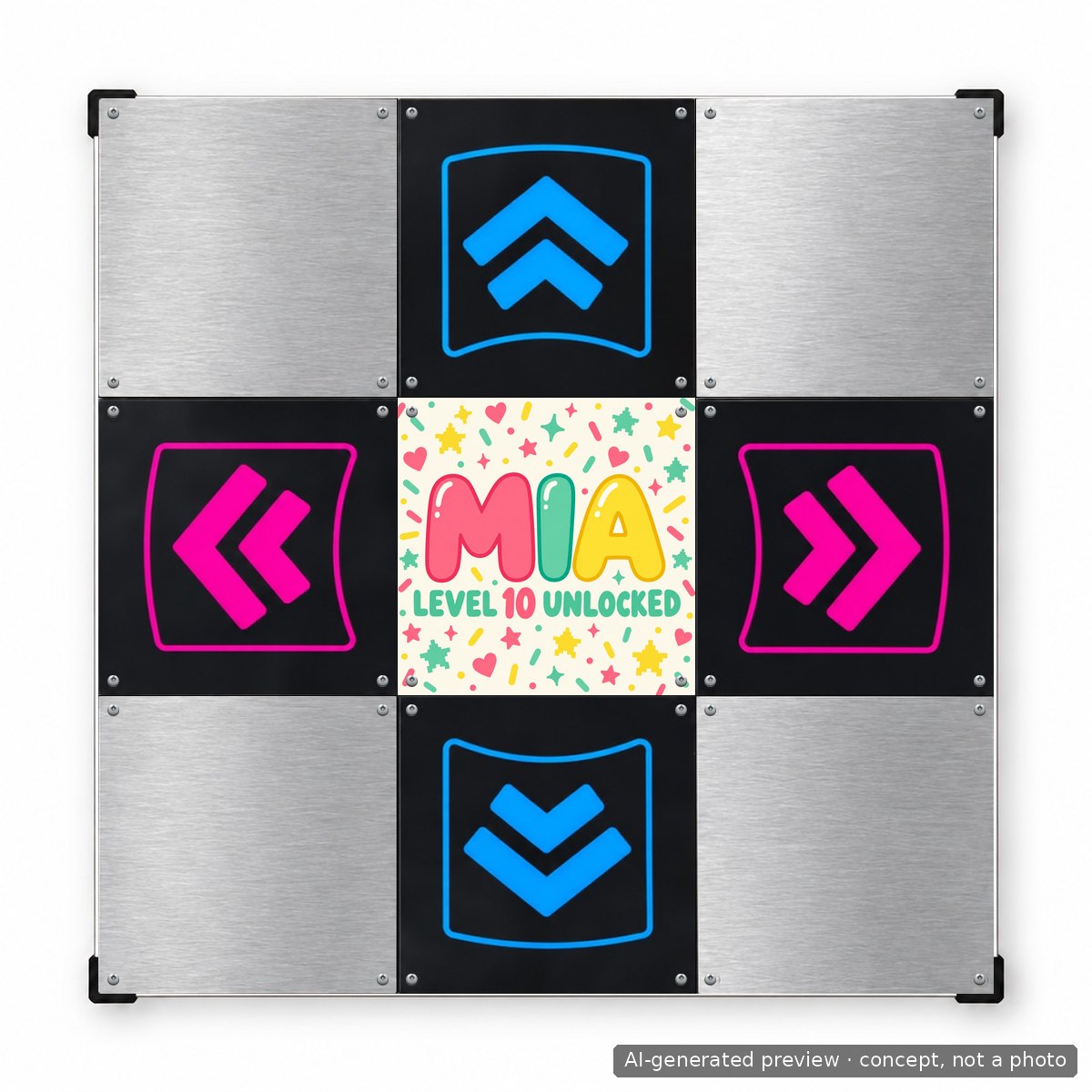
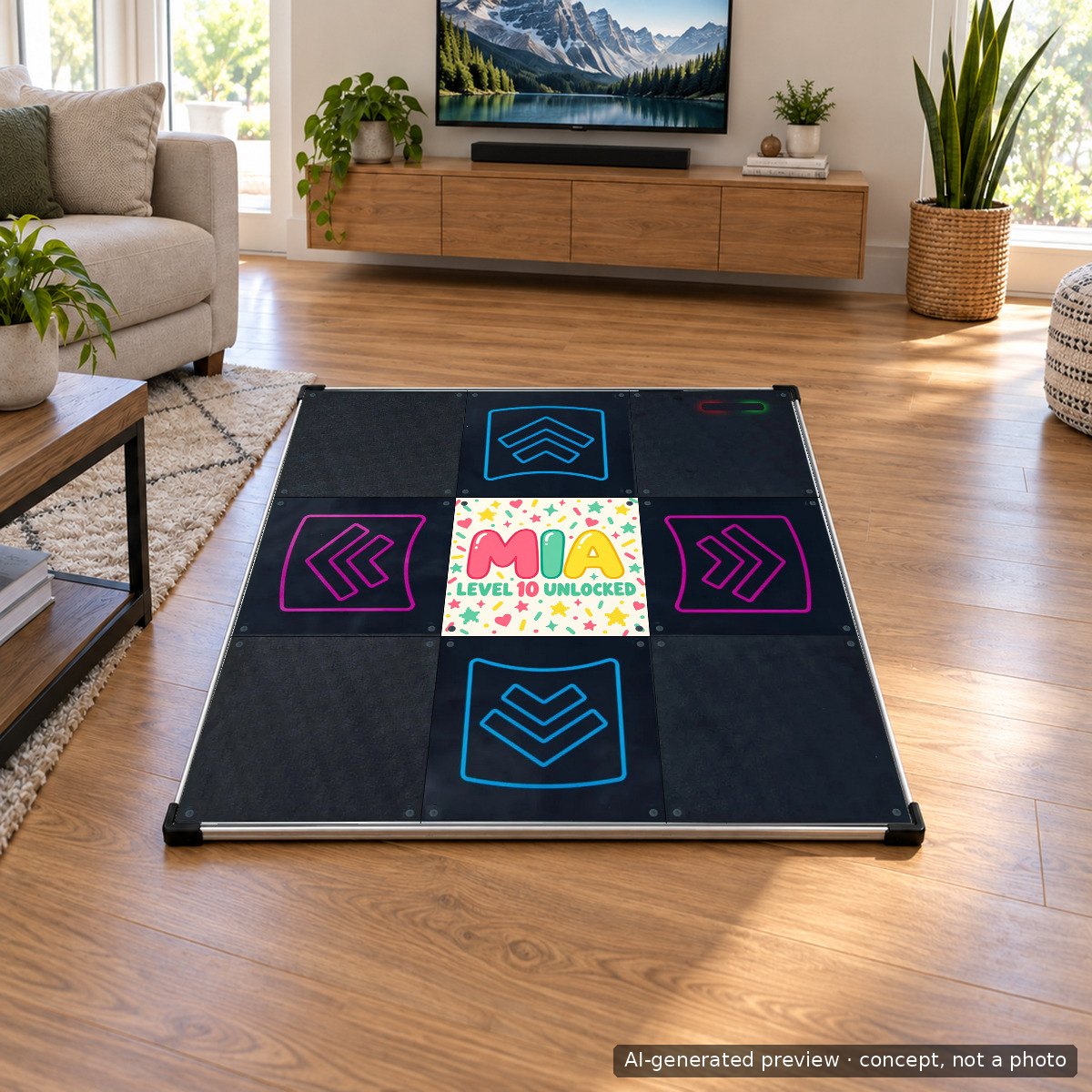
Prompt used
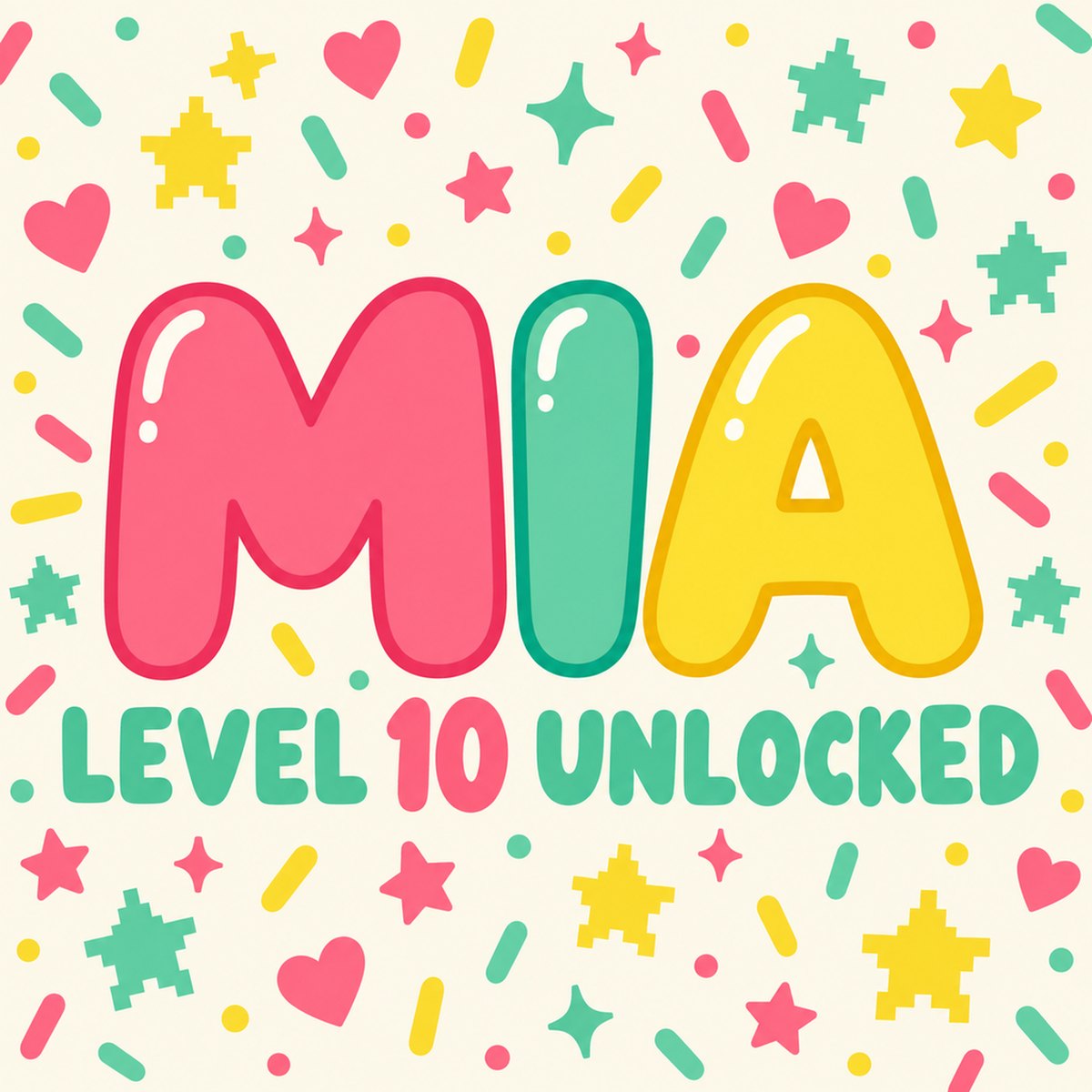
typographic square design for a birthday gift: large playful rounded letters reading MIA, smaller line below reading LEVEL 10 UNLOCKED, confetti and tiny pixel stars, palette coral pink, mint and lemon on a soft cream background, clean, print ready, edge-to-edge square, no other text
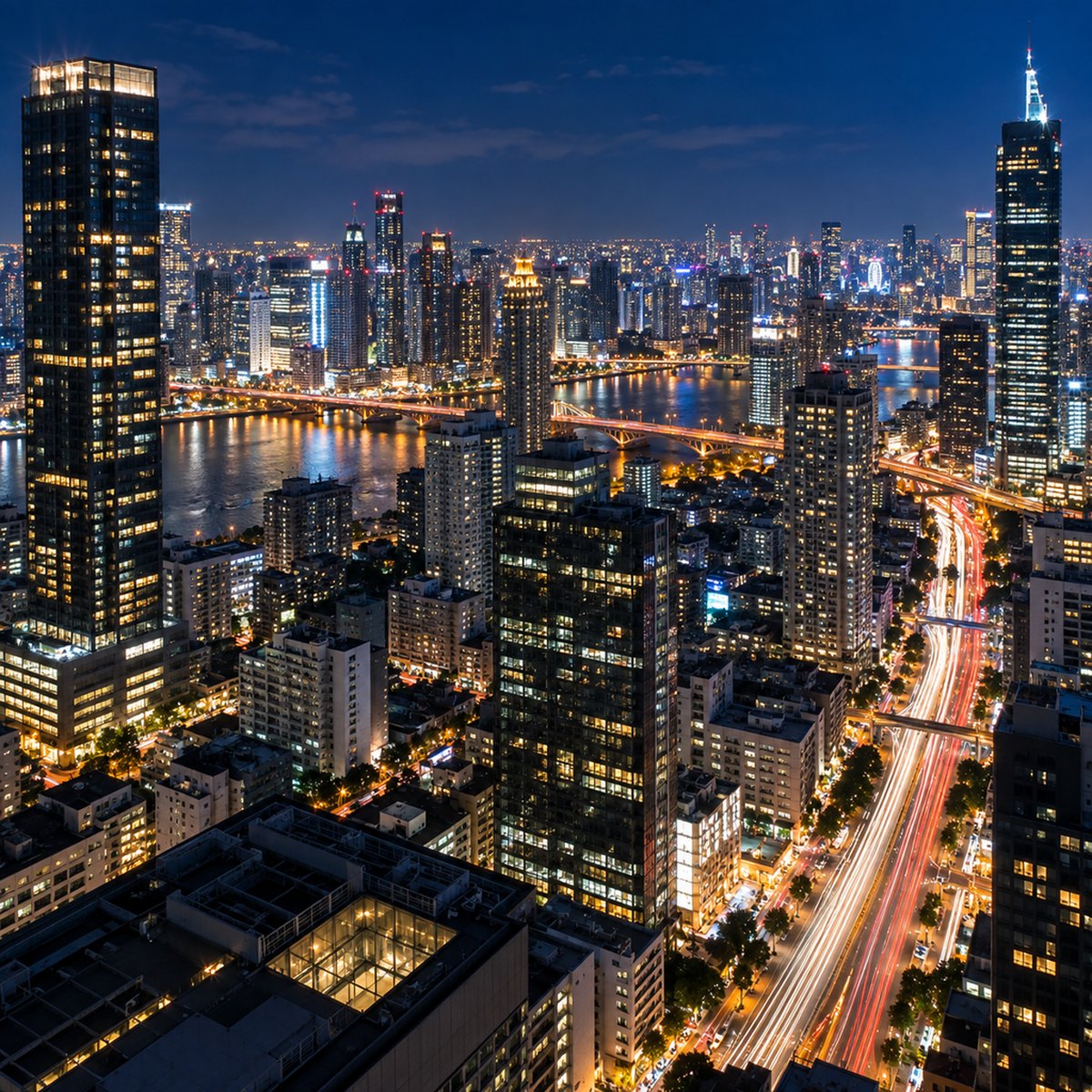
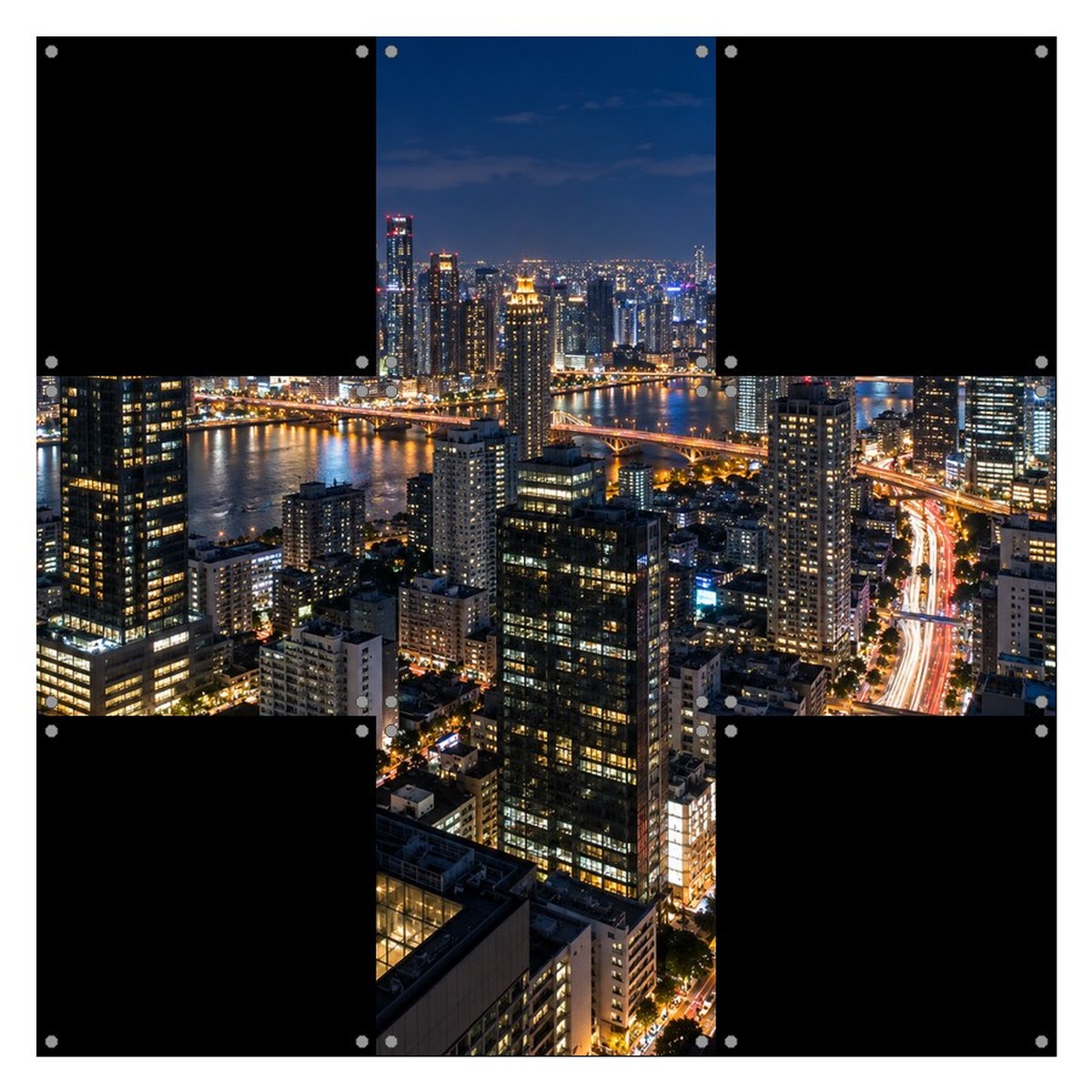
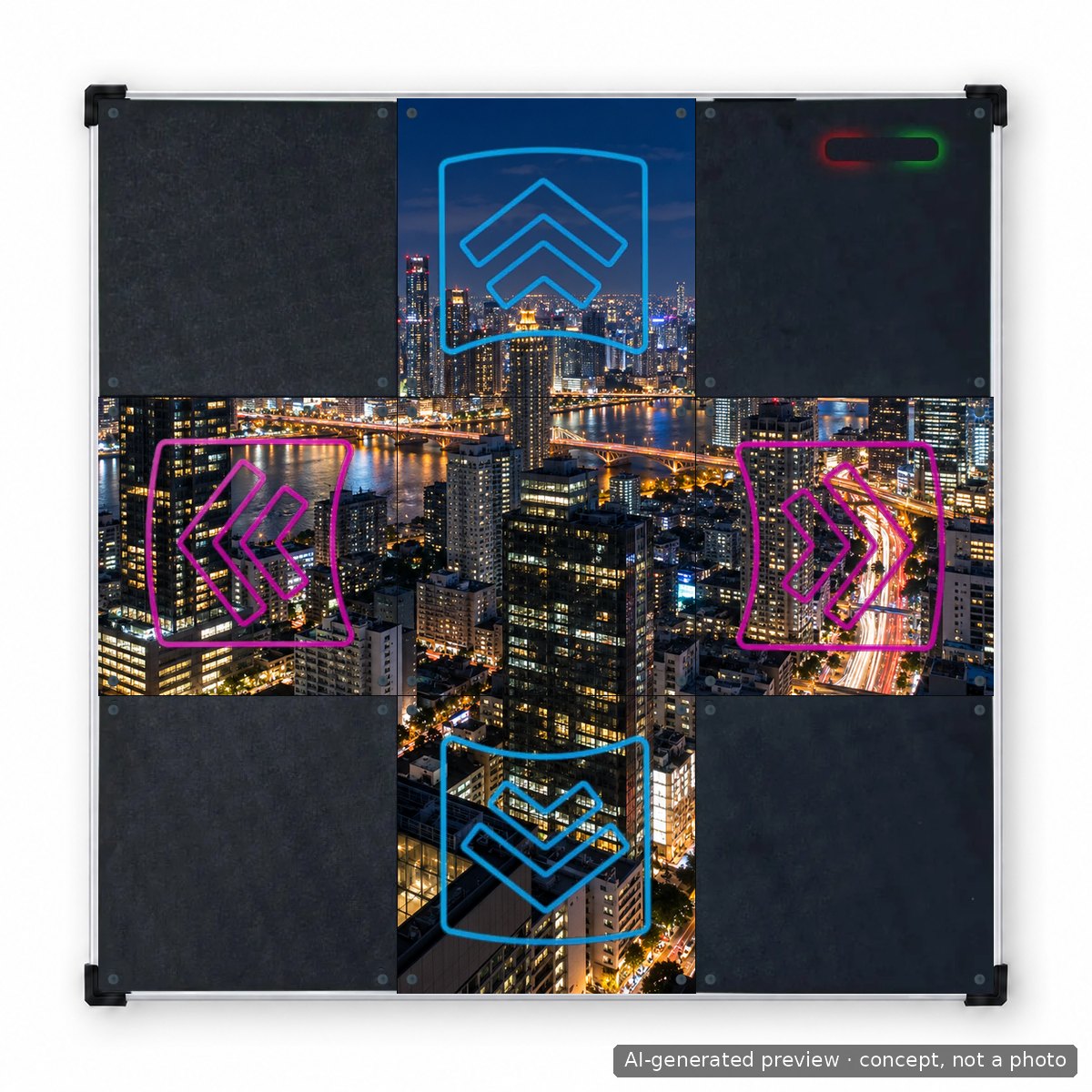
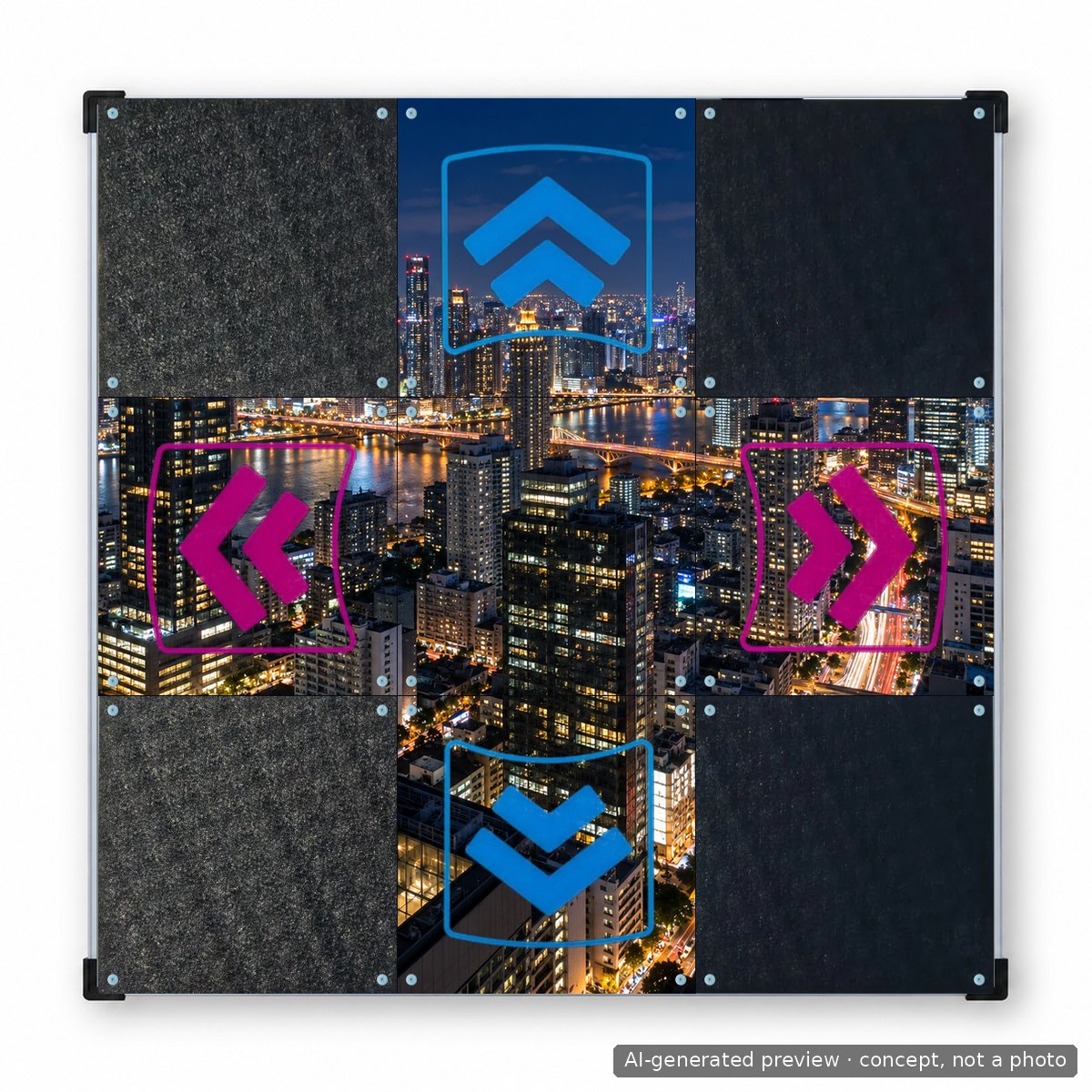
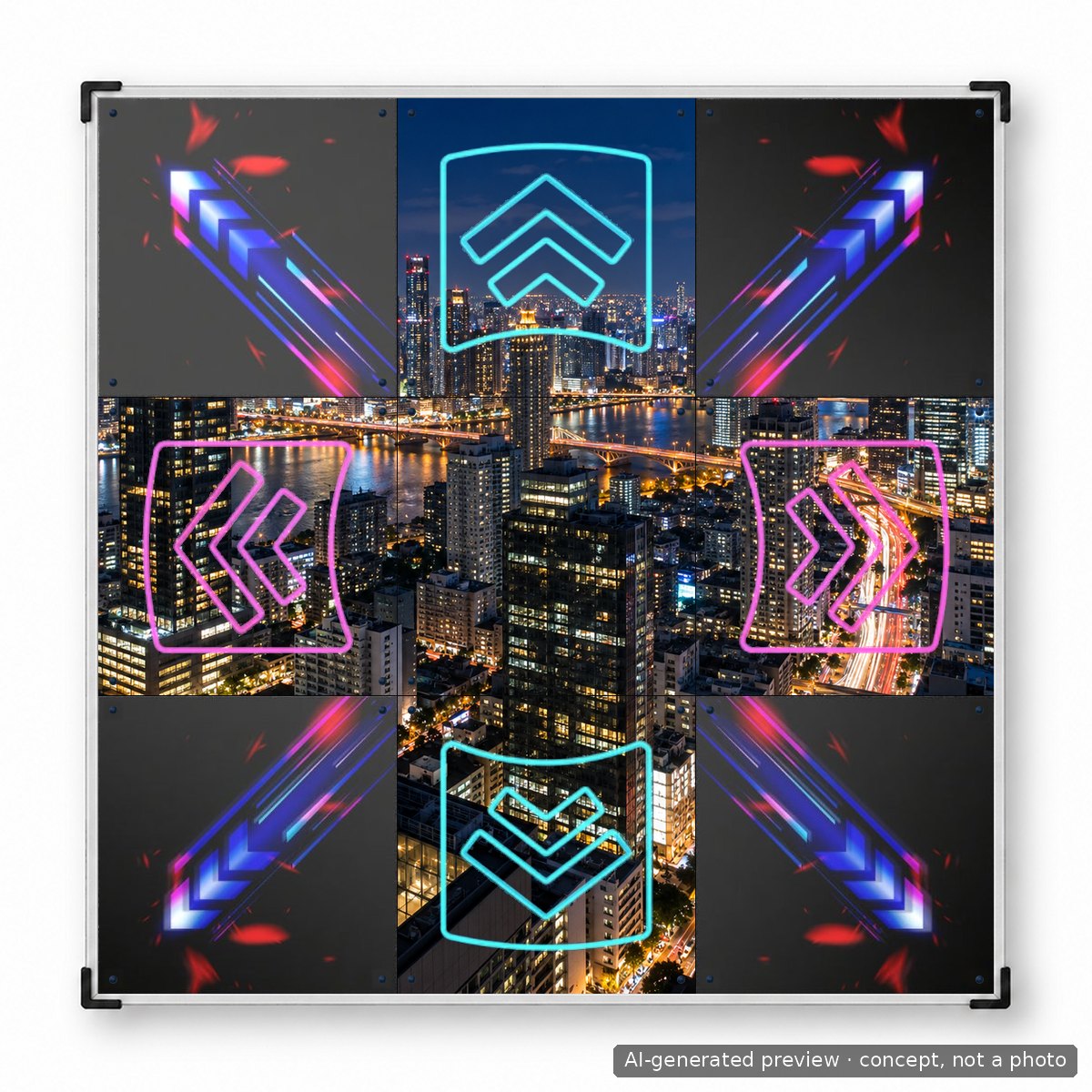
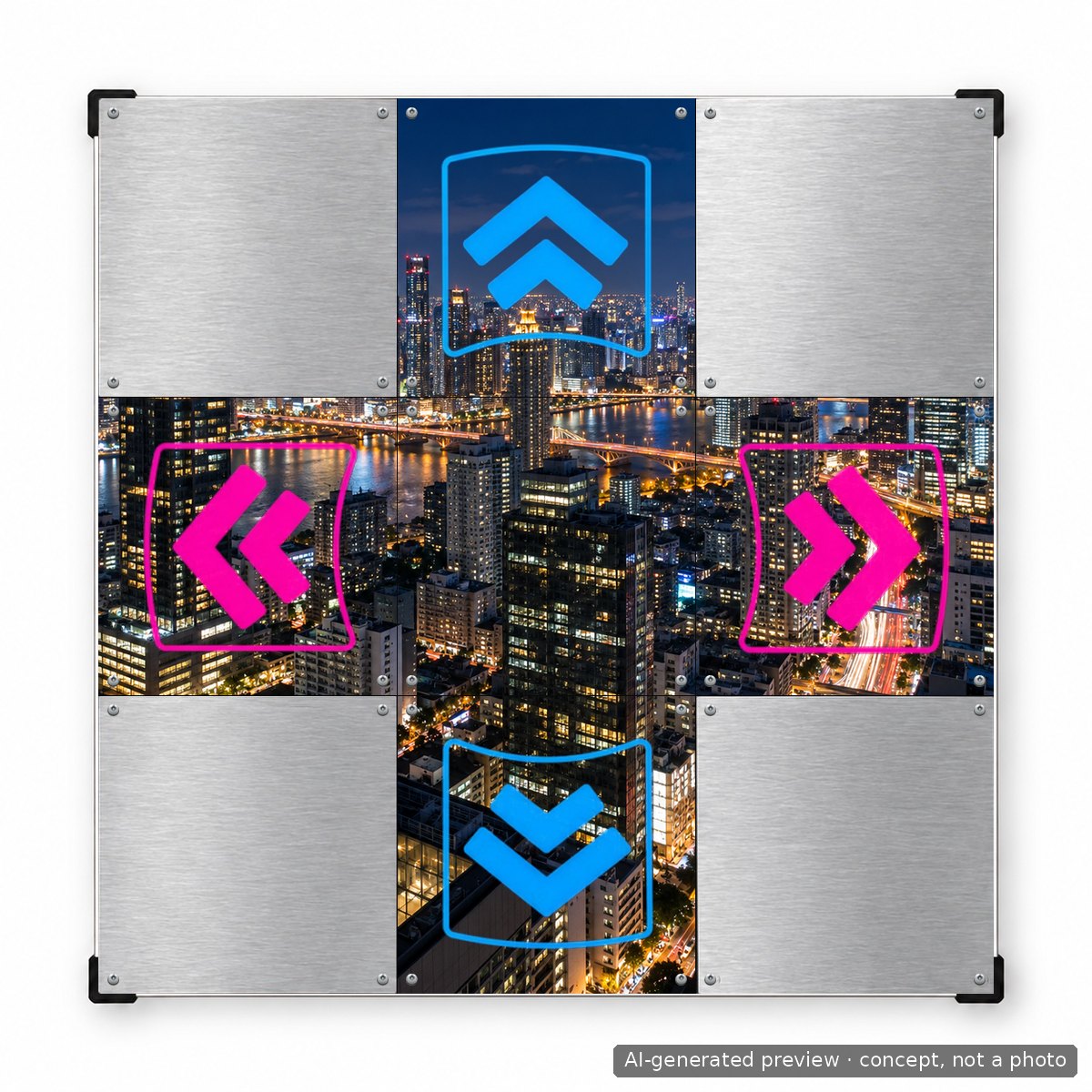
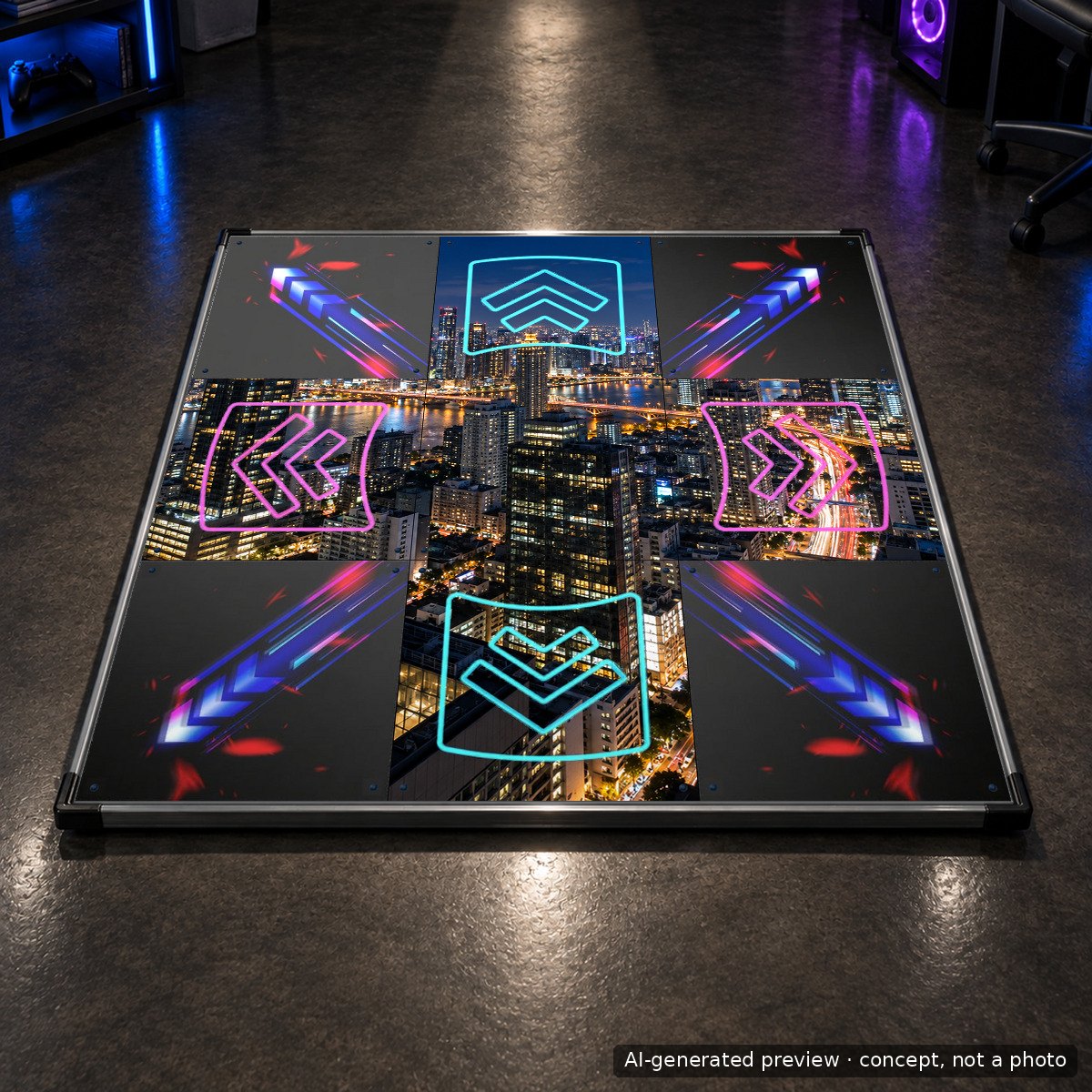
Prompt used
photorealistic wide night cityscape photo taken from a rooftop, glowing skyscraper windows, long exposure light trails, deep blue sky, high detail, square crop, the whole frame filled edge to edge, no text, no watermark
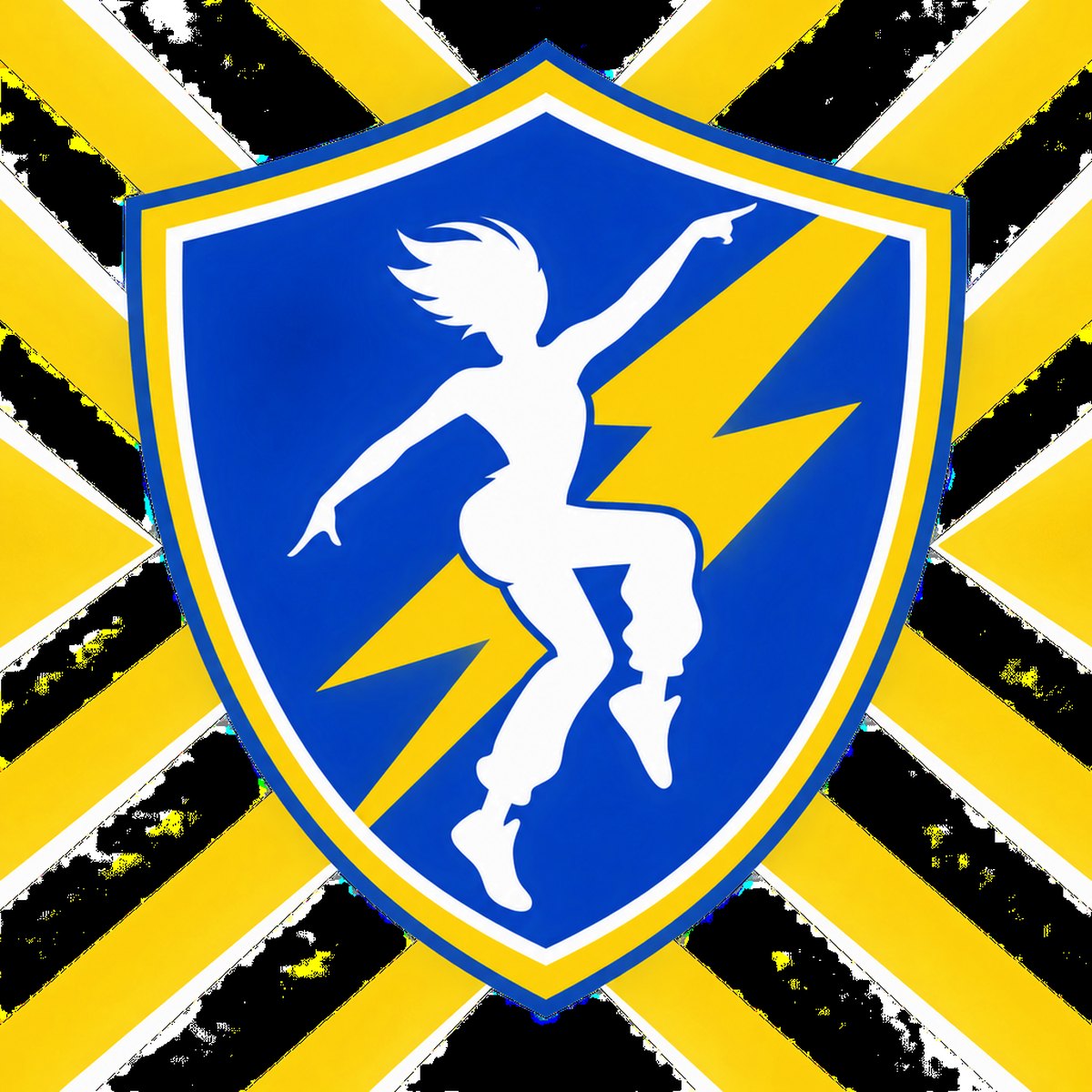
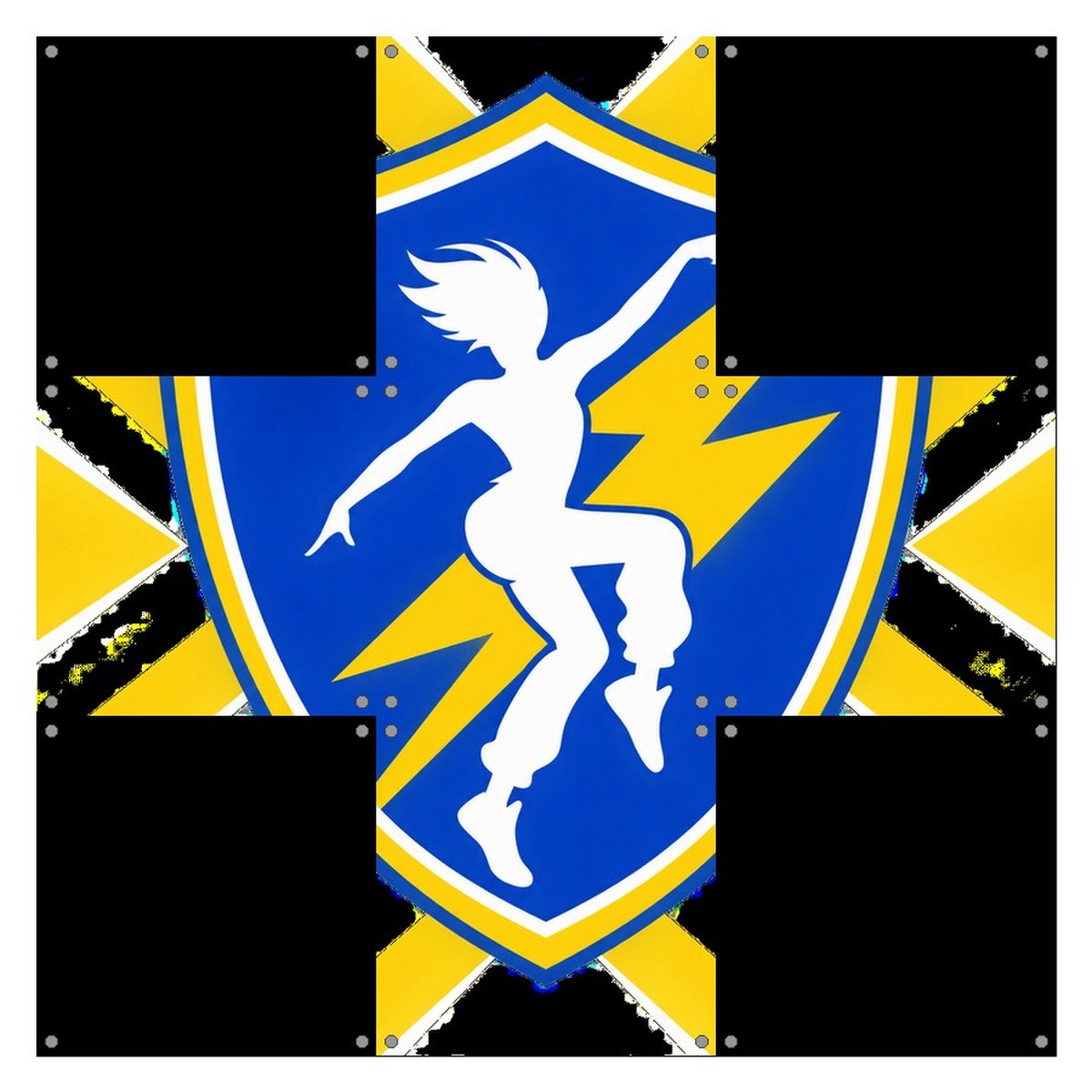
Prompt used
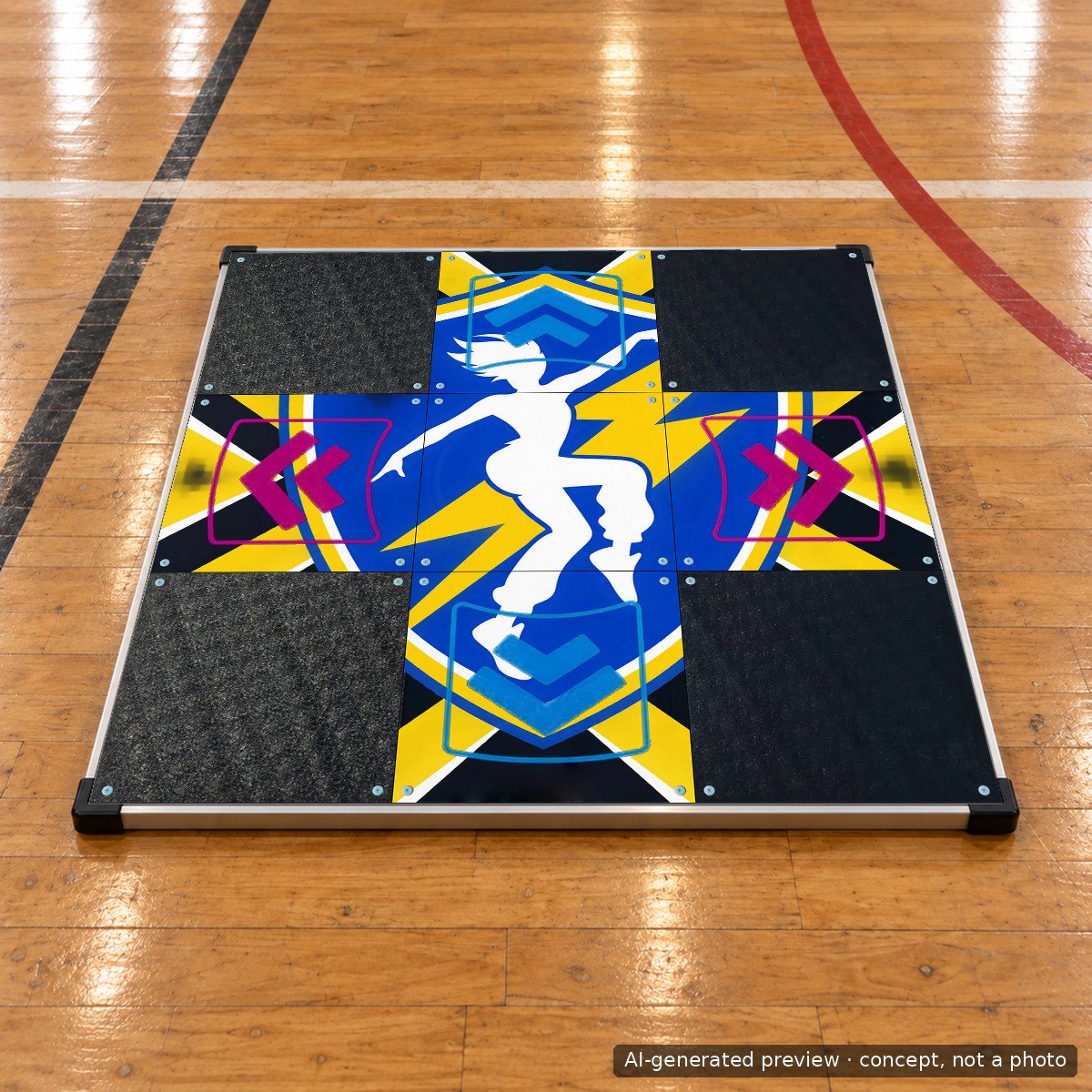
flat vector sports-style design filling a square canvas: a big central shield crest with a lightning bolt and a stylised dancing figure, diagonal stripes in royal blue and gold radiating to the four edges, bold geometric shapes, crisp print-ready edges, no text, no watermark
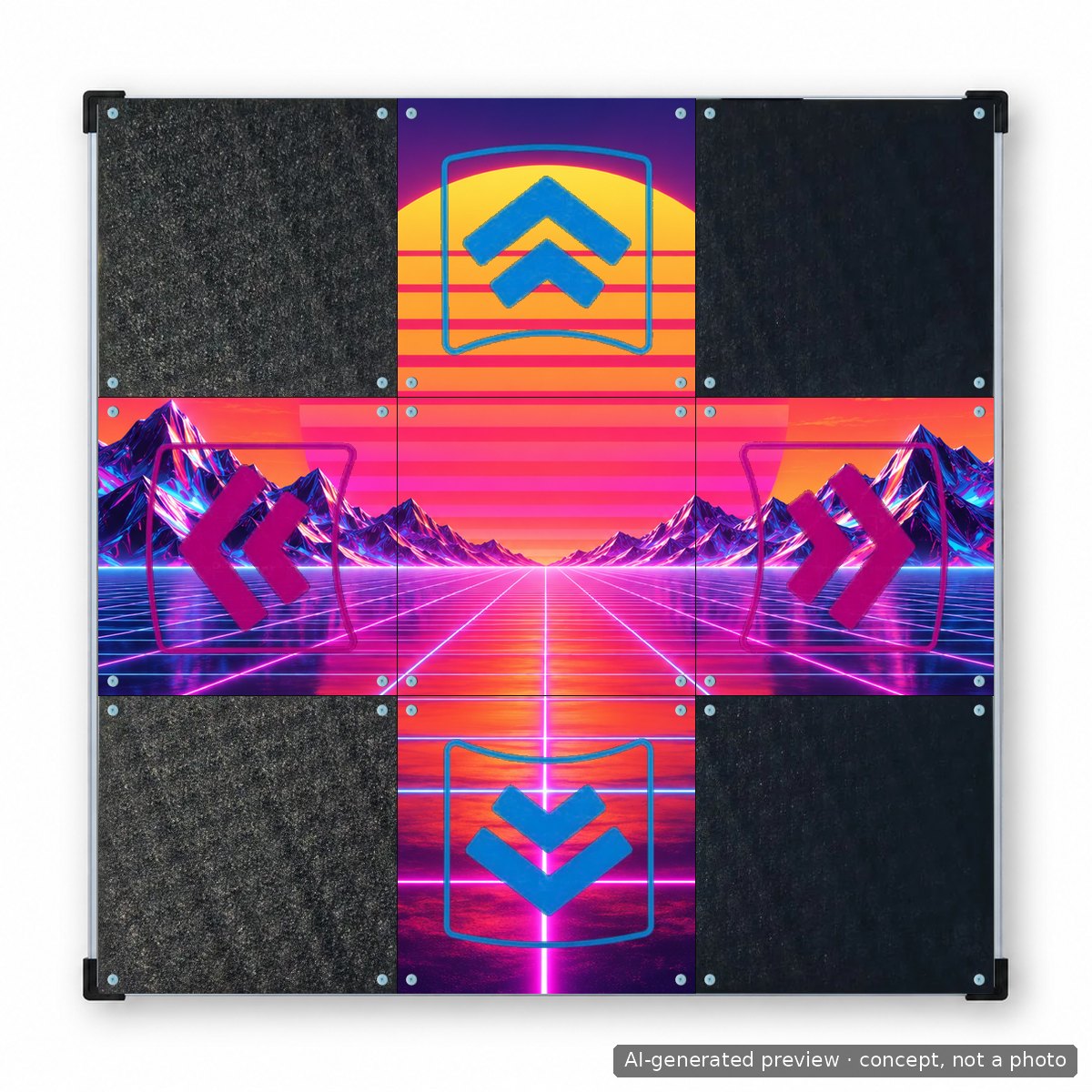
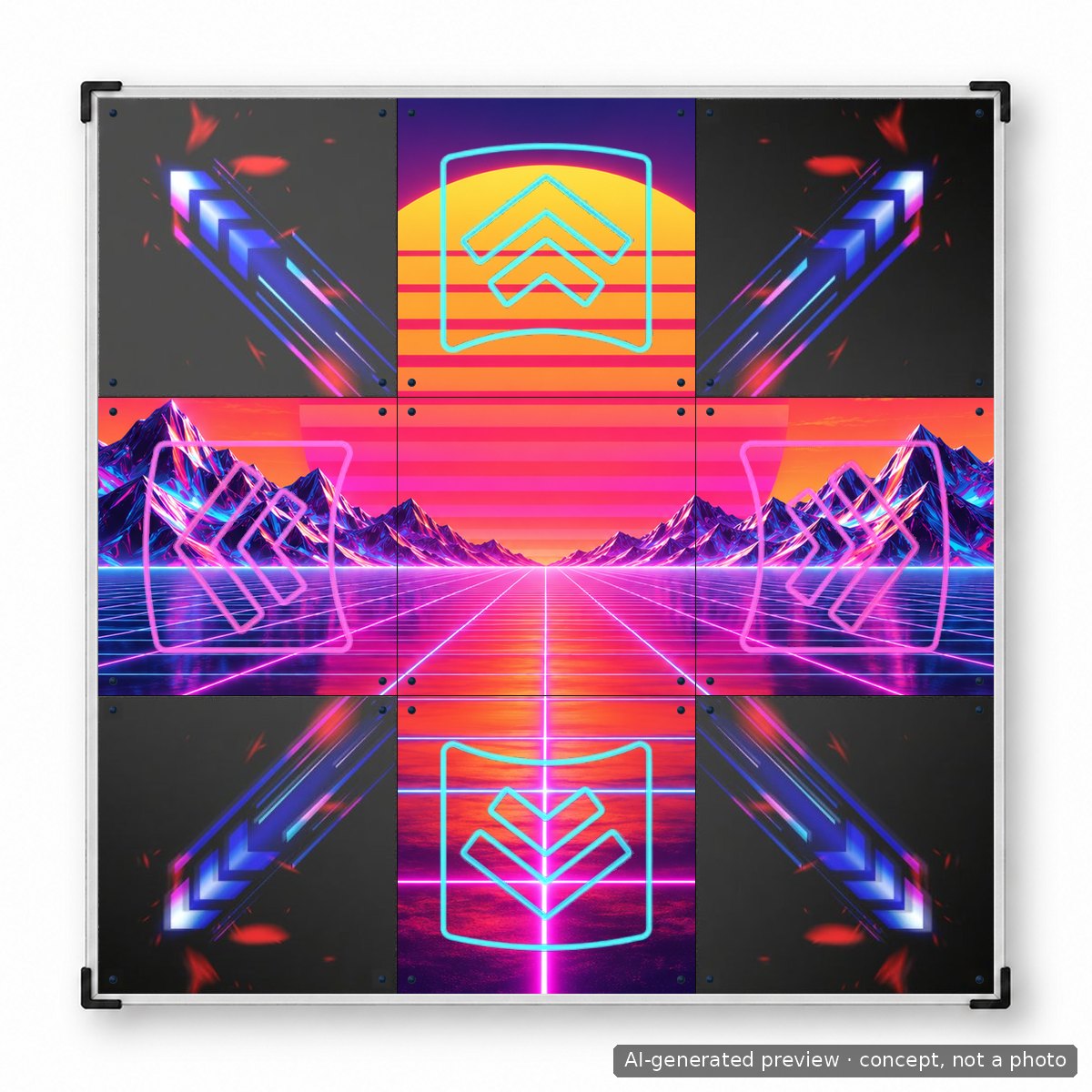
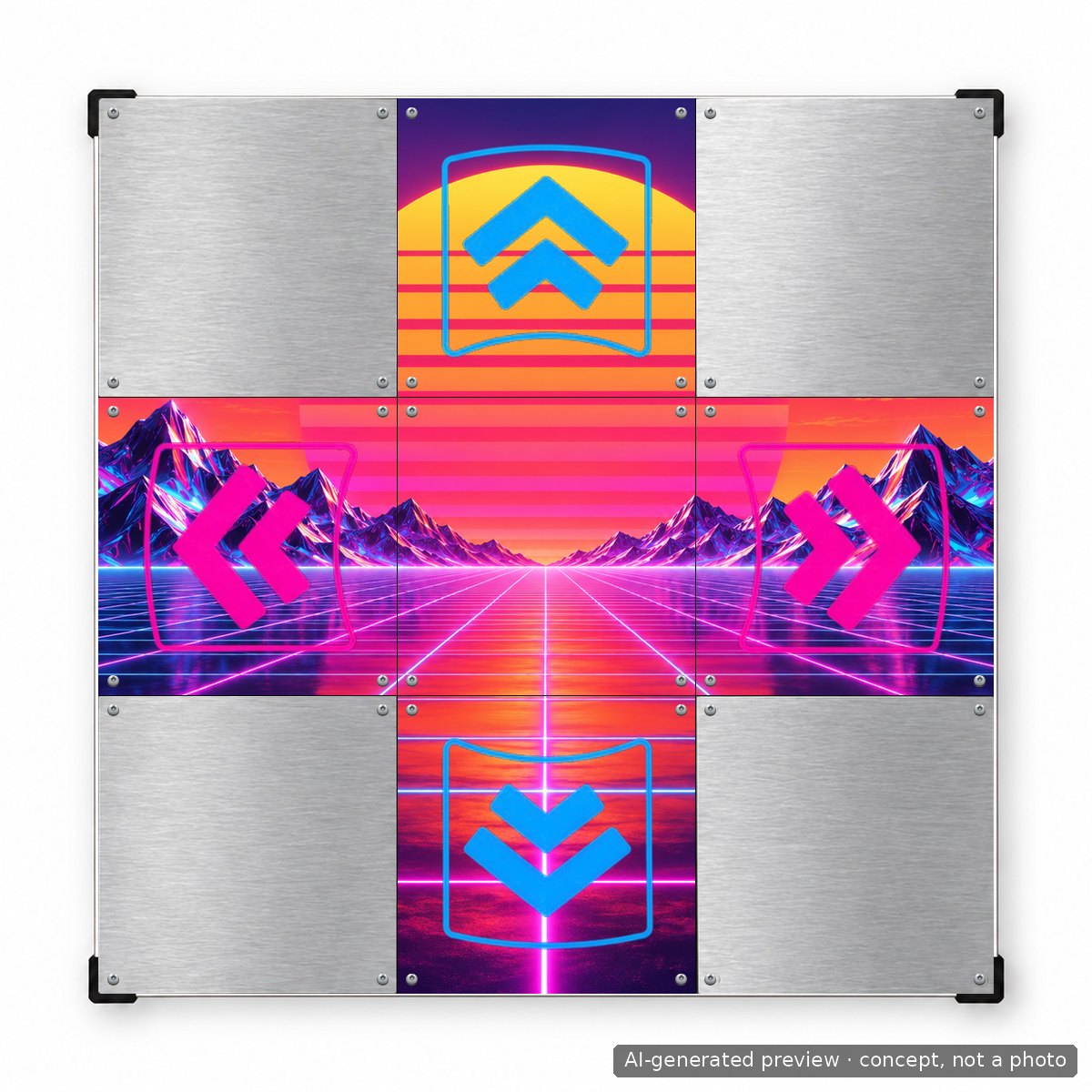
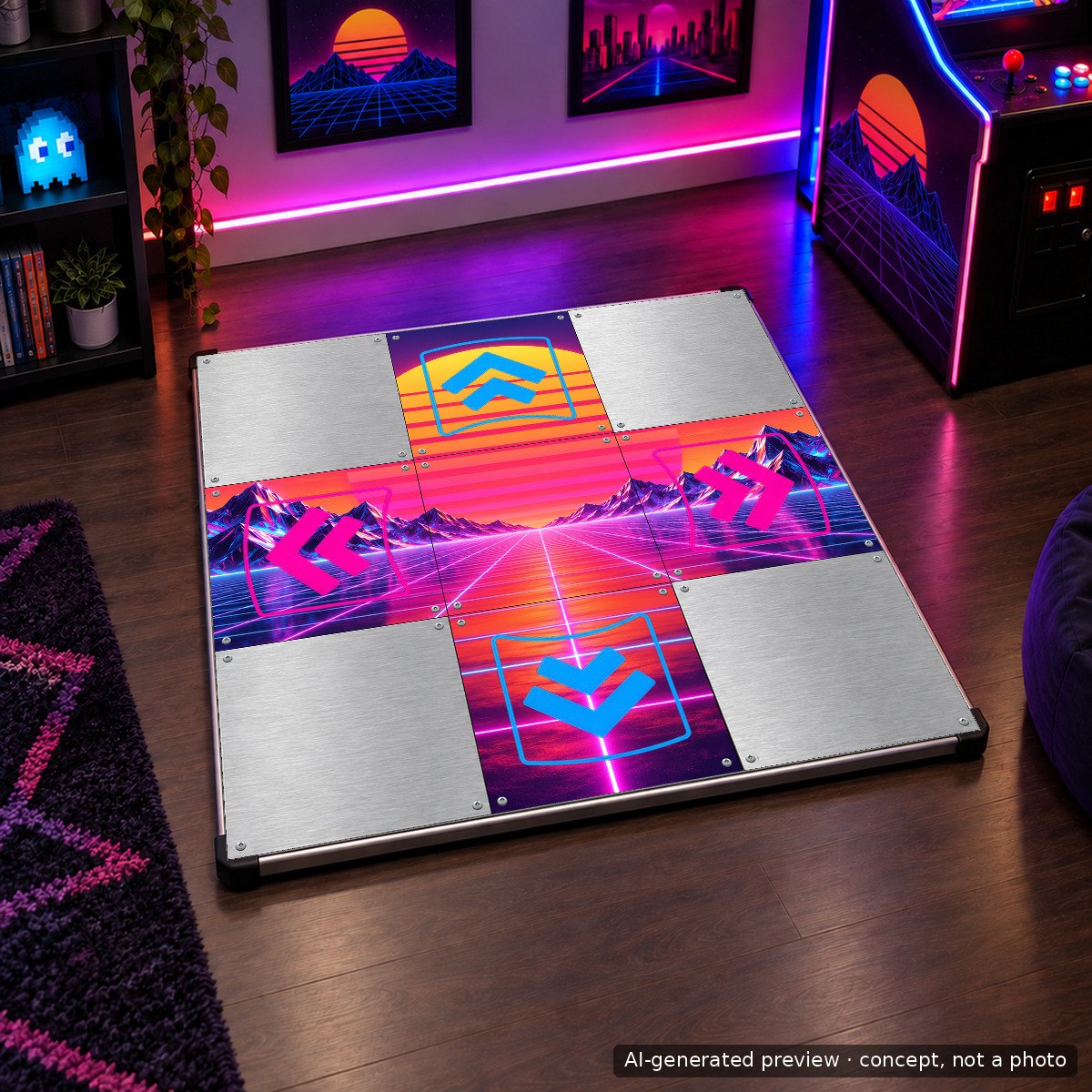
Prompt used
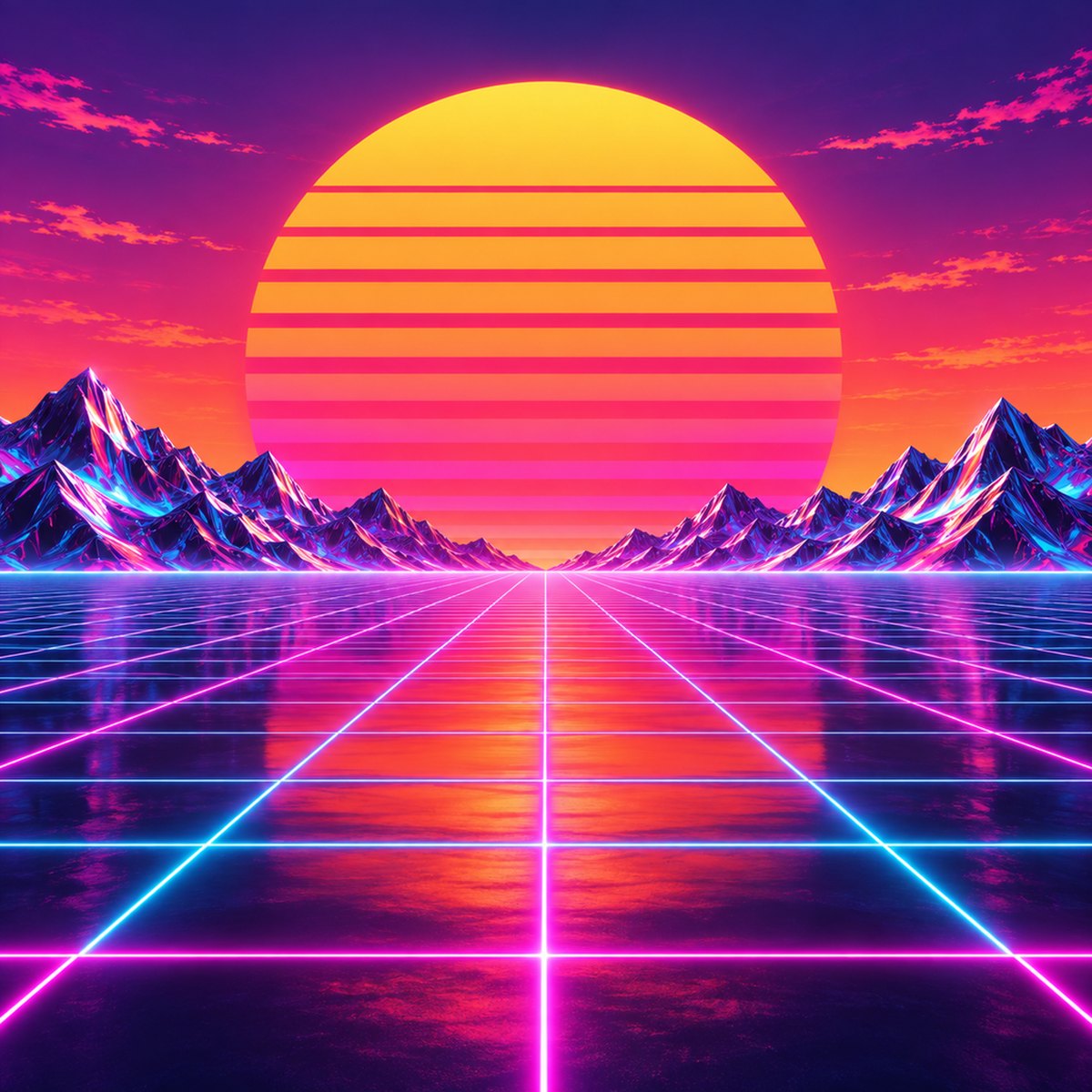
synthwave illustration filling a square canvas: a huge striped sun setting over a neon perspective grid, purple to orange gradient sky, chrome mountains on the horizon, glowing pink and cyan grid lines converging to the centre, retro 1980s poster style, print ready, no text
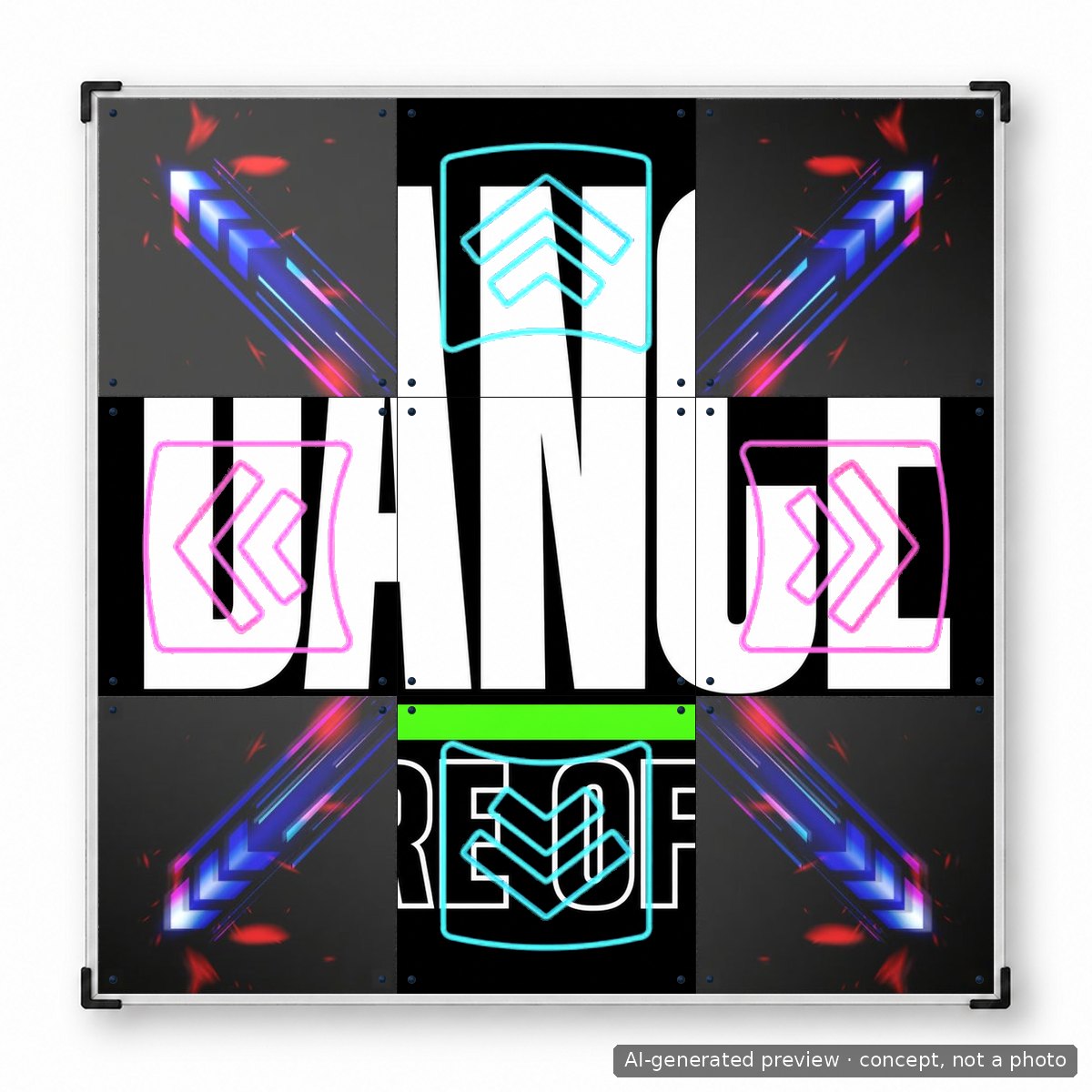
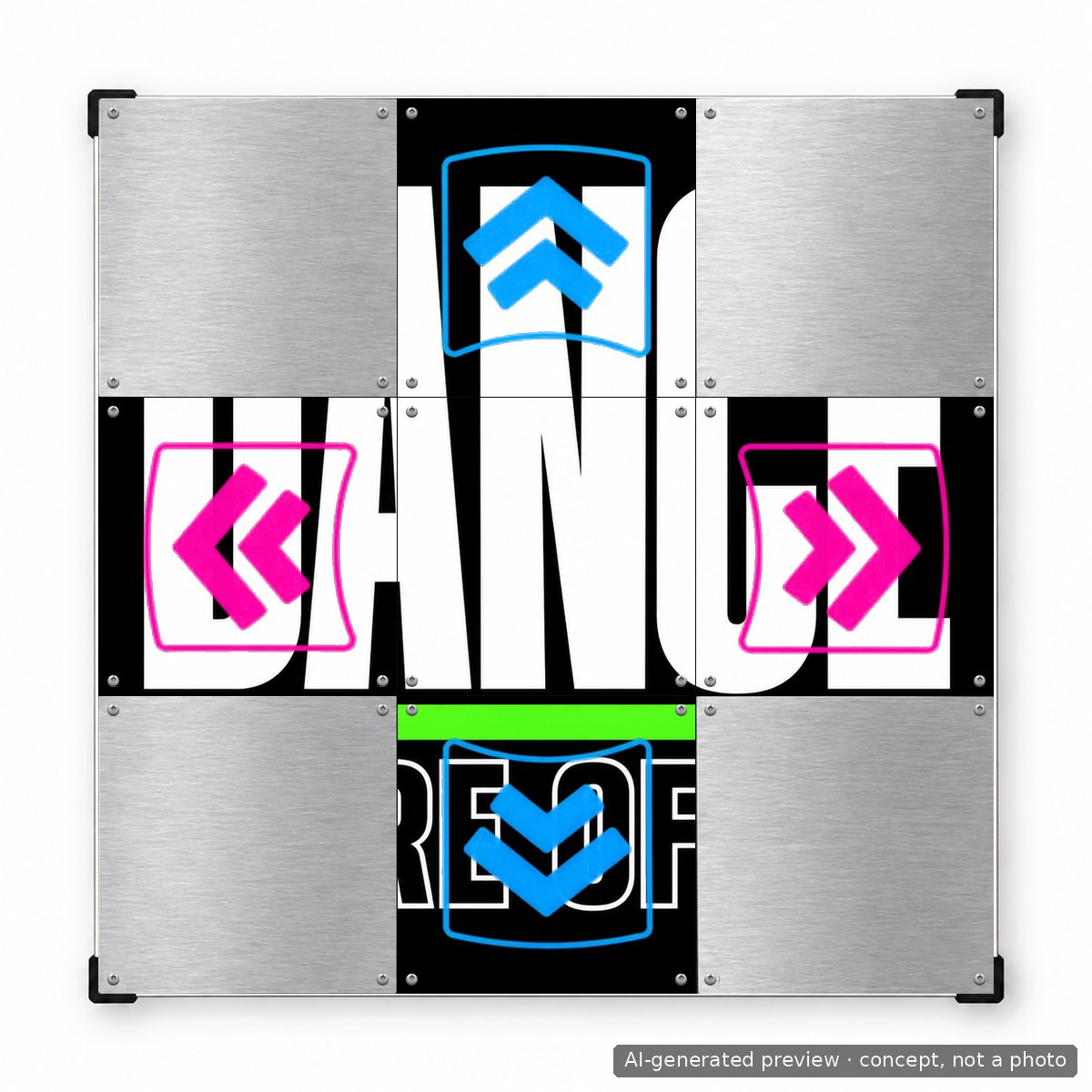
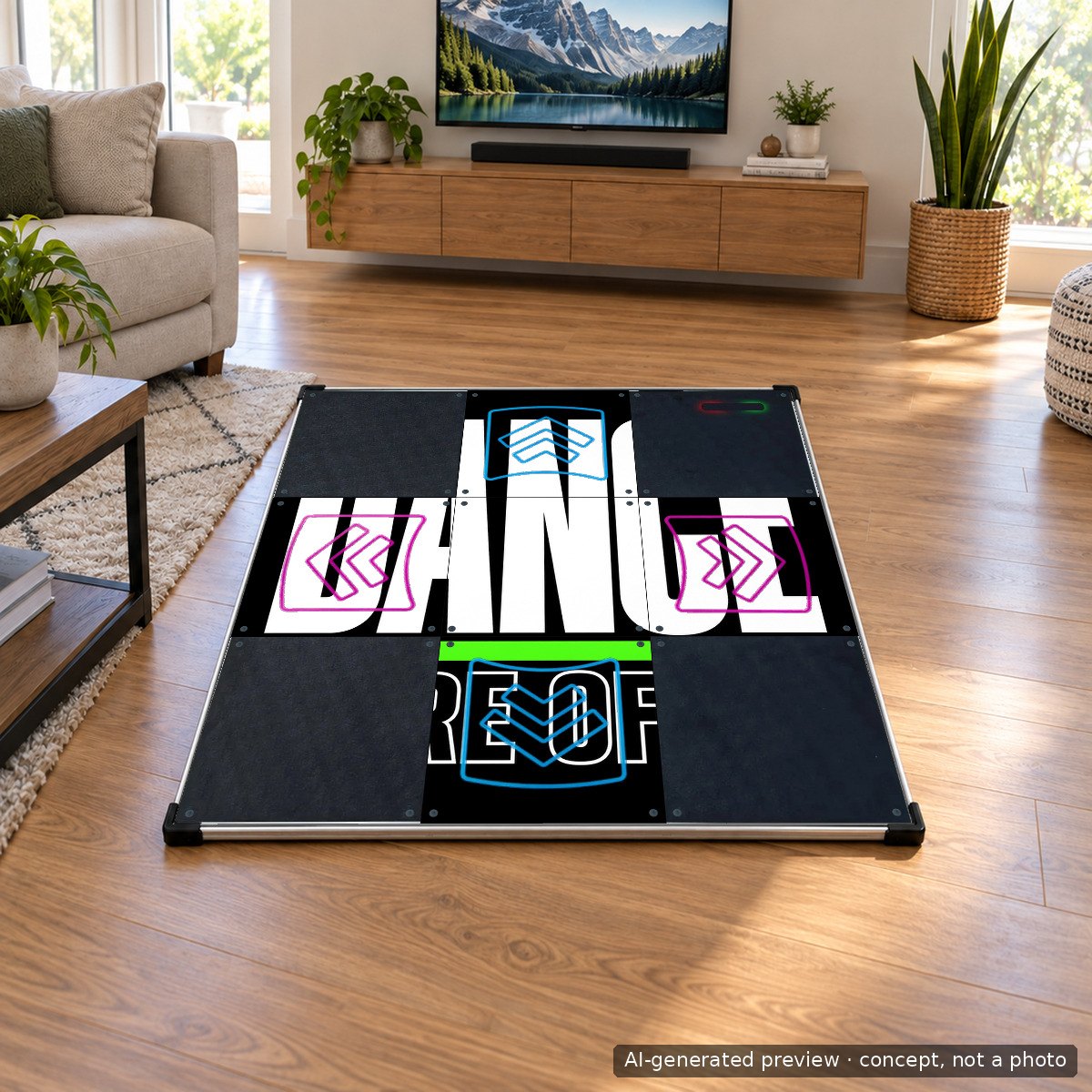
Prompt used
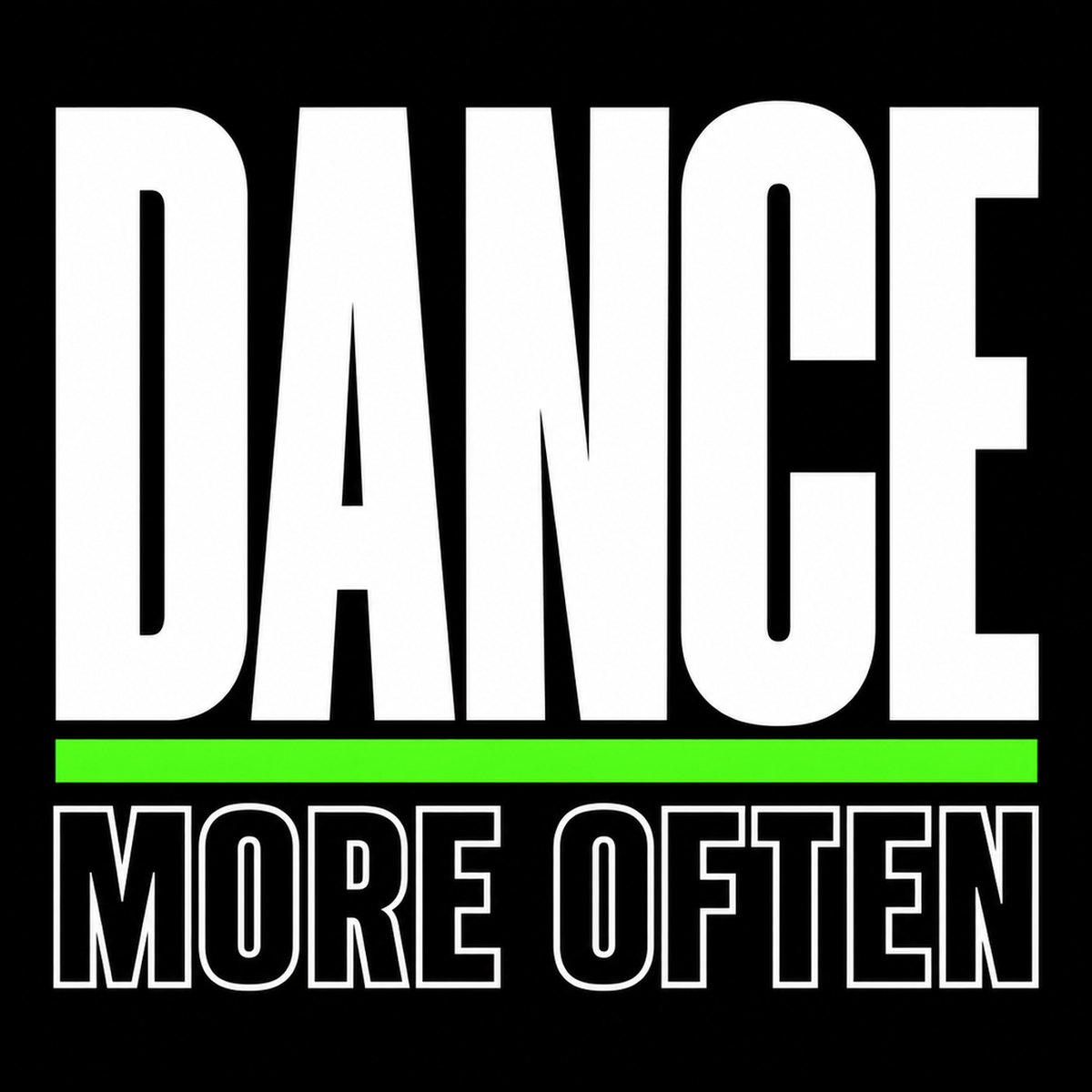
bold typographic poster filling a square canvas: the single word DANCE in huge condensed white letters stacked over the words MORE OFTEN in smaller outlined letters, matte black background, one neon green accent stripe, brutalist print style, sharp edges, print ready, no other text
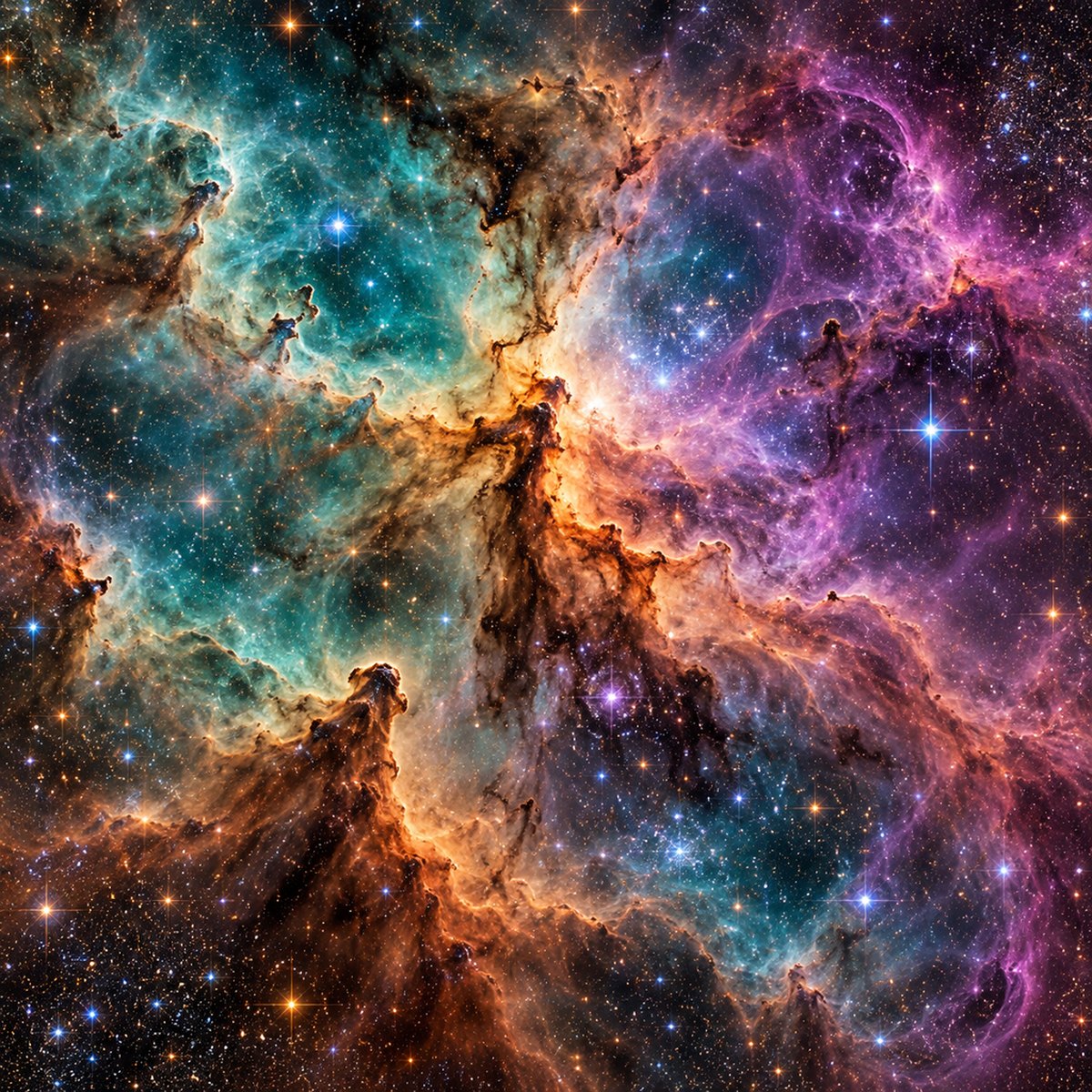
Prompt used
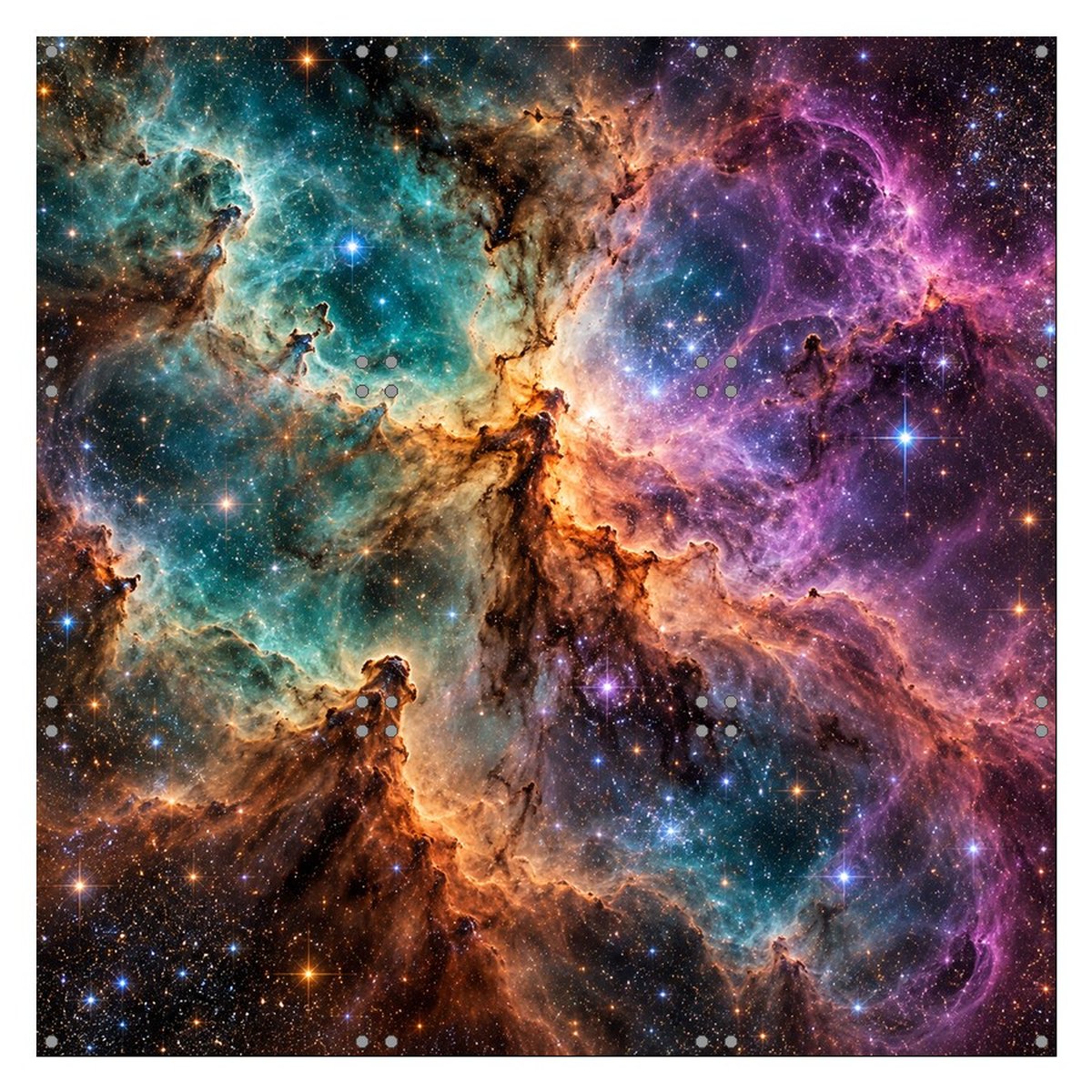
photorealistic astrophotography style image of a colourful nebula with dense star field, teal, violet and warm orange gas clouds, extremely detailed, square, edge to edge, no text, no watermark
Prompt used
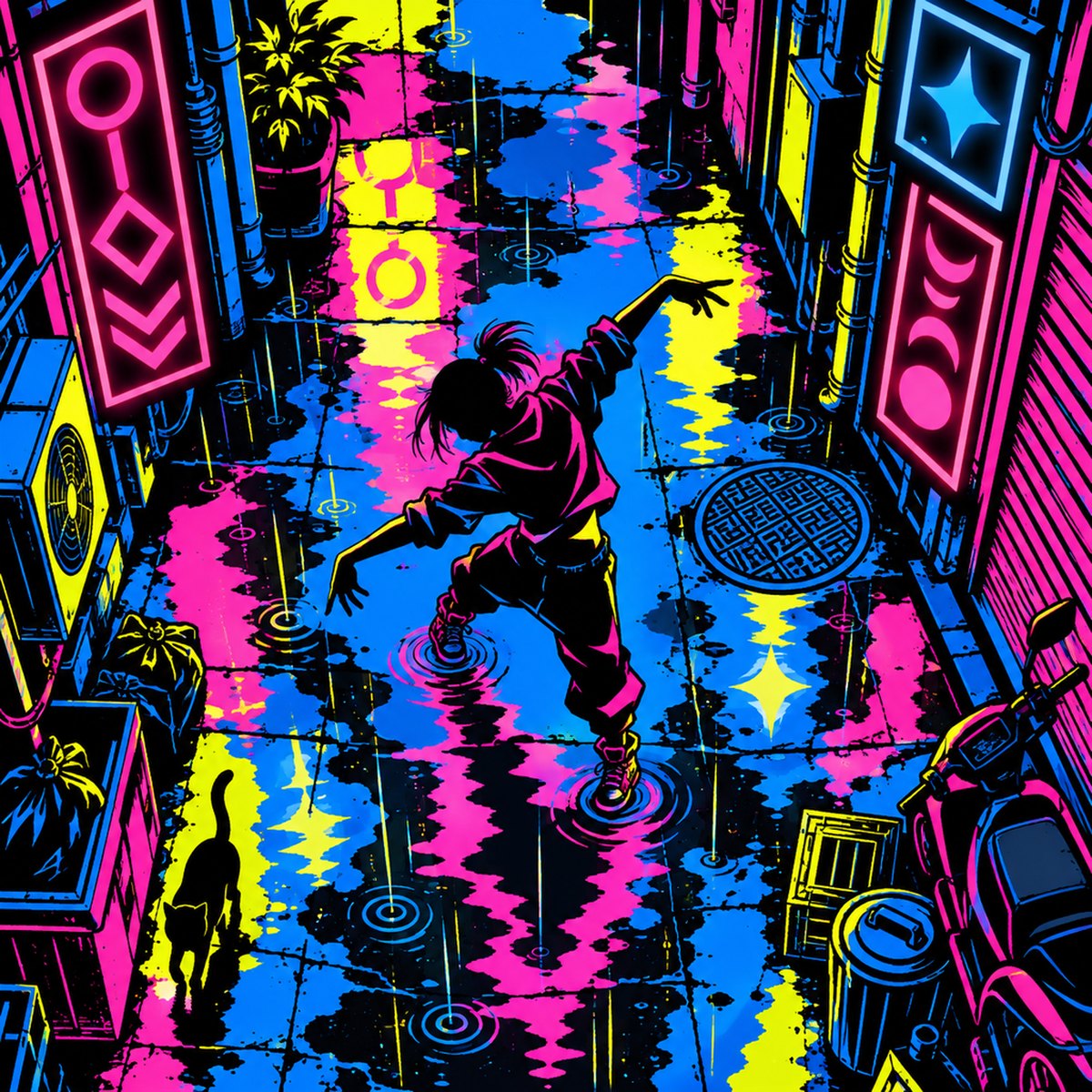
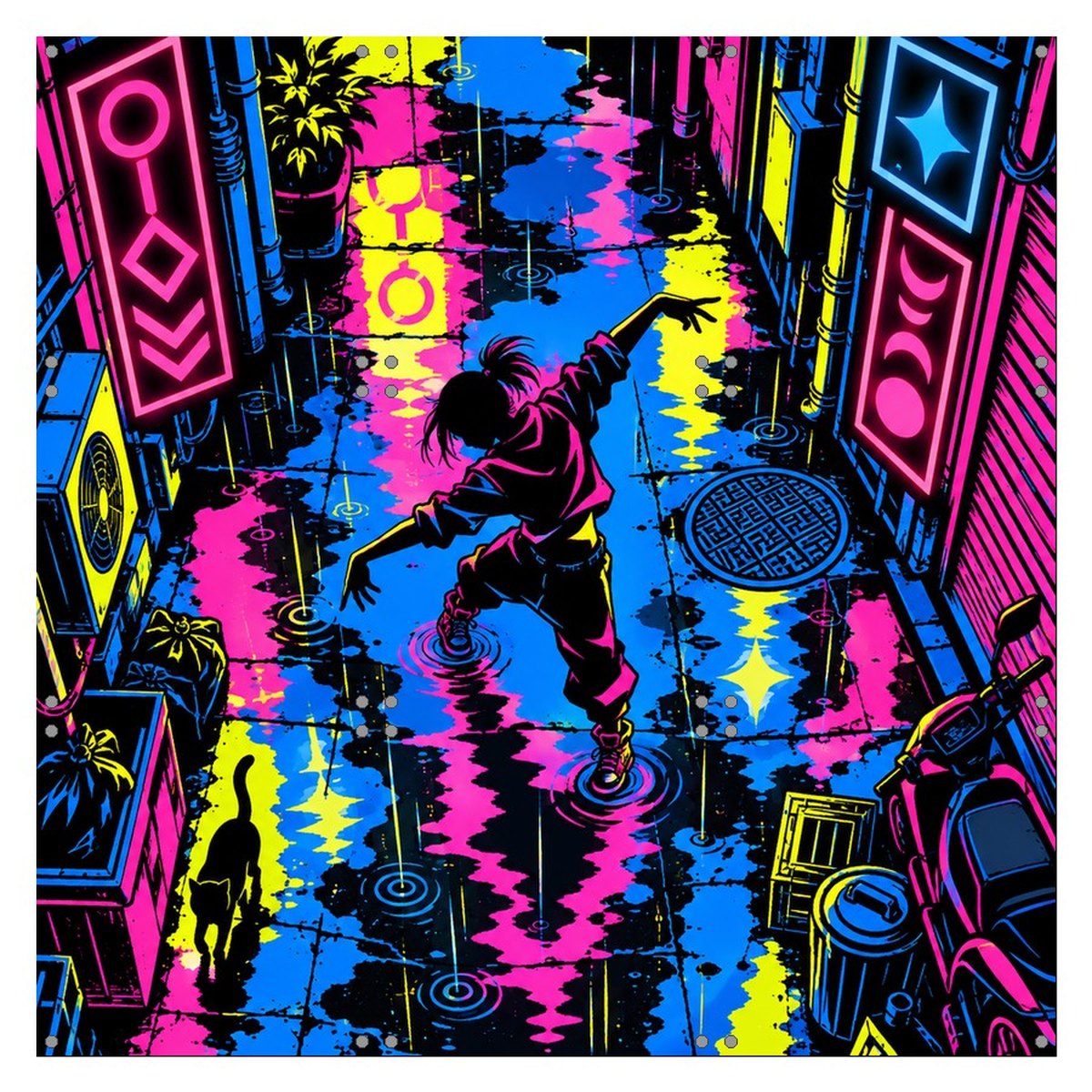
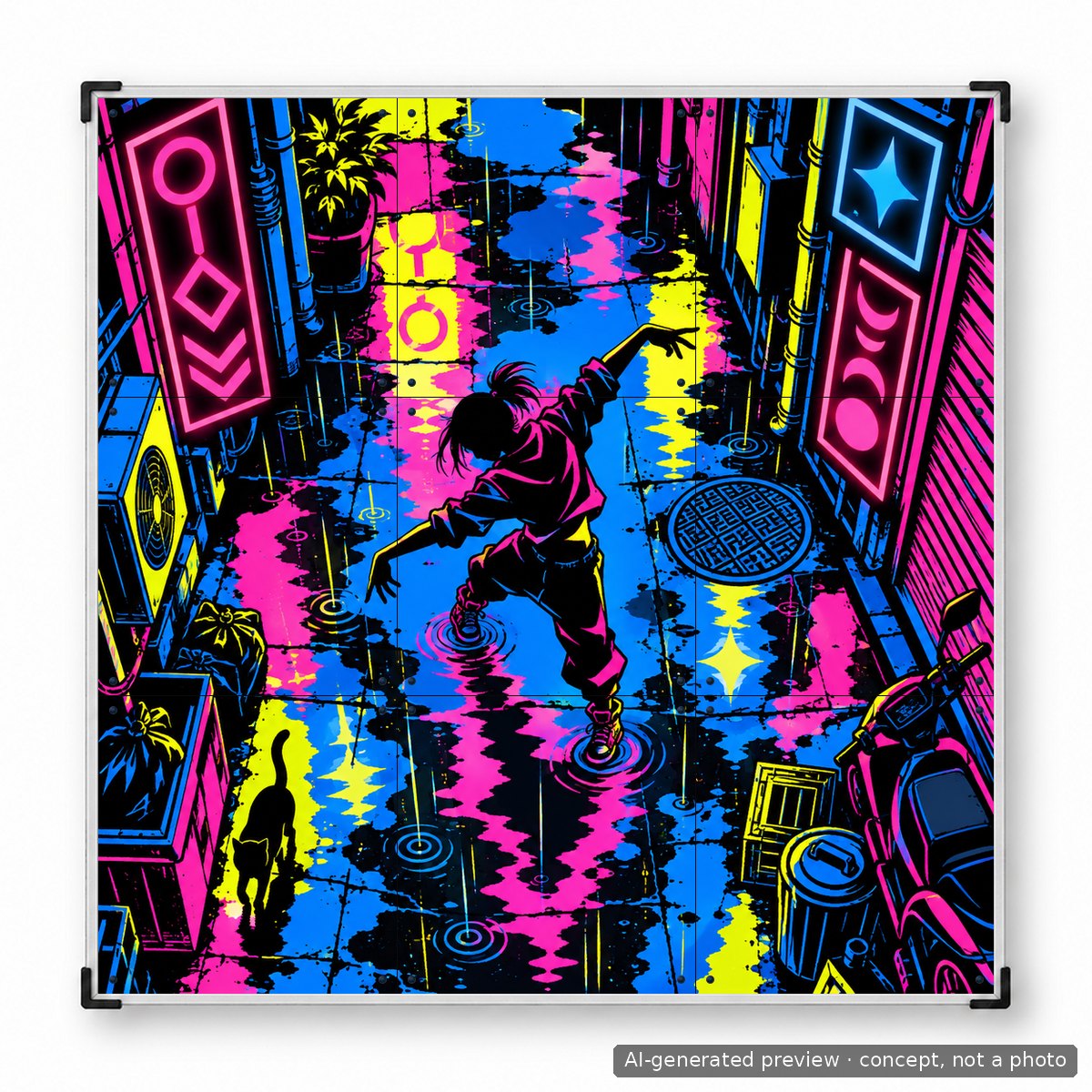
flat vector street-art style illustration filling a square canvas: a cyberpunk alley seen from above with neon signs, rain puddle reflections, a lone dancer silhouette in the centre, bold outlines, limited palette of black, hot pink, electric blue and acid yellow, print ready, no readable text
Prompt used
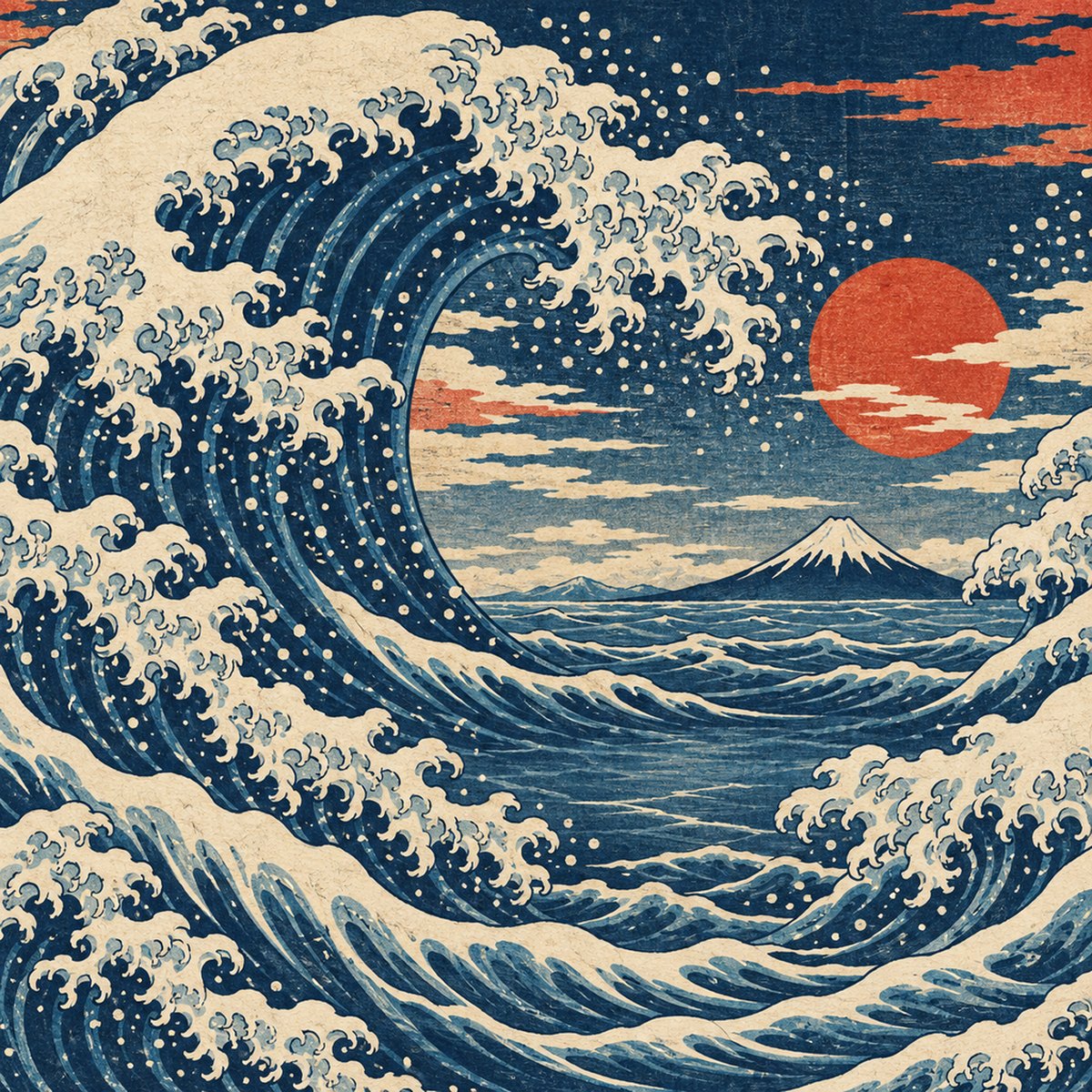
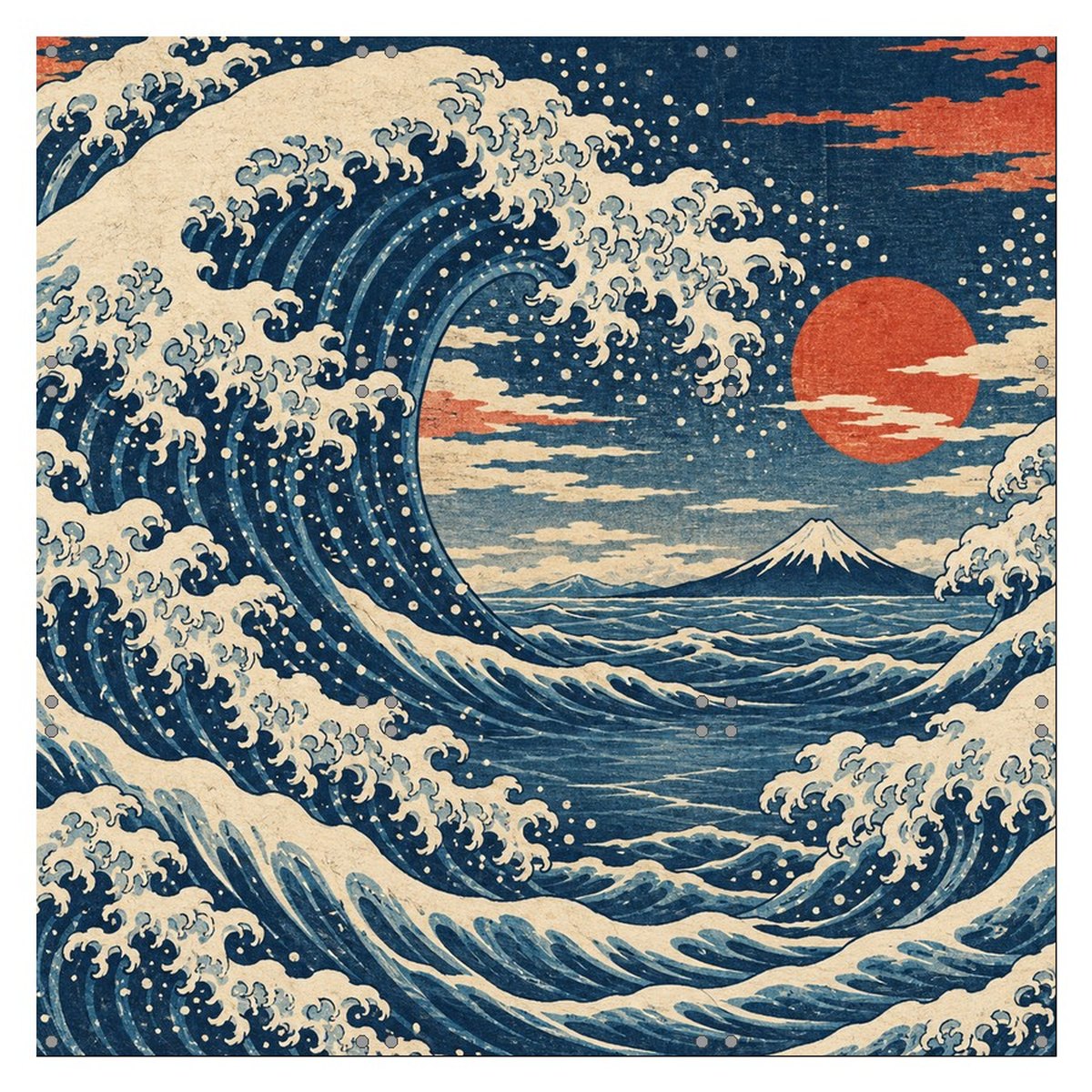
ukiyo-e woodblock style illustration filling a square canvas: a great curling wave with foam claws, Mount Fuji small in the distance, indigo, cream and vermilion palette, visible paper grain, seamless edge-to-edge composition designed so the centre area is calmer water, print ready, no text
Prompt used
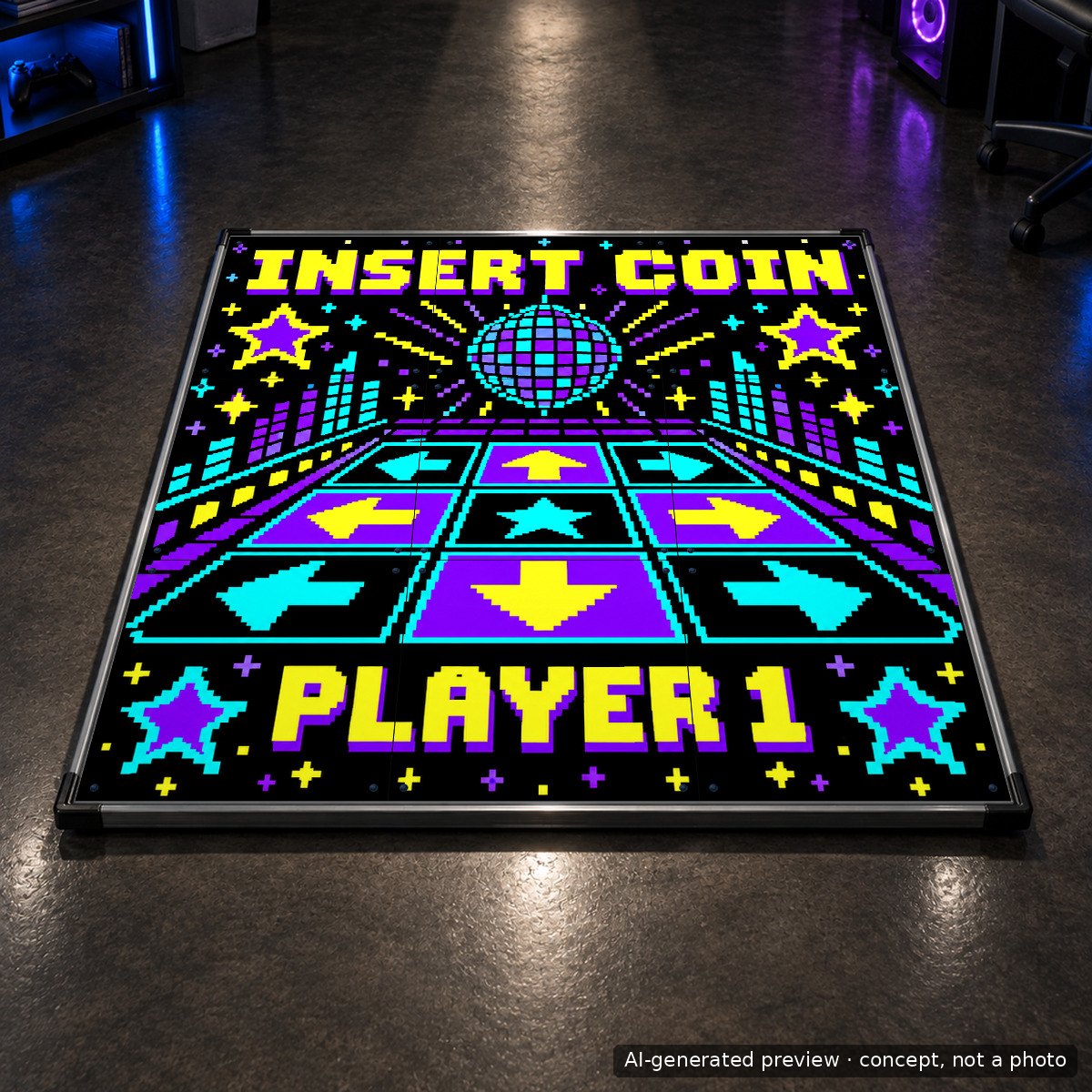
pixel art poster filling a square canvas: retro arcade style, chunky 8-bit letters reading INSERT COIN at the top and PLAYER 1 at the bottom, a pixel dance floor grid in the centre, pixel stars and sparkles, palette black, violet, cyan, yellow, crisp pixels, print ready, no other text
Uploading your design on iAmats.com
Panel customization is the price of the print itself and of preparing your file for print. The panel it goes on comes from one of two places.
- Ordering a new mat. Add the mat and Panel customization to the same order and choose Print on: Panels of the mat in this order. We print on the panels of that mat and ship it assembled. All nine panels are printable only on the LTEK PRO X; other mats take the center panel or the center with four arrows.
- Already own an L-TEK. Choose Print on: Extra replacement panels. The price then includes the blank polycarbonate panels for the option you picked (one, five or nine) plus the print. We print, and you swap the panels at home with the screws supplied. You can add as many printed sets as you like to one order.
There are two ways to hand us the design. The online editor is the fast one. The templates are for people who prefer their own software.
Path one: the online design editor
- Open the Panel customization product, choose the panel type (Central Panel, Central Panel + Arrow, or All panels) and where to print (panels of the mat in this order, or extra replacement panels).
- Click Customize. The design editor opens with the outline of the panels you chose.
- In the left toolbar pick Images, then Upload, and drop your file in. Click the thumbnail to place it on the mat. It lands smaller than the print area, so drag the corner handles until it covers the whole light area (the black panels are the ones that stay as they are). You can also add text, shapes and cliparts from the same toolbar, and there are more than 800 fonts to choose from.
- Check the preview. What you see is the print file we receive. The small dots in the corners of every panel are the screws, so keep faces, logos and lettering away from them.
- Click Add to cart, then Checkout in the bar that appears. Your design moves to the shop cart as its own line with a thumbnail of the finished layout and an Edit Design button, so you can still change it before paying. If you are still deciding, use Save to MyDesigns and come back later.
- Add the mat itself to the same order (for the print on a new mat), or add as many extra panel sets as you like. We print, fit and ship.
Path two: templates for Photoshop and other tools
Download the template for the option you chose, place your artwork on the marked area, export as PNG or PDF, and upload that file in the editor as in path one.
The templates open in Photoshop, Affinity Photo, GIMP and Photopea.
Why players do it
The practical reason is that a mat with your own artwork is a mat you recognize on a stream, at a meetup or in a shared living room. The less practical reason is the one we hear most: the mat stops being equipment and becomes yours. A team crest on five panels turns two mats into a set. A child’s drawing on the center panel turns a Christmas gift into something they will not stop showing people. A nine panel PRO X with a nebula on it is simply a very good looking object in a room.
The print goes on the same polycarbonate panels as our standard graphics, so it takes the same years of stomping. You can also order a new set later if you want a new look on the same mat.
Frequently asked questions
Can I order custom panels for a mat I already own?
Yes. Choose “Print on: Extra replacement panels” when ordering Panel customization and tell us the mat model in the order note. The blank panels are included in the price and the printed panels arrive with the screws you need.
Do the arrows stay visible on a custom arrow panel?
Only if you draw them. We print the file you upload, nothing is added on top. Put the arrow shapes into your artwork on the four direction panels, using the templates for size and position, and the mat stays readable during play.
Can I put nine different pictures on the nine panels of PRO X?
You can. Prepare one 3 by 3 image with a picture in each square and upload it as a single file. We print it as one continuous surface, so the pictures meet at the panel seams without gaps.
Will an AI generated image print well?
As well as any other image of the same resolution. Generate at the largest size the tool offers, upscale to the sizes in the checklist above, and check for artifacts such as garbled letters or extra fingers before uploading.
How long does it add to delivery?
Custom panels are printed with your mat, so the order ships together. Expect a few extra working days compared with a standard mat.
Can I see the design before it is printed?
The editor preview is the print file. If something looks wrong after you order, write to us before the panel goes to print and we will check it with you.
Ready to try it? Open Panel customization, pick your panels and upload your first design. If you are not sure whether an image will work, send it to us first and we will tell you.