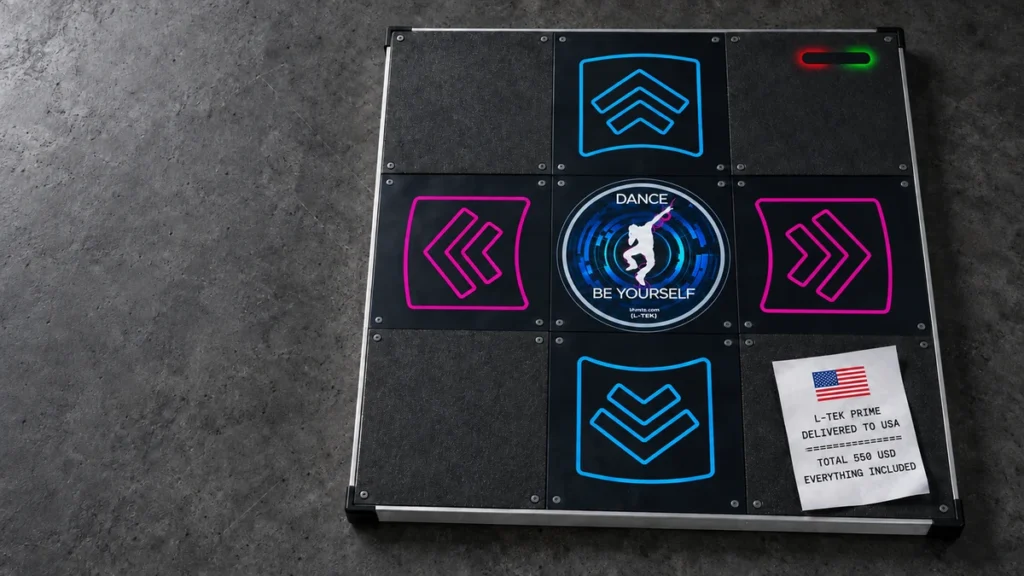
Three people in front of one screen. A whole group on wired and wireless mats. Lights that react to the game, mini games you play with your feet, and a sensor that helps you get the sound right. StepMania 5 LTEK Edition is still free, and it now gives you a lot more reasons to step onto the mat.
New StepMania LTEK Edition: Three Mats, a Whole Class, and Rhythm Without the Guesswork
It started with questions that anyone knows who has ever set up a game for the family or run a session for a group. Which mat belongs to which player? Why is it harder to hit the beat on the TV than on the computer? How do you explain the first steps to someone who has never played? The new LTEK edition grew out of exactly those situations. It is a continuation of community StepMania, with work put into controls, synchronization and playing together, more than a repainted menu.
The release is a free public beta and you can download it from our software page.
Three players, three lanes of their own
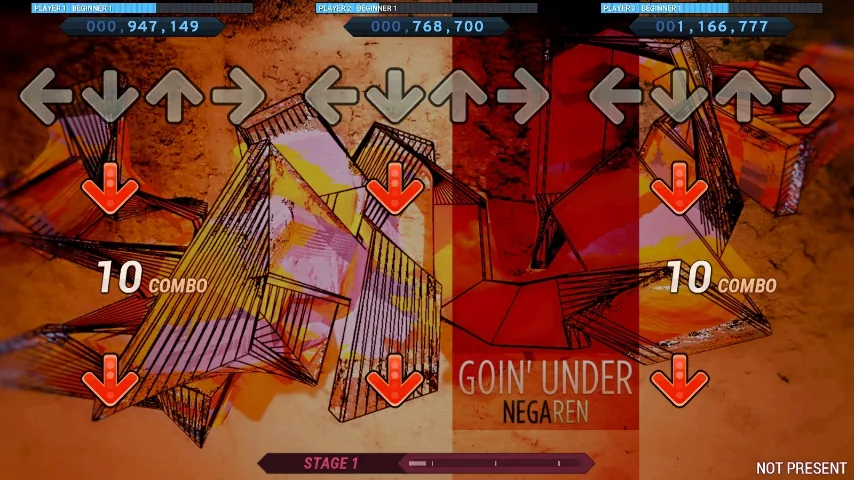
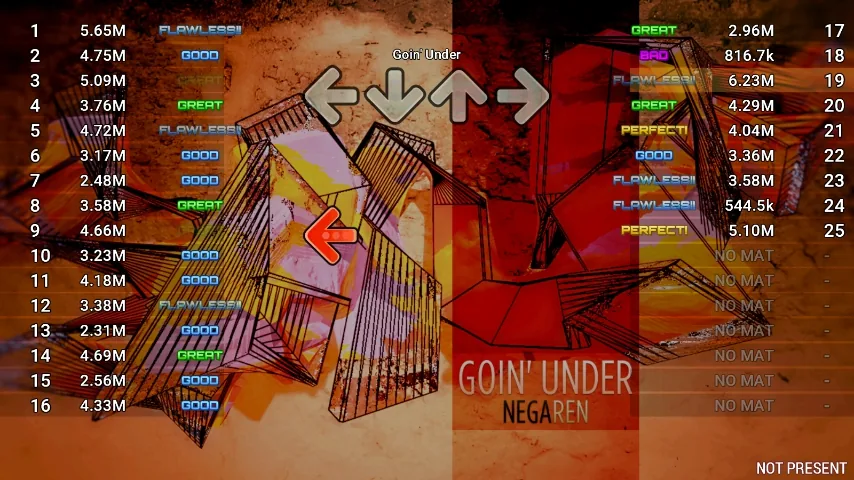
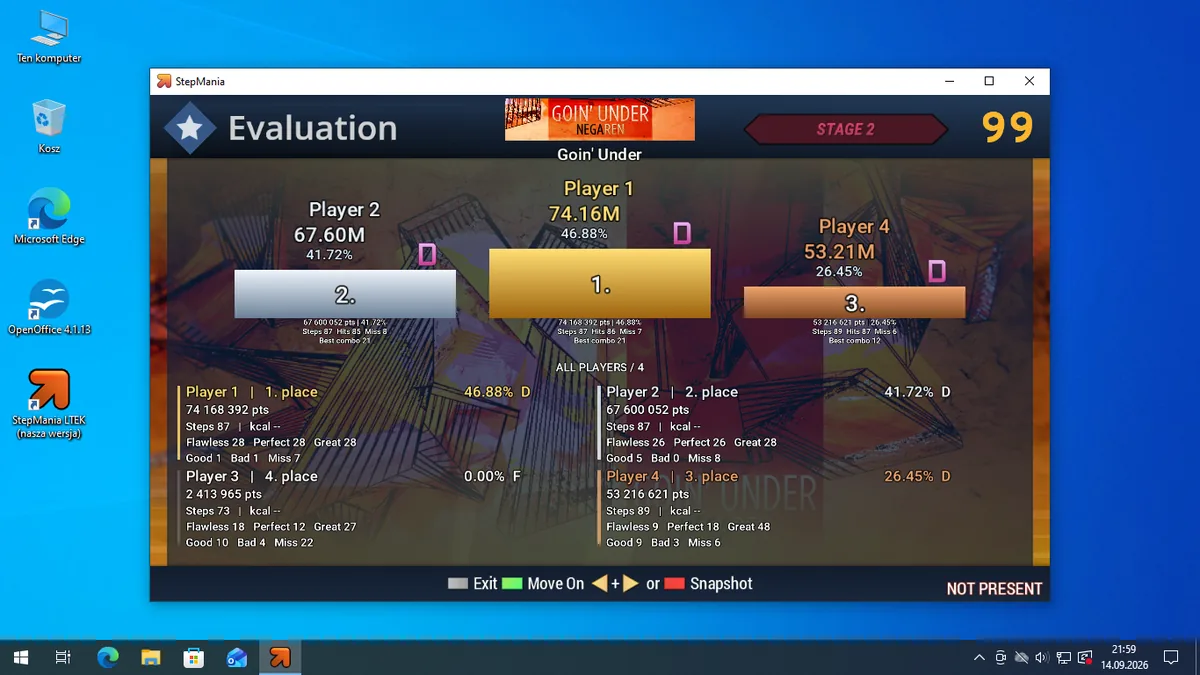
Dance3 lets three players go at the same time on one screen. Each one has a separate score, a separate difficulty and separate gameplay settings. You can dance to the same song without pushing a beginner up to the level of someone who has spent years on hard charts. The classic one and two player game is still there.
From family night to 32 participants
Multiplayer is a different idea about moving together. Instead of splitting the screen into dozens of tiny lanes, the group shares one stream of arrows, and every participant gets their own judgments and score. The mode is designed for up to 32 players, with support for wired mats and for wireless mats working with the LTEK MINI and FIT bases.
Automap shortens the setup: it recognizes supported LTEK mats and sorts out which one belongs to which player. In multiplayer it also lets you rebuild the lineup after a change. With a larger group the instructor’s wired mat can take the first slot and the wireless mats the ones after it. When the song ends you get a podium with gold, silver and bronze, plus the scores of everyone else. Each person can find their own result.
Sound set by measurement instead of by feel
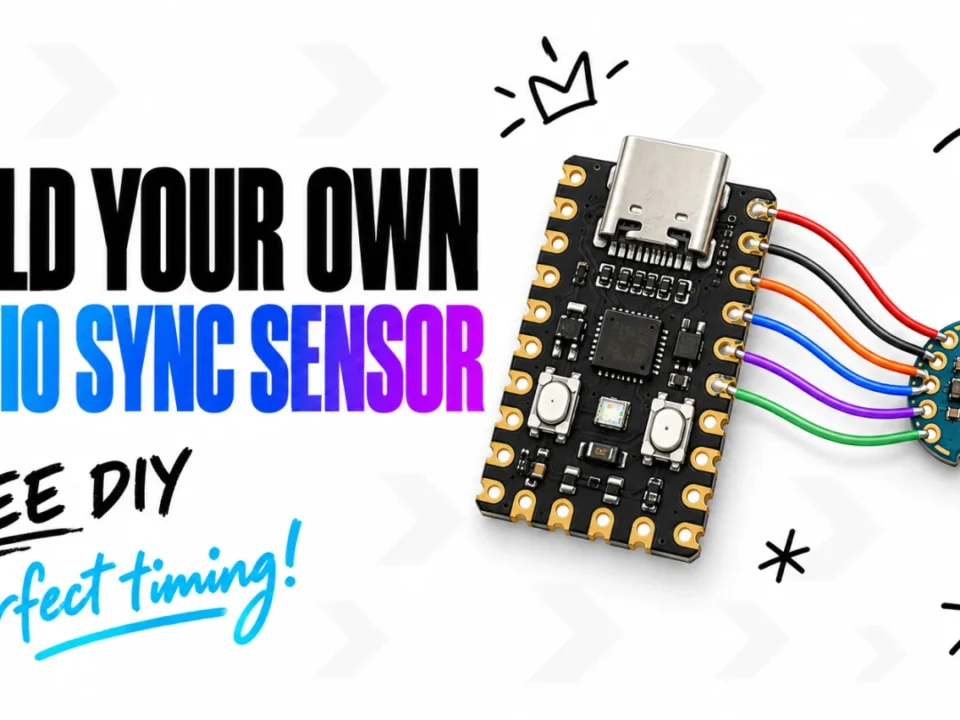
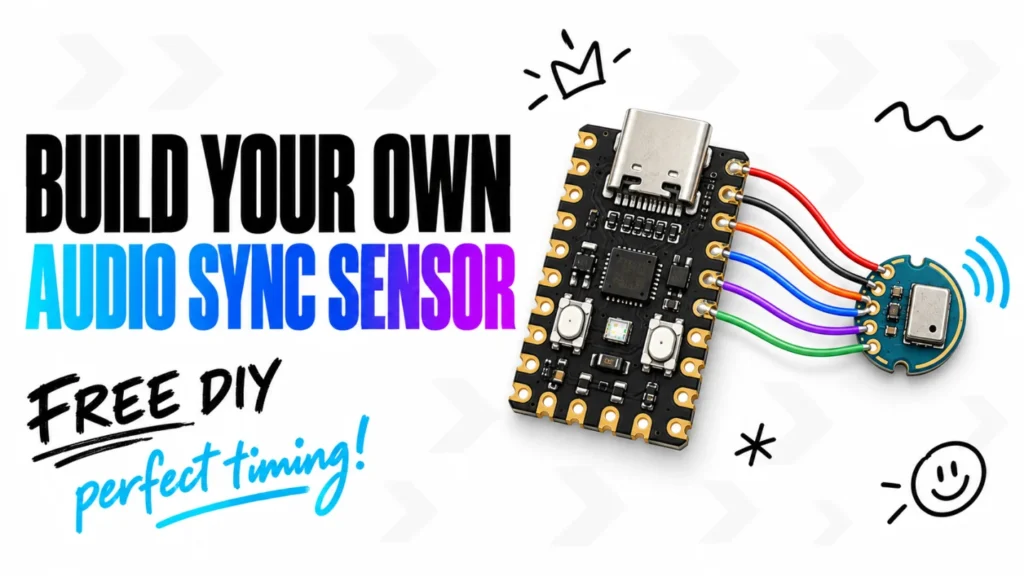
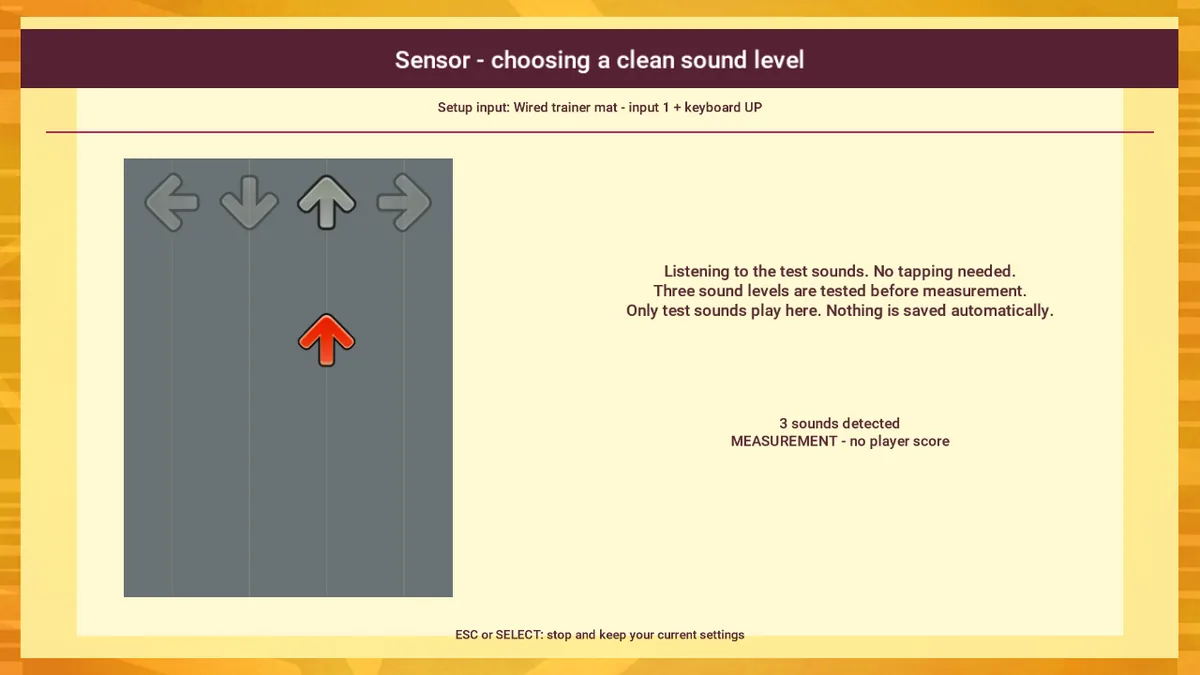
You can hold the beat well and still get weaker judgments if your audio setup plays the sound late. That is why the new StepMania LTEK adds automatic calibration with the LTEK Audio Sync Sensor. The game recognizes the USB device, runs the measurement, plays control signals and proposes a synchronization offset based on what it detects.
This helps most when you move the setup around: a TV, speakers connected over HDMI, a projector rig. It also covers Bluetooth speakers, as long as their delay stays stable. Calibration compensates for a constant offset in the sound, but it does not remove random variation. The sensor measures audio; video synchronization stays a separate setting.
Without the sensor you can still run the calibration by hand, pressing a mat panel or a key in time with the prompts. The device is planned for the iAmats store. If you would rather build one yourself, the design is already public: Build Your Own LTEK Audio Sync Sensor walks you through the parts, the firmware and the six wires, step by step. What the sensor sends to the game is information about detected signals, not recordings of the room.
Lights become part of the game
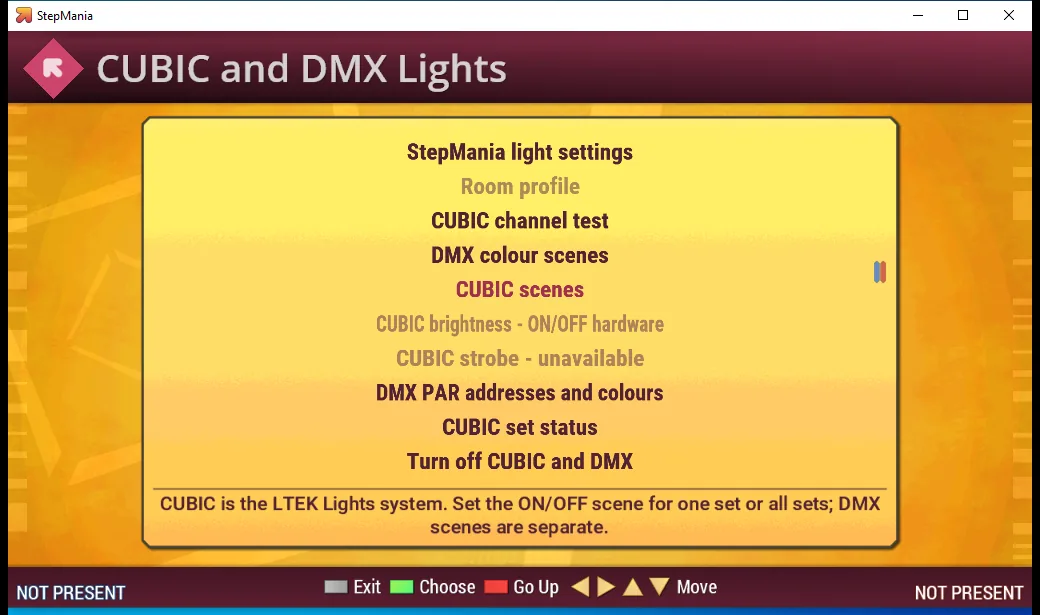
The new edition brings in DMX lighting control and native support for several LTEK CUBIC Light sets. The effect settings live inside the game, so you can match the lighting to a room at home or to a larger hall. DMX needs a compatible interface and the right channel setup on your fixtures. Not every controller labeled DMX behaves the same way.
First steps with Ada and Kuba, then a little fun
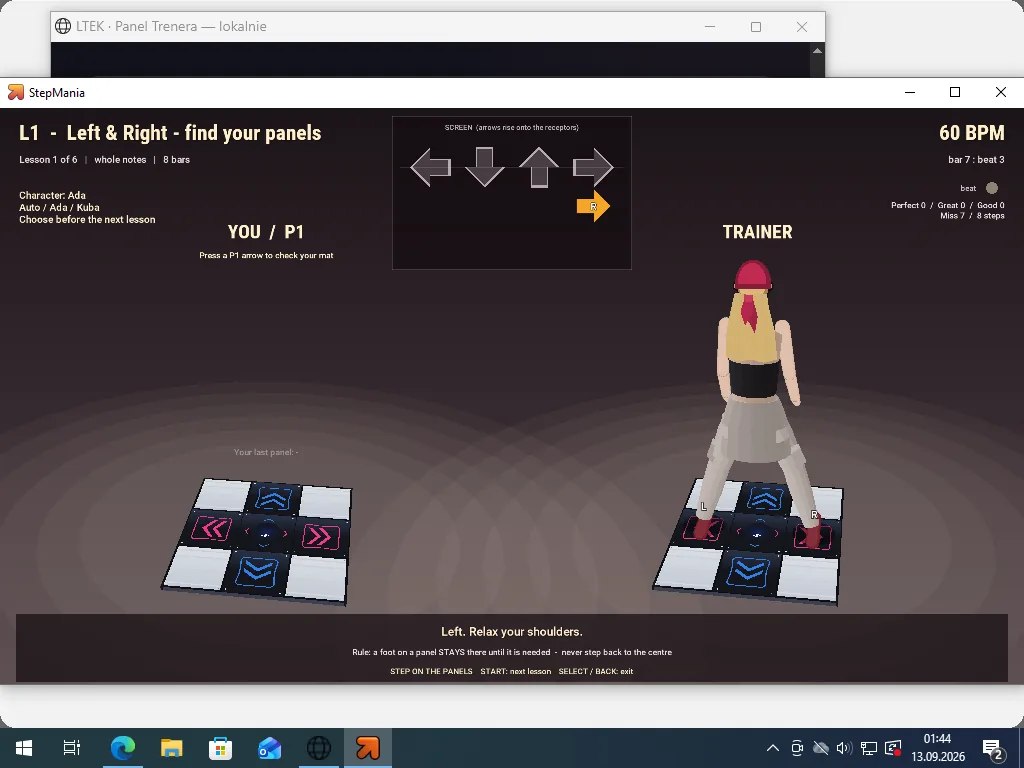
The tutorial shows you what to do with your feet instead of leaving a beginner alone with the arrows. Ada and Kuba walk you through it, the same pair from our article about your first arrows on a dance mat. A character demonstrates the movement, and lit panels and judgments let you check your own timing.
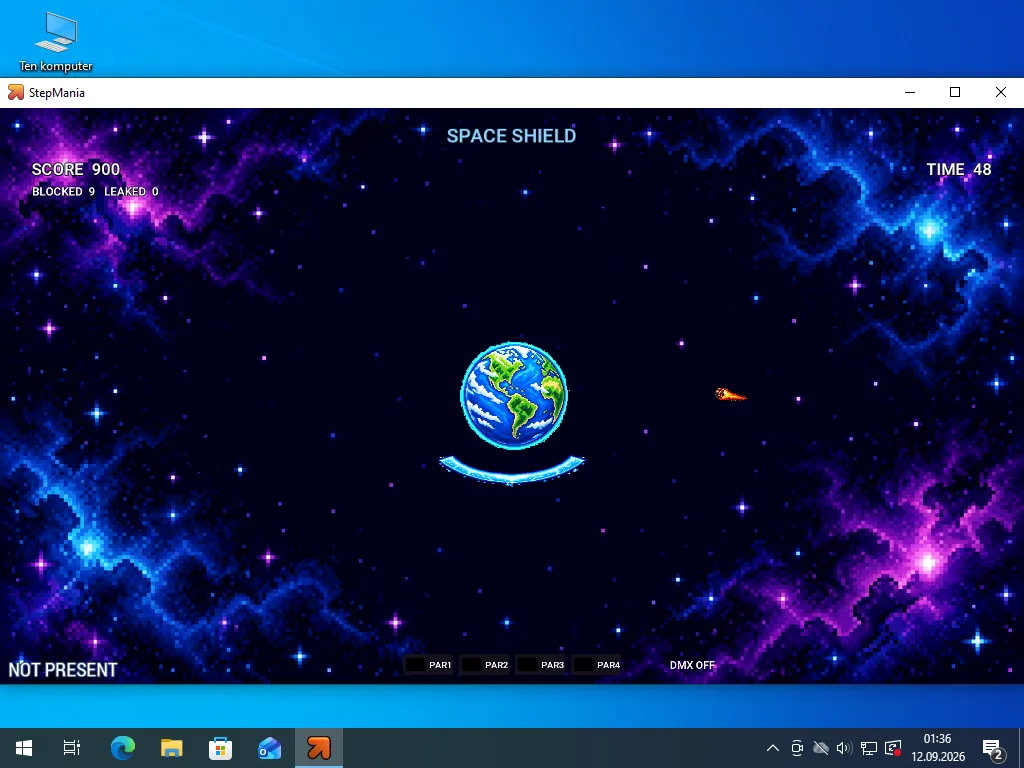
A mat does not have to be only for dance charts. We added mini games, among them Jungle Run and Space Shield. Dodging obstacles or blocking incoming objects gives you a different reason to move. It works as a break in training and as a way to bring in someone who is not yet sold on a score table.
More music, less work with files
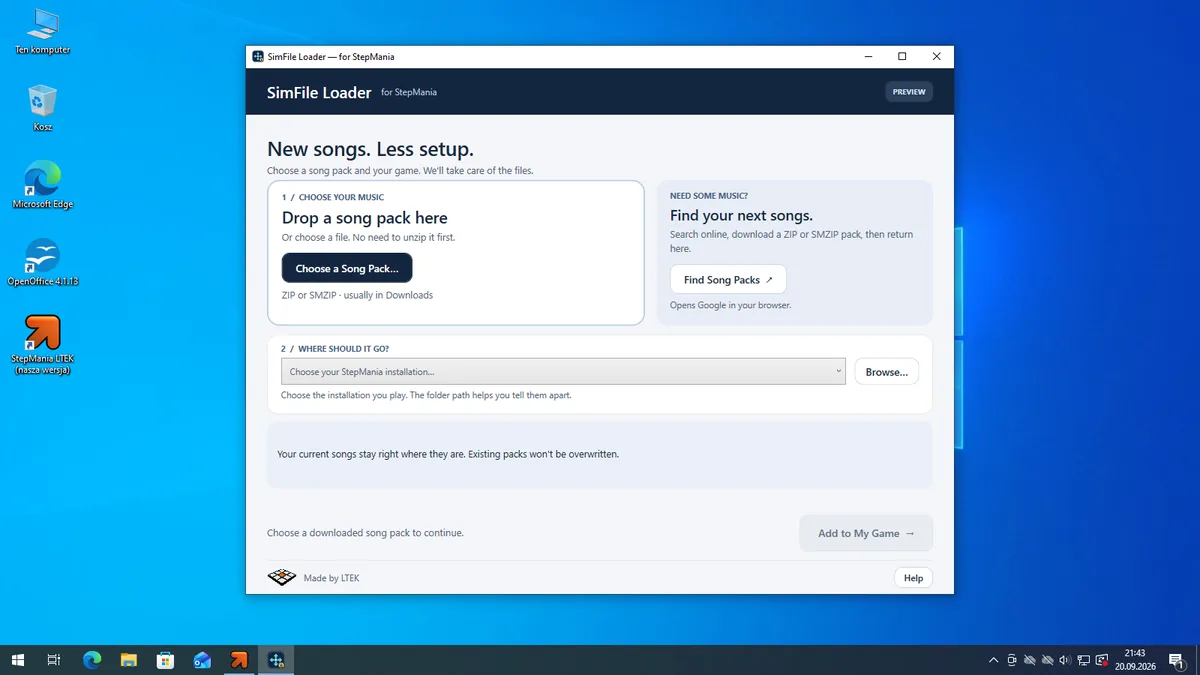
The package includes SimFile Loader, a small program that makes adding songs easier. It finds StepMania installations, lets you pick the right one and helps you put a downloaded pack into the game. You do not have to start by learning the folder structure. Rights to the music still come from the license of each pack, which matters most for public or commercial use.
Players on a five panel PIU mat can also use steps generated automatically from DDR charts. That does not replace the craft of an author writing a dedicated PIU chart, but it opens up songs that never got one.
A free LTEK edition, still StepMania
StepMania 5 LTEK Edition is built on the open StepMania project and the work of its community. It is an official LTEK edition, not a new official release from the upstream team. The game itself is free; mats, lighting and the sensor are separate pieces of hardware.
The version shown here is a beta. Some controller combinations may still need Automap or manual assignment. The direction is clear though: less time spent on setup, more time on the mat. That holds for one person in front of the screen, for three friends, and for a whole group.
The installer for Windows is free and signed. Get StepMania 5 LTEK Edition on the software page, where you will also find the previous release, StepMania L-TEK r. 4.1.
LTEK edition credits: Tomasz “Tekatom” Krupnik, Jakub Warzecha and Adrianna Krupnik.
This article covers beta 5.0.0-beta.1-r6 together with signed screenshots from earlier tests. The songs visible in them are not a list of what the installer contains.