There is now a native StepMania LTEK for macOS, and it is fully compatible with L-TEK dance mats. Plug the mat into your Mac, start the game and the arrows are already assigned. The lights and the Audio Sync Sensor work on the Mac without extra drivers, and the game teaches a beginner step by step before the first song. It is a family game too: two or three people play at once, each at their own level, and built-in arcade games turn the mat into something the whole room can play. It is free, it is a public beta, and it opens like any other app you download.
Native StepMania LTEK for macOS: Full Support for L-TEK Mats, Lights and the Sync Sensor
If the computer next to your mat is a Mac, the old Mac StepMania will not even start on it. We make the mats, so we built the Mac edition around them: the game knows an L-TEK mat when it sees one. You download one file, drag two apps into a folder, connect the mat and play.
The release is a free public beta. You can download it from our software page.
Open, drag, play
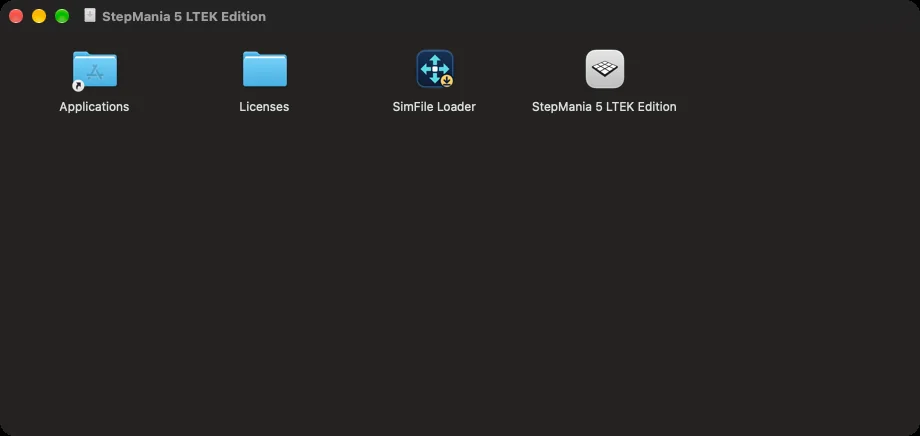
The download is a single disk image. Open it and you see two apps: StepMania 5 LTEK Edition, which is the game, and SimFile Loader, which adds songs. Drag both into the Applications folder, then start the game from there. An app opened straight from the disk image disappears when you eject the image, so the extra drag matters.
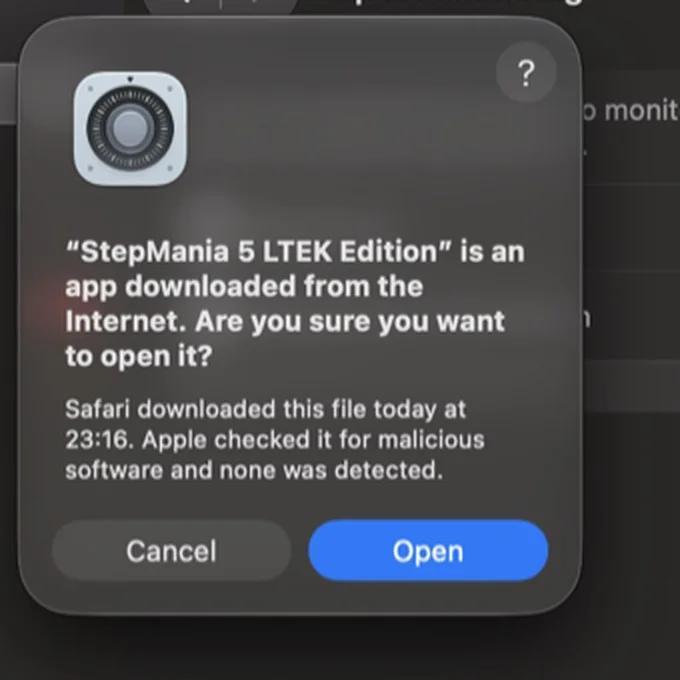
On the first launch macOS shows its standard question for apps downloaded from the internet. It names the app, says that Apple checked it for malicious software and none was detected, and offers an Open button. Click Open. That is the whole procedure. There is no warning about an unknown developer, no trip to System Settings and no Terminal command.
This works because both apps and the disk image are signed by L-TEK Sp. z o.o. and notarized by Apple. If macOS ever says the app is damaged, the file did not arrive intact. Download it again with your browser, straight from our page. Do not pass the disk image on through WhatsApp or a similar messenger: macOS marks files saved that way and then refuses to open the app.
Built for Apple silicon
You may remember an older StepMania for the Mac. That build, StepMania 5.0.12, was a 32-bit program. Current macOS cannot run 32-bit apps, and Rosetta 2 cannot either, so on a Mac bought in recent years it does not start at all.
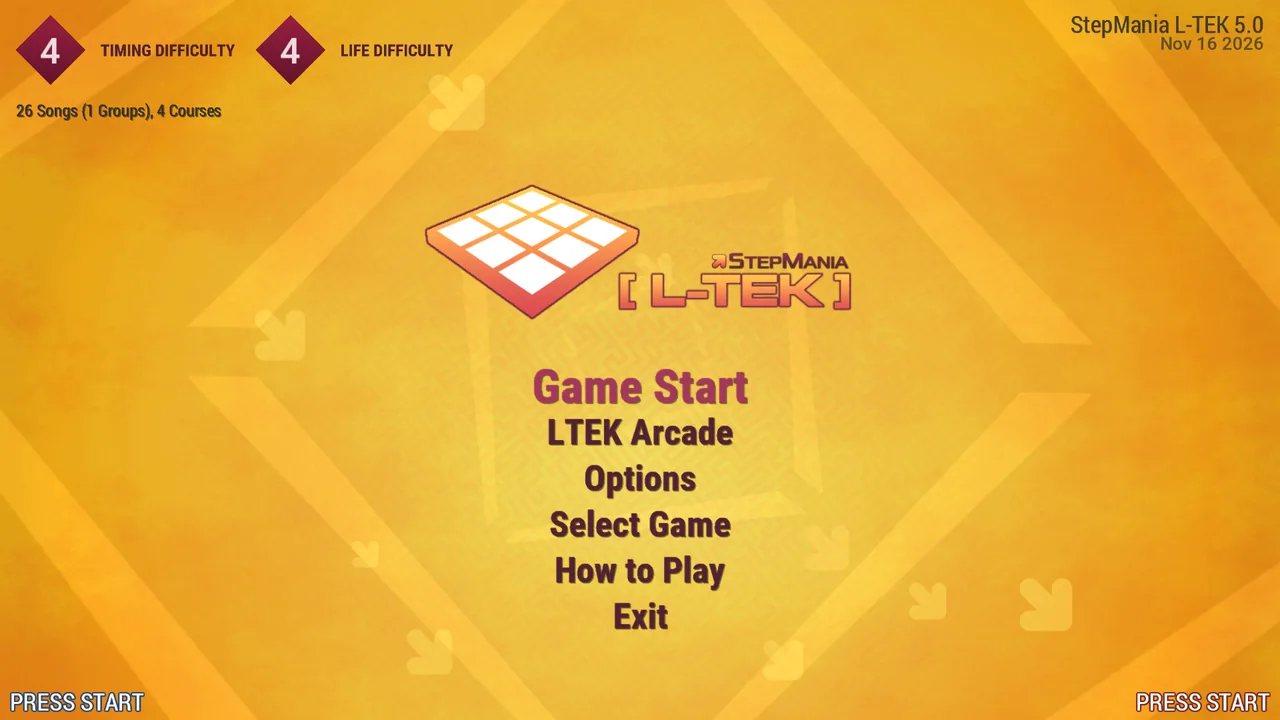
StepMania 5 LTEK Edition was ported to 64 bits and built natively for Apple silicon. It is made for Macs with an Apple M1, M2, M3, M4 or later chip, and it runs without a translation layer. To check your Mac, open the Apple menu and choose About This Mac. The Chip line should name an Apple M-series chip.
Fully compatible with L-TEK mats
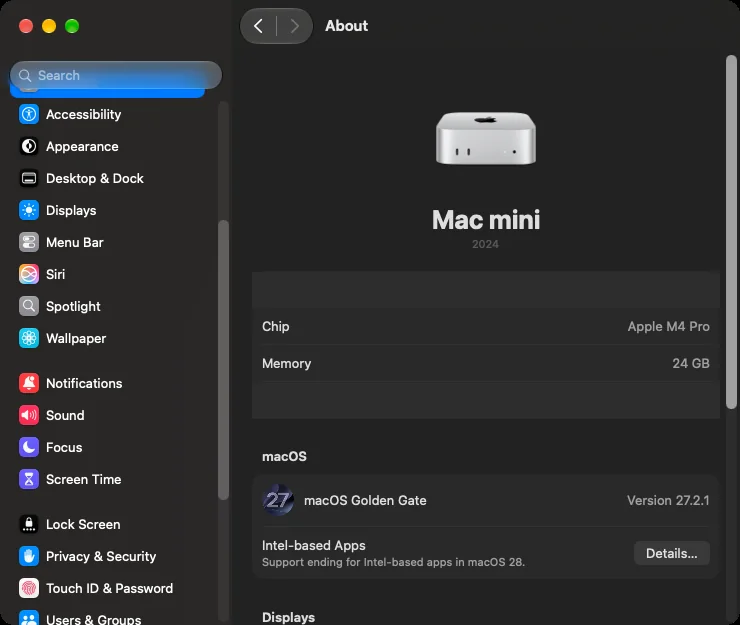
Plug your L-TEK dance mat into the Mac and start the game. StepMania 5 LTEK Edition recognises L-TEK mats and assigns the arrows for you, so most players never open the key mapping screen. An L-TEK mat is a standard USB game controller, so macOS needs no driver for it and you install nothing besides the game.
We played the Mac edition on our own mats before releasing it: the hard dance pads, including the LTEK Prime dance pad, and the soft NLGM mat. The dance profile, the PIU profile and the joypad profile of the mat all work, and you can connect more than one mat to the same Mac. If your Mac has only USB-C ports, the mat cable needs a USB-C adapter or hub.
The keyboard works straight away too. The game reads keys from its own window, so macOS does not ask for Input Monitoring permission, and nothing has to be switched on in Privacy & Security. We checked this on a Mac where the game’s Input Monitoring entry was turned off. That is one less prompt to explain to someone who only wants to dance.
The default input filtering is the same as in the PC edition.
The soft NLGM mat has one more trick. Switch it to its five-panel profile and the same mat plays the PIU mode, with the corner arrows and the centre panel. You do not need separate charts for that: the game builds the five-panel steps from the regular ones, so every song you have is playable both ways.
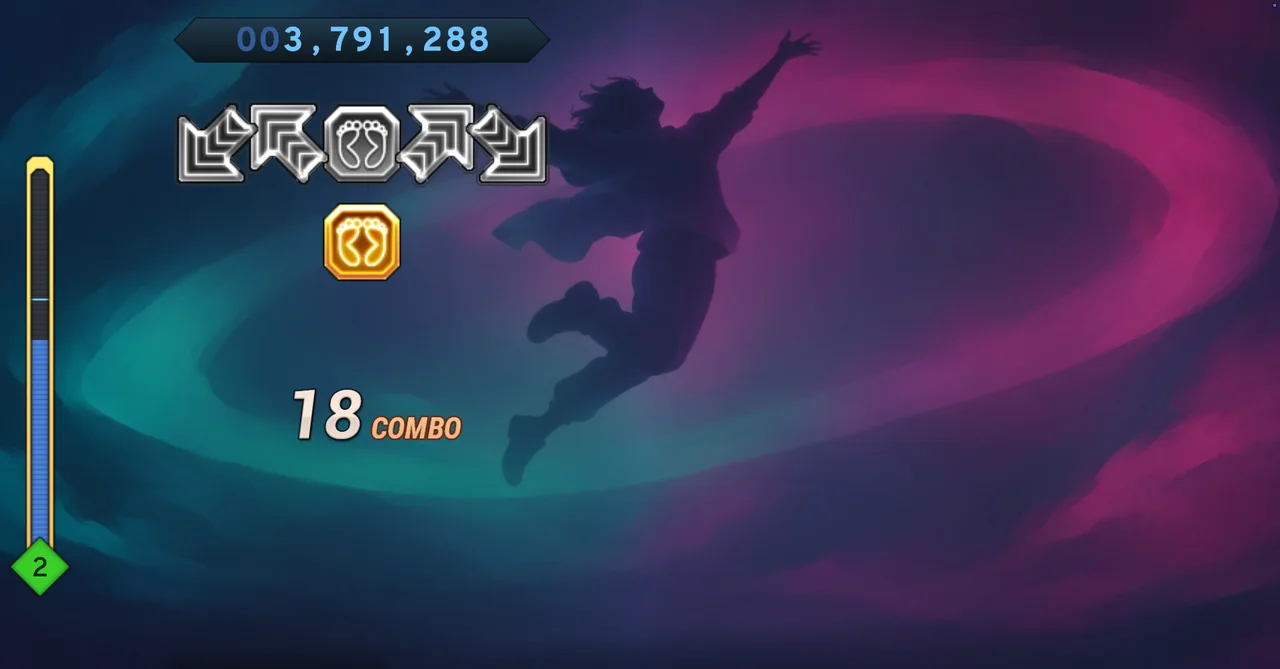
Have a Mac and an L-TEK mat? Download StepMania 5 LTEK Edition for macOS. It is free.
Songs without digging in folders
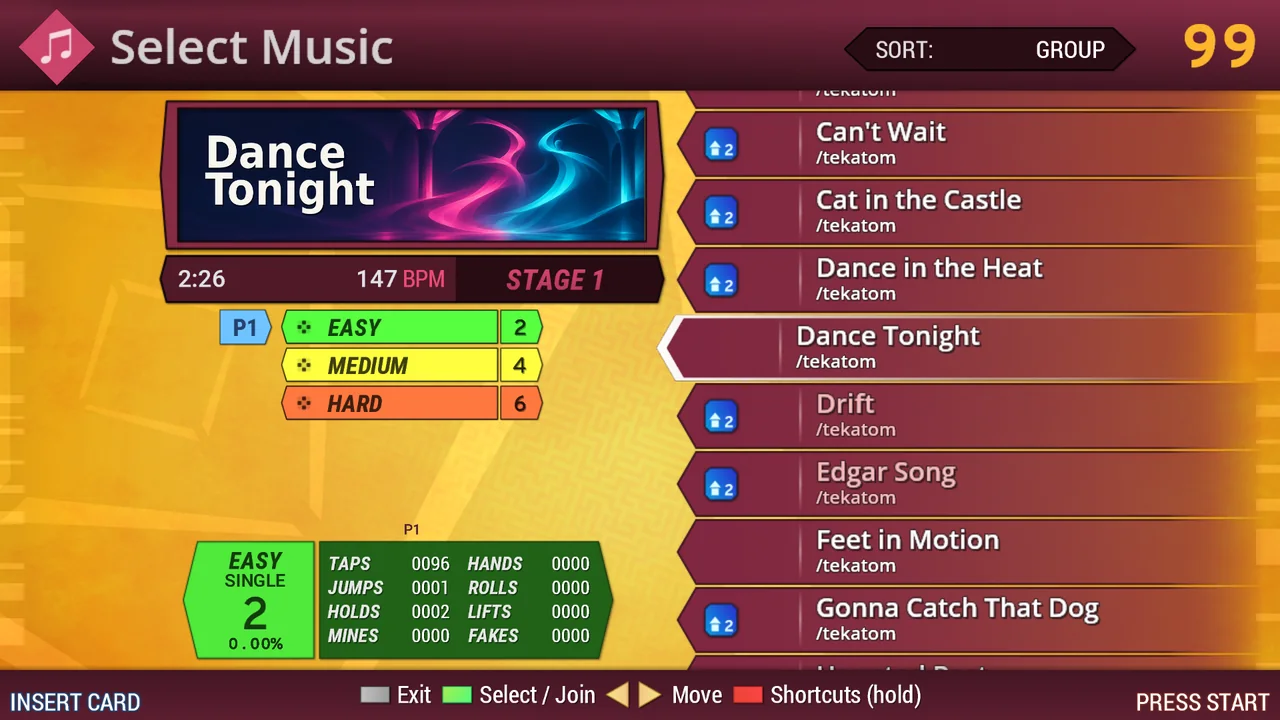
The game comes with 26 songs, so you can play the moment it is installed. You find them in the Favourites group. More songs come in through SimFile Loader, the second app in the disk image. Open it and pick a free pack from the online catalogue at simfilearchive.dev, or drop a pack you already downloaded onto its window. ZIP, SMZIP, RAR and 7z files all work. The loader checks every pack before anything is copied. No account is needed.
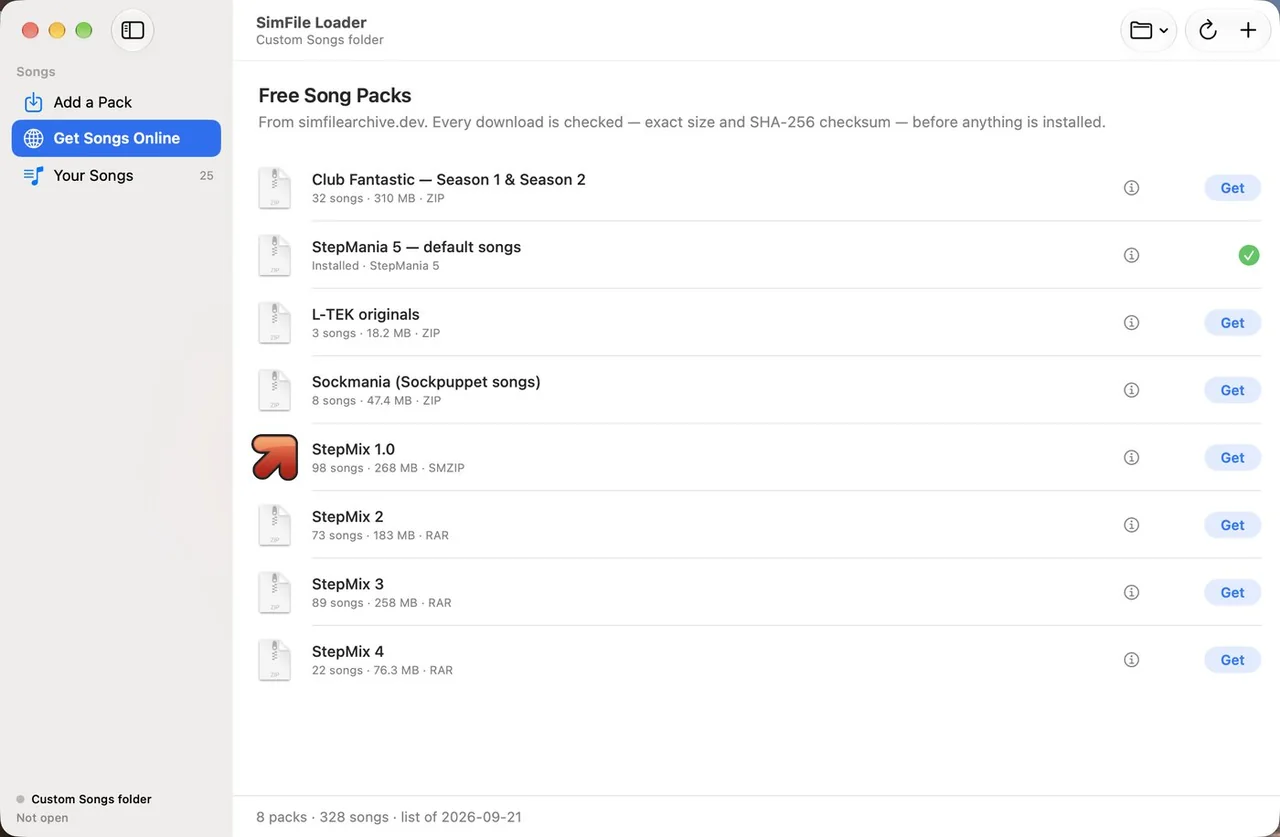
Go back to the game’s main menu and the new songs are there. You do not have to find a Songs folder or learn how it is organised. Most of the 26 songs that ship with the game were written for it, so they are free to play at home from day one.
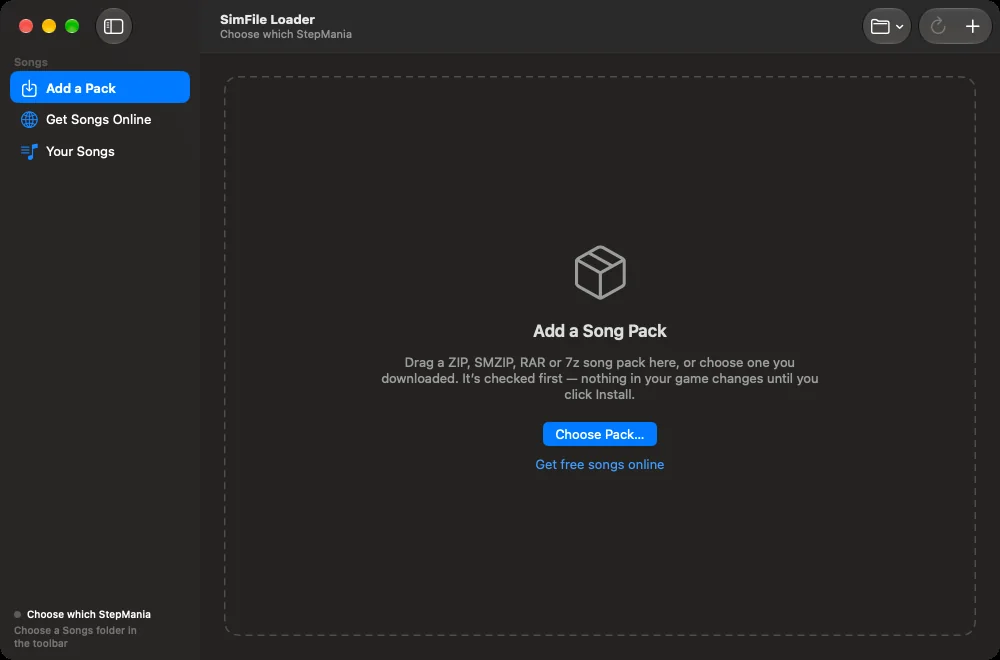
Songs, settings and profiles stay in your user Library, not inside the app. Songs live in ~/Library/Application Support/StepMania 5 LTEK Edition/Songs, settings and profiles in ~/Library/Preferences/StepMania 5 LTEK Edition. Those are the folders to copy for a backup. Rights to the music still come from the licence of each pack, which matters most for classes, events and other public use.
Two or three players on one screen, each at their own level
Connect a second mat and two people dance to the same song at the same time. Each player picks a difficulty of their own, so a parent on Easy and a teenager on Hard share one song and both have a fair game.
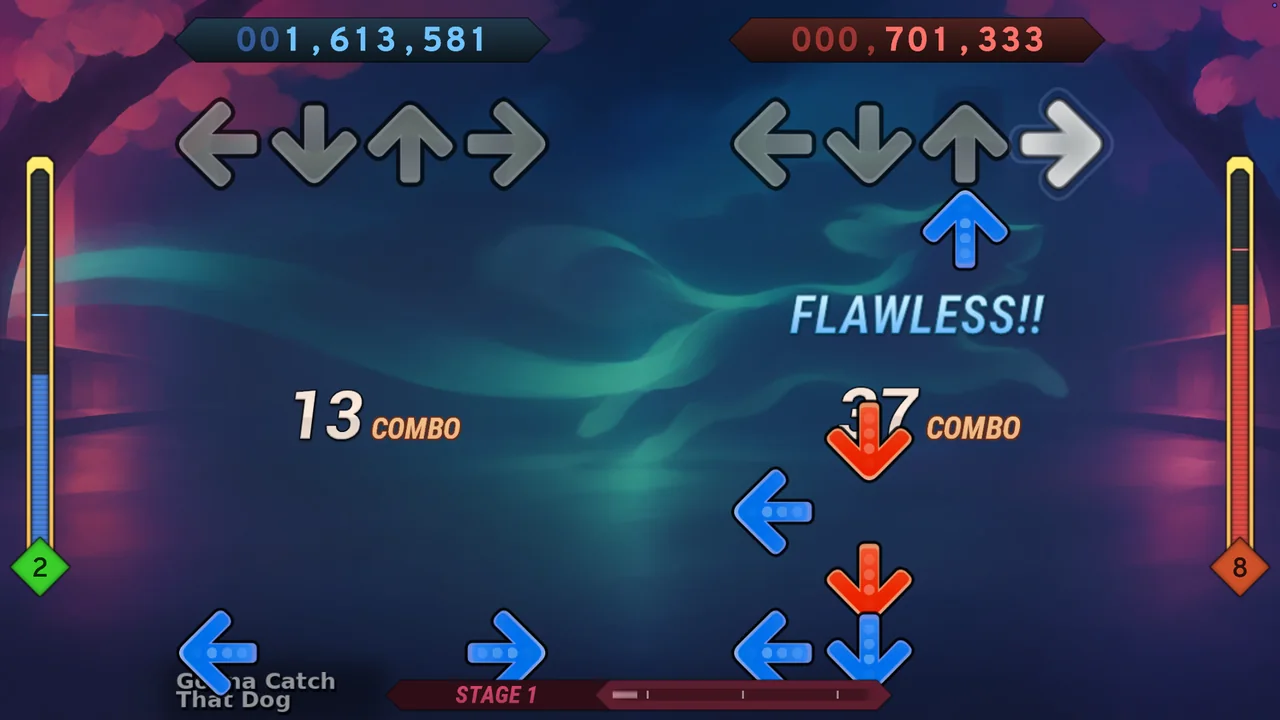
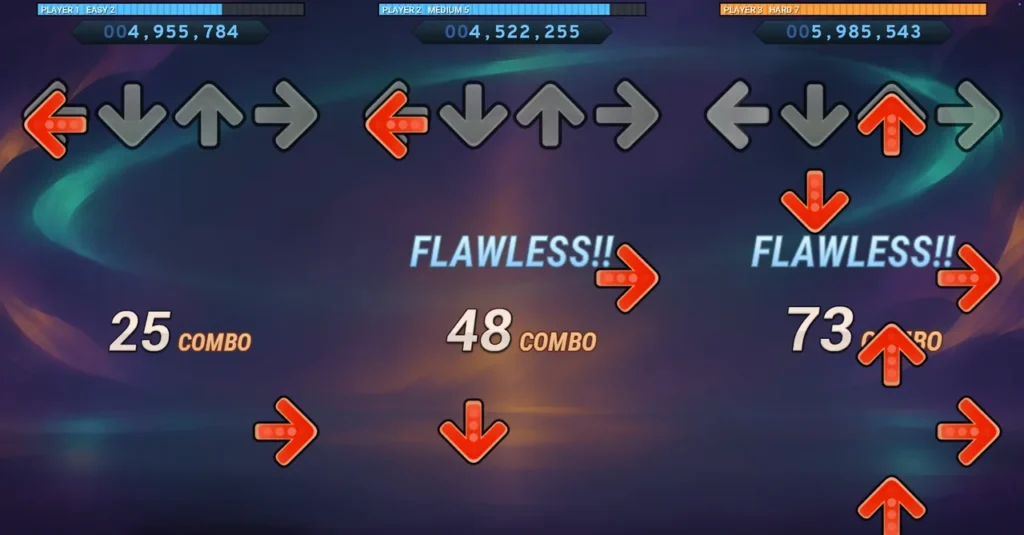
Then add a third mat. Dance for three players is the feature that sets StepMania 5 LTEK Edition apart, and it works on the Mac: three lanes on one screen, three scores, three difficulty levels. Nobody waits for a turn. For a family with more than two children, or three friends on a Friday evening, this is the mode that makes the mat the centre of the room.
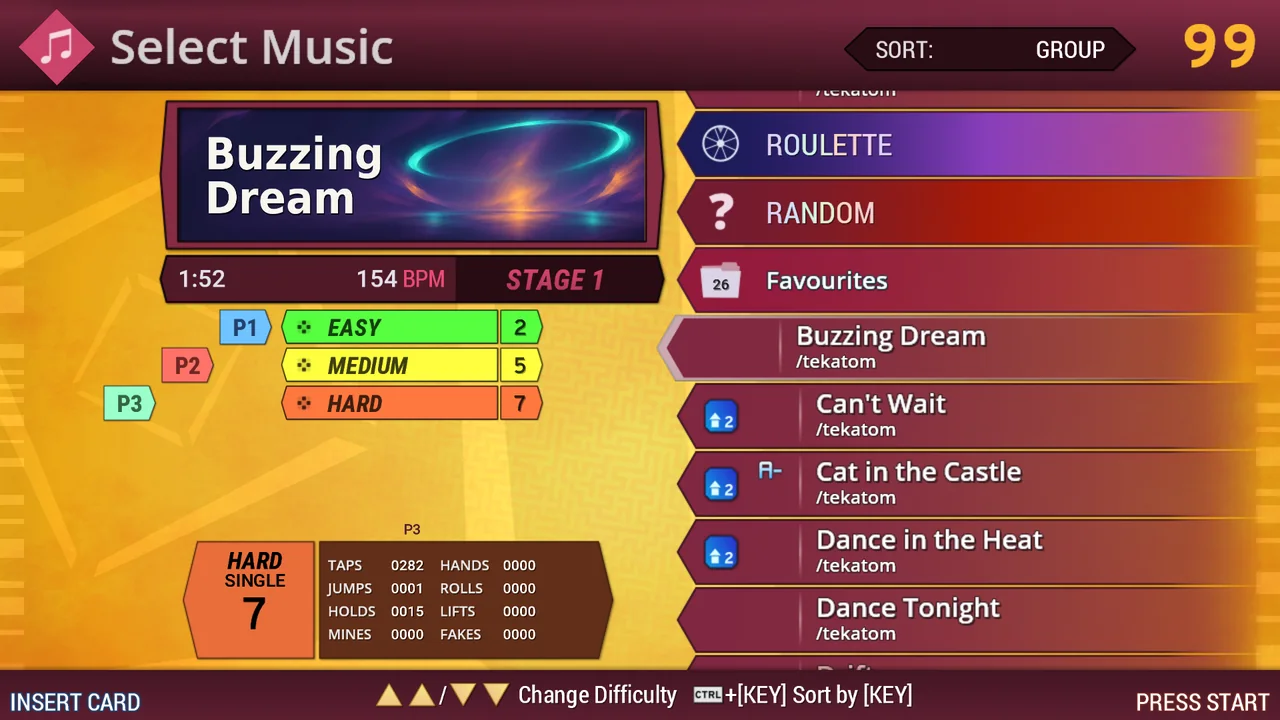
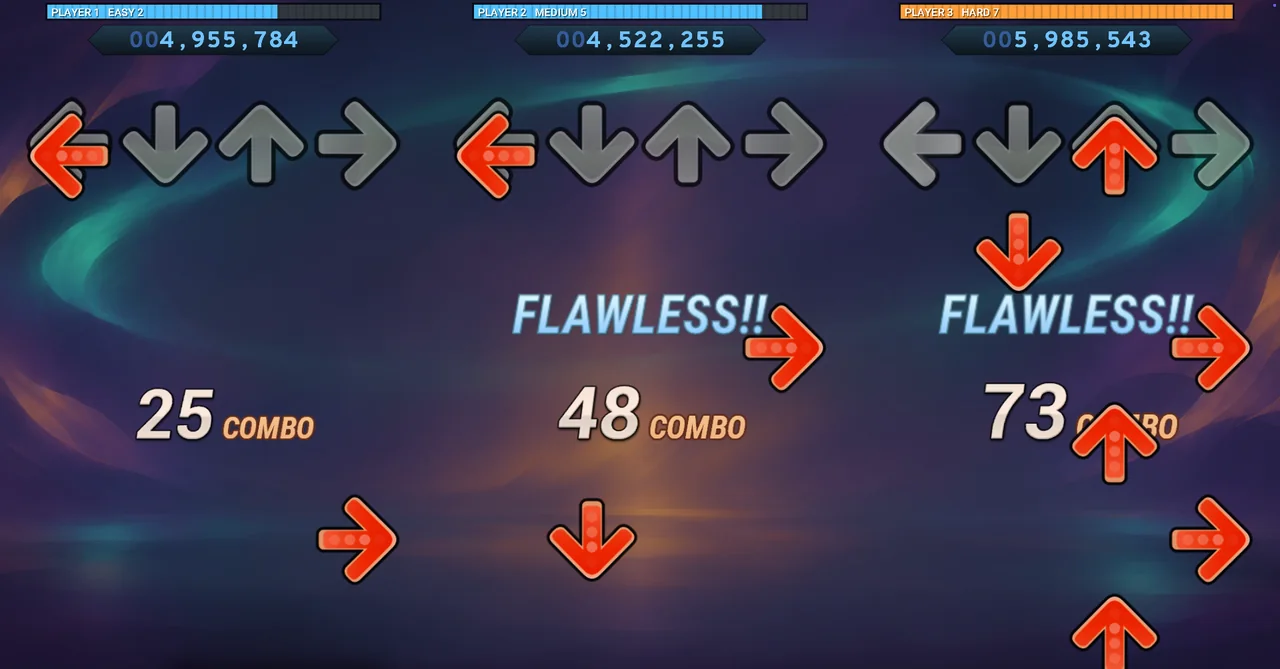
Want to try it with family or friends? Get the free Mac download and connect a second or third mat.
Lights and the sync sensor, native on the Mac
The Mac edition talks to L-TEK hardware directly, through the USB support that macOS already has. You install no driver and no helper app. It finds L-TEK Lights on USB by itself and drives them from the game.
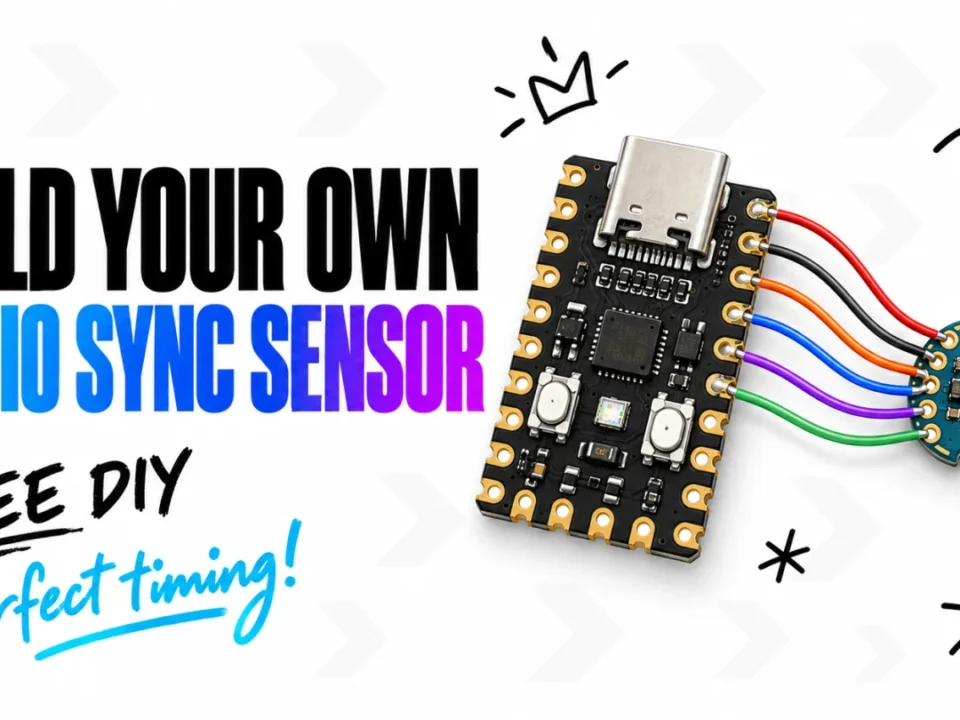
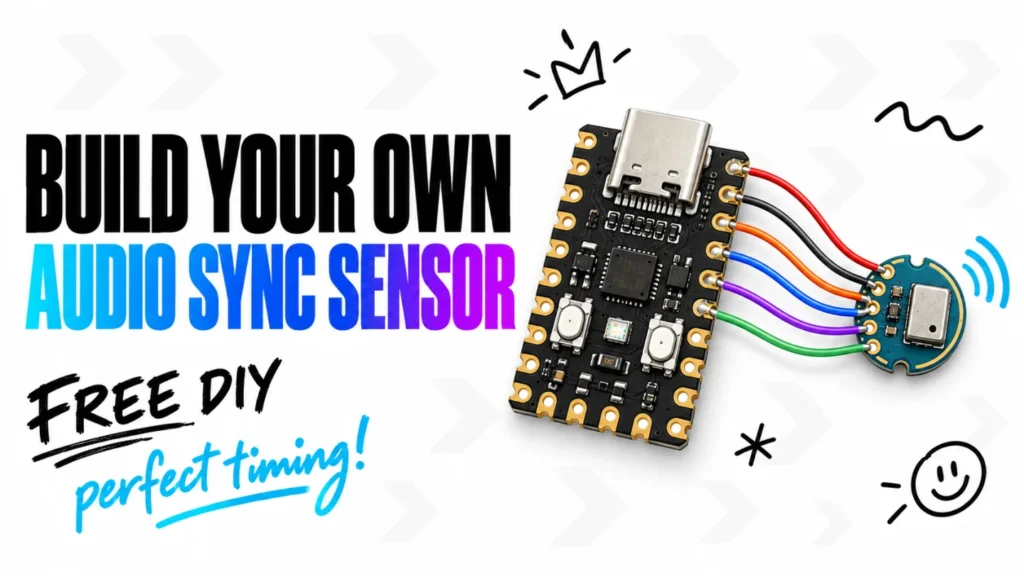
The LTEK Audio Sync Sensor works on the Mac too. Instead of tapping along to a beat and guessing, you let the sensor measure the delay between the sound and the picture, in milliseconds. When we repeated the measurement on a Mac three times, the results stayed within 0.6 ms of each other. You can still set the offset by hand if you prefer.
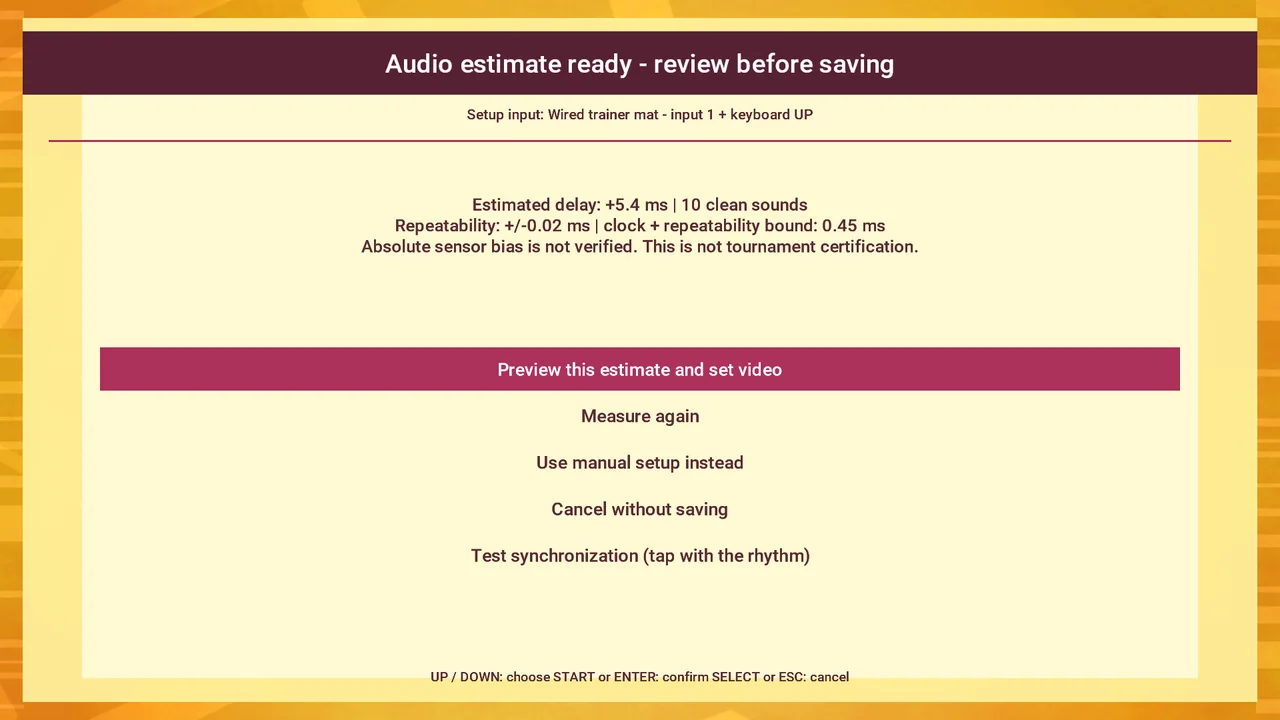
As far as we know, no other StepMania edition for the Mac calibrates audio with a hardware sensor. The other editions we looked at in November 2026 offer calibration by tapping.
Learn step by step, then play
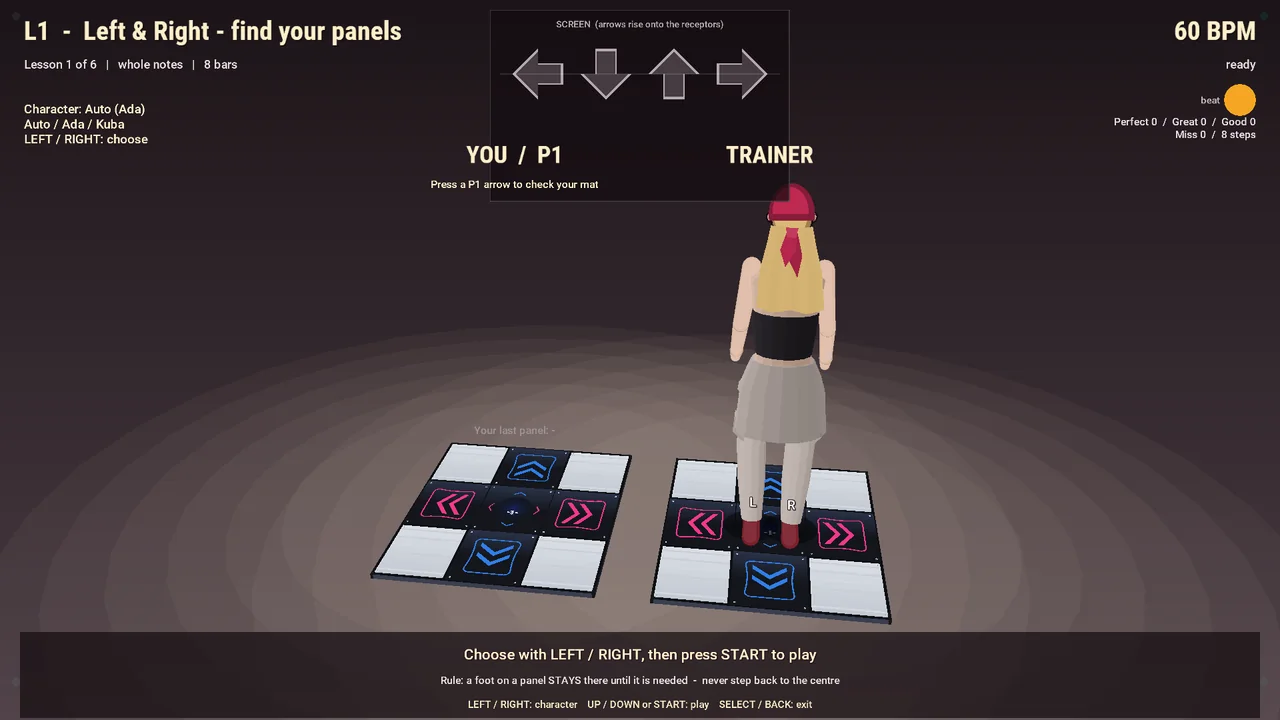
StepMania has always assumed that you already know how to play. The LTEK edition does not. A beginner starts with a tutorial in which Ada and Kuba show, one step at a time, what to do with your feet, and only then moves on to a song. There are six lessons, so a child or a grandparent who has never stood on a mat is not left alone with the arrows.
Not only for dancing: arcade games for the whole family
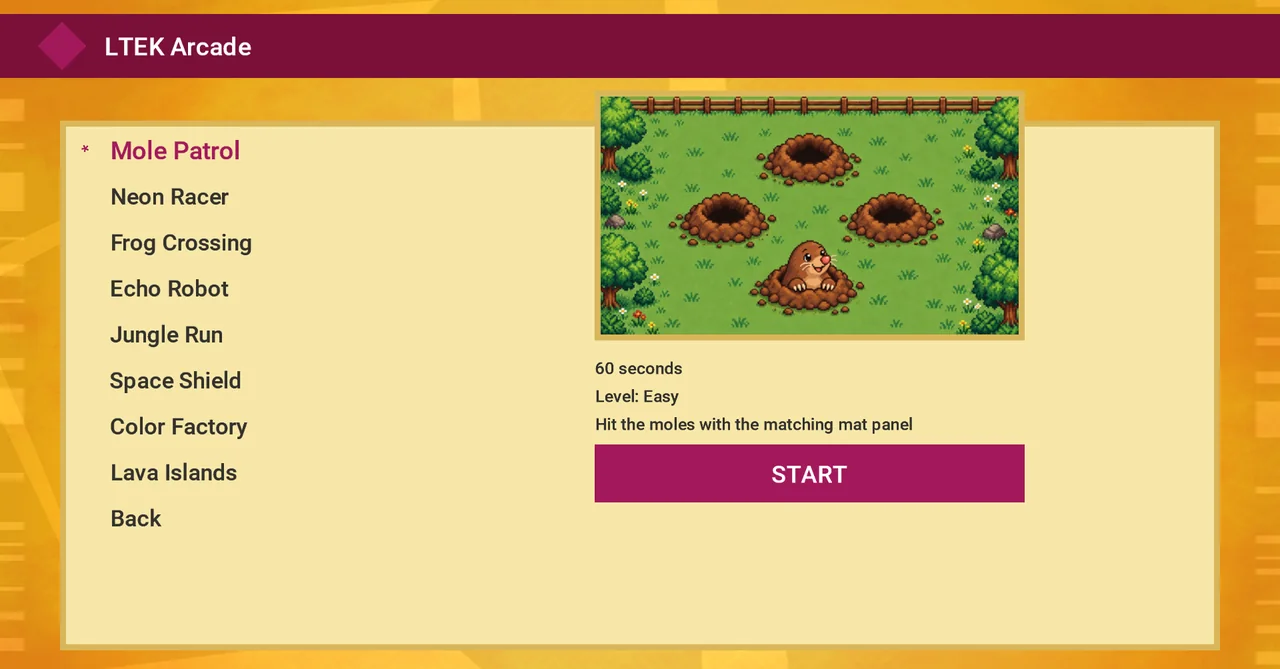
A dance mat does not have to mean dance charts. Open LTEK Arcade from the main menu and the mat becomes a controller for simple games that you play with your feet. There are eight of them, among them Mole Patrol, Neon Racer, Frog Crossing and Jungle Run. The rules take ten seconds to explain. You stomp, you dodge, you laugh at each other, and nobody needs to know what a combo is.
This is the part we built for family gatherings. The kids go first, then an uncle who swore he would only watch, and an hour later the mat is still in the middle of the living room. Nobody is graded and you are allowed to be silly. When someone does get curious about the arrows, the tutorial and the easy songs are one menu away.
That is what we make L-TEK mats for. They are built for homes and families: a sturdy mat that takes jumping children and adults alike, and a game that gives every person in the room something to do with it.
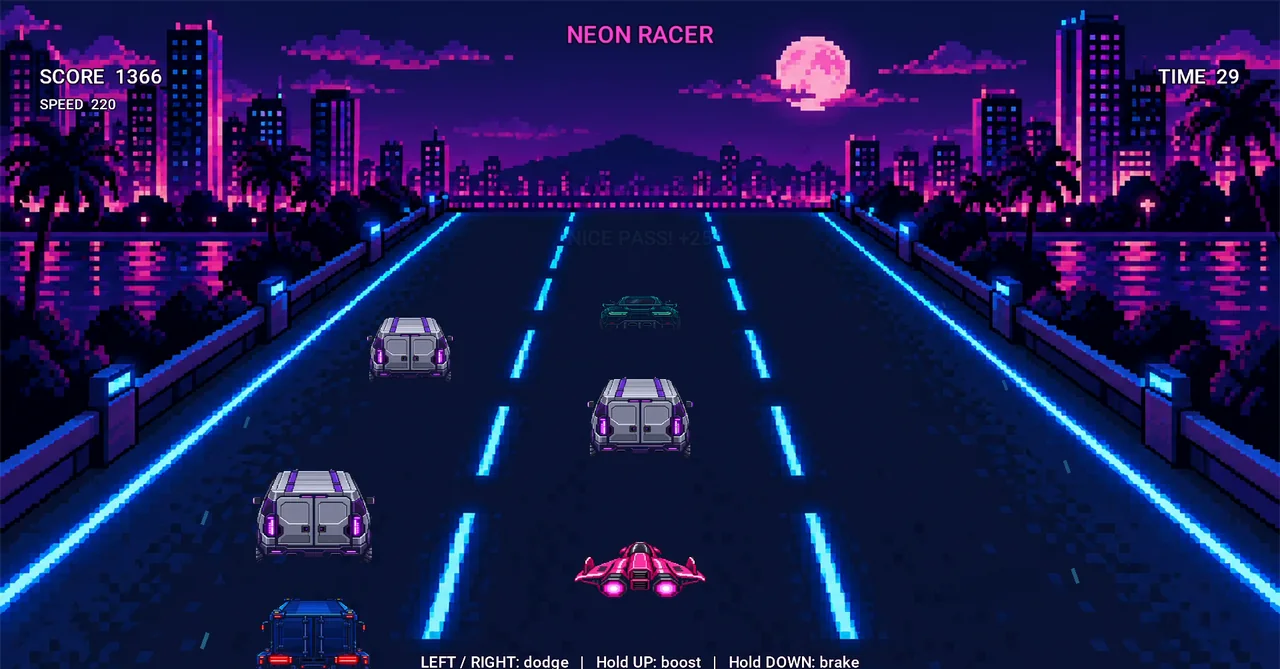
To our knowledge, as of November 2026 this is the first StepMania edition for the Mac that combines sensor-based audio calibration, a built-in step-by-step tutorial and mat-controlled mini games in a single signed, notarized download.
The arcade games come with the game, nothing extra to install. Go to the download section.
The same game as on the PC
The Mac edition is StepMania 5 LTEK Edition, the same game that our Windows players know. On a Mac we have already played Dance for one and for two players, and the PIU mode. Menus are in English.
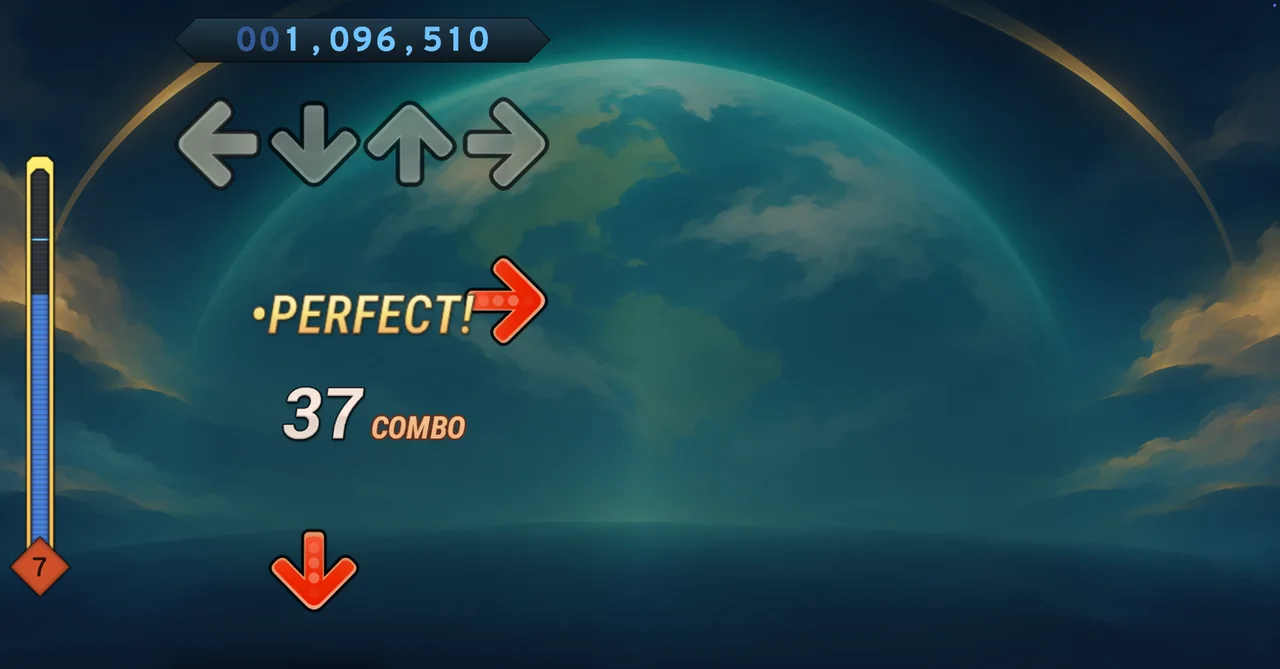
What these features do, and how they came about, is described in our article on the new StepMania LTEK edition for the PC.
Free, and still StepMania
StepMania 5 LTEK Edition for macOS costs nothing and needs no account. It is based on StepMania, and we owe thanks to its authors and community. The game is released under the GPL, and the source code of this exact build is offered on the same page as the download. The mats, the sensor and the lights are separate pieces of hardware.
The aim is the same as on Windows: less time on setup, more time on the mat. Get the free beta for macOS, version 5.0.0-beta.2-r7 (about 196 MB), on our software page.
The macOS version of StepMania 5 LTEK Edition was built by Tomasz “tekatom” Krupnik.