

Dance Mat Converter for Atari XL/XE
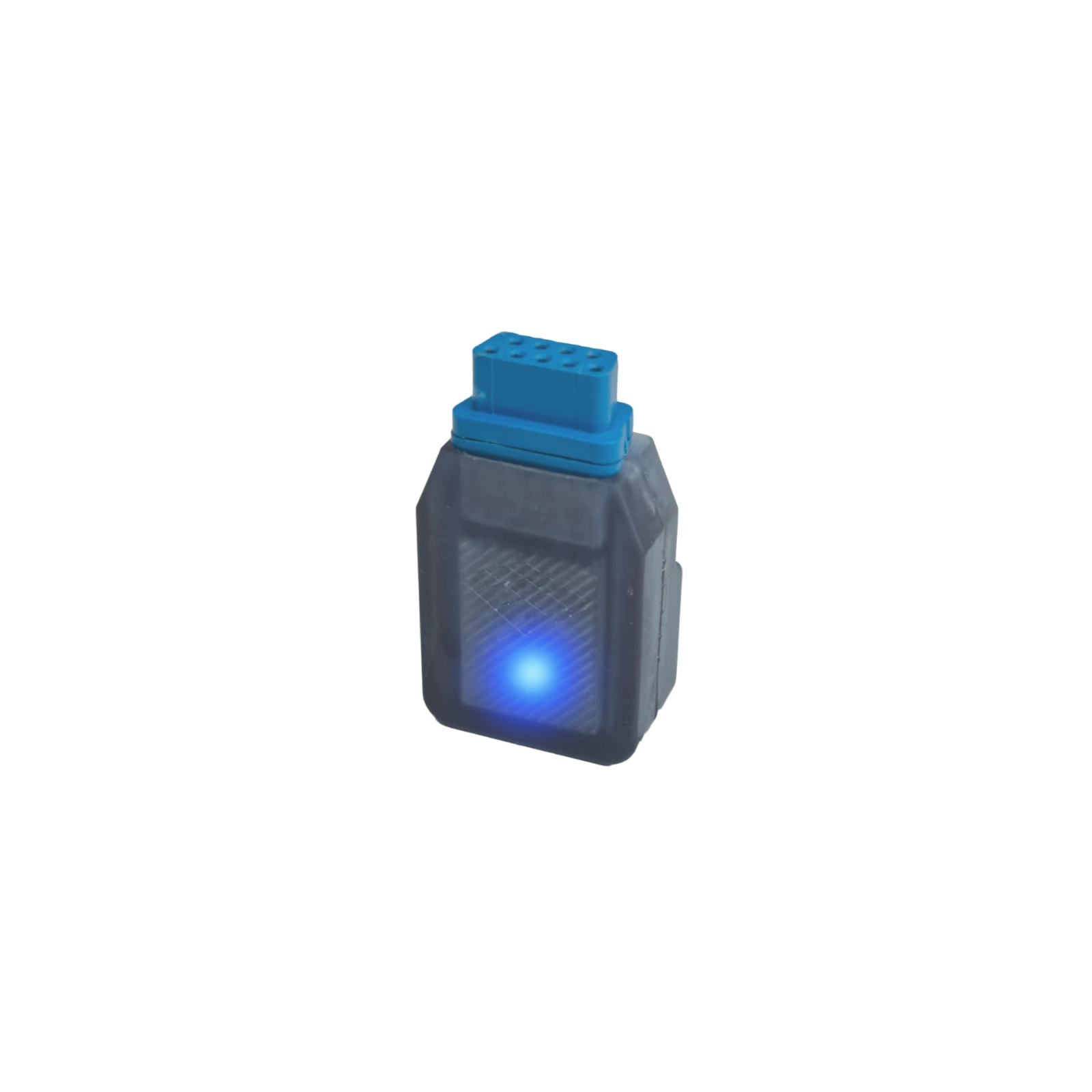
Connect a compatible L-TEK dance mat to a supported Atari XL/XE 8-bit computer for Star Dance. Check your exact computer, mat and connection requirements before ordering; the converter is an independent L-TEK accessory.
 2 year warranty
 Choose standard shipping (8-12 days) or 24h shipping
- Choose standard shipping (8-12 days)
 Customize


Classic hardware, a different controller
Bring your dance mat to a compatible Atari XL/XE
Connect a compatible L-TEK dance mat to a supported Atari XL/XE 8-bit computer for Star Dance. Check your exact computer, mat and connection requirements before ordering; the converter is an independent L-TEK accessory.
THE SETUP AT A GLANCE
Each part has a purpose.
LOOK CLOSER
The details that make the difference.
A specific retro-computer connection
The converter is intended for compatible L-TEK mats and selected Atari XL/XE 8-bit computers. Confirm your model combination first.
Play Star Dance
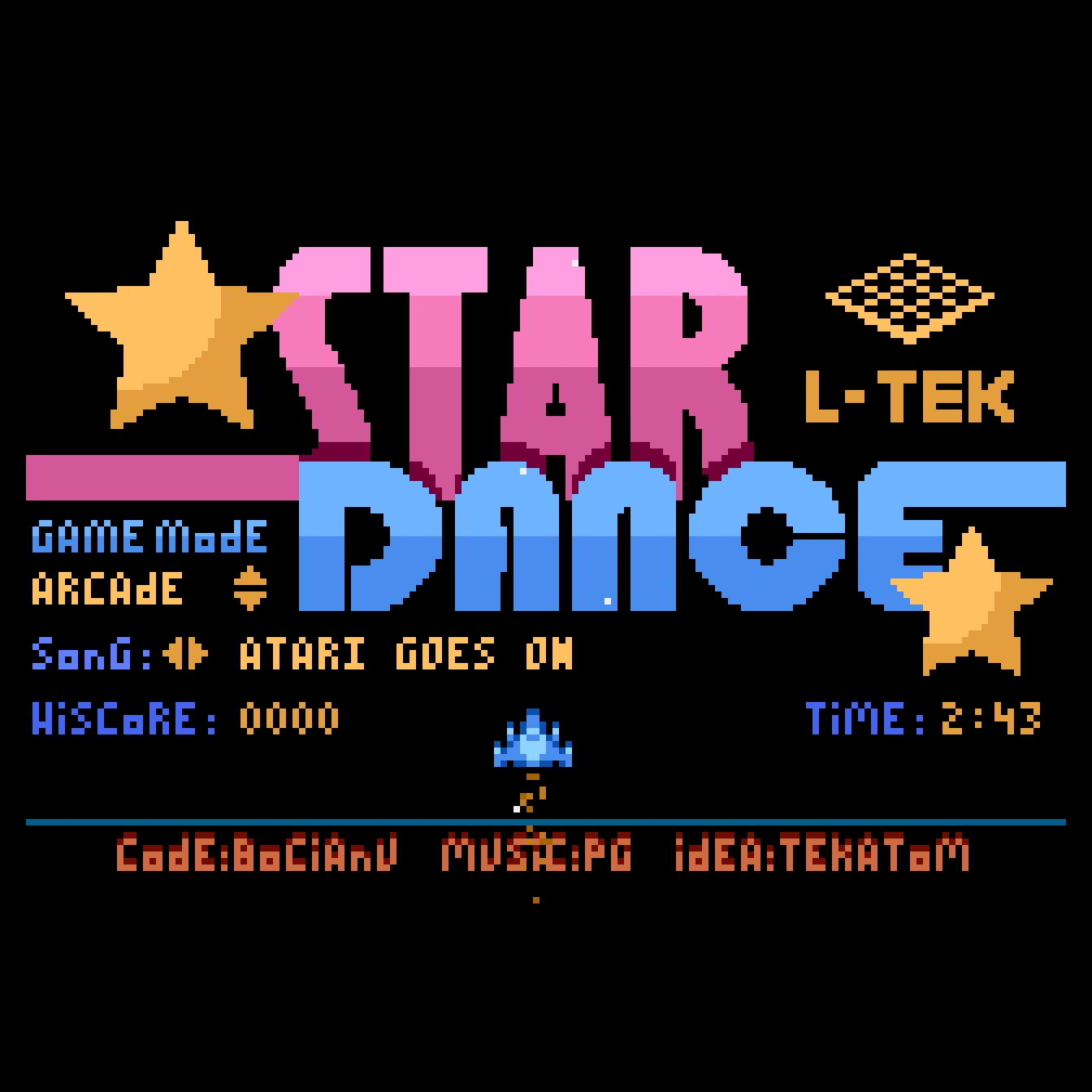
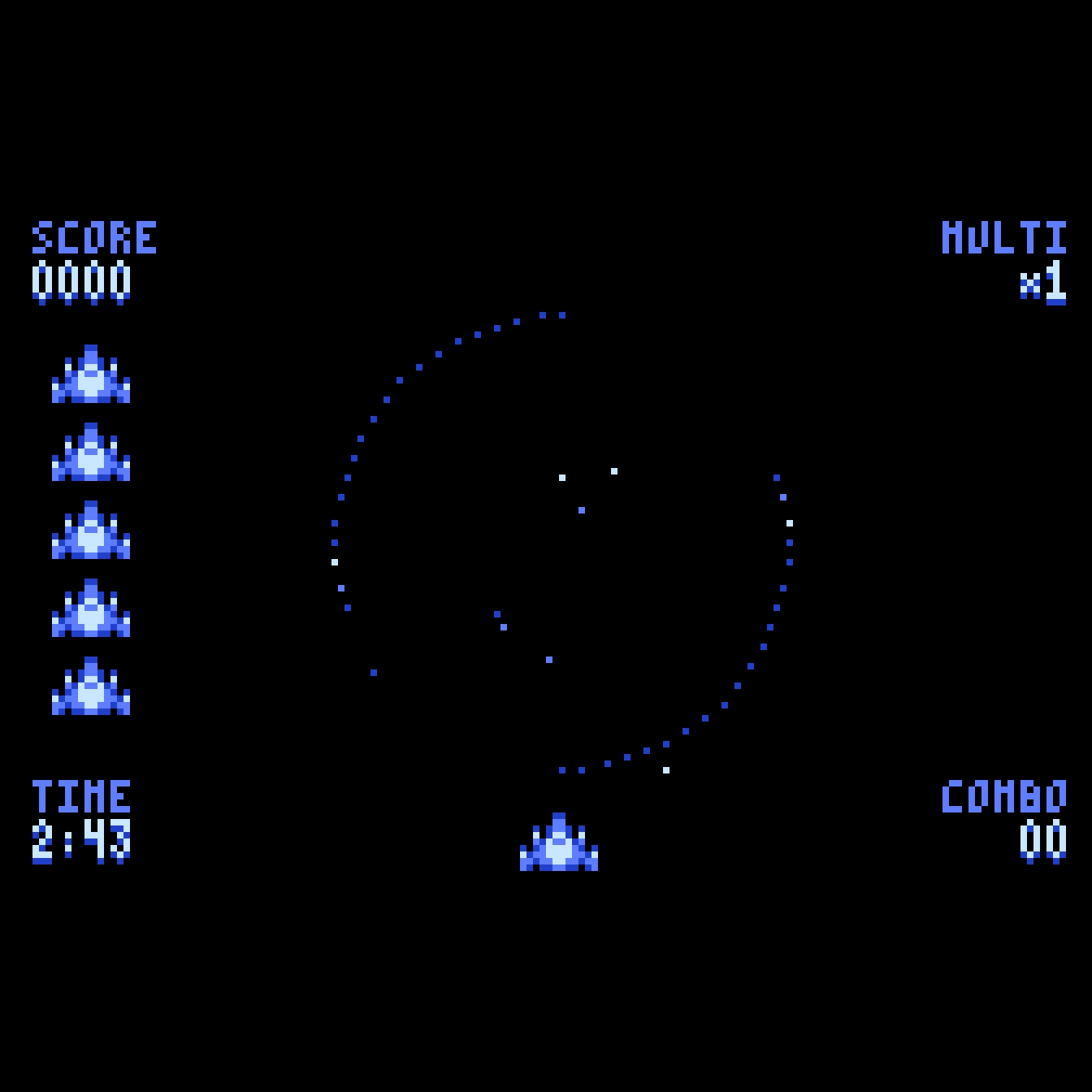
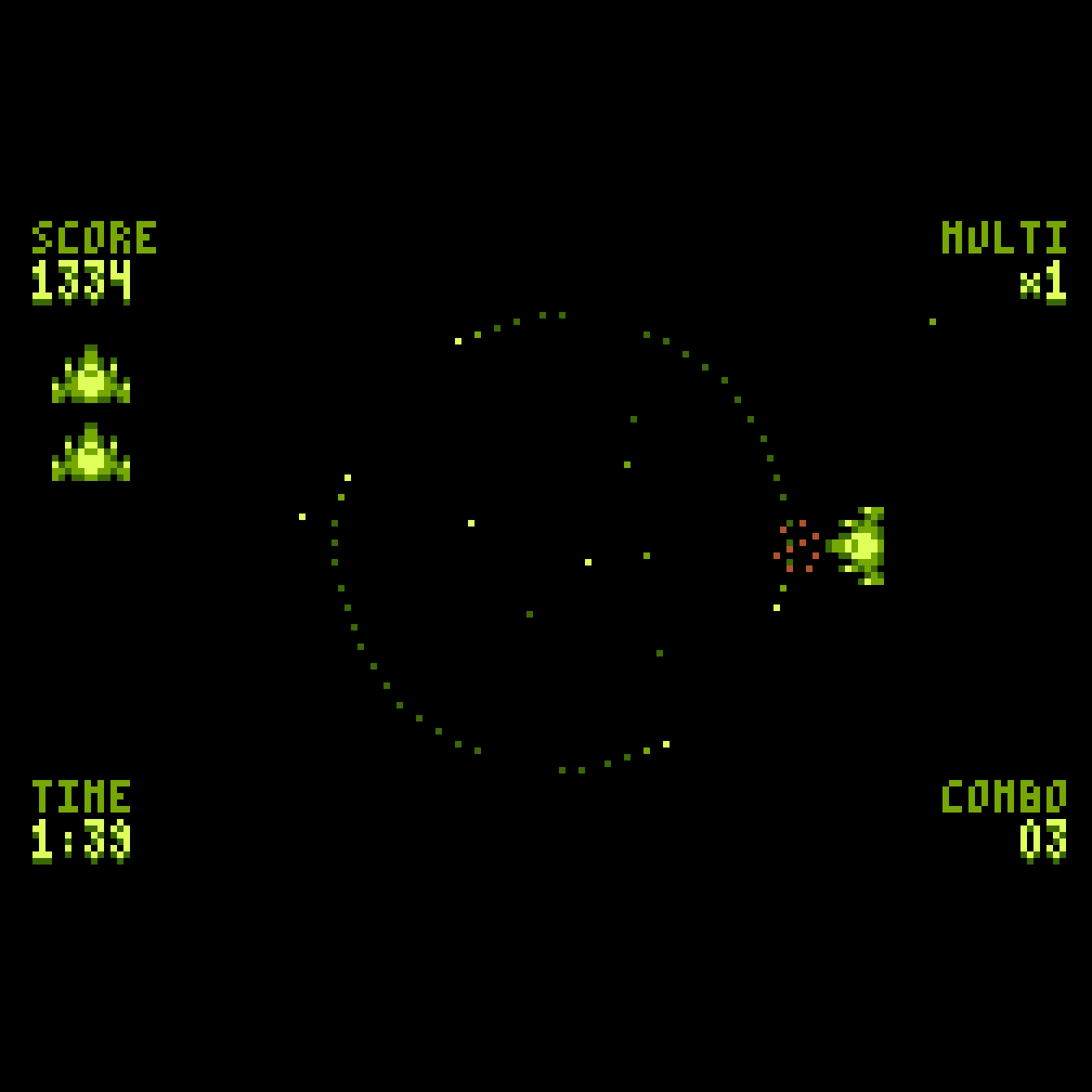
The product is presented around Star Dance, the L-TEK rhythm game for classic Atari hardware.
Use a mat you already own
A compatible existing L-TEK mat can become part of this setup once its connection has been confirmed. A mat is not included.
A separate converter accessory
Plan the complete system: supported computer, display, compatible mat and a way to load the game are separate requirements.
Clear independent branding
This is an independent L-TEK product. Atari model names identify compatibility and do not imply Atari licensing or endorsement.
01 / A different way to use classic hardware
Let the arrows meet the original computer
Star Dance brings a rhythm-game use to a classic 8-bit setup, with the converter providing the connection between a compatible L-TEK dance mat and a supported Atari XL/XE computer. If you already use a mat with a PC, this is a separate hardware-and-game arrangement to plan around your retro machine. Begin with the exact computer model and mat you own, then confirm that combination before purchase. The game images in the gallery show the intended style of play, while the computer, display and working game-loading method remain parts of the setup you provide.
02 / Check the whole setup
Compatibility comes before the connection
The current product description refers to selected Atari XL/XE models and compatible L-TEK pads. It does not establish support for every machine bearing the Atari name or every USB controller. Send us the exact computer model and mat model if you need a compatibility check, including details of any hardware modifications. Also confirm the connection instructions and which cables your installation requires before connecting the equipment. The converter’s role is specific to this classic-computer arrangement; it does not by itself add support for Atari ST, Jaguar, other consoles or a game that has no matching mat input support.
03 / Prepare the game as well as the hardware
Start with the official Star Dance file
The official iAmats download provides Star Dance as an XEX file. You need a suitable way to load that program on the confirmed computer configuration; downloading the file alone does not put the game onto a classic machine. Check your existing loader or storage hardware and the game requirements with support if you are new to Atari 8-bit software. Follow the confirmed connection instructions, load the game and test its controls before beginning a full session. For more reading about classic Atari computers and their community, the separate Atari Legacy magazine issues offer hardware, software, music and scene features.
A GOOD FIRST EXPERIENCE
Confirm the models, prepare the game, then connect
Gather the model details of your computer and mat before purchase. Keep the connection instructions for that combination at hand.
- 01
Confirm the computer and mat
Check your exact Atari XL/XE computer and L-TEK mat with support, especially if either has been modified.
- 02
Prepare Star Dance
Download the official XEX file and confirm the loading method and requirements for your classic computer. The converter is not a game-loading device.
- 03
Follow the confirmed connection guide
Arrange the computer, display and mat, then connect the converter using the instructions and cables specified for your supported setup.
- 04
Load and check the controls
Start Star Dance and verify the expected mat inputs before playing. Keep the mat area clear and begin with an easy session.
THE PRACTICAL DETAILS
Know what you are choosing.
- Product
- Dance Mat Converter for Atari XL/XE
- Function
- Connect a compatible L-TEK dance mat to a supported Atari XL/XE 8-bit computer
- Computer compatibility
- Selected XL/XE models; confirm the exact configuration
- Game presented with the product
- Star Dance
- Official game-download format
- XEX
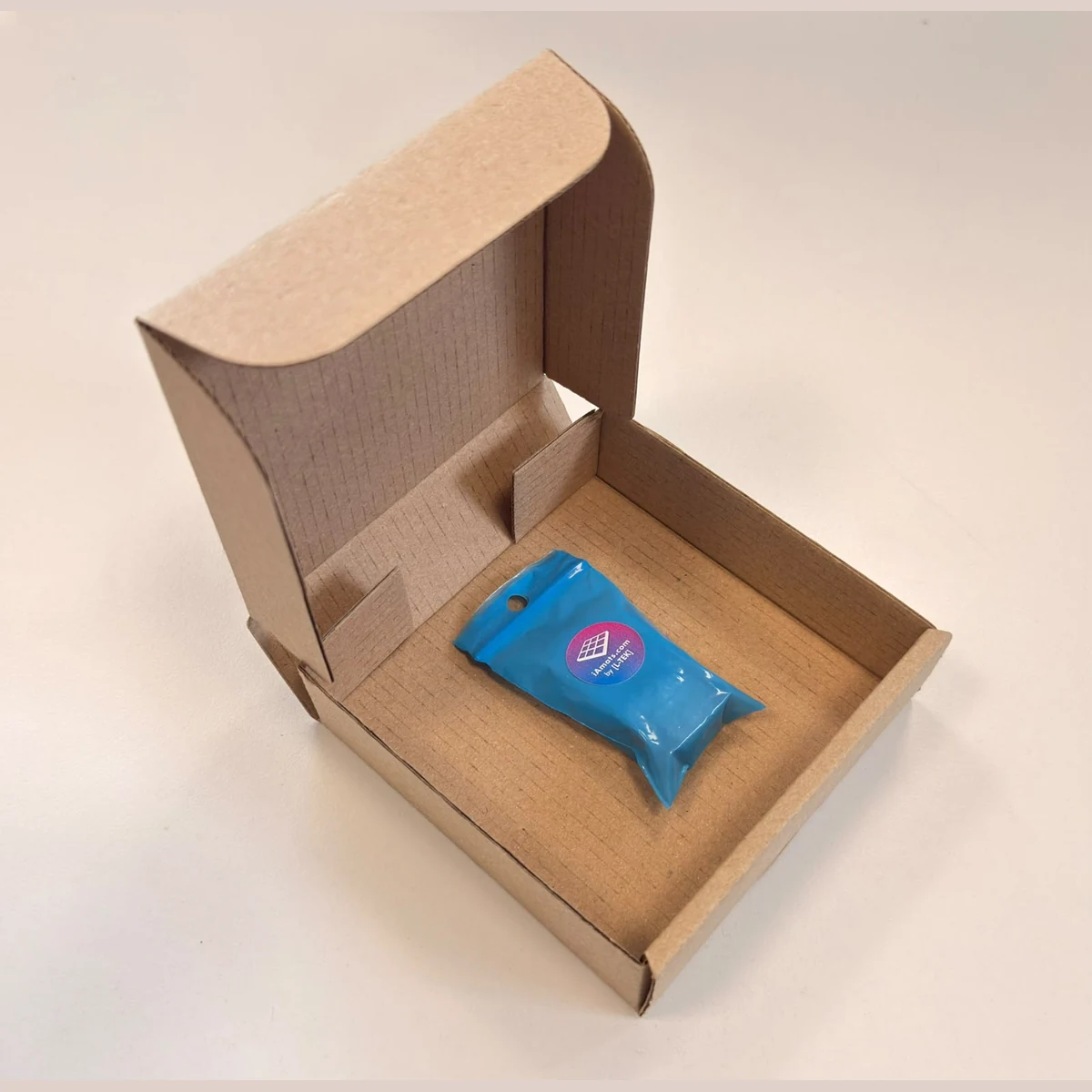
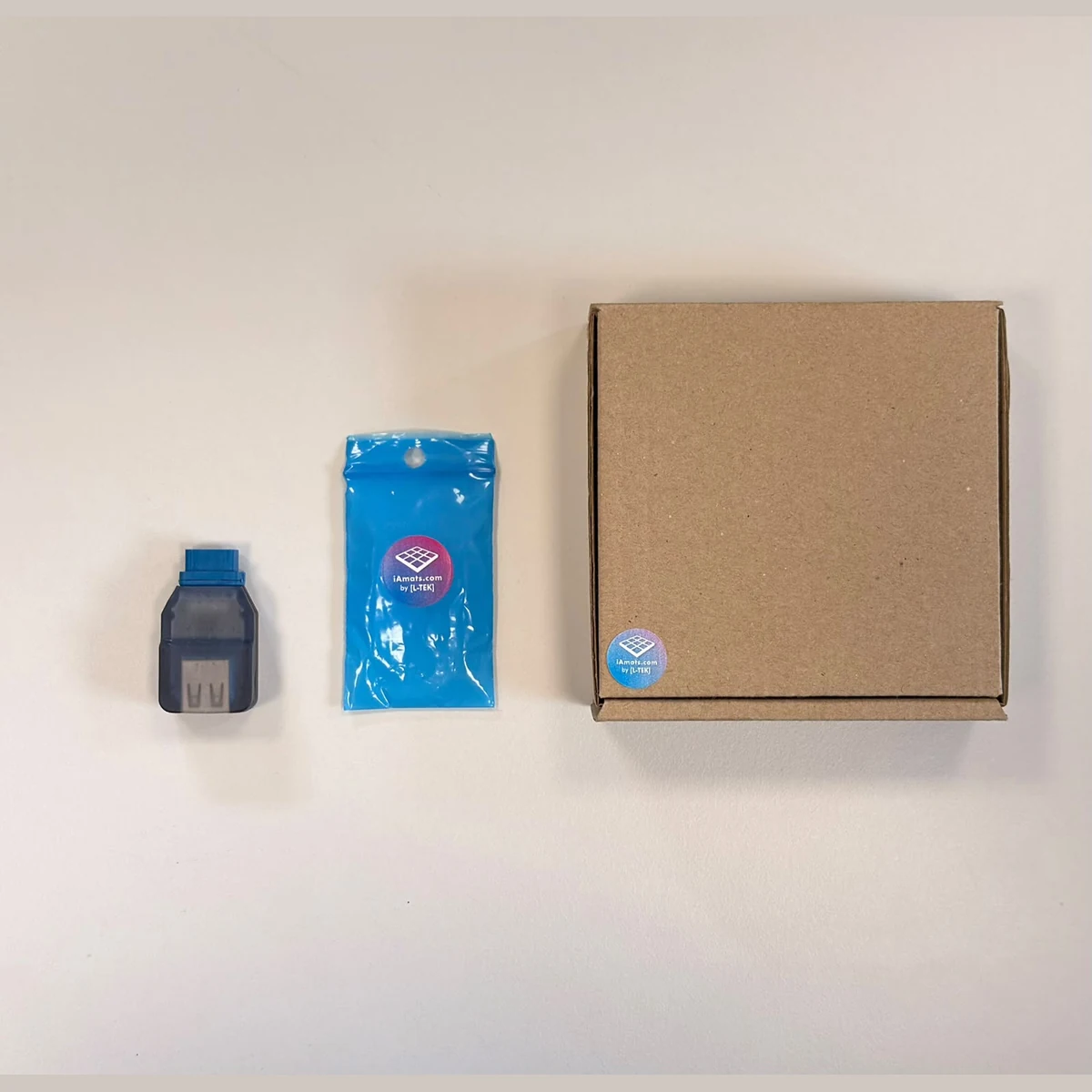
- Included product
- Dance mat converter
- Required separately
- Compatible mat, supported computer, display and suitable game-loading arrangement
- Cabling
- Confirm the required connections and supplied accessories before ordering
- Brand relationship
- Independent L-TEK product; not manufactured, licensed, authorised, sponsored or endorsed by, or affiliated with, Atari Interactive, Inc.
- Manufacturer warranty
- 2 years
BEFORE YOU DECIDE
Good questions.
Useful answers.
Find the answer here, then follow the guide if you want the detail.
Will it work with every Atari computer or console?
No universal compatibility is stated. The product is for selected Atari XL/XE 8-bit computers. Check the exact model; ST, Jaguar and other systems are not covered by that statement.
Can I use any USB dance mat?
The product specifies compatible L-TEK mats. Check your exact mat model instead of assuming every USB controller uses the same connection.
Does the package include a mat or computer?
The listed product is the converter. The mat, computer, display and game-loading arrangement are separate requirements.
Where do I get Star Dance?
The official iAmats site provides an XEX download. Check how to load it on your confirmed computer configuration; a compatible loader or storage arrangement is still required.
Is this an official Atari-branded accessory?
It is an independent L-TEK product, not manufactured, licensed, authorised, sponsored or endorsed by Atari Interactive, Inc., and not affiliated with that company. Atari names are used descriptively to identify compatibility.
Do I use the PC StepMania setup for this?
This product is presented for Star Dance on supported classic Atari hardware. Use the specific computer, game and converter instructions for that setup, rather than assuming the PC configuration applies.
MATOLOGY & PRACTICAL HELP
A little more detail, when you need it.
Confirm your exact setup
Check the computer, mat, connection requirements and game-loading method.
Atari Legacy Issue 01
Separate English print magazine about classic Atari machines and their community.
YOUR NEXT STEP
Check the combination, then bring the mat to the computer
Have your computer and mat model ready so compatibility and connection requirements can be confirmed before ordering.
Third-party product and platform names identify the relevant setup only. Their trademarks belong to their respective owners; L-TEK is an independent manufacturer. Compatibility depends on the stated hardware, software and configuration.
Video
Video hosted by an external platform.
| Weight | 0.2 kg |
|---|---|
| Dimensions | 11 × 11 × 2.5 cm |
Only logged in customers who have purchased this product may leave a review.
Testimonials and tales shared by our dance family


Love it! I used cheap foam pads for a few months, but could feel their limitations (sliding, inconsistent detection, etc). This new metal pad felt like a clear upgrade. The price is a little steep but feels fair given the quality of the board.
Highly recommend!
Marvelous pad. They’re sturdy enough for playing with shoes. I removed the center screws for each arrow and found the sensitivity to be fantastic. Well worth the price.
This pad is amazing!! Don’t listen to anyone saying theyre “not good enough” even without any mods, the pad feels exactly like the arcade! <3 Thank you iAmats for this amazing pad! i'd give it 20 stars if i could.
This pad is amazing!! Don’t listen to anyone saying theyre “not good enough” even without any mods, the pad feels exactly like the arcade! <3 Thank you iAmats for this amazing pad! i'd give it 20 stars if i could.
This pad is amazing!! Don’t listen to anyone saying theyre “not good enough” even without any mods, the pad feels exactly like the arcade! <3 Thank you iAmats for this amazing pad! i'd give it 20 stars if i could.
Read more reviews on our Reddit
community!
Become a Master
Watch gameplay from CowEye - [DDR] All Star - Smash Mouth

Sensitive, Durable. Perfect for players who enjoys playing without bar like me. Thanks LTEK!
 CowEye on YouTube · 1.67M subscribers
 CowEye on TikTok · 721K followers
CowEye
L-TEK ambassador
Others also bought:
Dance pad LTEK Prime
300 €Next Level Gaming Mat
From 110 €Dance pad LTEK Core
From 240 €

FAQ
Frequently asked questions
Stepmania LTEK is a popular choice for dance mat users due to its simple operation and easy song customization. L-TEK also offers the Connect Buddy, a tool that links Stepmania with the PADY Fitness iOS app, allowing you to monitor your training progress. Both tools are available in our Software section.
Stepmania LTEK can also integrate with the Amusement Lights Controller, adding dynamic lighting effects for enhanced gameplay.
For additional options, LTEK Interactive Mats are compatible with various games to combine fitness and entertainment. Find a list of recommended games in our Games to Play on Mat section.
L-TEK Dance Mats are compatible with PlayStation 2 and PSX consoles using a dedicated converter available in our store. Converters specifically designed for PlayStation 2 and PSX can be found in the PS2 & PSX converter section.


Reviews
There are no reviews yet.