
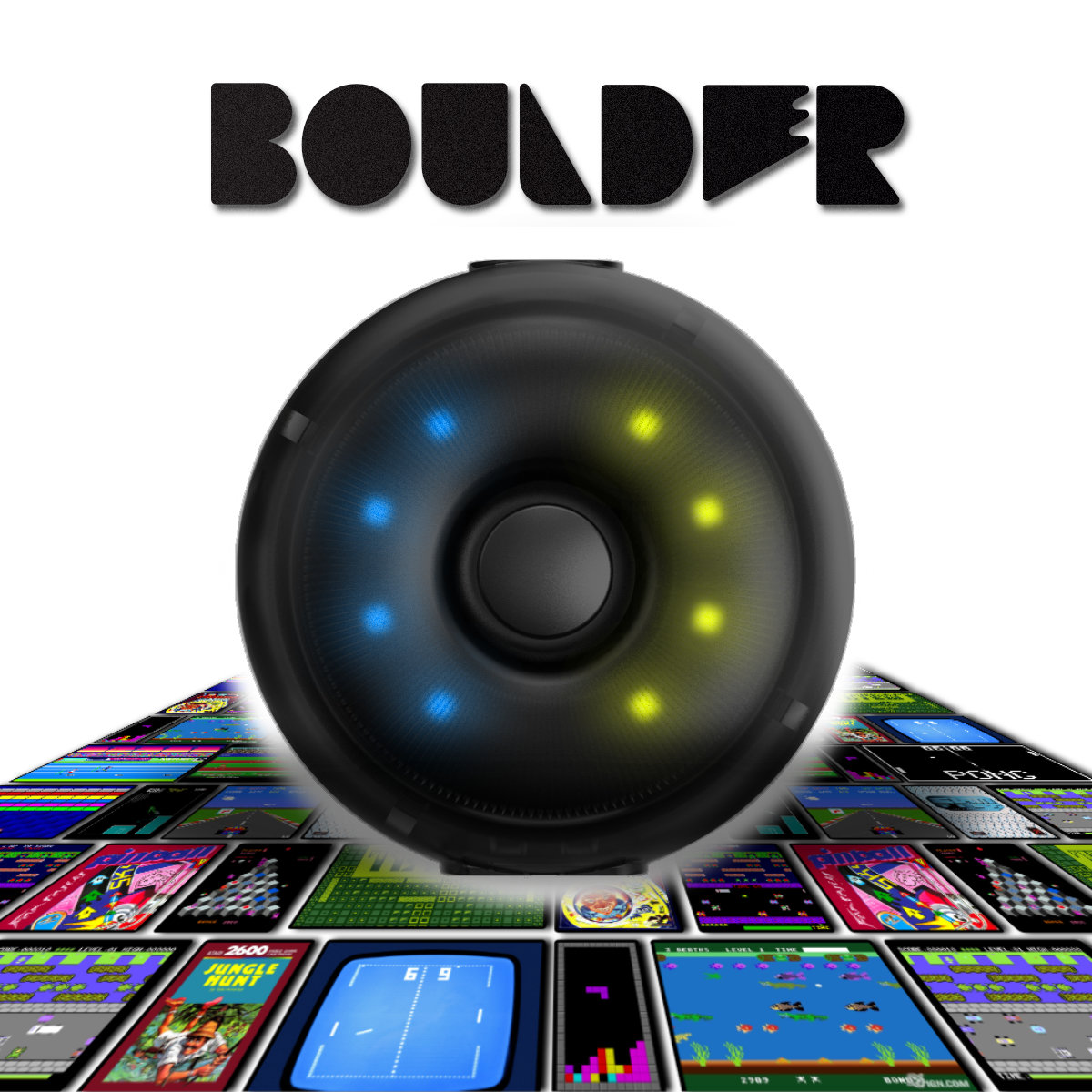


Boulder Mat Mapping Adapter
Map your L-TEK mat to keyboard, mouse or joystick inputs and try a control layout built around your game. Boulder stores three ready-made profiles and one custom profile on the device, so your chosen mapping stays with the adapter. Use it with supported games and input setups on your computer or console.
 2 year warranty
 Choose standard shipping (8-12 days) or 24h shipping
- Choose standard shipping (8-12 days)
 Customize


Your mat. Your controls.
Give every panel a new purpose.
Map your L-TEK mat to keyboard, mouse or joystick inputs and try a control layout built around your game. Boulder stores three ready-made profiles and one custom profile on the device, so your chosen mapping stays with the adapter. Use it with supported games and input setups on your computer or console.
THE SETUP AT A GLANCE
Each part has a purpose.
LOOK CLOSER
The details that make the difference.
Map more than arrow keys
Assign panel inputs to keyboard, mouse or joystick/gamepad controls. Boulder can combine two of these three device types in one mapping.
Start with a familiar layout
Three preset profiles follow the PRIME mat mappings: one joypad profile and two keyboard layouts. Try a preset before building your own.
Keep a custom profile on the adapter
Build your fourth profile in the browser. The saved mapping runs on Boulder without keeping separate mapping software open.
Include your Next Level Gaming Mat
The configurator offers layouts for Next Level Gaming Mat, PRIME, CORE / PRO X and PIU, so you can begin with the relevant panel arrangement.
Program through your screen
Shinobi.Link transfers the configuration using light from a computer or phone screen. The supplied USB-C cable powers Boulder during programming and play.
01 / From idea to input
Build the layout your game actually needs.
Start with a few actions you want to move under your feet. A game might need keyboard keys, mouse actions or joystick controls; choose the input types it accepts, then assign the appropriate mat panels in the Boulder configurator. For a Next Level Gaming Mat, select its dedicated layout first so you are mapping the correct panels. You can combine two output device types in a profile, which opens up more flexible arrangements than a single fixed keyboard layout. Save that arrangement as the custom profile and test it in the game before relying on it for a longer session.
A focused first experiment
Map the essential actions first. Add more controls once you know that the game reads the chosen inputs correctly.
A useful boundary
Mapping changes the input Boulder sends. Your game and platform still need to accept that input type.
02 / Four profiles, one button
Move between a preset and your own setup.
Boulder gives you three established starting points: JOYPAD, KEYBOARD 1 and KEYBOARD 2, based on PRIME mappings. Profile 4 holds the layout you create in the web tool. To change profiles, hold the device button for more than three seconds until the LEDs flash rapidly in white, then use short clicks to move through the choices. A double green flash confirms the selection. This makes it practical to keep a familiar dance-game setup alongside a custom control experiment. If a programming transfer fails, the manual says Boulder retains the previous working profile, allowing you to correct the transfer and try again.
03 / Choose with confidence
Check the game, the platform and the input mode.
Boulder is intended for L-TEK mats and supported input setups. Its manual lists PlayStation 4, PlayStation 5, Xbox Series X/S and Steam use, but it does not provide a complete game-by-game compatibility matrix. Before ordering for a particular console title, ask L-TEK to confirm your console model, game, mode and required inputs. On a computer, begin by checking the controls accepted by the game or application you want to use. Boulder needs a wired USB connection during both programming and play; the light-based programming method transfers settings, while USB supplies power and carries gameplay input.
What to have ready
Your L-TEK mat and its USB cable, a supported host and game, and a phone or computer screen for the configuration tool.
Included connection
The manual identifies a supplied USB-C cable. The mat, host computer or console and games are separate.
A GOOD FIRST EXPERIENCE
Make your first custom profile
Keep Boulder powered by USB-C throughout. The browser tool uses flashing light; follow its on-screen guidance when transferring a profile.
- 01
Choose your mat and controls
Open the Boulder web configurator on a phone or computer. Select the mat layout, assign its panels and choose input types supported by your game.
- 02
Enter listening mode
Press Boulder’s button once. The moving LED pattern indicates the 15-second listening window. Position the light sensor on the area shown by the configurator.
- 03
Send and confirm
Start the transfer. Two green flashes confirm that the custom settings were saved to profile 4; two red flashes mean the transfer needs another attempt.
- 04
Connect and test in the game
Connect the mat to Boulder’s USB-A port and Boulder to the host using USB-C. Check every assigned action in the game’s input settings before playing.
WATCH WHEN YOU NEED A HAND
Boulder unboxing and setup from iAmats
The manufacturer’s dedicated Boulder guide. The player opens at the setup segment; restart it to see the unboxing.
The external player loads after you click.
THE PRACTICAL DETAILS
Know what you are choosing.
- Function
- Maps L-TEK mat panels to keyboard, mouse or joystick/gamepad inputs
- Output combinations
- Up to two of the three input-device types in one mapping
- Profiles
- 3 presets based on PRIME mappings + 1 custom profile
- Configurator layouts
- NEXT LEVEL GAMING MAT; PRIME; CORE / PRO X; PIU
- Programming
- Browser configuration with Shinobi.Link light transfer
- Connections
- USB-A mat connection; USB-C host connection and power
- Power
- USB-C required during programming and play; no built-in battery
- Included cable
- USB-C cable, as specified in the manual
- Dimensions
- 5.2 × 5.2 × 2.3 cm
- Warranty
- 2 years
BEFORE YOU DECIDE
Good questions.
Useful answers.
Find the answer here, then follow the guide if you want the detail.
Can I remap a Next Level Gaming Mat?
Yes. The live Boulder configurator includes a NEXT LEVEL GAMING MAT layout. Choose it before assigning keyboard, mouse or joystick inputs; the game must support the output type you select.
Will it make my mat work with every game or console?
Compatibility depends on the game, mode, platform and accepted input type. L-TEK lists supported console and Steam uses, but the manual does not include an exhaustive game list. Confirm your exact setup with L-TEK before buying for a specific console title.
Do I need mapping software running while I play?
Boulder stores the profiles on the device. A browser and screen are used to create and transfer the custom profile; separate mapping software does not need to remain open during play.
Is Boulder wireless?
Boulder is USB powered and has no built-in battery. It uses light from a screen to receive a configuration, then a wired USB connection for gameplay.
Can I use all three output types together?
The manual supports keyboard, mouse and joystick emulation, with any two of those three types combined at a time.
What if the profile transfer fails?
Two red flashes indicate a failed transfer. The previous working profile is retained. Reposition the sensor, follow the configurator’s display guidance and restart listening mode before trying again.
MATOLOGY & PRACTICAL HELP
A little more detail, when you need it.
Boulder manual
Profile selection, LED signals, USB connections and light-based programming.
YOUR NEXT STEP
Have a control idea for your mat?
Explore the configurator, then check Boulder’s current options in the store. For a specific console game, confirm the game, mode and input support with L-TEK before ordering.
Third-party product and platform names identify the relevant setup only. Their trademarks belong to their respective owners; L-TEK is an independent manufacturer. Compatibility depends on the stated hardware, software and configuration.
Video
Video hosted by an external platform.
| Weight | 0.3 kg |
|---|---|
| Dimensions | 5.2 × 5.2 × 2.3 cm |
1 review for Boulder Mat Mapping Adapter
Testimonials and tales shared by our dance family


Love it! I used cheap foam pads for a few months, but could feel their limitations (sliding, inconsistent detection, etc). This new metal pad felt like a clear upgrade. The price is a little steep but feels fair given the quality of the board.
Highly recommend!
Marvelous pad. They’re sturdy enough for playing with shoes. I removed the center screws for each arrow and found the sensitivity to be fantastic. Well worth the price.
This pad is amazing!! Don’t listen to anyone saying theyre “not good enough” even without any mods, the pad feels exactly like the arcade! <3 Thank you iAmats for this amazing pad! i'd give it 20 stars if i could.
This pad is amazing!! Don’t listen to anyone saying theyre “not good enough” even without any mods, the pad feels exactly like the arcade! <3 Thank you iAmats for this amazing pad! i'd give it 20 stars if i could.
This pad is amazing!! Don’t listen to anyone saying theyre “not good enough” even without any mods, the pad feels exactly like the arcade! <3 Thank you iAmats for this amazing pad! i'd give it 20 stars if i could.
Read more reviews on our Reddit
community!
Others also bought:
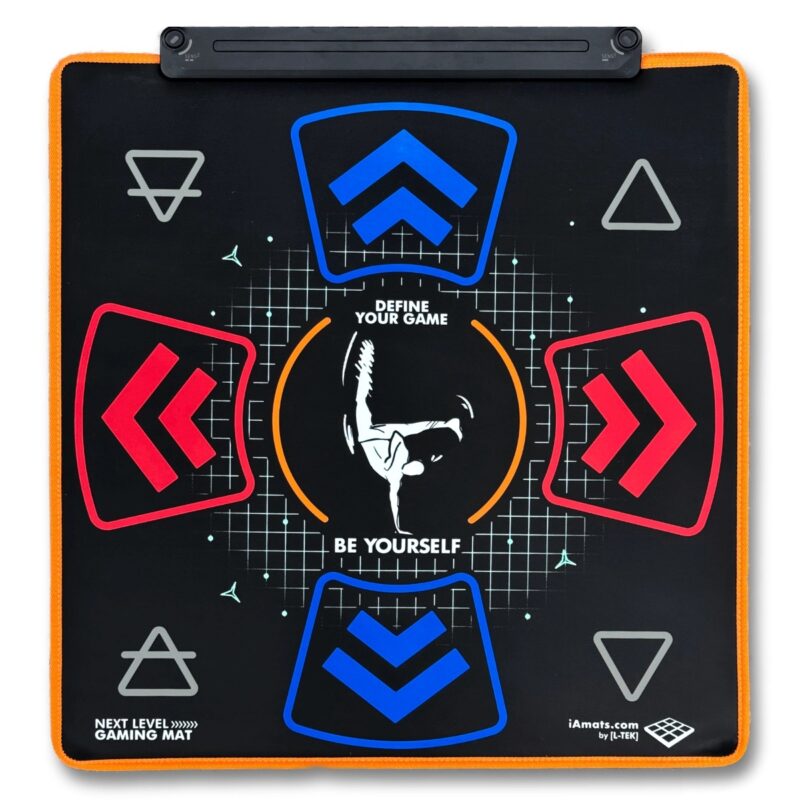
Next Level Gaming Mat
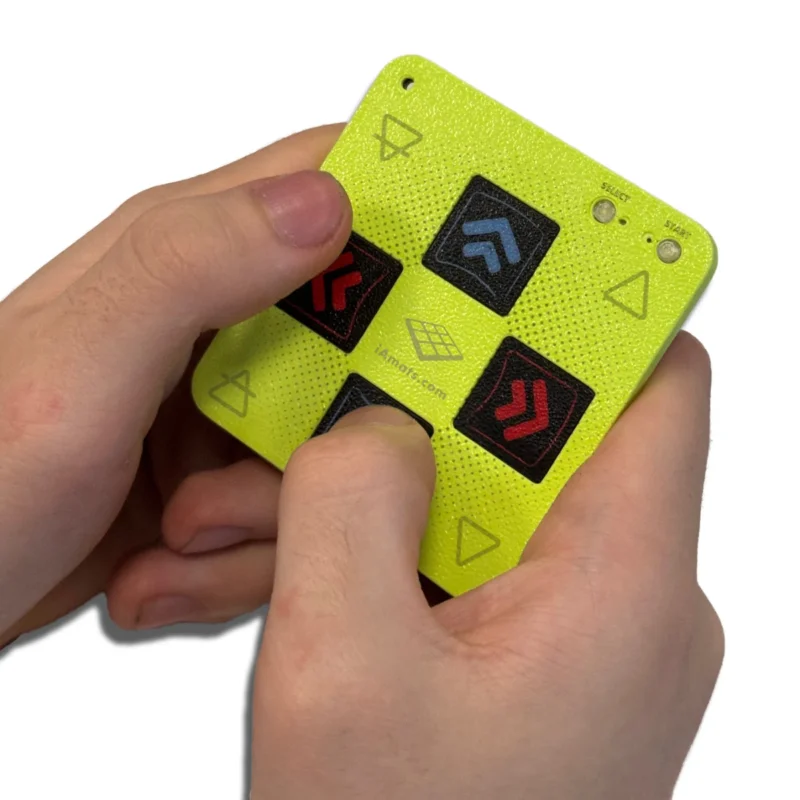
From 110 €Mini Finger Mat + 3D-Printed Case
From 10 €
FAQ
Frequently asked questions
Stepmania LTEK is a popular choice for dance mat users due to its simple operation and easy song customization. L-TEK also offers the Connect Buddy, a tool that links Stepmania with the PADY Fitness iOS app, allowing you to monitor your training progress. Both tools are available in our Software section.
Stepmania LTEK can also integrate with the Amusement Lights Controller, adding dynamic lighting effects for enhanced gameplay.
For additional options, LTEK Interactive Mats are compatible with various games to combine fitness and entertainment. Find a list of recommended games in our Games to Play on Mat section.
L-TEK Dance Mats are compatible with PlayStation 2 and PSX consoles using a dedicated converter available in our store. Converters specifically designed for PlayStation 2 and PSX can be found in the PS2 & PSX converter section.


Aivon_lepgm (verified owner) –
Yo encore moi ,oui j’ai quasiment tout les produits 🤣,
J’ai acheté le boulder lors du Black Friday. Il était -20% moins chère.
Le’projet est vraiment bien étudié et on peut le programmer pour son usage, cela permet de convertir un tapis comme par exemple le core et le’prime et du coup devient polyvalent sur pleins de jeux dont fornite ou autre 🤣.
Juste a revoir les frais de port qui sont un poils élevé. Mais cela vaut le coup quand meme