
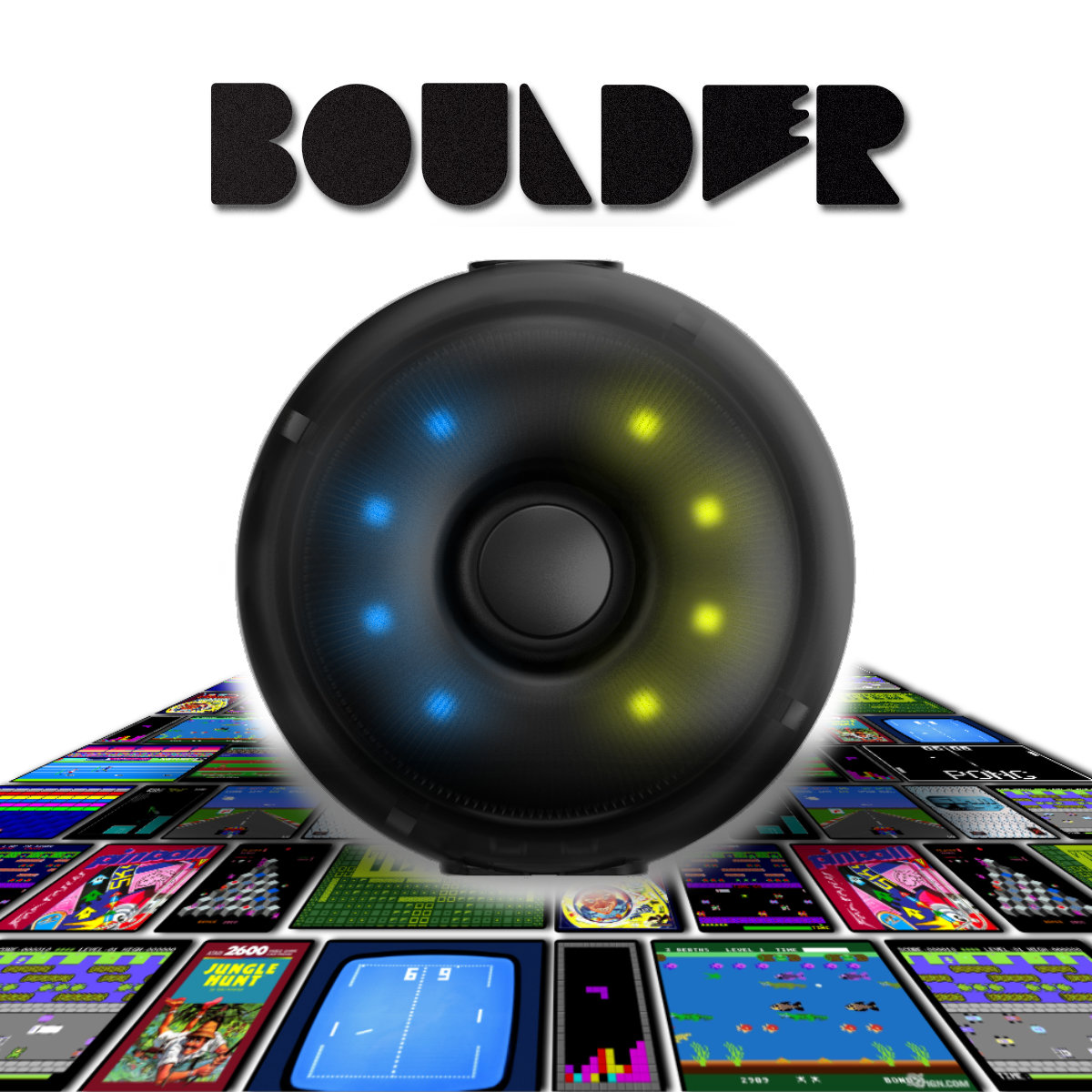


Boulder Mat Mapping Adapter
Boulder Converter gives you full control of your dance pad, letting you map inputs to keyboard, mouse, or gamepad. With profiles stored directly on the device, you can enjoy seamless play across any game or application without extra software.
 2 year warranty
 Choose standard shipping (8-12 days) or 24h shipping
- Choose standard shipping (8-12 days)
 Customize


Boulder Mat Mapping Adapter
L-TEK Boulder is a compact controller adapter that turns your dance mat into a flexible game controller. It lets you map dance mat panels to keyboard, mouse or joystick/gamepad inputs, so your mat can work across more games, apps and custom control setups.
Instead of being limited to one fixed input layout, Boulder stores your chosen profiles directly on the device. Once configured, you can use your dance mat exactly the way you want without installing extra mapping software or drivers.
Built for Custom Input Mapping
Using the Boulder web configuration tool, you can assign dance mat panels to different control types and create a layout that fits your game. The device supports multi-input emulation, so you can use keyboard, mouse or joystick-style outputs depending on the setup.
Boulder includes three familiar pre-programmed profiles based on PRIME dance mat mappings and one fully customizable profile. Profile switching is handled directly on the device, making it practical for players who move between different games and control layouts.
Low-Latency Hardware Control
The Boulder manual lists a high-performance dual-processor architecture and a fast 0.2 ms response time for instant signal conversion. The adapter is designed for low-latency play, hardware profile storage and quick configuration through L-TEK's light-based programming method.
Program with Light
Boulder uses the Shinobi.Link light transmission protocol. Open the Boulder configuration page, choose your mapping, place the device against the screen and let the light program the profile. Settings are saved to the device, so the profile remains available after configuration.
Product Details
- Product: Boulder Mat Mapping Adapter
- Brand: L-TEK
- Category: Accessories
- Function: maps dance mat panel inputs to keyboard, mouse or joystick/gamepad controls
- Profiles: 3 pre-programmed profiles plus 1 custom profile
- Programming: Boulder web configuration tool with light-based transfer
- Response time: 0.2 ms according to the Boulder manual
- Weight: 0.03 kg
- Dimensions: 5.2 x 5.2 x 2.3 cm
- Warranty: 2 years
Useful Links
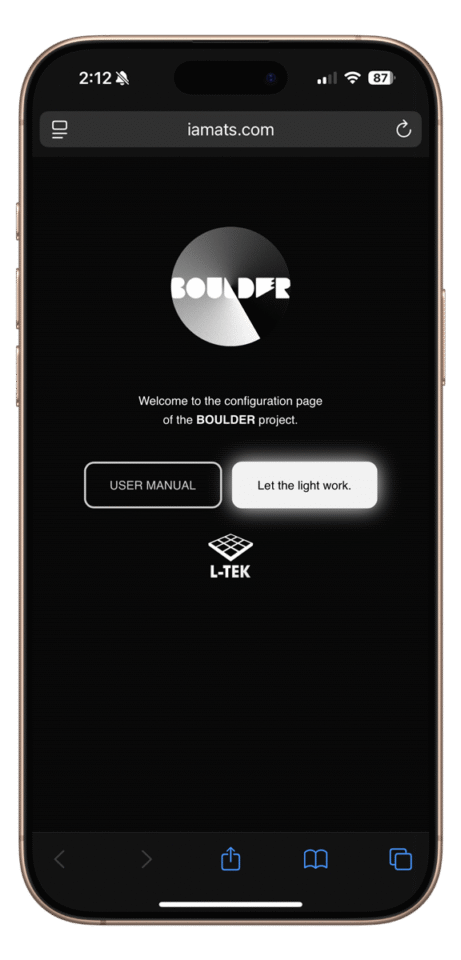
Open the Boulder web tool, choose your dance mat model and start mapping panels to keyboard, mouse or joystick inputs.
Meet Boulder, a new way to discover your favorite games.
Who Is It For?
Boulder is made for L-TEK dance mat owners, rhythm-game players, Steam players, console players and anyone who wants to use a dance mat as a custom controller. It is especially useful for non-standard game setups, accessibility-focused control layouts, fitness games, retro games and creative input experiments.
Boulder Unboxing and Setup Video
Watch how the Boulder Controller Adapter works from the key setup moment, or restart from the beginning after watching.
| Weight | 0.3 kg |
|---|---|
| Dimensions | 5.2 × 5.2 × 2.3 cm |
Only logged in customers who have purchased this product may leave a review.
Testimonials and tales shared by our dance family


Love it! I used cheap foam pads for a few months, but could feel their limitations (sliding, inconsistent detection, etc). This new metal pad felt like a clear upgrade. The price is a little steep but feels fair given the quality of the board.
Highly recommend!
Marvelous pad. They’re sturdy enough for playing with shoes. I removed the center screws for each arrow and found the sensitivity to be fantastic. Well worth the price.
This pad is amazing!! Don’t listen to anyone saying theyre “not good enough” even without any mods, the pad feels exactly like the arcade! <3 Thank you iAmats for this amazing pad! i'd give it 20 stars if i could.
This pad is amazing!! Don’t listen to anyone saying theyre “not good enough” even without any mods, the pad feels exactly like the arcade! <3 Thank you iAmats for this amazing pad! i'd give it 20 stars if i could.
This pad is amazing!! Don’t listen to anyone saying theyre “not good enough” even without any mods, the pad feels exactly like the arcade! <3 Thank you iAmats for this amazing pad! i'd give it 20 stars if i could.
Read more reviews on our Reddit
community!
Become a Master
Watch gameplay from CowEye - [DDR] All Star - Smash Mouth

Sensitive, Durable. Perfect for players who enjoys playing without bar like me. Thanks LTEK!
 YouTube - 1M subscribers
 TikTok | 378k followers
 Instagram | 70k followers
CowEye
L-tek ambasador
Others also bought:
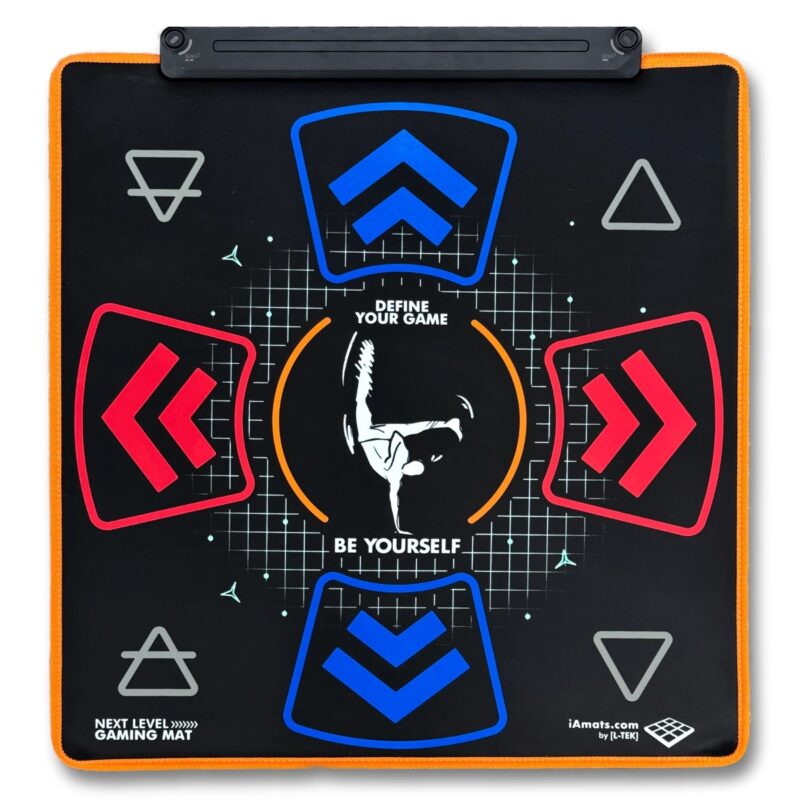
Next Level Gaming Mat
Price range: 110 € through 132 €
Price range: 90 € through 112 €
FAQ
Frequently asked questions
Stepmania LTEK is a popular choice for dance mat users due to its simple operation and easy song customization. L-TEK also offers the Connect Buddy, a tool that links Stepmania with the PADY Fitness iOS app, allowing you to monitor your training progress. Both tools are available in our Software section.
Stepmania LTEK can also integrate with the Amusement Lights Controller, adding dynamic lighting effects for enhanced gameplay.
For additional options, LTEK Interactive Mats are compatible with various games to combine fitness and entertainment. Find a list of recommended games in our Games to Play on Mat section.
L-TEK Dance Mats are compatible with PlayStation 2 and PSX consoles using a dedicated converter available in our store. Converters specifically designed for PlayStation 2 and PSX can be found in the PS2 & PSX converter section.


Reviews
There are no reviews yet.