
Mini Finger Mat + 3D-Printed Case
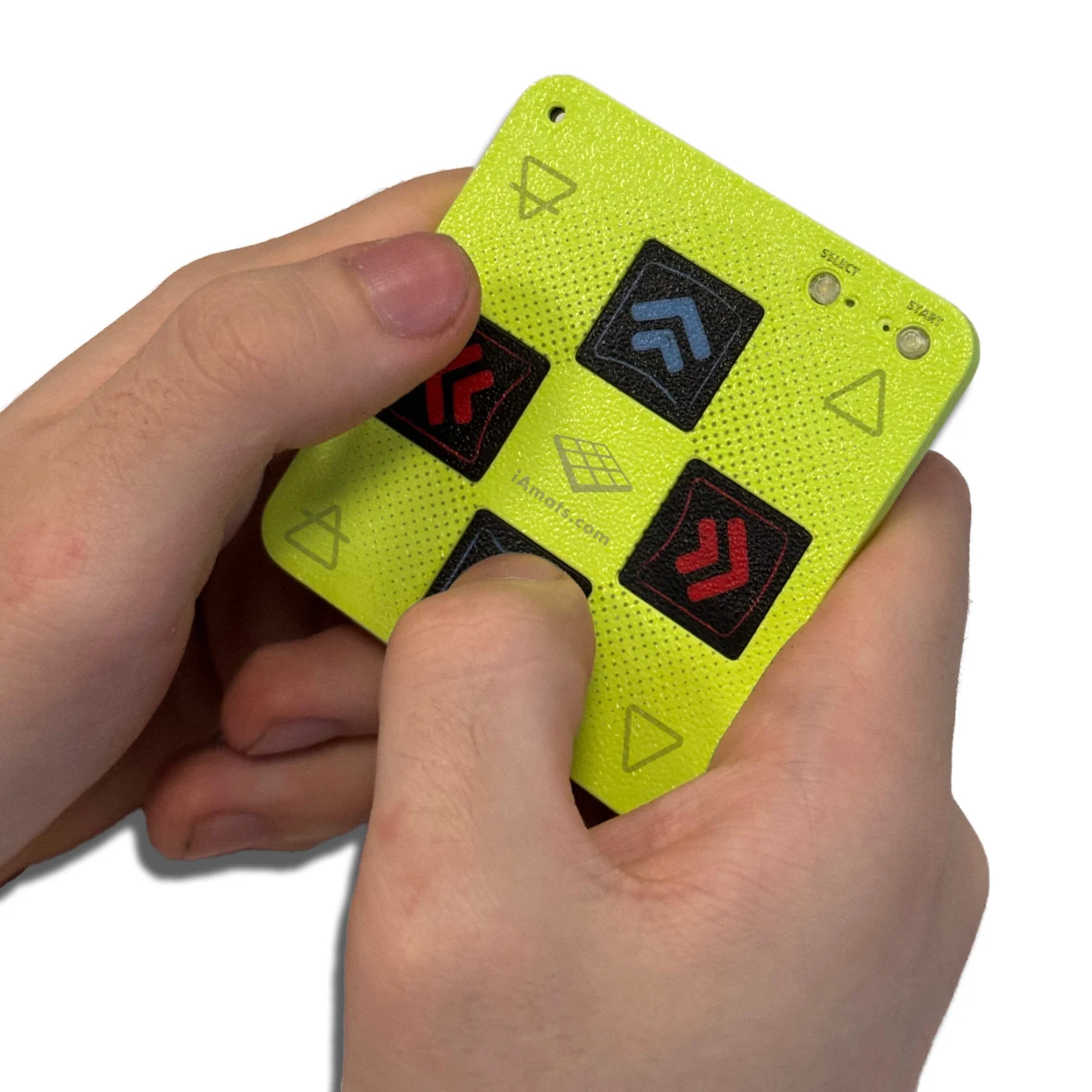
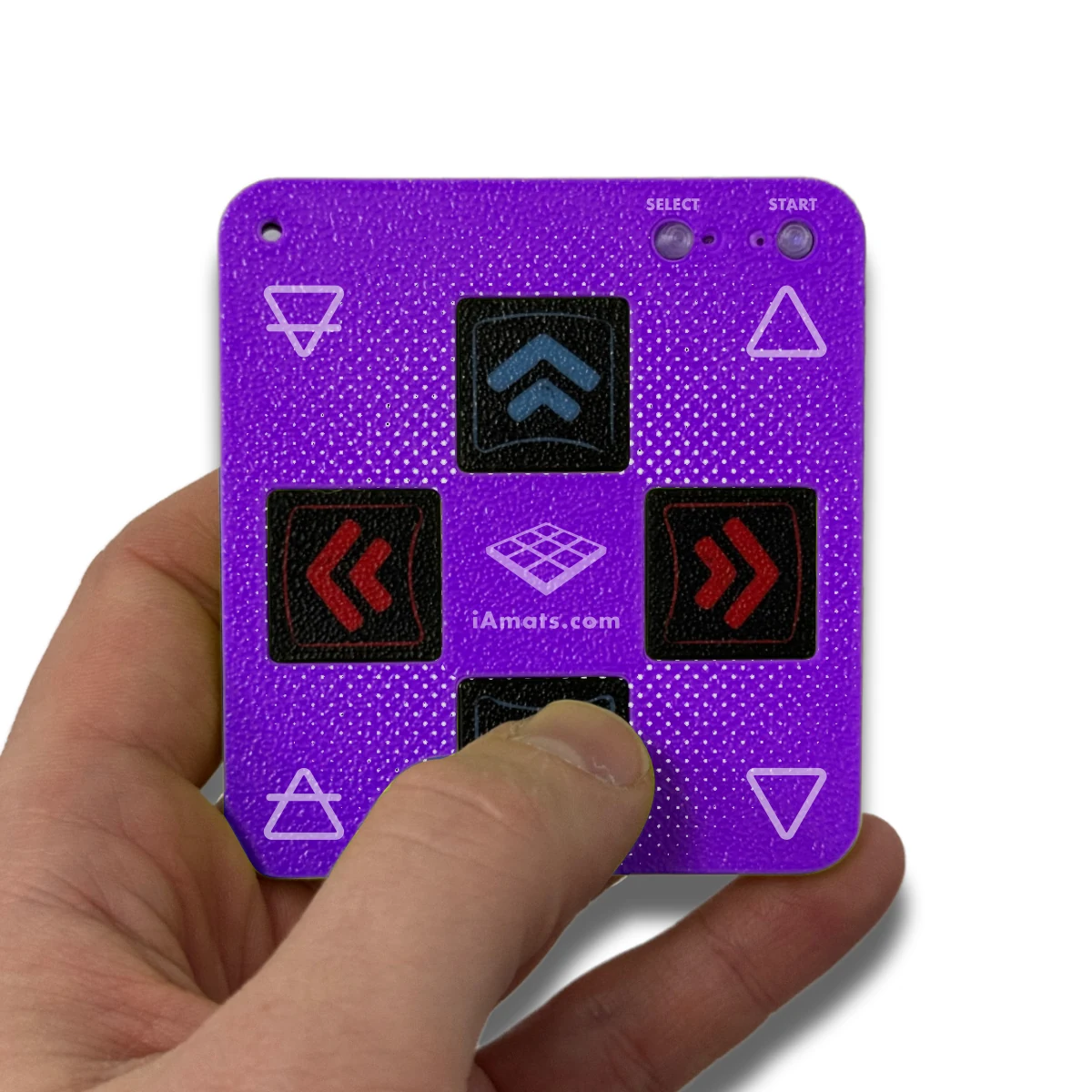
Play compatible rhythm games with your fingertips on a compact capacitive controller. The Mini Finger Mat has four direction controls plus Start and Select, a protective cover in your selected colour and a USB-C connection; bring your own data-capable cable.
 2 year warranty
 Choose standard shipping (8-12 days) or 24h shipping
- Choose standard shipping (8-12 days)
 Customize


Rhythm play, in your hands
Take the arrows off the floor
Play compatible rhythm games with your fingertips on a compact capacitive controller. The Mini Finger Mat has four direction controls plus Start and Select, a protective cover in your selected colour and a USB-C connection; bring your own data-capable cable.
THE SETUP AT A GLANCE
Each part has a purpose.
LOOK CLOSER
The details that make the difference.
A functioning controller
Capacitive fingertip sensors send inputs to a compatible game. This miniature mat is designed for hand use.
Six familiar controls
Four directional controls plus Start and Select provide a compact layout for games that accept the available inputs.
Small enough to carry
The published controller specifications are 80 × 80 × 4 mm and 50 g, making it easy to keep with a portable gaming setup.
USB-C for power and data
Connect with a suitable data-capable USB-C cable. A cable is not included, so choose one that matches your computer or mobile device.
Choose the cover colour
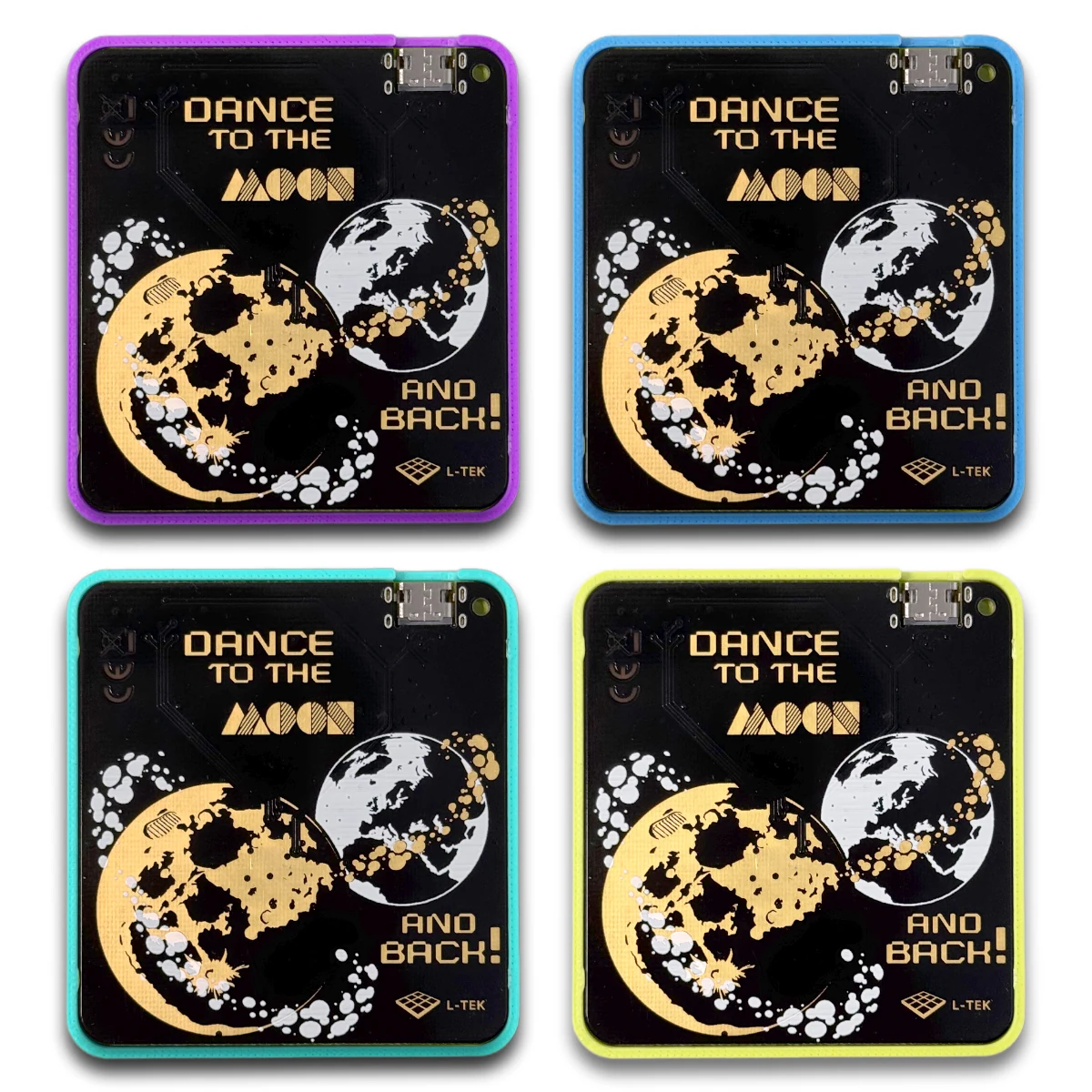
Lime, Blue, Purple and Mint are listed variants. Your chosen cover comes with the controller.
HID joystick / keyboard support
Windows, macOS, Linux, iOS and Android are listed platforms. Your game and host device must accept the relevant external controller inputs.
01 / A small controller with a real purpose
Keep the pattern under your fingertips
The Mini Finger Mat brings a familiar arrow layout to a controller you hold in your hands. Its thin circuit board uses capacitive fingertip sensing, with four directions and separate Start and Select controls. Use it for a compatible rhythm game when you want a compact desk or travel setup, or explore a chart’s input patterns with your fingers. The interaction is different from stepping on a floor mat: choose finger play for its own convenience and feel. A full-size dance mat is a separate product, and this miniature controller is designed for fingers, so keep it off the floor during play.
02 / Check your host and game
One cable carries power and input data
The USB-C connection supplies the controller with power and carries its input data. Choose a data-capable cable with the correct connector at the other end for your computer or mobile device; a charging-only cable will not provide the required data connection. The product lists HID joystick and keyboard compatibility on Windows, macOS, Linux, iOS and Android. The practical requirement is that your particular host and game accept the controller’s input type. On a phone or tablet, check external USB accessory support and any required host adapter before purchase. Once connected, open the game’s control settings and verify each direction and both additional controls.
03 / Pick a cover and prepare the cable
A complete finger controller in one selected colour
The product includes a Mini Finger Mat and its cover. Lime, Blue, Purple and Mint are the listed colour choices; the gallery image showing all four is a comparison of variants, not a four-controller bundle. Pick the colour on the live product page, then check the cable you already own or add a suitable data cable to your shopping list. The published controller dimensions are 80 × 80 × 4 mm and its listed weight is 50 g. If you need an exact clearance inside a fitted case, ask for the dimensions of the complete covered unit before choosing the case.
A GOOD FIRST EXPERIENCE
Connect, map and start finger play
Choose a compatible game and a data-capable cable for your device. No dance-floor setup is needed.
- 01
Choose your colour and host
Select the cover variant and check that your computer, phone or tablet and game support external HID joystick or keyboard input.
- 02
Prepare the data connection
Use your own data-capable USB-C cable. For a mobile device, confirm USB host support and whether a suitable adapter is required.
- 03
Map all six controls
Connect the controller, open the game’s input settings and check the four directions, Start and Select. Use the controls your game supports.
- 04
Begin with an easy chart
Hold the controller comfortably and get used to the capacitive fingertip sensors. Adjust your game’s timing settings if the music and arrows feel out of sync.
THE PRACTICAL DETAILS
Know what you are choosing.
- Controls
- 4-direction D-pad plus Start and Select
- Sensor type
- Capacitive fingertip sensors
- Form
- Thin PCB controller with cover
- Published controller dimensions
- 80 × 80 × 4 mm; confirm covered clearance for fitted cases
- Published weight
- 50 g
- Power and data
- USB-C; data-capable cable required
- Power draw
- Less than 100 mA, as listed by the manufacturer
- Input interface
- HID joystick / keyboard
- Listed platforms
- Windows, macOS, Linux, iOS and Android; host and game support required
- Cover variants
- Lime, Blue, Purple, Mint
- Included
- One Mini Finger Mat and the selected cover
- Not included
- USB data cable, host device and game
- Manufacturer warranty
- 2 years
BEFORE YOU DECIDE
Good questions.
Useful answers.
Find the answer here, then follow the guide if you want the detail.
Is this just a miniature decoration?
It is a working capacitive input controller for finger play, with four directions plus Start and Select. Connect it to a compatible host and game using USB data.
Can I step on it like a dance mat?
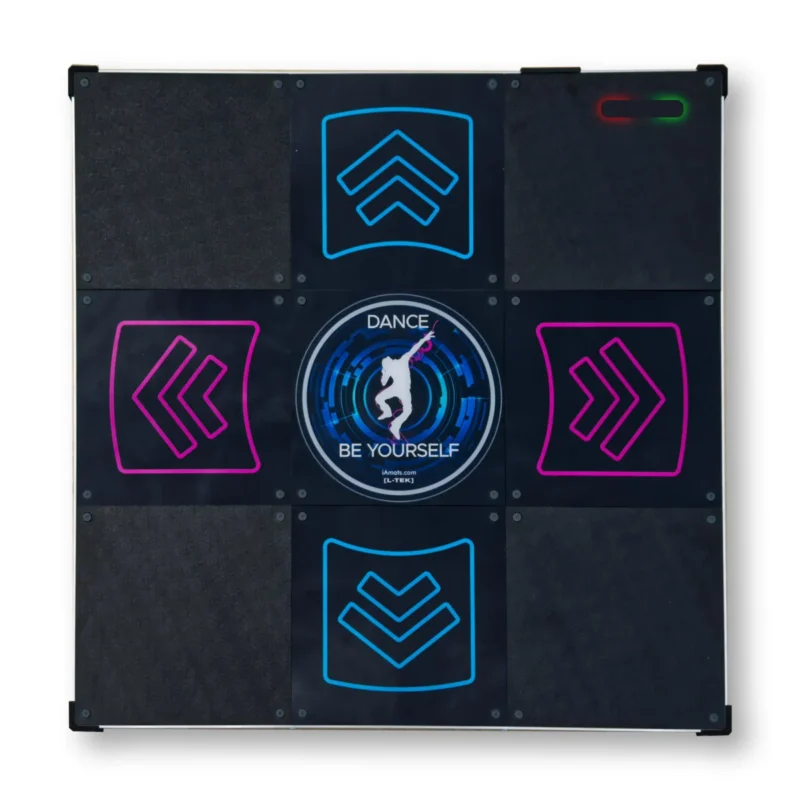
Use this model with your fingertips. It is a compact PCB controller rather than a floor mat for body-weight play.
Is the USB cable included?
No. Supply your own data-capable USB-C cable that fits the host device. A charging-only cable cannot carry the game inputs.
Will it work with every phone or every rhythm game?
The manufacturer lists iOS and Android alongside the desktop platforms, but your device must support the USB accessory and your game must accept its HID inputs. Check the exact combination and any required adapter.
Do I receive all four cover colours?
No. The colour comparison photo shows the available variants. Select one colour for the controller and cover you order.
Can I use the usual PC rhythm-game setup guide?
The general advice on input mapping and game timing is useful once your controller is detected. Check each Mini Finger Mat control in your chosen game; the guide is not a device-specific firmware or mobile compatibility manual.
MATOLOGY & PRACTICAL HELP
A little more detail, when you need it.
PC input mapping and game setup
General help with assigning controls after the device is detected.
Rhythm-game timing explained
Understand game and audio timing; this is not a Mini Finger Mat latency benchmark.
Ask about your setup
Confirm your host, cable adapter or intended game before ordering.
StepMania 5.0 LTEK for Windows
Get the current Windows LTEK Edition and check its requirements before installation.
YOUR NEXT STEP
Choose your colour. Bring the right cable.
Check your host and game, then select the Mini Finger Mat cover that will travel with you.
Video
Video hosted by an external platform.
| Weight | 0.3 kg |
|---|---|
| Dimensions | 22 × 32 × 1 cm |
| Color | Lime, Blue, Purple, Mint |
Only logged in customers who have purchased this product may leave a review.
Testimonials and tales shared by our dance family


Love it! I used cheap foam pads for a few months, but could feel their limitations (sliding, inconsistent detection, etc). This new metal pad felt like a clear upgrade. The price is a little steep but feels fair given the quality of the board.
Highly recommend!
Marvelous pad. They’re sturdy enough for playing with shoes. I removed the center screws for each arrow and found the sensitivity to be fantastic. Well worth the price.
This pad is amazing!! Don’t listen to anyone saying theyre “not good enough” even without any mods, the pad feels exactly like the arcade! <3 Thank you iAmats for this amazing pad! i'd give it 20 stars if i could.
This pad is amazing!! Don’t listen to anyone saying theyre “not good enough” even without any mods, the pad feels exactly like the arcade! <3 Thank you iAmats for this amazing pad! i'd give it 20 stars if i could.
This pad is amazing!! Don’t listen to anyone saying theyre “not good enough” even without any mods, the pad feels exactly like the arcade! <3 Thank you iAmats for this amazing pad! i'd give it 20 stars if i could.
Read more reviews on our Reddit
community!
Others also bought:
Dance pad LTEK Prime
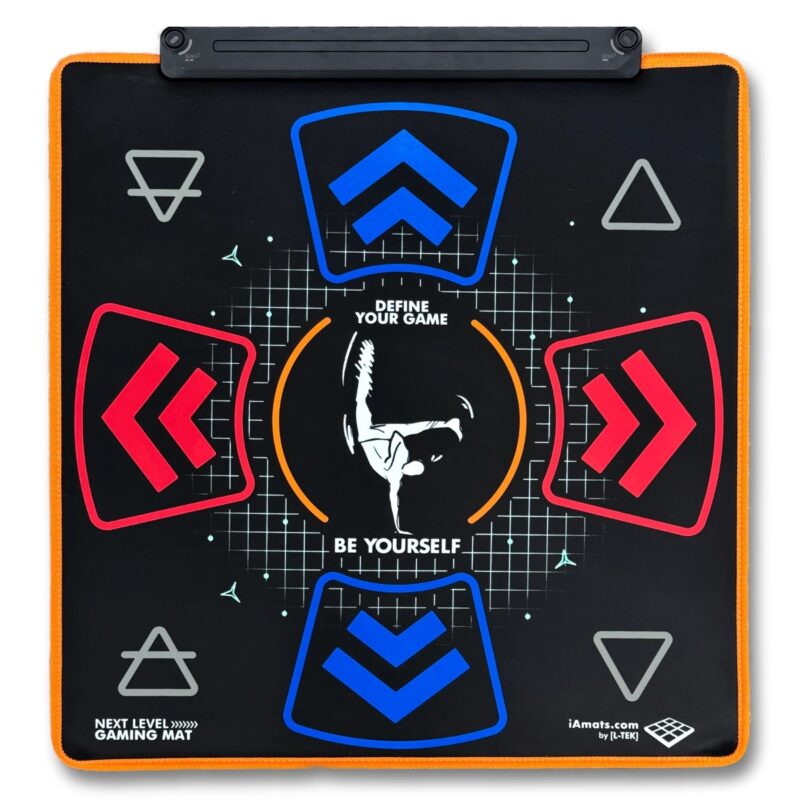
300 €Next Level Gaming Mat
From 110 €Dance pad LTEK Core
From 240 €

FAQ
Frequently asked questions
Stepmania LTEK is a popular choice for dance mat users due to its simple operation and easy song customization. L-TEK also offers the Connect Buddy, a tool that links Stepmania with the PADY Fitness iOS app, allowing you to monitor your training progress. Both tools are available in our Software section.
Stepmania LTEK can also integrate with the Amusement Lights Controller, adding dynamic lighting effects for enhanced gameplay.
For additional options, LTEK Interactive Mats are compatible with various games to combine fitness and entertainment. Find a list of recommended games in our Games to Play on Mat section.
L-TEK Dance Mats are compatible with PlayStation 2 and PSX consoles using a dedicated converter available in our store. Converters specifically designed for PlayStation 2 and PSX can be found in the PS2 & PSX converter section.


Reviews
There are no reviews yet.