
Next Level Gaming Mat
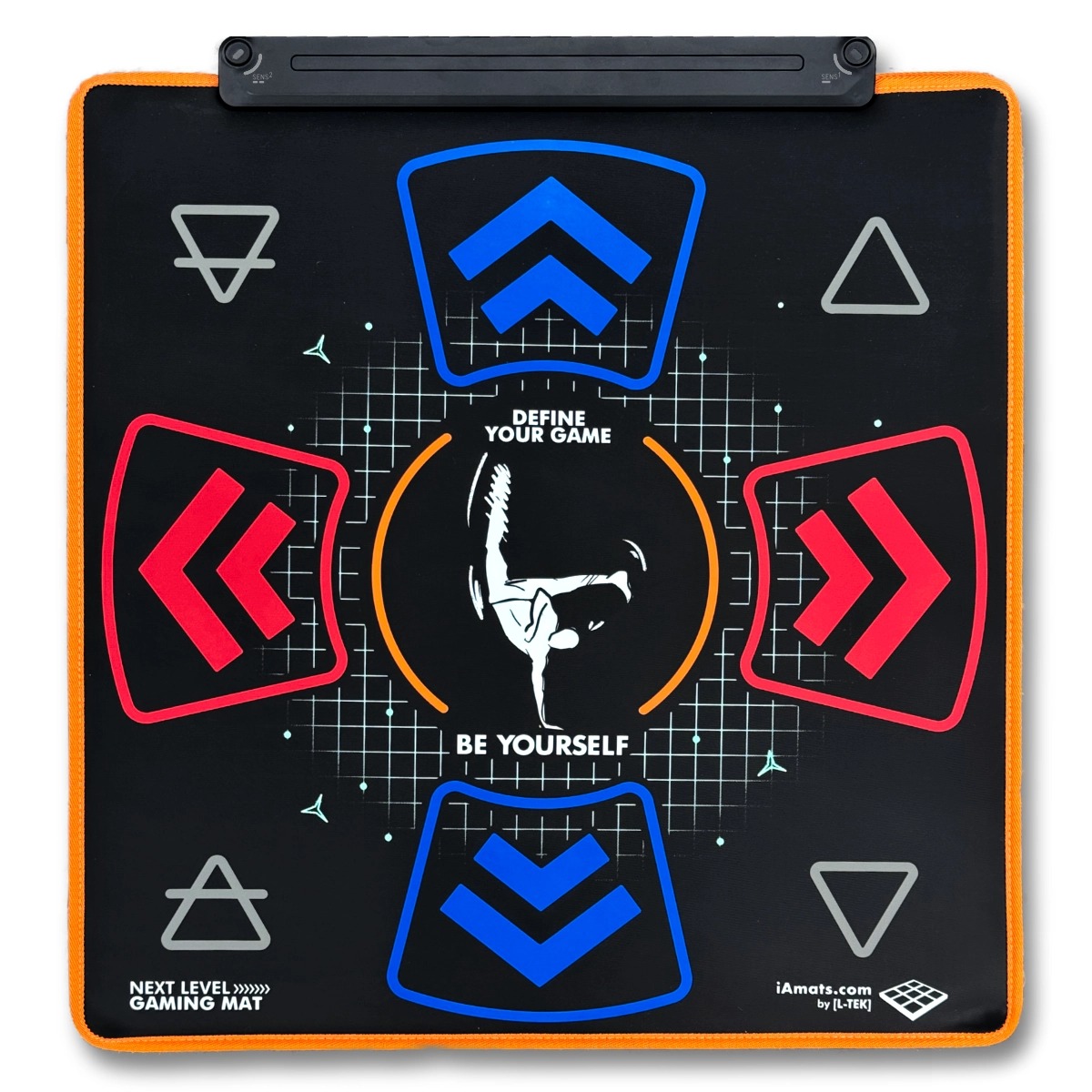
Dance, revisit retro games or build a controller for your own projects. NLGM combines a soft USB mat, 10 active panels and built-in input profiles. It also unlocks nine L-TEK games on compatible Android devices.
 2 year warranty
 Choose standard shipping (8-12 days) or 24h shipping
- Choose standard shipping (8-12 days)
 Customize


MORE ROOM FOR PLAY
A little rhythm.
A lot more
play.
Dance through a song. Revisit the games of the 80s and 90s. Give your feet a part in your next music, robotics or classroom project.
NLGM brings ten active panels into a soft, compact mat. Start with a game, then explore what those inputs can do with your software and L-TEK’s dedicated control tools.
YOUR SPACE. YOUR NEXT GAME.STEP INTO SOMETHING NEW
Your living room.
Now playable.
There’s more than one way to enjoy a mat. Learn the arrows, race for a better time or take turns with someone who has never played before.
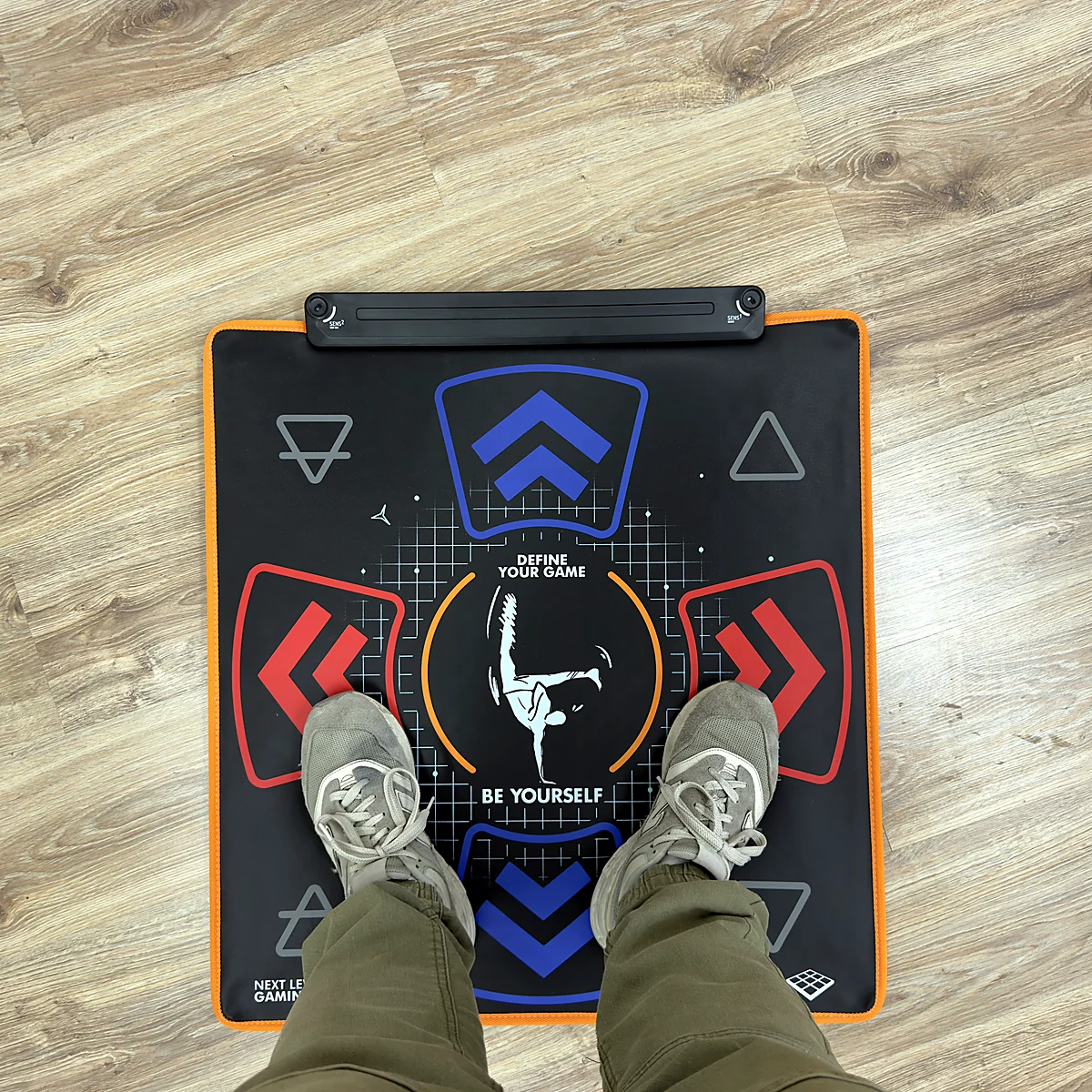
A soft playing surface and a compact layout make NLGM a different choice from a full-size hard pad. Check the footprint against your space and the way you like to move.
YOUR MAT UNLOCKS THE GAMES
One mat.
Nine L-TEK games.
Download the L-TEK Android games from games2play. A supported device recognises your connected NLGM as the game licence. The current nine-game library is available without an extra game purchase or subscription.
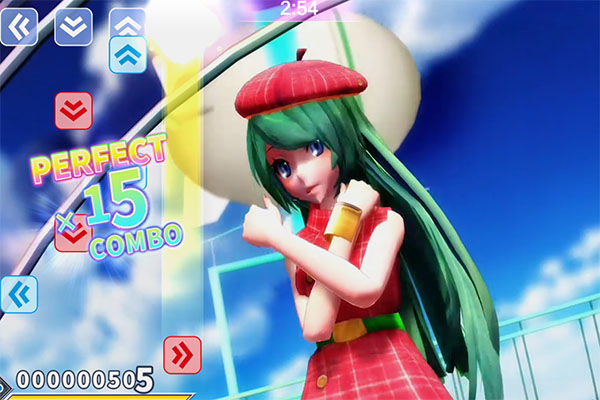
Find your rhythm.
Follow the arrows in Dance Of Era or try the four-tile patterns of Jump To The Rhythm.
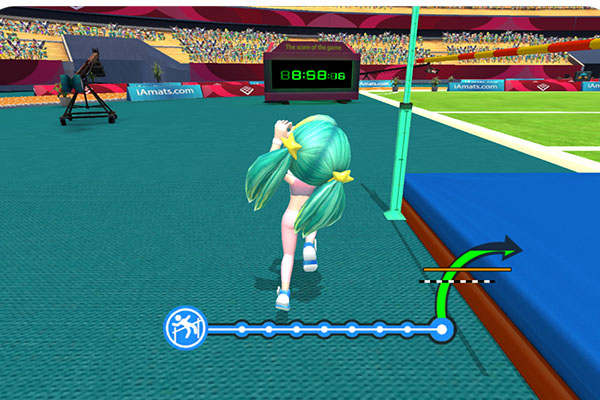
Chase your next best.
Time your movements in High Jump, Long Jump, Triple Jump, Walking Race and 100 Meter Race.
Make it a game.
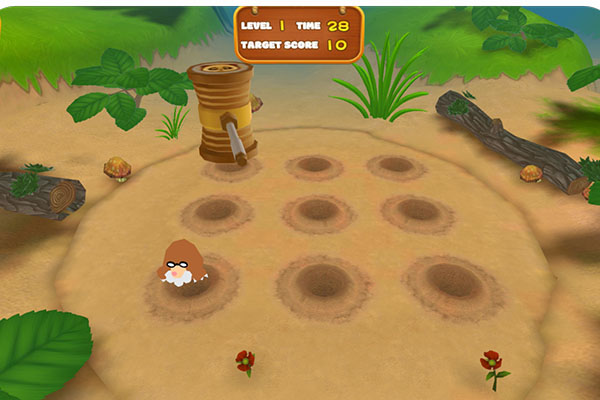
React to the next target in Whack-a-Mole or work through the course in Interactive Parkour.
For compatible Android phones, tablets and Android TV devices. USB host support and a suitable connection or adapter are required.
80s & 90s · A NEW WAY TO PLAY
Old favourites.
New moves.
Bring games from the 80s and 90s into a different kind of session. Move, jump or trigger an action with your feet using the controls your game accepts.
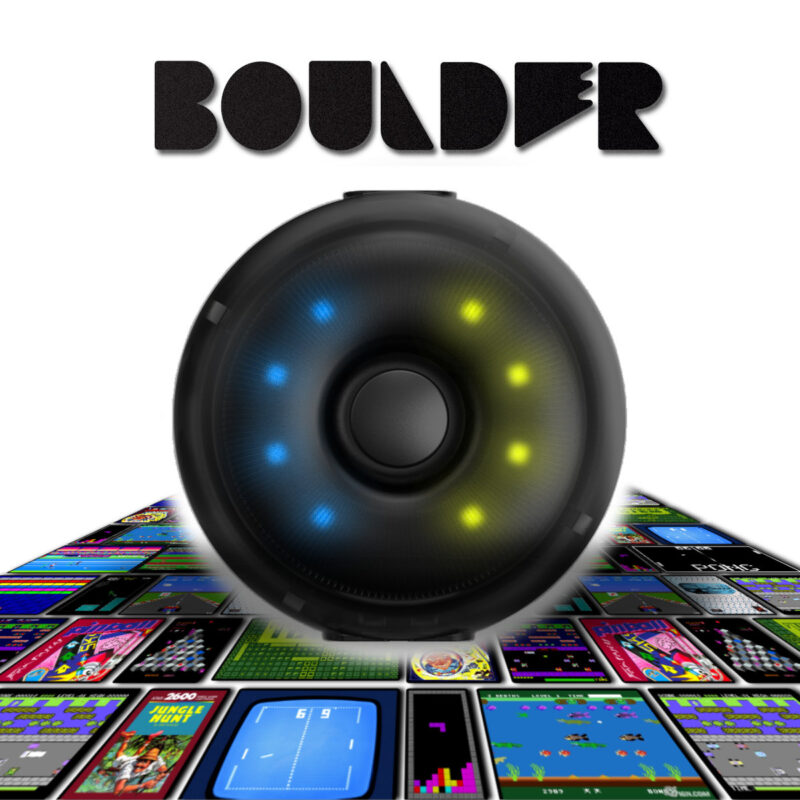
Start with a matching NLGM keyboard profile. For your own assignments, add the optional L-TEK Boulder adapter and map panels to keyboard, mouse or gamepad inputs.
See how Boulder maps your controls ↗
Choose legally available games or licensed re-releases, and check their input support on your computer.
Example controls · your game defines the mapping.
Using original vintage hardware? L-TEK offers dedicated converters. Ask us to check your computer, game and mat combination before choosing one.
THE HARDWARE BEHIND THE FUN
Soft mat.
Thoughtful controls.
A closer look at what you’ll use every time you play.
Ten active panels
Explore the four arrow panels and additional inputs with the matching game profile. The layout opens up uses beyond a four-arrow rhythm chart.
Profiles on the mat
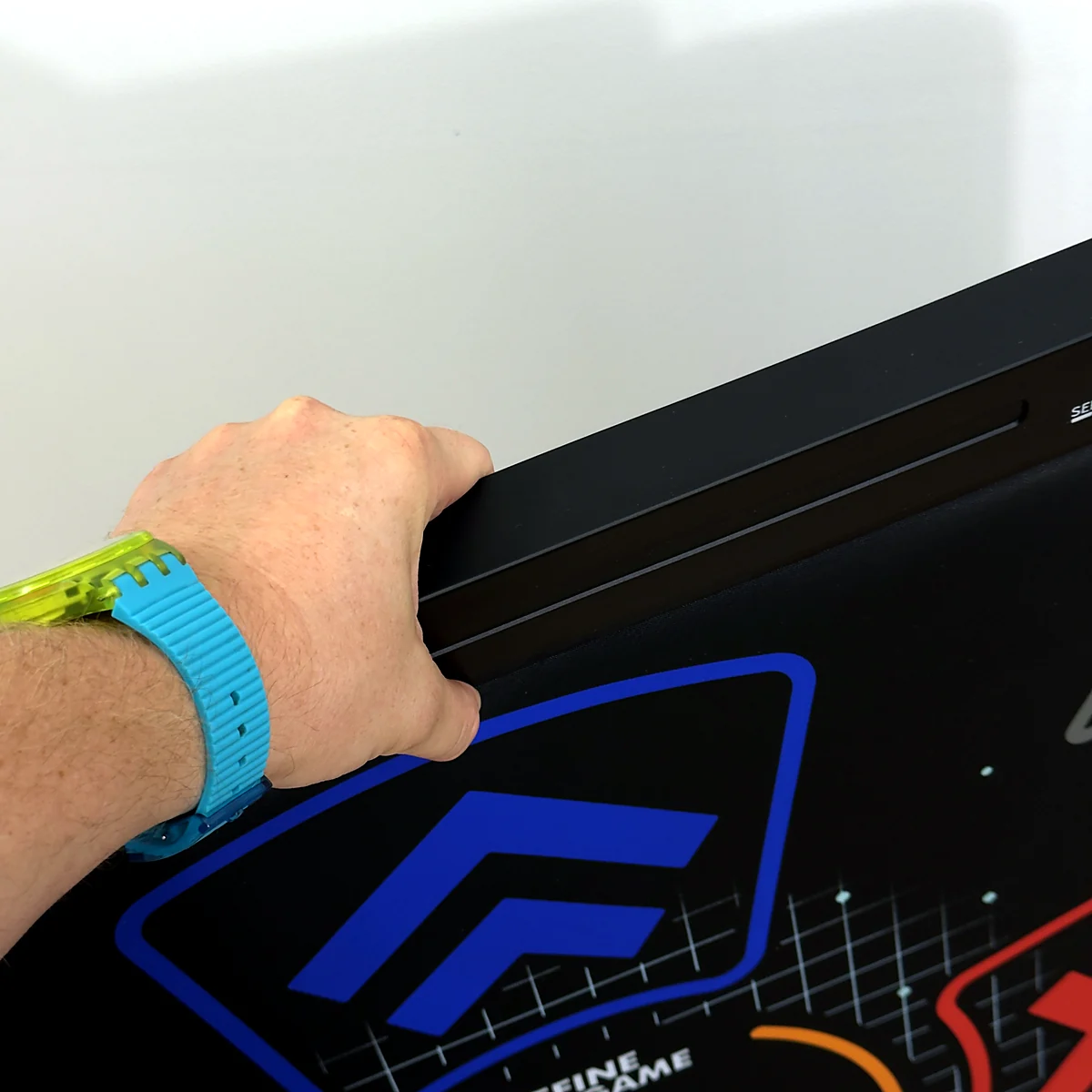
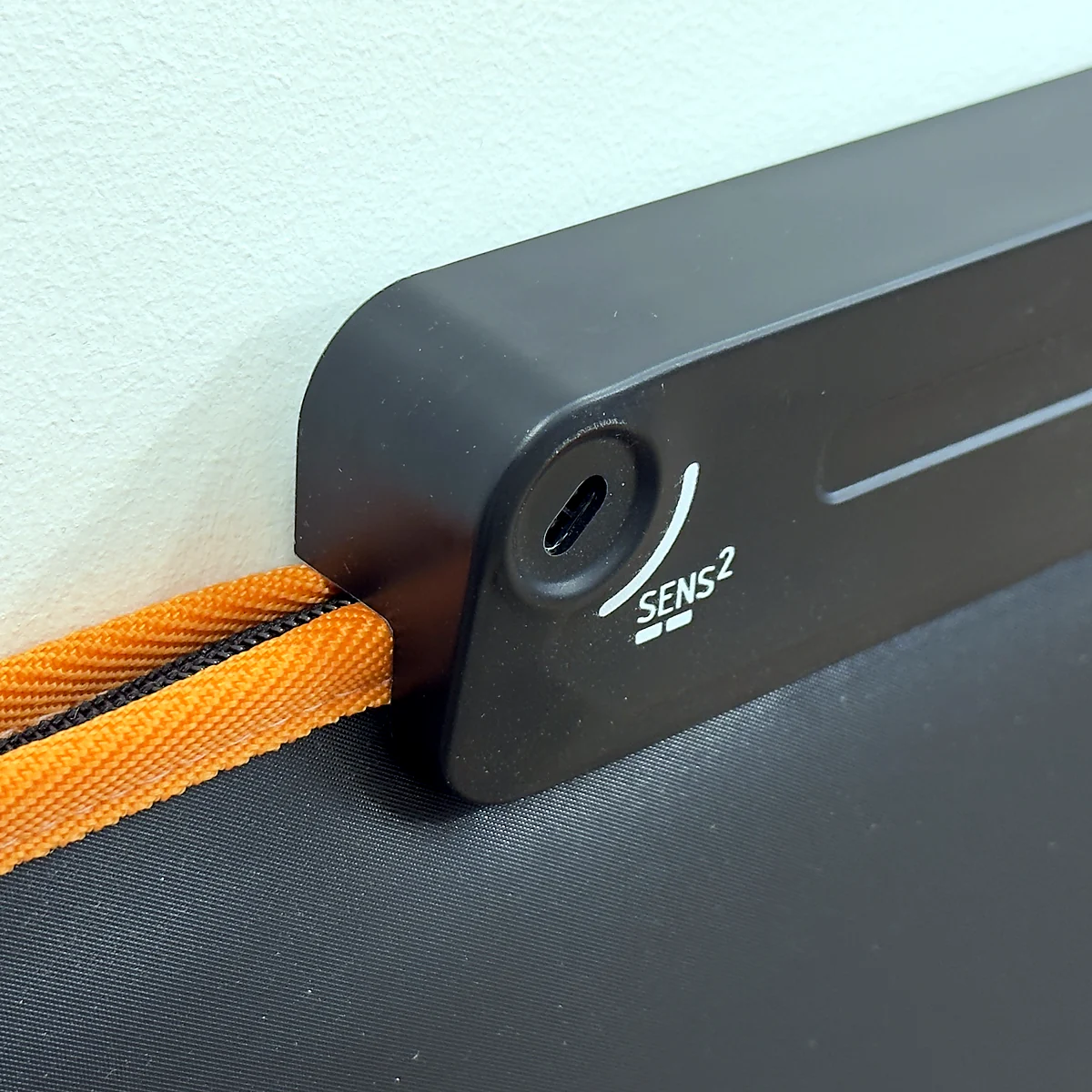
The manual describes ten profiles, including gamepad, keyboard and game-specific layouts. Motion sensors on the control bar let you select the profile.
See your current mode
Five RGB LEDs show profile and status information. Follow the manual’s colour guide when you change your setup.
Soft underfoot
The soft surface gives NLGM its feel. Sound in the room below still depends on your floor and the way you move.
A detachable USB cable
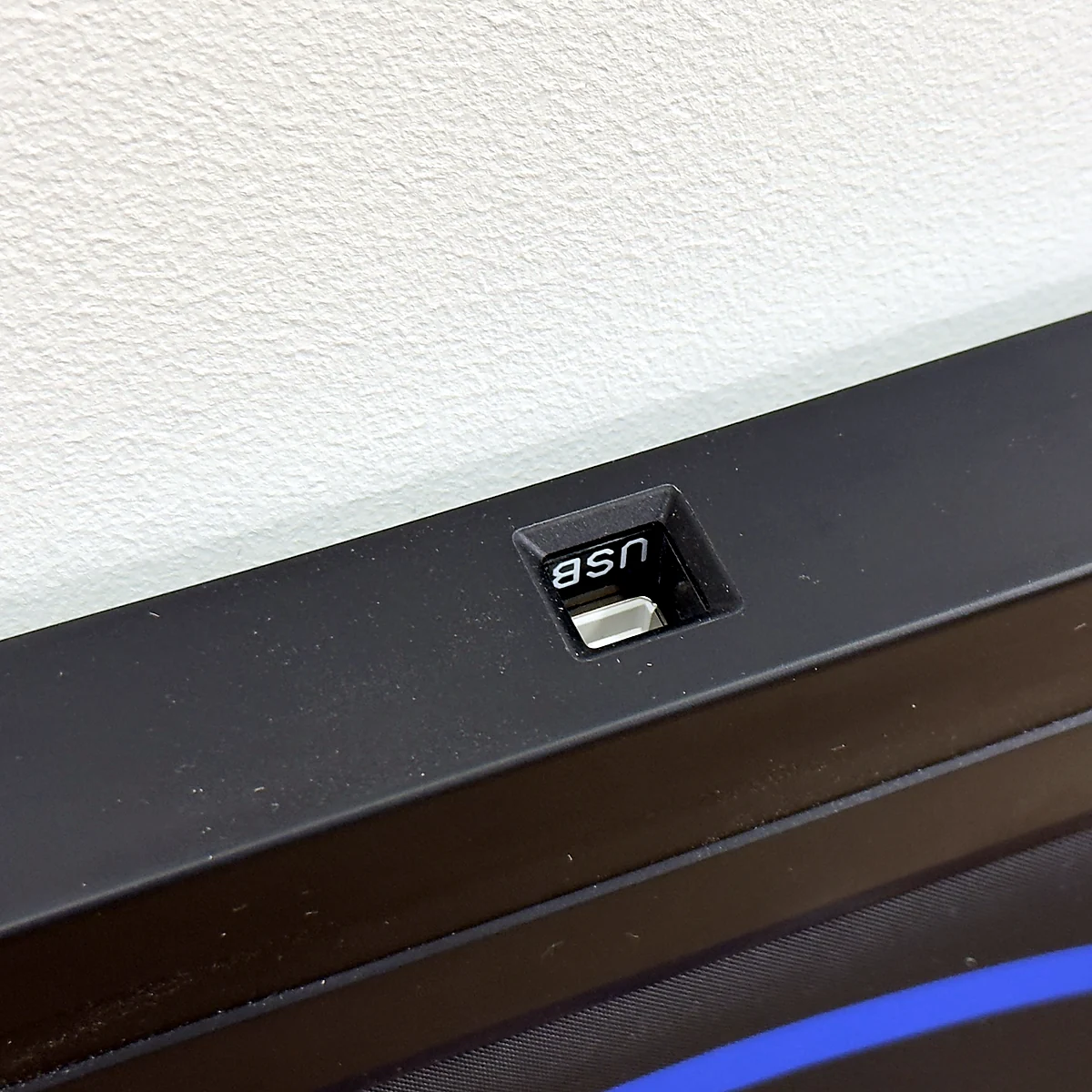
The included USB-A to USB-B cable connects at the control bar. Your device may need a suitable USB adapter.
Build with your feet
Use keyboard emulation for music, robotics or your own software. Start with a matching built-in profile, or add Boulder when your project needs custom input assignments.
CHOOSE YOUR STARTING POINT
Your game.
Your setup.
Choose the route that matches your device and the game you want to play. Each route has its own input profile and connection requirements.
Start with StepMania 5.0 LTEK.
Connect NLGM by USB and follow the setup in our LTEK edition of StepMania. Start with the tutorial, check your inputs and use guided calibration to line up the music and your steps.
Get StepMania 5.0 LTEK ↗Free Windows beta. Some setups may need manual mapping.
Before your first song
- Choose the mat profile recommended in the manual.
- Check that each required input registers in the game.
- Run the tutorial and calibrate your timing.
MATOLOGY GUIDEExplore the new LTEK edition↗
On a Mac, choose software that supports your system. USB-C-only Macs also need a suitable adapter for the included cable.
Your mat is the game key.
Use a compatible Android phone, tablet or Android TV device with USB host support. Download the L-TEK game, connect your NLGM and follow the game’s instructions.
Check your connection
- The mat includes a USB-A to USB-B cable.
- Your device may need a USB OTG adapter or compatible hub.
- Check USB host and app support for your exact device.
Find the game downloads in the L-TEK games library. Contact us if you’re unsure about your Android device.
Play with the matching profile.
The NLGM manual includes dedicated profiles for Fortnite Festival, with limited menu navigation. L-TEK lists PC, PlayStation 4 and PlayStation 5 for this use. Select the matching profile and keep your usual controller available for menus.
Check your exact combination
Support depends on the game mode, platform, selected mat profile and the game’s current input support.
Using Xbox? Ask us to confirm your console model and current game setup before ordering.
ASK L-TEKCheck my game and console setup↗
The nine included L-TEK Android games are a separate library. Other games and content are obtained separately.
Bring your mat to a classic setup.
A separate L-TEK PS2/PSX converter is required for supported games on the original PlayStation and PlayStation 2 consoles. Check the converter’s game and setup instructions before ordering.
See the L-TEK converter ↗Optional accessory, sold separately.
Know which connection you need
The game, console generation and adapter all matter. The compatibility guide explains the difference between a computer setup and a classic console connection.
Game and platform names identify the setups discussed here. They do not imply endorsement of this L-TEK product.
YOUR FIRST TIME? YOU’RE IN THE RIGHT PLACE
Your first steps.
One arrow at a time.
Start with something easy. Give yourself time to find the panels and follow the rhythm.
-
Make a little room
Put the mat on a flat, stable surface, leave space around it and route the cable away from your steps.
-
Connect and check the inputs
Follow the route above for your device. Select the matching mat profile and check the inputs before starting.
-
Follow the first arrows
On Windows, try the Ada and Kuba tutorial in StepMania 5.0 LTEK. Then choose a slow track and the easiest available chart. Meet each arrow as it reaches its target.
-
Repeat, then explore
Play that easy chart again until the steps feel familiar. When you’re ready, change the song or try a different L-TEK game.
MATOLOGY · BEGINNER GUIDE & VIDEOWatch your first steps on a dance mat↗
WATCH. TRY. FIND YOUR RHYTHM.
See the basics
before you start.
Follow L-TEK’s beginner technique video at your own pace. Use the NLGM manual for this mat’s connection and profile controls.
General dance-mat technique from our beginner guide.
A softer step.
A little planning.
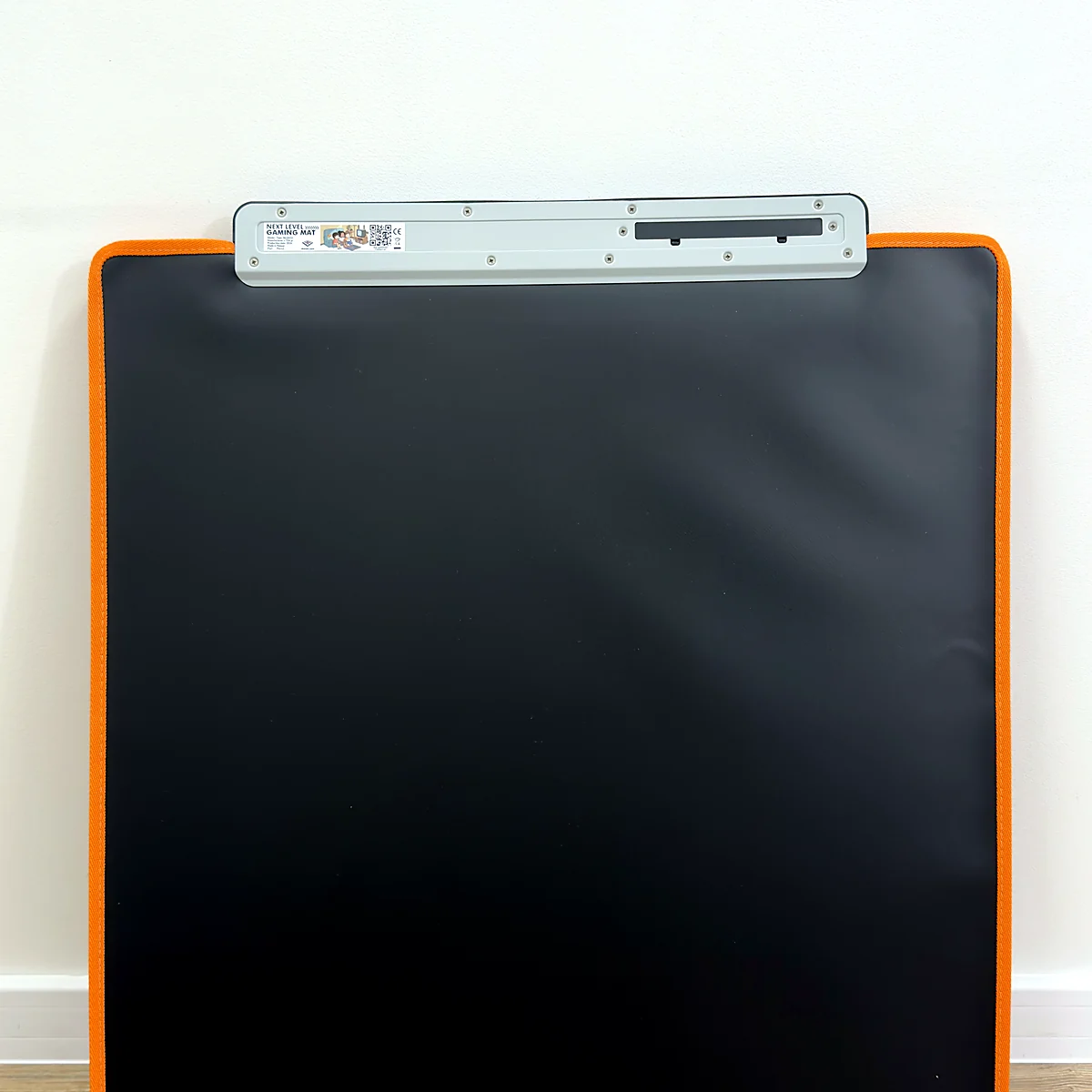
NLGM measures 76 × 70 × 4.5 cm and weighs 3.6 kg. Keep your playing area clear and follow the manual’s guidance for care and storage.
A soft mat still transmits movement through the floor. Your floor construction, playing surface and steps all affect what others hear.
When the beat
feels off.
The display, audio connection and game settings all affect timing. If your steps and the music don’t line up, check the game’s calibration before changing how you play.
SCHOOLS · UNIVERSITIES · MAKERS
Your feet.
Your ideas.
A robot that follows your steps. A beat you trigger with a tap. A classroom experiment everyone can try. NLGM can become the input controller for a project you design.
ROBOTICS & DIY
Step. Send a command.
Assign panels to directions or actions in your robotics project. Your program translates the mat’s inputs into commands for the robot through the appropriate controller or interface.
Try an idea: steer a classroom rover.
MUSIC & PERFORMANCE
Give every step a sound.
Trigger samples, loops or effects in music software that accepts the assigned controls. Build a floor instrument, cue sounds for a performance or experiment with rhythm.
Try an idea: a drum sound on each panel.
SCHOOL & UNIVERSITY PROJECTS
Make learning interactive.
Turn programming, input mapping and cause and effect into something students can experience. Build interactive quizzes, experiments or prototypes for a class, workshop or university lab.
Try an idea: answer a quiz with your feet.
L-TEK TOOLS FOR YOUR NEXT IDEA
Start simple. Make the controls yours.
Use a built-in NLGM keyboard profile when it fits your program. For custom assignments, add the optional Boulder adapter: choose NLGM in the web configurator and map panels to keyboard, mouse or joystick inputs. Your custom profile is saved on Boulder.
A compatible host, your project software and any required robot or audio interfaces complete the setup. Boulder is an optional accessory, sold separately.
A game today. Your own invention tomorrow.
Specifications & what’s included
Accessories, a compatible host device, and other publishers’ games are separate from the mat.
Want a longer look from a player?
Watch CantoHouse’s L-TEK soft-pad review on YouTube ↗A creator’s review, hosted on their channel.
READY FOR A DIFFERENT KIND OF GAME?
Take your next step.
Fortnite is a trademark of Epic Games, Inc. PlayStation, PS4 and PS5 are trademarks of Sony Interactive Entertainment Inc. Microsoft and Xbox are trademarks of the Microsoft group of companies. Other product names belong to their respective owners.
Your first steps: L-TEK beginner guide
General dance-mat technique from the L-TEK beginner guide, not an NLGM hardware tutorial. Open on Vimeo ↗
| Weight | 3.6 kg |
|---|---|
| Dimensions | 76 × 70 × 4.5 cm |
| Type | |
| Application | |
| Shipping | Standard shipping 8-12 days, Shipping in 24h (+22 €) |
5 reviews for Next Level Gaming Mat
Only logged in customers who have purchased this product may leave a review.
Testimonials and tales shared by our dance family


Love it! I used cheap foam pads for a few months, but could feel their limitations (sliding, inconsistent detection, etc). This new metal pad felt like a clear upgrade. The price is a little steep but feels fair given the quality of the board.
Highly recommend!
Marvelous pad. They’re sturdy enough for playing with shoes. I removed the center screws for each arrow and found the sensitivity to be fantastic. Well worth the price.
This pad is amazing!! Don’t listen to anyone saying theyre “not good enough” even without any mods, the pad feels exactly like the arcade! <3 Thank you iAmats for this amazing pad! i'd give it 20 stars if i could.
This pad is amazing!! Don’t listen to anyone saying theyre “not good enough” even without any mods, the pad feels exactly like the arcade! <3 Thank you iAmats for this amazing pad! i'd give it 20 stars if i could.
This pad is amazing!! Don’t listen to anyone saying theyre “not good enough” even without any mods, the pad feels exactly like the arcade! <3 Thank you iAmats for this amazing pad! i'd give it 20 stars if i could.
Read more reviews on our Reddit
community!
Others also bought:
L-TEK PS2/PSX Converter
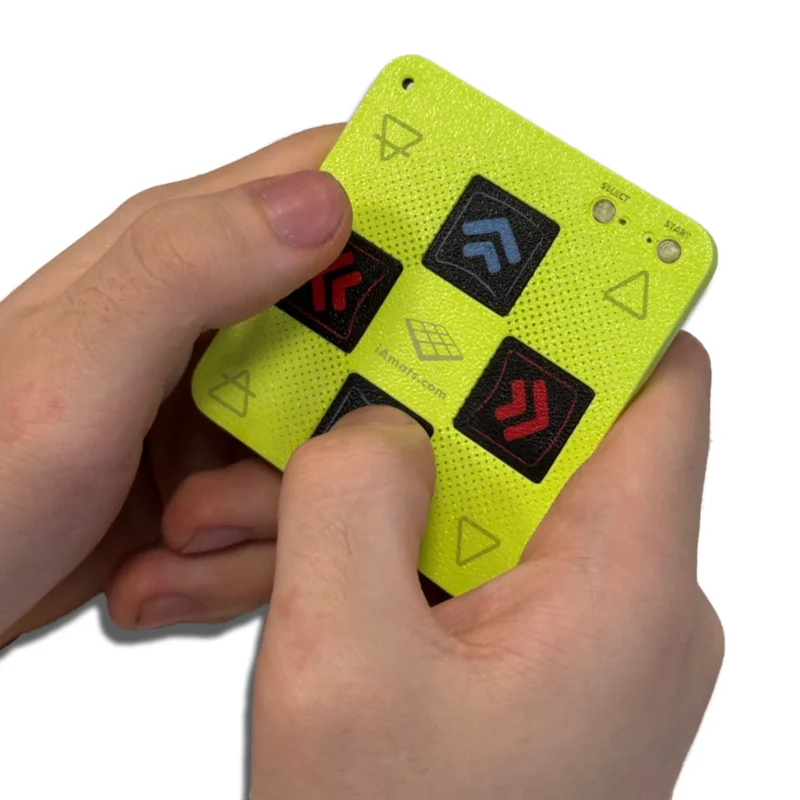
From 38 €Mini Finger Mat + 3D-Printed Case
From 10 €Boulder Mat Mapping Adapter
From 47 €

FAQ
Frequently asked questions
Stepmania LTEK is a popular choice for dance mat users due to its simple operation and easy song customization. L-TEK also offers the Connect Buddy, a tool that links Stepmania with the PADY Fitness iOS app, allowing you to monitor your training progress. Both tools are available in our Software section.
Stepmania LTEK can also integrate with the Amusement Lights Controller, adding dynamic lighting effects for enhanced gameplay.
For additional options, LTEK Interactive Mats are compatible with various games to combine fitness and entertainment. Find a list of recommended games in our Games to Play on Mat section.
L-TEK Dance Mats are compatible with PlayStation 2 and PSX consoles using a dedicated converter available in our store. Converters specifically designed for PlayStation 2 and PSX can be found in the PS2 & PSX converter section.


 Dance pad LTEK Core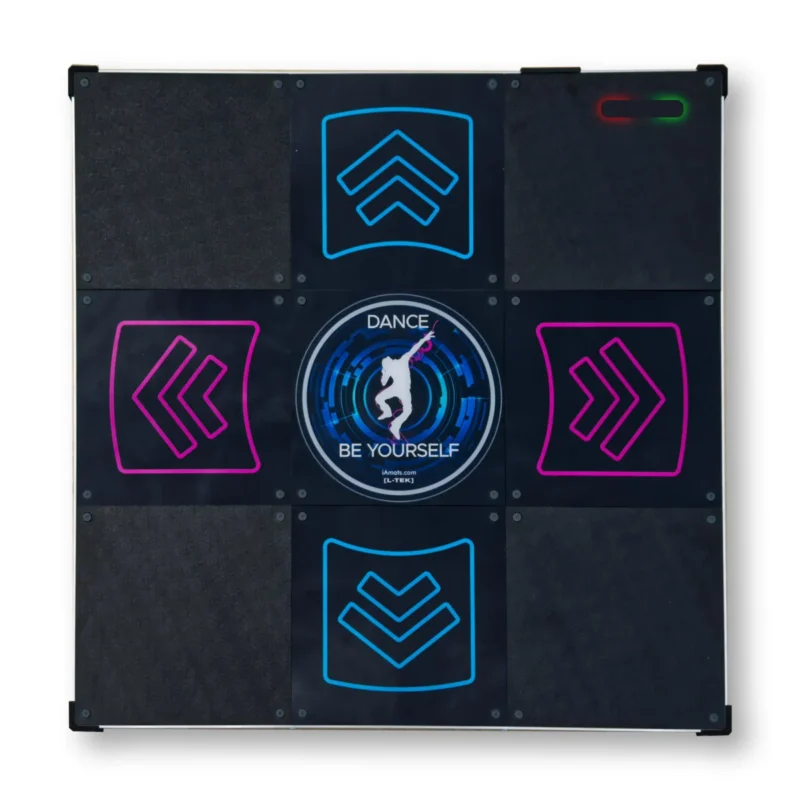
 Dance pad LTEK PRO X
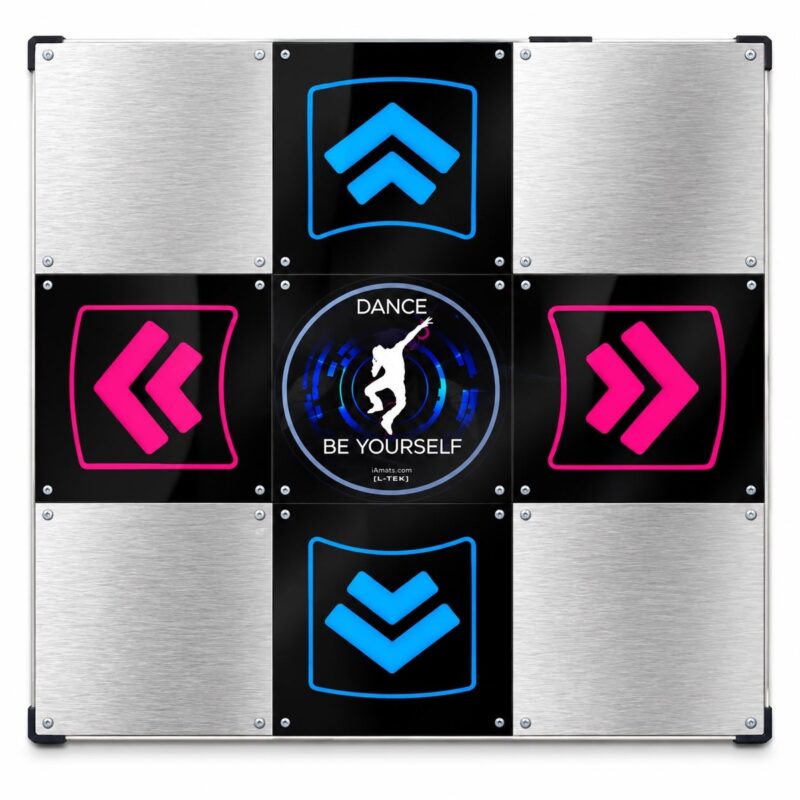 Dance pad LTEK Metal Black
 Dance pad LTEK Metal White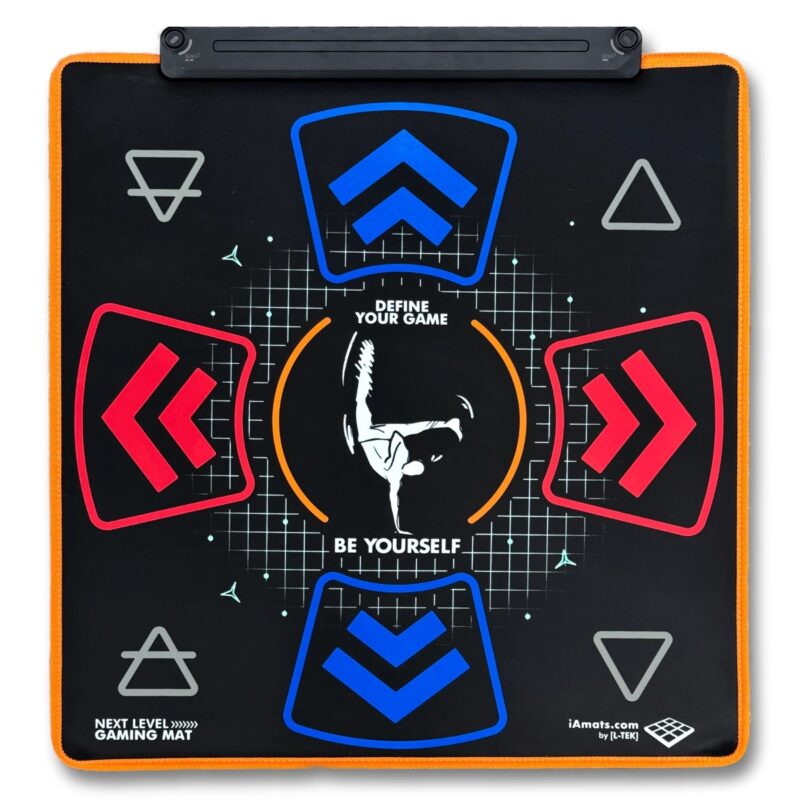
 Dance pad PIU PRO Metal
j.sanchez144 (verified owner) –
Wow! I ordered this dance mat two months ago. It’s brilliant!! The quality is very good simply it’s not like the 20€ cheapest chinese pads, I had one of that and it broke in four days…. I use it twice for week and it’s simply perfect. It’s compatible with playstation 1,2 and Stepmania app. I really trust in european products. Greetings from Spain!!
Rebornica (verified owner) –
I have been looking for a good dance pad since I got into dance dance revolution in April. I bought two different soft pads and both ended up breaking. I heard about l-tek before but it was quite expensive. Till recently it had a sale on their soft pads. I decided to buy one. Arrived this Monday, tested it out. It is amazing. I can put pressure on the pad and it would not move as it was very sturdy. Very good for beginners, works with Stepmaina and Project Outfox. It is a bit smaller than your regular soft pad, so you have to get use to it and adjust your movements. Other than that very good. €130 total, including shipping. Love from Ireland.
Jonas Stoor (verified owner) –
It’s definitely feels better than the gaming mats that came with playstation and it is a good fit for a small home. One huge downside is that the corner buttons are over sensitive. I wanted to map them to start and select but it happens very often that i step on the side arrovws a bit too high up or too low and as a result the button is pressed and the song is aborted. This means that this dance mat can not be used without a keyboard and I kinda regret spending so much money on buying this one when that functionality is lost.
Koen (verified owner) –
I ordered two “Next Level Gaming Mats” for myself and my kids. They are indeed a bit smaller than full size, but that’s actually convenient for children, and for me it turned out fine too, although I’m no expert.
I find the mat very comfortable to play with, I’m 193cm and quite heavy, looking to lose weight. It’s soft, making it comfortable for feet and ankles. It does slide/spin a bit for me, but only a few centimeters every few songs.
The electronics are probably the mat’s highlight, considering the price. Choosing the profile is already cool in itself, with the colored LEDs and motion sensors.
When I selected one of the joystick profiles, I had problems with the left and right arrows simultaneously (jumps) not registering in Stepmania. Then I switched to the keyboard profiles and from that point on had a truly flawless experience (no missed inputs). The motion sensors are also handy for using back and select in the menus; if you set them to a regular pad, you might accidentally step on them.
So, the product is simply excellent, keep up the good work (I’d say ask more YouTubers to review it).
Gérald Habert (verified owner) –
Well-built mat but the small footprint is an issue and the sensor buttons are inconvenient.
For context, I have been playing on foam soft mats Deluxe v3 from the now-defunct company Futuremax for about 15 years.
I was excited to test this new mat (kudos for bringing something new to the market in 2026), and my first impression was positive: the look and feel are premium. The mat doesn’t slip much, and I appreciate the detachable USB cord.
The main issue is the reduced size — and yes, it’s simply too small. After years of playing on full-size mats, this is a deal-breaker. It might be fine for newcomers though. Fortunately, I have two kids (7 and 10 years old) who enjoy it, so it will become theirs while I stick with my old Futuremax mat.
The second issue is the whole led / sensor / programming system. I assume it’s increases manufacturing cost, but it does not add much value for the user. Assigning the sensor buttons to the “Start” function in StepMania / Project OutFox doesn’t work well: they’re hard to trigger, or they trigger twice, sending you to the options screen.
You can instead use the action (triangle) buttons for Back and Start, but then it becomes too easy to press Back unintentionally, as the button is very close to the Up arrow.
Overall, this feels like a solid product from a skilled technical team, undermined by questionable design choices. The booklet even mentions a “Fortnite mode” — which honestly feels a bit absurd in this context.
If L‑tek released the same product in a standard size, with proper physical Back and Start buttons, and without the LED/sensor system — even at the same price or slightly higher — I would gladly buy two and update this to a five‑star review.