
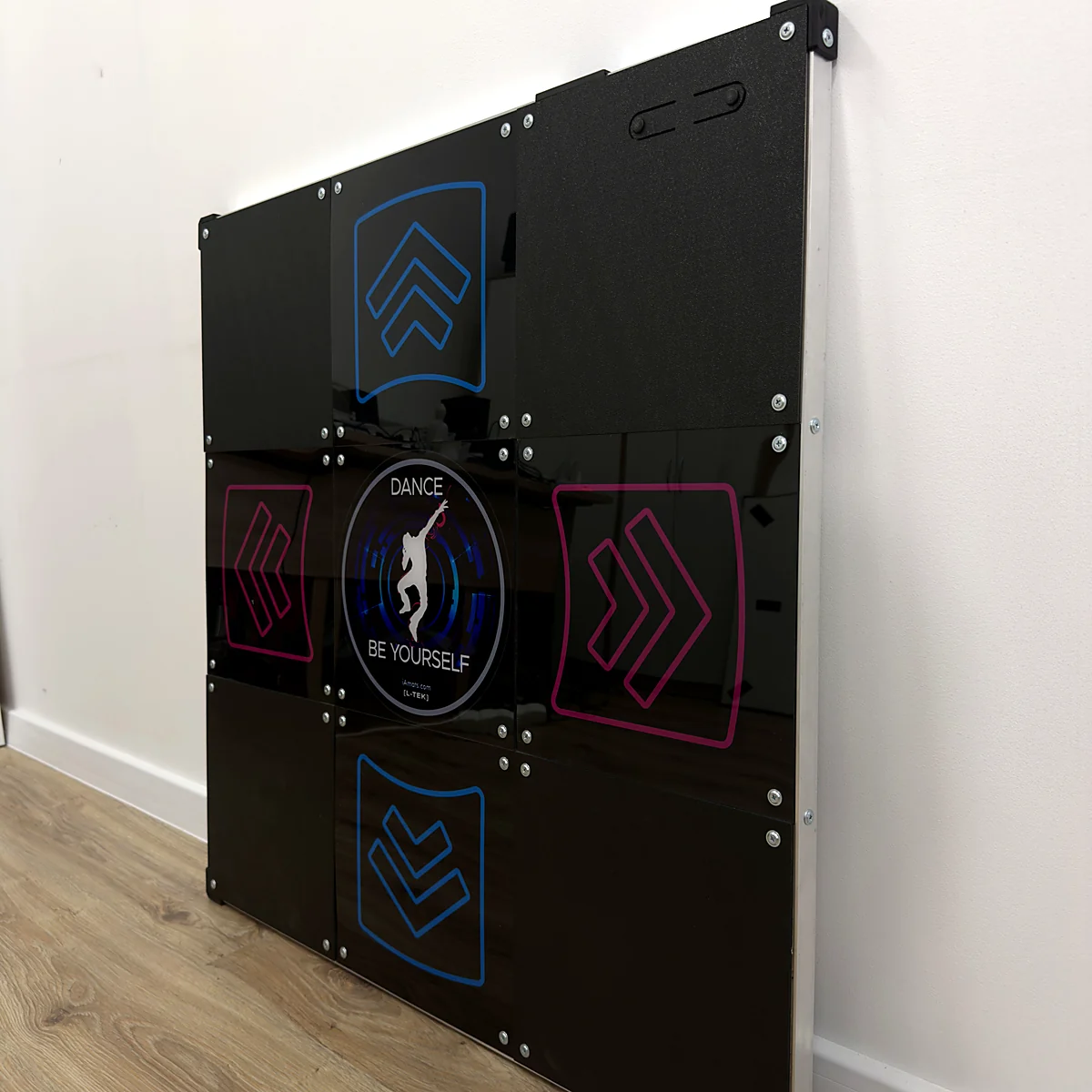
Dance pad LTEK Prime
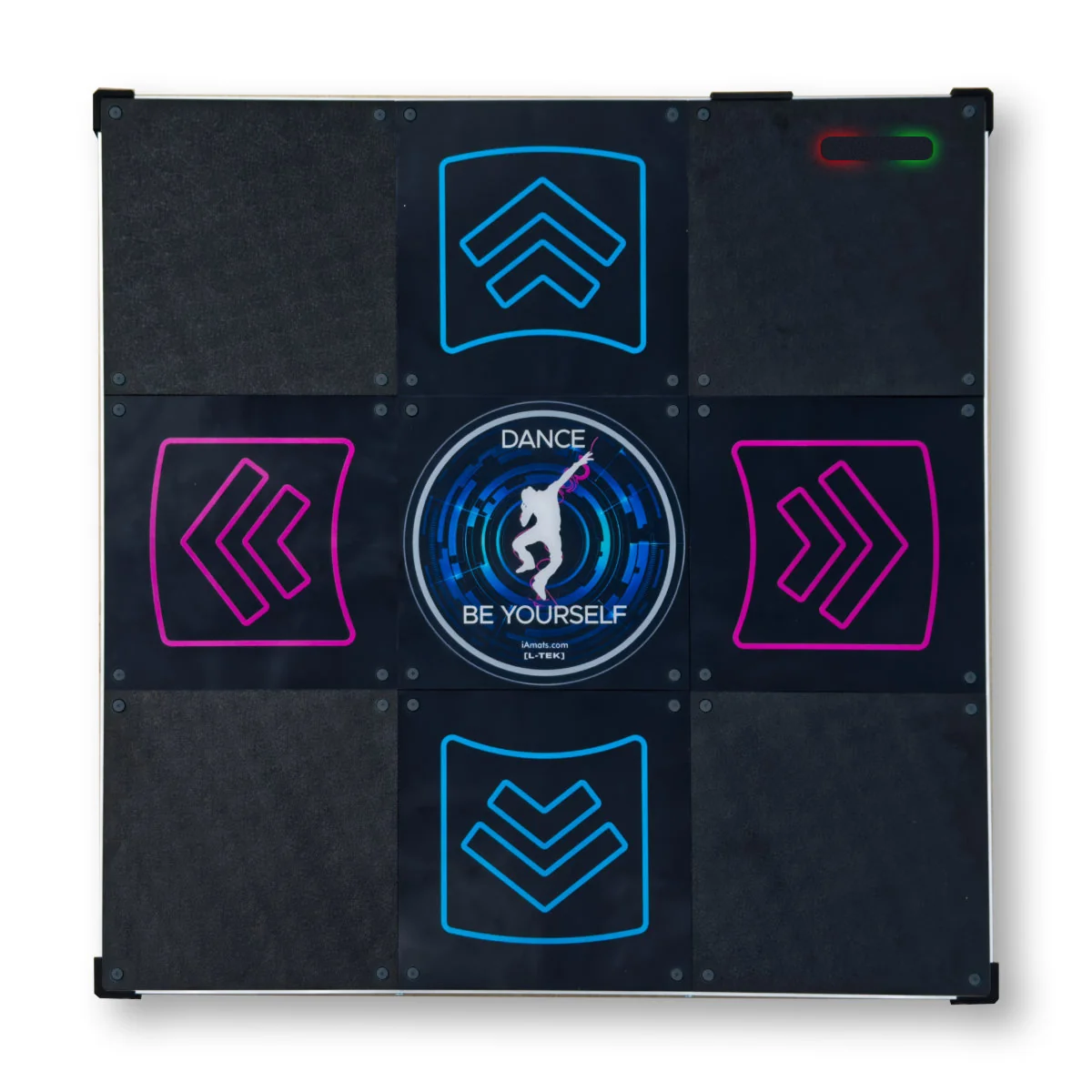
A responsive hard dance pad (dance mat) for DDR-style play at home. Start on Windows with our recommended StepMania 5.0 LTEK software. Switch between joystick and keyboard profiles directly on the pad with the illuminated Start/Select buttons.
 2 year warranty
 Choose standard shipping (8-12 days) or 24h shipping
- Choose standard shipping (8-12 days)
 Customize


MEET YOUR NEXT DANCE PAD
More play.
More control.
Your Prime.
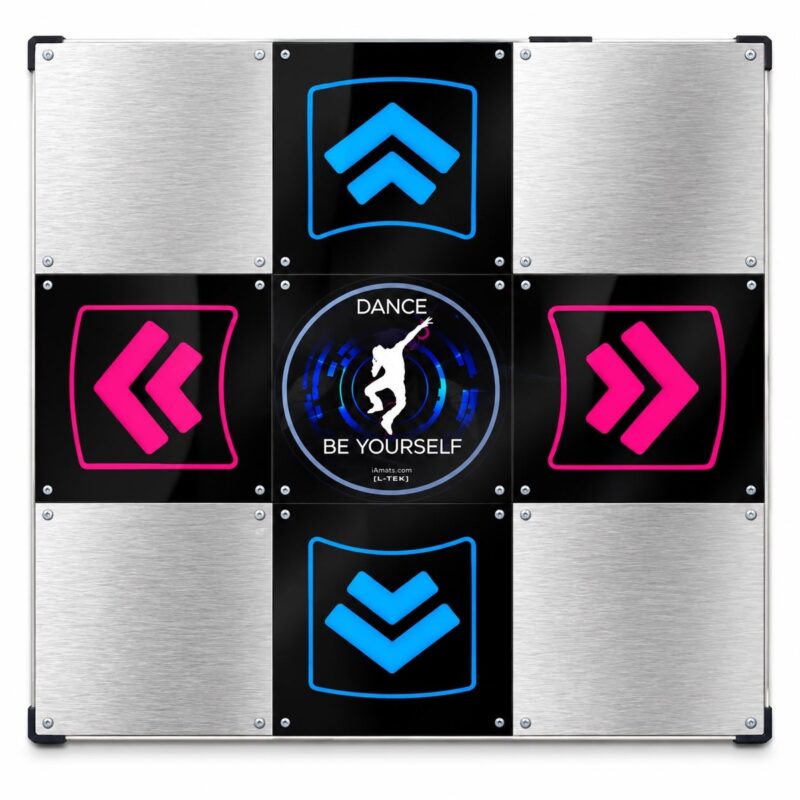
PRIME brings improved sensitivity, low sensor travel and a stable, durable construction to your home rhythm-game setup. Its fast controller and 1000 Hz USB polling support precise input as you work on your timing.
Illuminated Start/Select buttons let you change joystick and keyboard profiles on the mat. Noise-reducing construction and durable PRO panels make PRIME ready for regular practice, barefoot or in sports shoes.
SEE IT BEFORE YOU CHOOSE
Prime, in play.
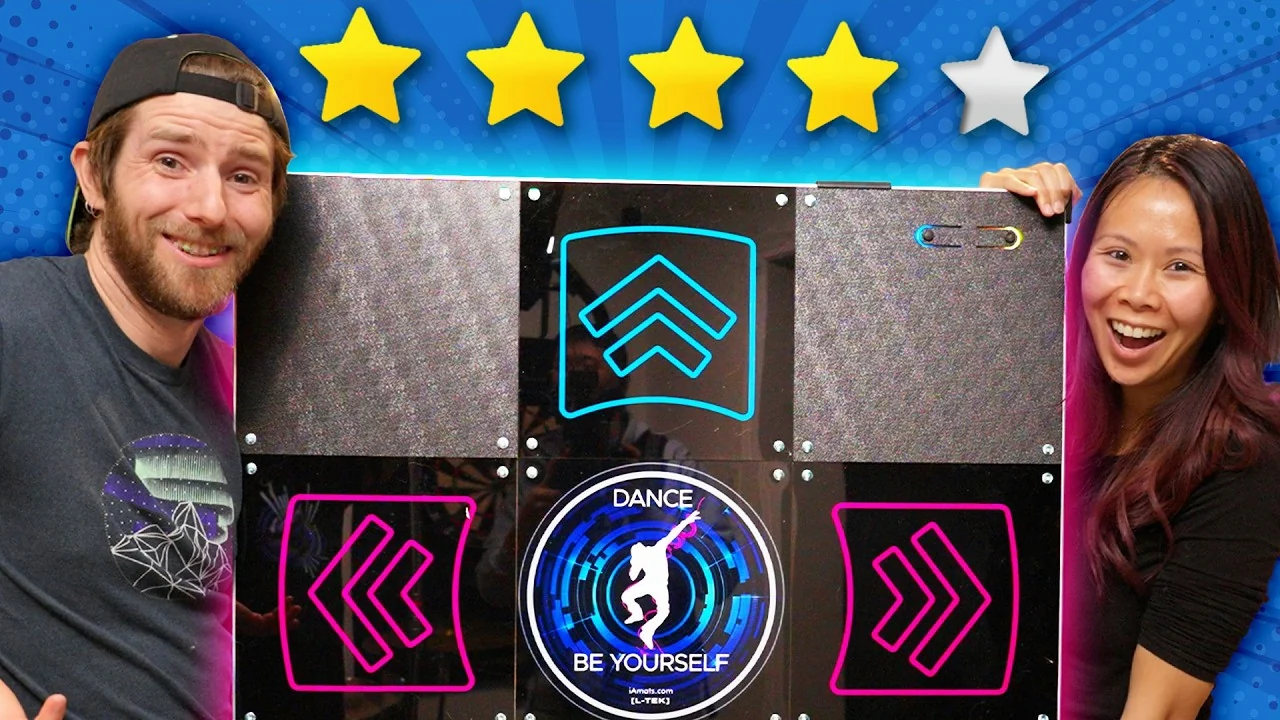
See PRIME in action before you choose your setup. Watch the gameplay, then explore the guides below when you want a little more detail.
THE DETAILS BEHIND THE PLAY
What makes it Prime.
The response, controls and construction — all the essentials, in one place.
Sensitive, with a low sensor stroke
High sensitivity and short sensor travel help register quick steps. The high-speed controller uses 1000 Hz USB polling — a 1 ms polling interval.
Four profiles, right under your feet
Use the illuminated Start/Select buttons to switch between Dancepad, Joypad and two keyboard layouts: W/A/S/D or I/J/K/L. No separate key-mapping app is needed to switch profiles.
Built for regular practice
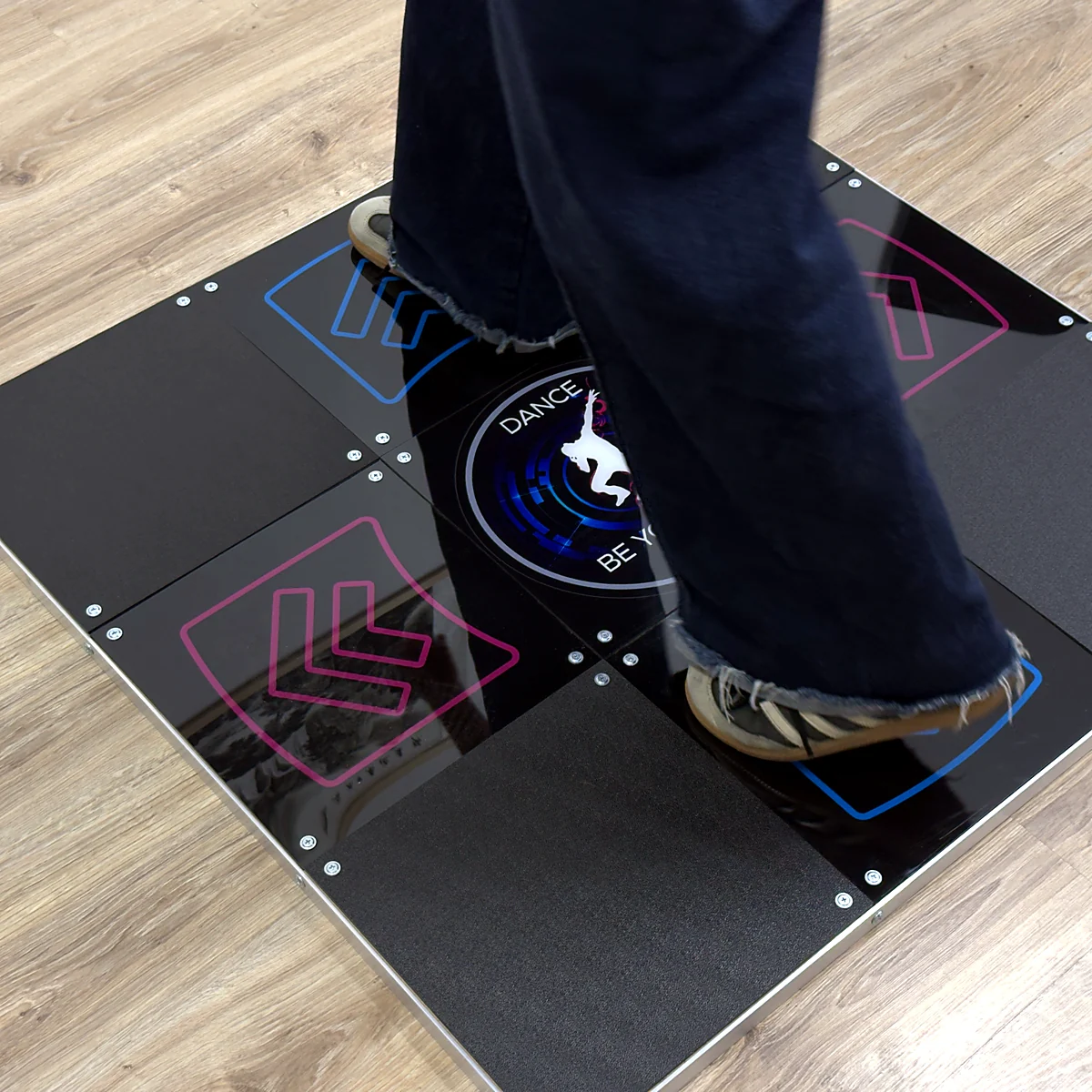
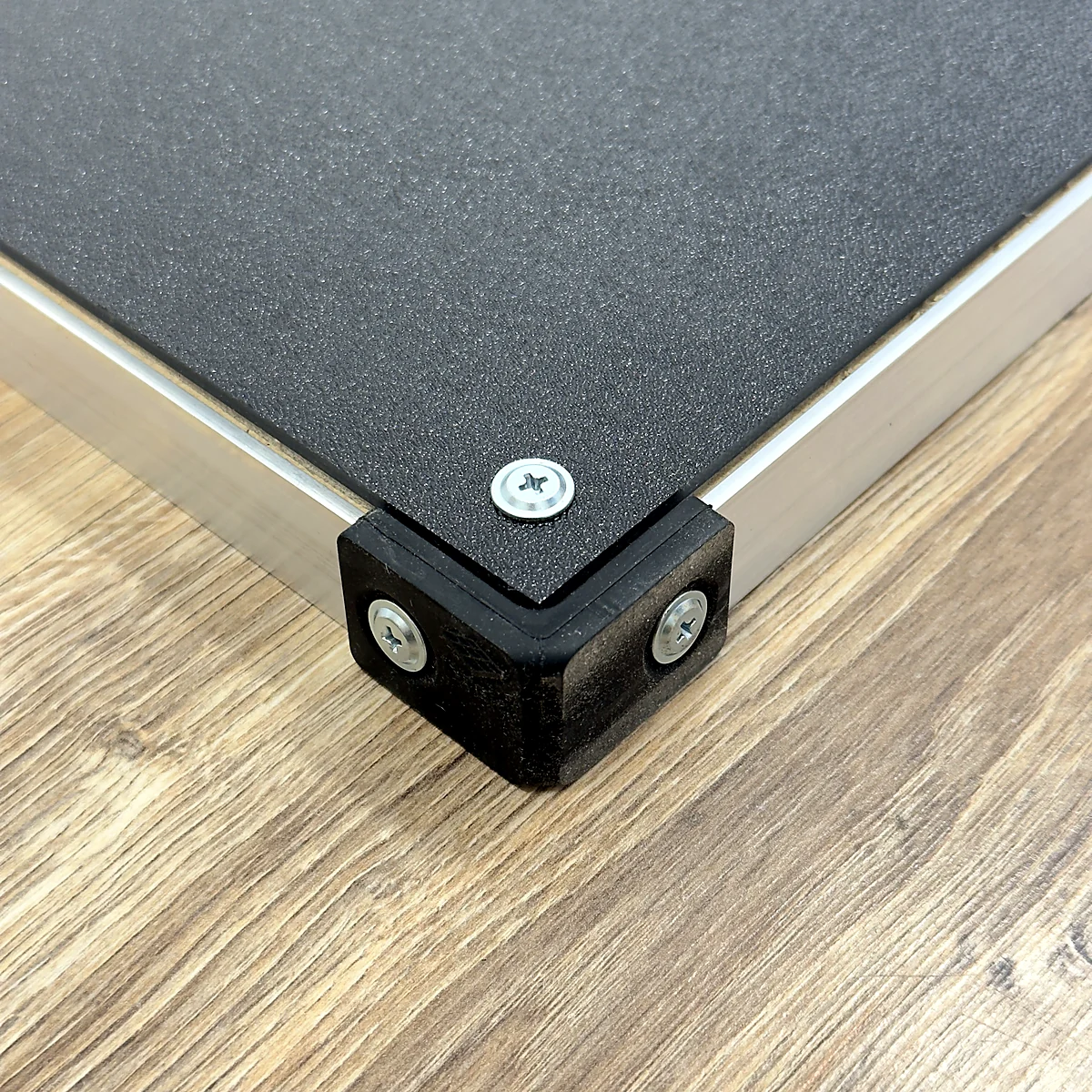
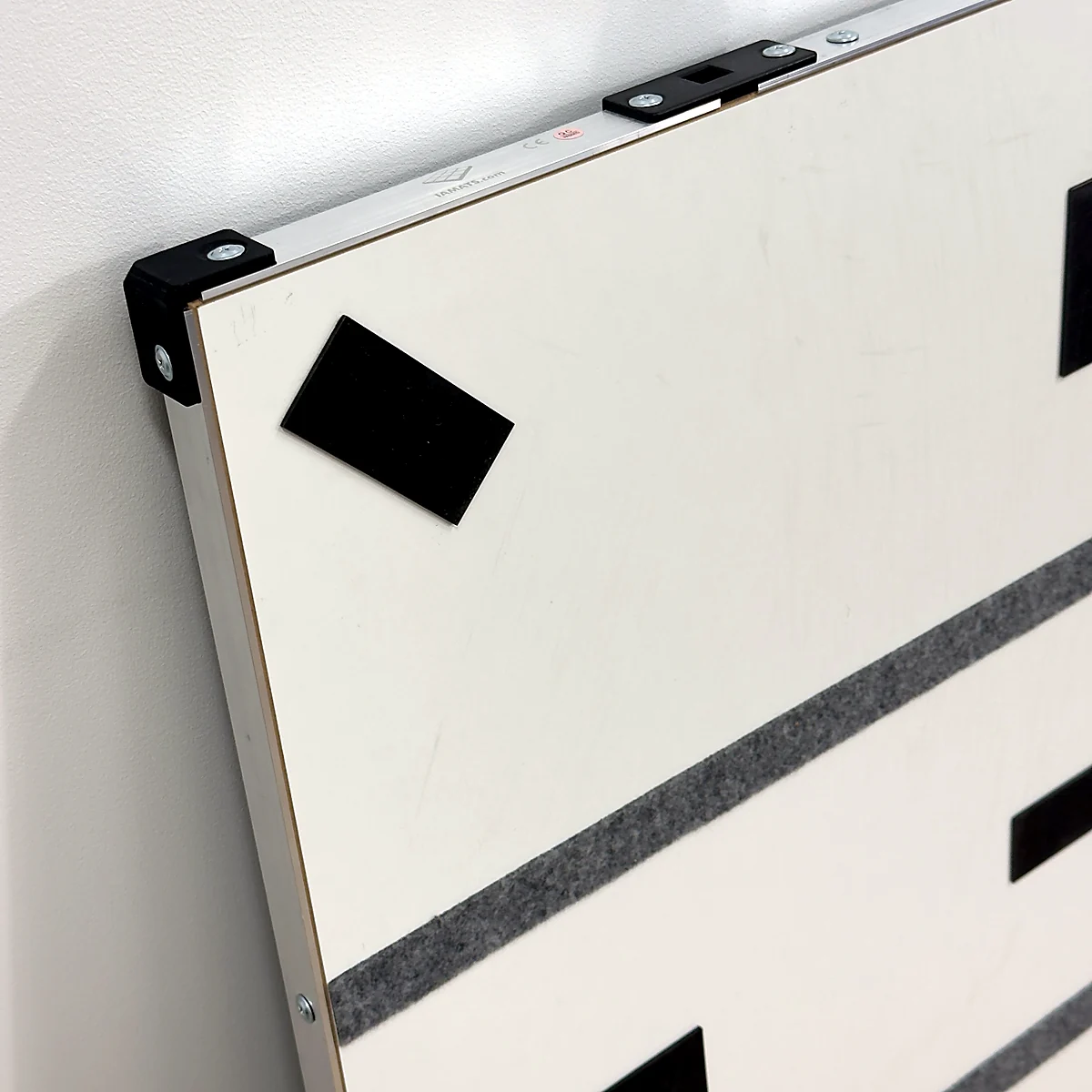
Durable PRO panels, aluminium borders and silicone bumpers form the mat’s protective construction. Play barefoot or in sports shoes.
A stable foundation
The 18 kg build and anti-slip feet help keep PRIME in place. Its noise-reducing construction helps with impact sound during home sessions.
A protected, detachable connection
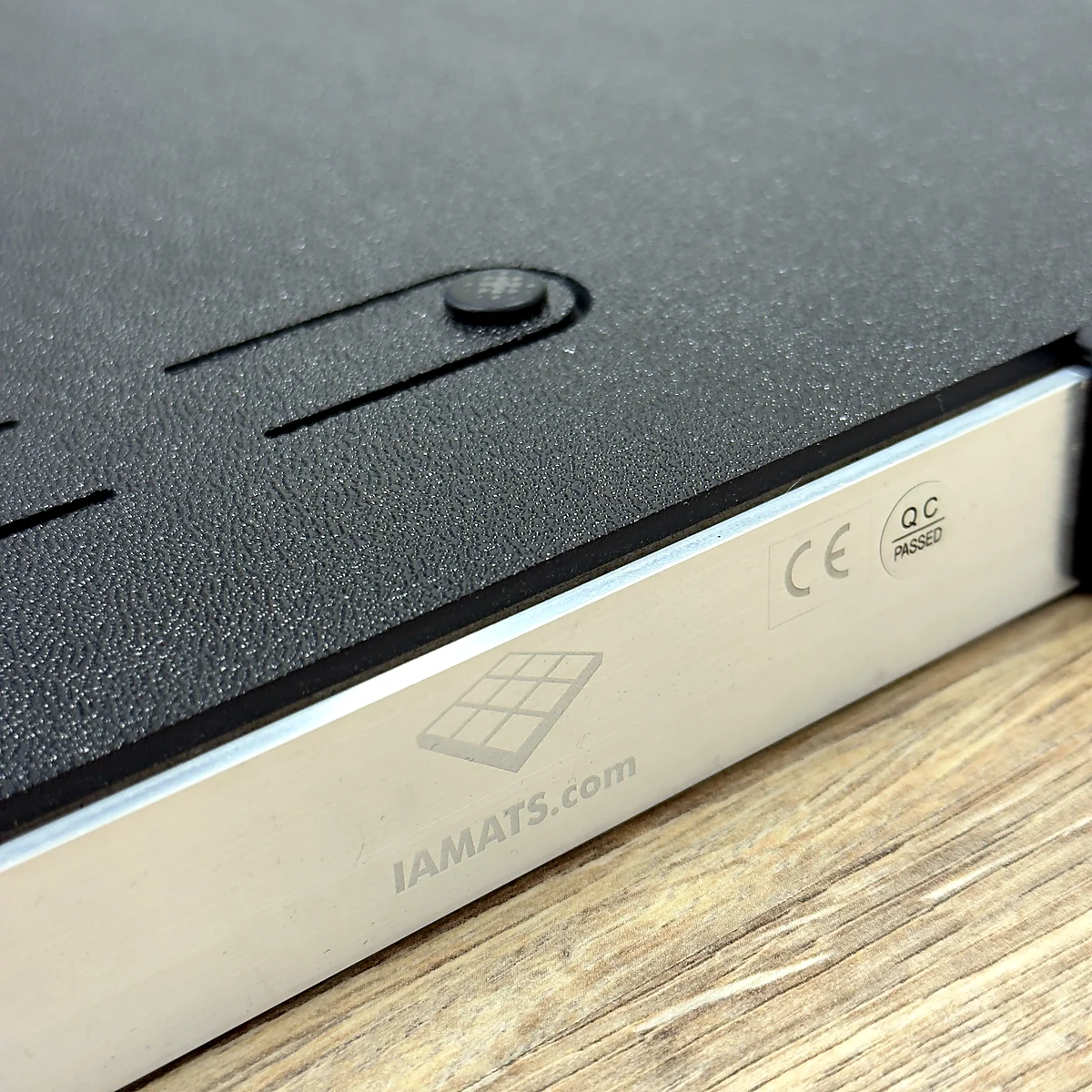
The included L-TEK USB-A to USB-B cable disconnects for storage. A recessed USB socket protects the plug and cable; the adaptive USB connection uses the speed supported by the port.
A finish you can make your own
High-resolution digital UV printing gives the panels their finish. Optional Panel Customization lets you order your own photo, logo or artwork with your mat.
MAKE IT YOURS
Your photo.
Your logo.
Your Prime.
Your mat can feel more like you. Turn a favourite image, your logo or an original design into custom printed panels for your PRIME.
Choose the optional Panel Customization add-on with your mat, then upload your design in the editor. Your custom panels arrive already fitted, ready for your first session.
From the box
to your first song.
PRIME arrives with its USB cable and manual. For a Windows setup, begin with the latest LTEK edition of StepMania.
Start with StepMania 5.0 LTEK
Our recommended software brings LTEK mat automapping, a tutorial and guided timing calibration into one package. Connect PRIME, let Automap help set up the controls, then check your timing before your first song.
The current release is a beta; some setups may need manual mapping. Manual timing calibration works without an extra sensor.
MATOLOGY GUIDEExplore StepMania 5.0 LTEK: first steps and more ways to play↗
Check your platform
The recommended LTEK software above is for Windows. For PS1/PS2 play, PRIME needs the dedicated L-TEK PS2/PSX converter. For a Mac setup, check game support for your system; USB-C-only Macs also need a suitable hub or adapter for the included cable.
NEW TO DANCE MATS? START HERE
Your first steps.
One arrow at a time.
You don’t need to arrive knowing how to play. Start slowly, learn where the panels are and enjoy your first song.
-
Get comfortable on the pad
Set PRIME on a flat, stable surface with room to move. Connect the included USB cable and use the setup above to get StepMania 5.0 LTEK ready on your Windows PC.
-
Let Ada and Kuba show you
Open the tutorial in StepMania 5.0 LTEK. Follow the demonstrations to find the four arrow panels with your feet and practise reading the arrows on screen.
-
Choose an easy first song
Start with a slow track and the easiest available difficulty. Step on the matching panel when its moving arrow meets the target. Keep your movements relaxed; missed arrows are part of learning.
-
Repeat, then build up
Play the same easy chart again until it feels familiar. Move up when you feel ready. If the sound and arrows seem out of step, use the calibration guide below.
MATOLOGY · BEGINNER GUIDE & VIDEOWatch your first steps on a dance mat↗
Make room
for better sessions.
PRIME has a stable 18 kg construction and a footprint of 85 × 85 cm. Its noise-reducing design helps with impact sound, but your floor and the way you play still matter.
Choose your playing spot, consider the surface beneath the mat and keep shared spaces in mind.
Get your timing
feeling right.
1000 Hz USB polling means a 1 ms polling interval; it is one part of the setup. Your display, audio connection and game calibration also affect how playing feels. If the arrows and sound seem out of step, start with calibration.
Specifications & what’s included
Still deciding which mat fits your home setup?
READY FOR YOUR NEXT SESSION?
Make it a Prime.
Prime, in play.
Video from the Prime product page. Open on YouTube ↗
| Weight | 18 kg |
|---|---|
| Dimensions | 85 × 85 × 3 cm |
Only logged in customers who have purchased this product may leave a review.
Testimonials and tales shared by our dance family


Love it! I used cheap foam pads for a few months, but could feel their limitations (sliding, inconsistent detection, etc). This new metal pad felt like a clear upgrade. The price is a little steep but feels fair given the quality of the board.
Highly recommend!
Marvelous pad. They’re sturdy enough for playing with shoes. I removed the center screws for each arrow and found the sensitivity to be fantastic. Well worth the price.
This pad is amazing!! Don’t listen to anyone saying theyre “not good enough” even without any mods, the pad feels exactly like the arcade! <3 Thank you iAmats for this amazing pad! i'd give it 20 stars if i could.
This pad is amazing!! Don’t listen to anyone saying theyre “not good enough” even without any mods, the pad feels exactly like the arcade! <3 Thank you iAmats for this amazing pad! i'd give it 20 stars if i could.
This pad is amazing!! Don’t listen to anyone saying theyre “not good enough” even without any mods, the pad feels exactly like the arcade! <3 Thank you iAmats for this amazing pad! i'd give it 20 stars if i could.
Read more reviews on our Reddit
community!
Others also bought:
L-TEK PS2/PSX Converter
From 38 €LTEK Handbar PRO
From 340 €Panel customization
From 6 €


FAQ
Frequently asked questions
Stepmania LTEK is a popular choice for dance mat users due to its simple operation and easy song customization. L-TEK also offers the Connect Buddy, a tool that links Stepmania with the PADY Fitness iOS app, allowing you to monitor your training progress. Both tools are available in our Software section.
Stepmania LTEK can also integrate with the Amusement Lights Controller, adding dynamic lighting effects for enhanced gameplay.
For additional options, LTEK Interactive Mats are compatible with various games to combine fitness and entertainment. Find a list of recommended games in our Games to Play on Mat section.
L-TEK Dance Mats are compatible with PlayStation 2 and PSX consoles using a dedicated converter available in our store. Converters specifically designed for PlayStation 2 and PSX can be found in the PS2 & PSX converter section.


 Dance pad LTEK Core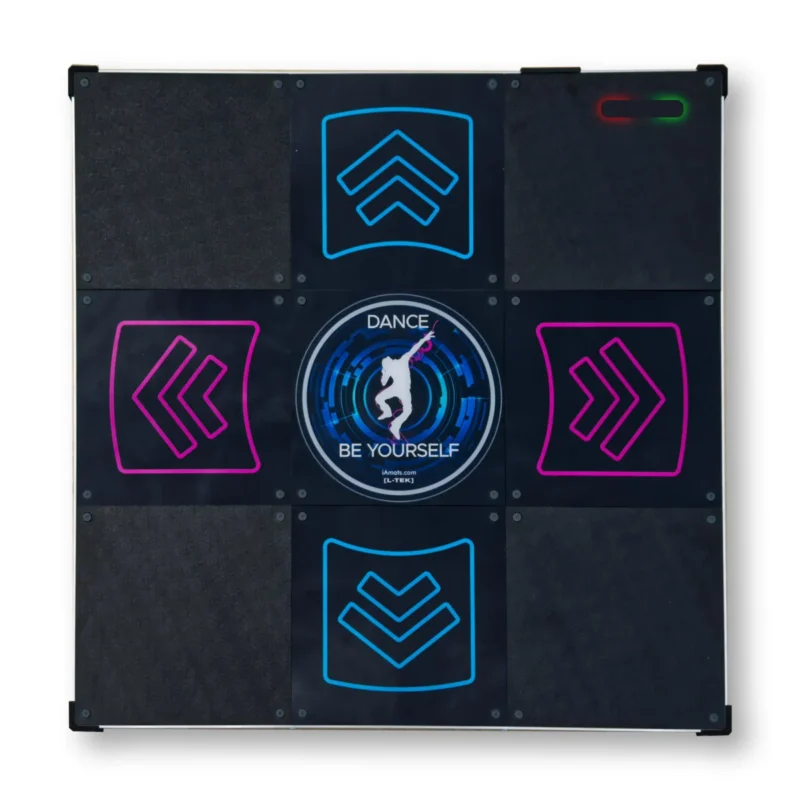
 Dance pad LTEK PRO X
 Dance pad LTEK Metal Black
 Dance pad LTEK Metal White
 Next Level Gaming Mat
 Dance pad PIU PRO Metal
Reviews
There are no reviews yet.